
DOWNLOAD THE APP


Customer Services
Copyright © 2025 Desertcart Holdings Limited
DOWNLOAD THE APP







💡 Upgrade your home, command your lights—smart living made simple!
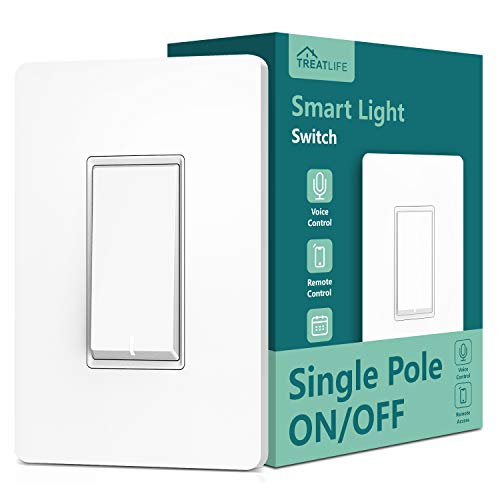
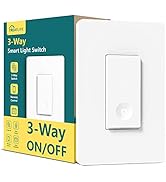
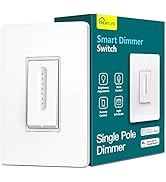
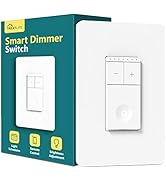
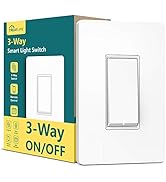
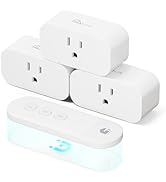
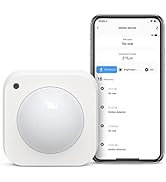
The TreatLife Smart WiFi Light Switch (model SS01S-1) is a single pole switch designed for easy installation with neutral wire compatibility. It connects directly to 2.4 GHz WiFi, enabling voice control through Alexa, Google Assistant, and IFTTT without requiring a hub. Featuring a slightly larger switch plate for seamless wall coverage, it supports scheduling and remote control via a user-friendly app, delivering fast, reliable smart lighting automation for modern homes.


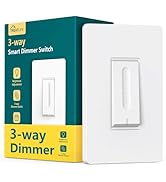

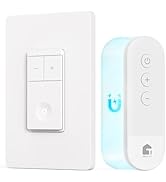


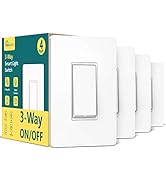
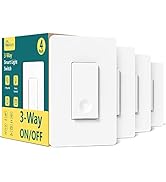

| ASIN | B07R7PCCT9 |
| Item model number | SS01S-1 |
| Manufacturer | TREATLIFE |
| Product Dimensions | 8.38 x 12.29 x 3.99 cm; 168 g |
C**O
East to install, easy wifi connectivity. Works well with Alexa!
B**N
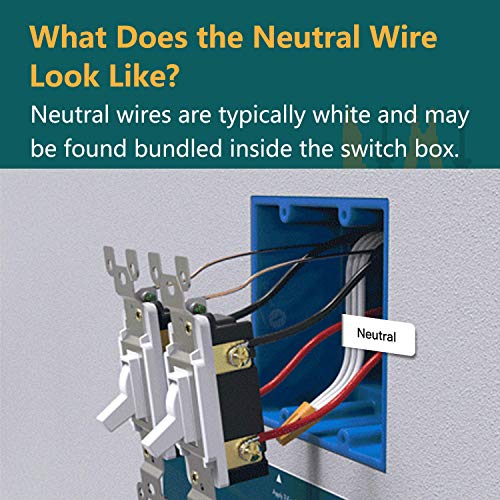
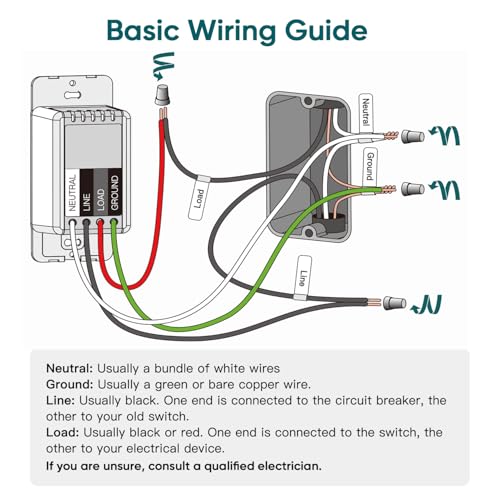
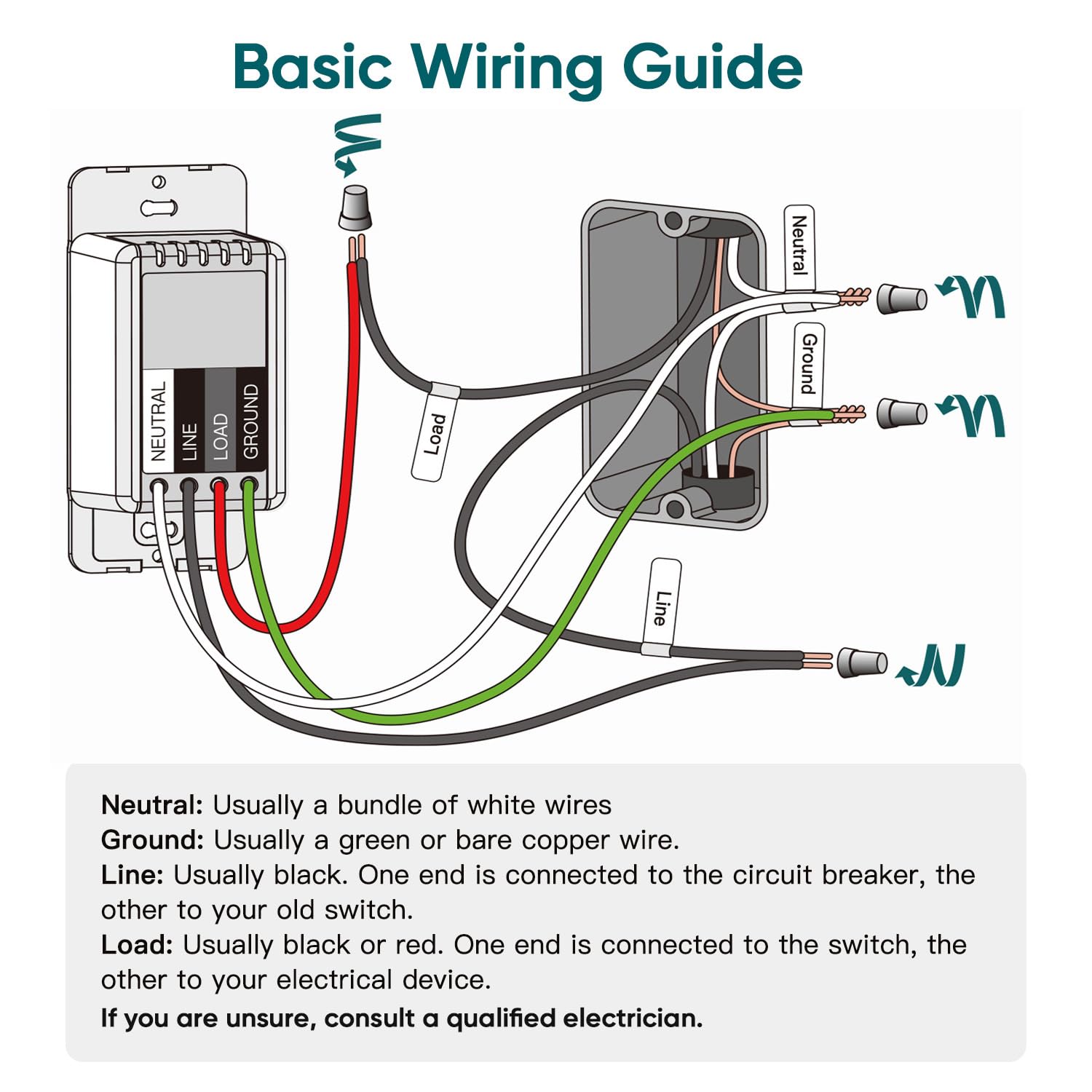
I'm in the process of automating my "new" home that has been out of date since about 1965, as far as light switches, lighting fixtures and wall outlets. I've had a Google Home and Nest Hub since earlier this year but this is my first attempt at integrating home automation with Google Assistant as they call it. The price is right for the TreatLife light switches so I'm hoping to convert the dozen or so upstairs light switches using TreatLife. INSTALLATION: The packaging for the light looks very stylish. Likewise the instructions are clear and easy to follow. The four wires you need to connect to make this work are very clearly marked, and it's also well explained how to identify the four wires in your electrical box and mark them using the kindly included stickers. The main technical point for most people will be identifying the line wire versus the load wire. You could use a simple electrical tester as recommended in the instructions, but I didn't have one. Instead I ended up using a multi-meter and touching the red probe to one of the black wires, then the black probe to the white neutral wire. The wire that registered 118V ended up being my line wire (the load wire measured ~500mV). According to Canadian electrical standards, my house uses an electrical box that is about 2 x 3 inches and about 2.25 inches deep. Additionally, the electrical box was attached to the stud with nails which leaves about 1.75 inches of open space (front of electrical box back to the nails). You need to insert the TreatLife wall switch in that box, along with four wire nuts and a mess of wires (see attached picture). This can be a little tricky, so you need to fold them in very carefully into every square inch of space in there. It took me about 15 minutes to reasonably accomplish that and then I relied on tightening the screws to fold them the rest of the way. I flipped the circuit breaker on and it began working immediately! One other thing I appreciated is that the switch plate is slightly larger than a standard plate. This meant that it covered up any old paint marks and I didn't have to do any repainting around the edges of the new switch. APP: The software is trivial to install onto a smart phone. It's also really easy to connect the light switch to your WiFi router, taking no longer than 2 minutes to discover a network and enter the router password. One thing to note here is that if your phone is connected to your 5 GHz router, you'll need to momentarily disconnect and reconnect your phone to the 2.4 GHz network of your router. Then, after the light switch is connected to the 2.4 GHz network and verified working, you can reconnect your phone back to your 5 GHz network and everything will continue to function as usual. The phone to switch control is nearly instantaneous, with an audible click from the light switch the second you hit that button on your phone. Well done! GOOGLE ASSISTANT: My main reason for setting up these switches is to obtain voice control, so the next step was to get Google Assistant working. This consisted of tapping the light switch device in the Smart Life app, tapping the pencil icon at the top, and then tapping the Google Assistant icon. The Smart Life app then relinquishes control to the Google Home app, which asks you for the proper permissions. After this I was a bit confused when the Google Home app threw control back to the Smart Life app because the screen just showed the Google Home icon image and nothing was happening. I waited a few minutes before concluding it was dead, so I exited the Smart Life app and reloaded it, and it said Google Assistant was linked. Not sure if this was a bug or something with my phone. I said the words, "Hey Google, turn on lights" and sure enough it worked! There is the usual slight delay as Google deciphers what you are asking it, but it definitely happens in well under a second. I ended up using the Smart Life app to change the device name from "Smart Light Switch" to "Hallway Light" so that I could identify to Google which light to control. FINAL THOUGHTS: Overall I am impressed with the stylish, simple look of the switch, the ease of installation, and its responsiveness. In the future I will try to program certain behaviors, such as timers and multiple light phrases. I was hoping that once it was installed I would be able to see and control the switch itself in the Google Home app, but that doesn't appear to be the case. There is also a gang light switch with three switches in my living room that I'm curious how that will go, as far as hardware and the light switch cover. I'm only in the first 24 hours of using it though and will update this review as I learn more.
S**T
Works beautifully. Super easy to install and program using their app. Very clear wiring, installation and programming instructions. Highly recommend!
J**T
This was easy to install (and I do not have a lot of electrical experience). I was careful to get an electrical tester and I followed all the instructions and it worked with no problems. The only small set back I had was that the wires in my wall were a bit thick, so the electrical twist caps that came with the product did not fit since they were too small. However I just used the ones that were already connecting the old manual switch to the wires coming from the wall and it worked fine. The reason I bought this was because it was advertised to work with IFTTT (If This Than That). I figured I would have to use the IFTTT app on my iPhone to program the switch to do what I wanted. However IFTTT wasn't even needed! To my happy surprise, this product already had built in, programable automation from the iPhone SmartLIfe app. So now any time between 8:30 PM - 7:00AM (our 2 year old's bed time) if our 2 year old gets up and turns on the light, it notifies me on my phone (through the app or you can program it to text you I think), and then automatically sets a timer for 30 minutes. Once 30 minutes is up, the light will automatically turn off. So I didn't even have to bother with IFTTT, I was able to set this all up using the SmartLIfe app. I haven't hooked this up to Alexa yet, but I'm very confident it will work with ease. This is an amazing product, that came nicely packaged, easy to follow instructions, and an app that has really had some thought put into it. I'd be happy to purchase more of these TreatLife smart switches. I think the only thing I would like to see added would be the ability to add this to the Apple's Home Kit. I would highly recommend this product.
A**R
Easy to wire, easy to connect to WiFi, provided there is a neutral wire present. I use this to control my front porch LED light, programmed to turn on at dusk, off at dawn. Works flawlessly with phone app or Alexa. I can also turn the light on/off manually at the switch.
Trustpilot
3 weeks ago
1 month ago