
DOWNLOAD THE APP


Customer Services
Copyright © 2025 Desertcart Holdings Limited
DOWNLOAD THE APP
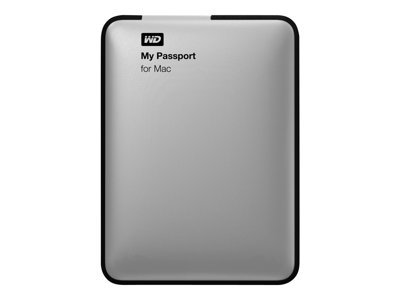
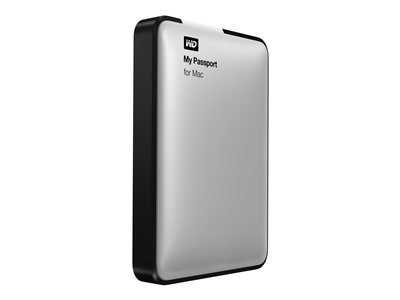
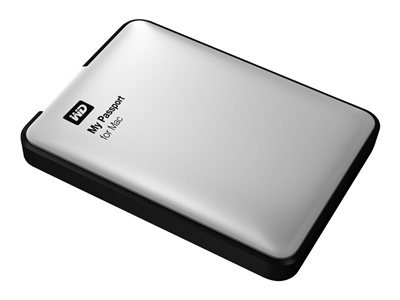
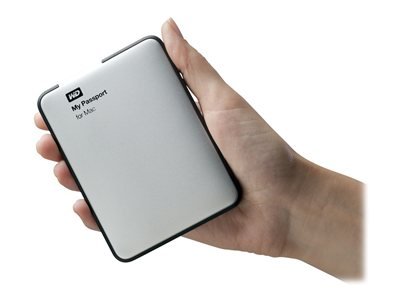
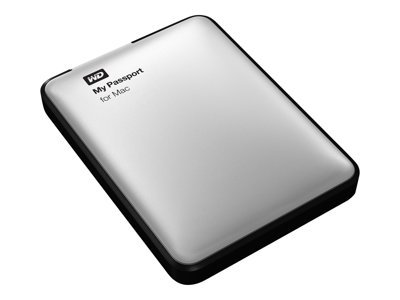
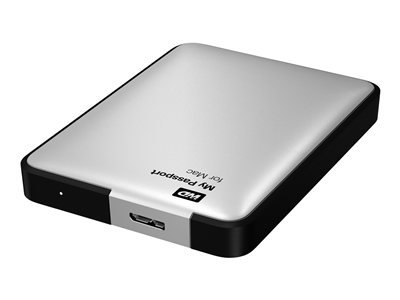
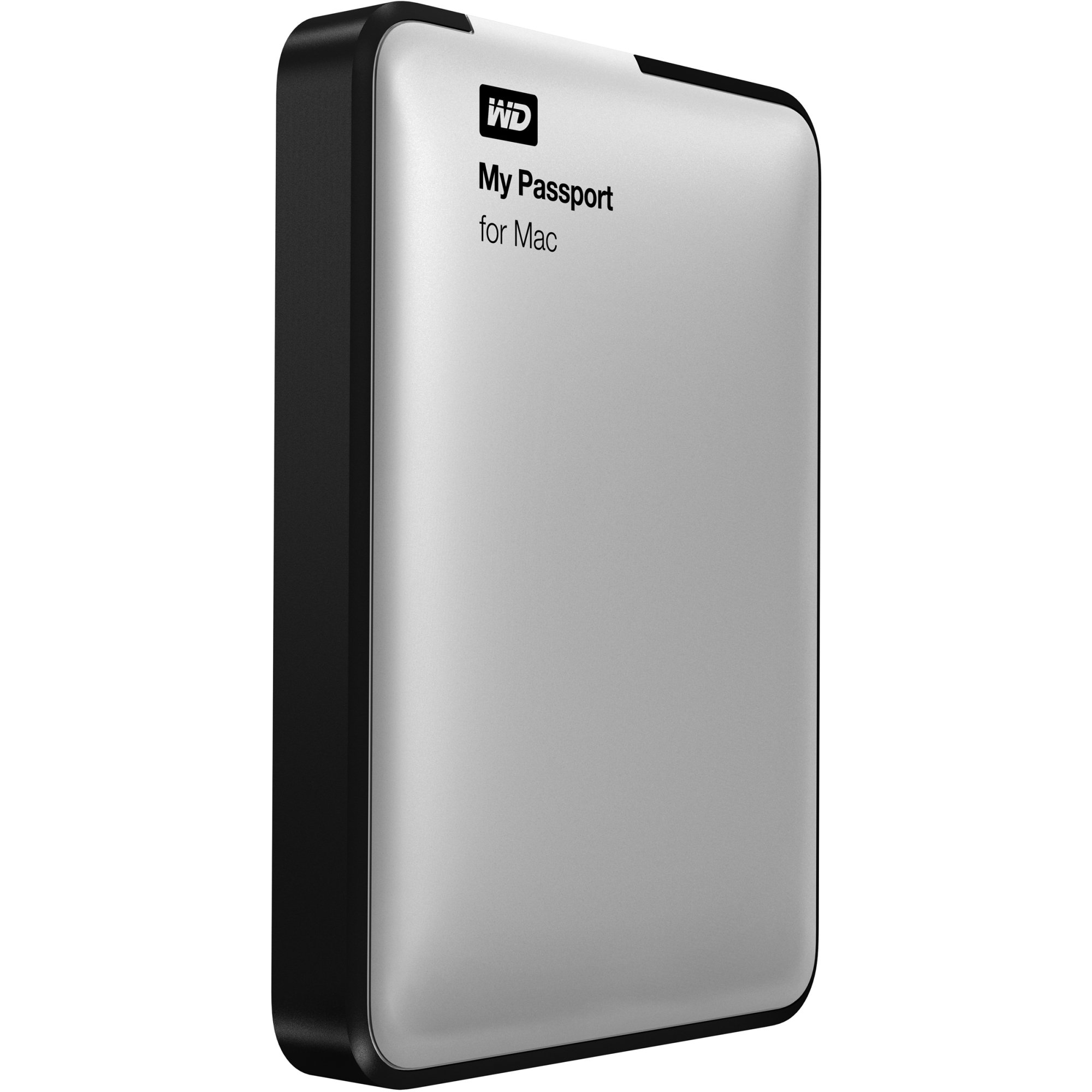
💼 Elevate your Mac storage game with speed, security, and style.
The Western Digital 1TB Silver My Passport for Mac is a portable external hard drive designed for Mac users seeking ultra-fast USB 3.0 transfer speeds, native HFS+ formatting, and robust 256-bit hardware encryption. Compatible with Apple Time Machine, it offers a sleek, compact design ideal for professionals on the go, backed by a 3-year limited warranty.
| ASIN | B00CO1I2FS |
| Additional Features | Password Protection, Hardware Encryption, Apple Time Machine Compatibility, Portable |
| Best Sellers Rank | #778 in External Hard Drives |
| Brand | WD |
| Built-In Media | Portable hard drive, USB cable, Quick Install Guide |
| Cache Memory Installed Size | 1 |
| Color | Silver |
| Compatible Devices | Laptop |
| Connectivity Technology | USB |
| Customer Package Type | FFP |
| Customer Reviews | 4.4 out of 5 stars 1,261 Reviews |
| Data Transfer Rate | 5000 Megabits Per Second |
| Digital Storage Capacity | 1 TB |
| Enclosure Material | Metal |
| Form Factor | Portable |
| Global Trade Identification Number | 00718037814285 |
| Hard Disk Description | Portable |
| Hard Disk Form Factor | 2.5 Inches |
| Hard Disk Interface | USB 1.1 |
| Hard-Drive Size | 1 TB |
| Hardware Connectivity | USB |
| Installation Type | External Hard Drive |
| Item Height | 0.6 inches |
| Item Weight | 4.8 ounces |
| Manufacturer | Western Digital Technologies, Inc. |
| Media Speed | 80 MB per second |
| Model Name | My Passport for Mac |
| Model Number | WDBLUZ0010BSL-NESN |
| Number of Items | 1 |
| Special Feature | Password Protection , Hardware Encryption , Apple Time Machine Compatibility, Portable |
| Specific Uses For Product | Personal |
| UPC | 718037814285 824732370459 |
| Warranty Description | Limited 3 years |
S**N
Essential for the Retina Macbook Pro.
I've had the drive a few weeks and use it almost daily. I purchased a new Macbook Pro Retina and thought I could live with the 256 SSD drive in it. Turns out I was dead wrong. Even with streamlining my apps, not using it to store music and movies I still filled up the drive very quickly. I use this drive for everything, Dropbox,G-drive, movies, music etc. So far works great and the USB 3.0 is fast. Highly recommended. I do have a couple of notes: 1. This is the same as the standard 1T My Passport, only it comes pre-formated for mac (and has the "for mac" writing on it). You can buy and format the standard and it will be the same thing. I got this version because, I like the color and it was $15 cheaper at the time then the standard version and it saves me the 2 minutes of reformatting the drive. 2. It's very small and very light. I have an older My Passport and it's giant compared to this thing. The case is also plastic. Would have been nice to have aluminum for added protection but it seems sturdy. Also the aluminum and black will match your mac perfectly if thats what your going for. 3. After I received it and commuted for a bit I realized I probably should get a case for it. After looking online I decided on the Amazon Basics case. I can report it looks great, functions perfectly and adds the extra protection I was looking for so If I drop my bag I wont have to worry about the drive. Again, If you need a great drive at a fair price then this is the one.
B**S
Excellent unit, the best I could find for my needs
This is an excellent unit for my purposes. I've been using it for about one month. Having never used an external hard drive before, I searched diligently until I found this one and read all the reviews, which overall were much better than the reviews for other brands. The price was reasonable and the customer service department was very helpful in verifying that the unit is appropriate for my needs. It arrived in excellent condition and was easy, simple and quick to install. It fits neatly in a small space on the desktop directly behind my iMac. However, I have made one small change to it -- a small white flashing light on one end of the unit, apparently there to indicate that it's operating, was tending to keep me awake because my computer is located within direct line of my vision when I'm falling asleep at night. Being a light sleeper, I found the light distracting and telephoned a WD rep, who suggested that I could simply put a piece of electrical tape directly over the flashing light with no harm to the unit. I have done this and apparently the unit is working quite well -- silently and virtually out of sight. I highly recommend this unit to anyone who finds its specs appropriate for their needs.
J**Z
10+ years later
I bought this external hard drive back in 2014 for $69 to have extra storage space for my macbook air. Over 10 years and it still works great, although im running low on storage now. Ive dropped it, its popped open but nothing has been corrupted (that i can see), and still runs. I was looking to buy another one but given the price now im gonna have to pass. But if youre willing to shell out the bucks for it id recommend this.
S**H
Honestly a life saver
I'll admit that I've never been in a hurry to buy an external hard drive. Yes, you should backup your laptop regularly. Yes, it's absurd to rely fully on your laptop's memory without any fear of losing your stuff. Regardless, that's what I did, and it almost ended extremely poorly. My MacBook crashed unexpectedly, leaving me with a very real fear of losing all of my documents, pictures, music... everything. Luckily, after multiple trips to the Apple Store, they were able to revive my laptop! Still, though, there was an issue that could be resolved only by completely reformatting my MacBook, requiring me to do a full Time Machine backup of everything. That's where My Passport comes in. I ordered this because it was already formatted for Mac as there was no certainty that my laptop would be functional enough to reformat a hard drive made for a PC. Admittedly, I didn't research too far beyond seeing that this was for Mac, and ordered it immediately. I'm SO glad I did! It was so easy to use - I just plugged it in, allowed it to be used for Time Machine, and it started backing up! 1TB is a ton of space as well. For your consideration, I backed up a laptop I've used daily since 2011 and still have 800GB of space remaining. It's impressive! I would recommend purchasing a case for this hard drive if you decide to order it. The hard drive is really small for its capacity (the length is roughly the same as an iPhone 6) and although it is well made, for its own protection, a case is ideal. If you're considering ordering this for your Mac, do it! Don't wait until your computer crashes to realize how much you need it.
S**N
Perfect for your Mac notebook, very easy to set up.
This is the Macintosh (HFS+) formatted version of the widely known Western Digital My Passport portable hard drive that commonly comes pre-formatted for Windows. If you would just like to plug this drive into your Mac computer and have it seamlessly work, this is the drive to buy. If you are fine with having to re-format your drive using Disk Utility, you can usually find the Windows (NTFS) formatted drive for a few dollars lower. However, at the time of this purchase, the Mac formatted version costed four dollars less. This was a solid purchase, as the 1TB version of the 'Western Digital My Passport For Mac Portable External Hard Drive Storage - USB 3.0' has not had a single flaw or problem so far. The main purpose of this drive was to backup my MacBook Air with Apple's Time Machine application, but I also wanted to share files between Mac and Windows computers. Therefore, I partitioned my hard drive into two volumes: 250GB as HFS+ (required for Time Machine) and 750GB as exFAT (to work comfortably with newer Mac OS X and Windows operating systems). With my partition map set as the GUID Partition Table, I have not experienced any problems backing up with Time Machine, and sharing files between my Macintosh and Windows 7 computer was an effortless process. ---------------------------------------------------------------------------------------------------------------------------------------------------------------------------------- As you may believe, pre-loaded utility applications do come with this WD hard drive. I installed the applications and drivers onto my Mac computer, then promptly deleted them from the hard drive to save storage space. You can also find the same applications on WD's Downloads webpage. Here are the apps and drivers, outlined with their main purpose: WD Drive Utilities ~ A useful application that allows the user to perform S.M.A.R.T. status checks, quick and complete drive tests, set the amount of time before the drive goes to sleep, securely erase the drive, and register the drive to receive support. I have registered the drive as soon as I received it and enabled Email Notifications, and as of the time of this writing, I have not received any unnecessary emails from WD or any unfamiliar company (this includes my Spam/Junk folders). WD Security ~ This application can enable 256-bit hardware based encryption onto the drive. Unlocking the drive does not require the WD Security software installed onto the computer, although you can enable automatic unlocking for a user account that has the WD Security software installed on their computer. It is possible and simple to change the password and disable encryption using this application as well. WD +TURBO Drivers ~ These drivers, as WD claims, are supposed to improve performance, however I have not seen noticeable increases in data transfer speeds while using these drivers, probably because the USB 3.0 compatibility already dramatically reduces the transfer times for large files. After installing these drivers onto my computer, I also noticed a nice new icon which took the place of the default Mac icon for external USB drives. It was possible to use all the main features of the drive without using these drivers. These were the 3 applications that came with the drive and were available on WD's website. I am very glad that I did not have to clean up unnecessary bloatware off the hard drive. ---------------------------------------------------------------------------------------------------------------------------------------------------------------------------------- Now I will cover some main characteristics that most shoppers are concerned about when purchasing a new hard drive: SPEED ~ The USB 3.0 technology provided with this hard drive may not satisfy creative professionals who require actual 5 GBPS speed or higher, due to the 5400 RPM (somewhat on the slow side) rotational speed of the hard drive. But for most casual and productivity users like me, the speed provided on this hard drive is more than sufficient for use with Time Machine, iWork, and iLife. DESIGN ~ The plastic casing on this hard drive looks and feels very modern and well-built. The silver body and black border matches exactly with my MacBook Air's color. It is not as thin as the latest SSD models, but is very slim for an HDD of this capacity. PORTABILITY ~ This is a small hard drive, and is very easy to fit into a laptop bag or briefcase, or even a purse. The dimensions for the 500GB and 1TB models are: Height: 0.60 inches (15 mm) Depth: 3.23 inches (82.1 mm) Width: 4.35 inches (110.6 mm) Weight: 0.3 lb (0.14 kg) USB 3.0 CABLE ~ The cable provided with the hard drive is thick and sturdy, and does not feel like it will break or wear out easily. The two connecters have strong build quality, and click into place firmly on both my MacBook Air's USB ports and the drive's smaller USB port. ACTUAL CAPACITY ~ Disk Utility shows a total capacity of 1,000,170,586,112 Bytes, which is slightly larger than one decimal terabyte, but not even close to one binary terabyte. (Windows, which uses the binary system, shows only 931 GB of storage space. Mac OS X, which uses the decimal system, shows a full 1 TB of storage space.) The actual capacity of the hard drive is the same, but depending on the operating system you use, the capacity may be reported differently. ---------------------------------------------------------------------------------------------------------------------------------------------------------------------------------- CONCLUSION ~ The WD My Passport For Mac 1TB Portable External Hard Drive Storage - USB 3.0 is an exceptional hard drive that has no flaws so far whatsoever. The drive is fast for its class, seems reliable with handling my data, and is sturdy and stylish. Overall, this Western Digital hard drive was a very fine purchase for my MacBook Air, which has a cramped but speedy solid state drive. This product is well worth the $80 it cost at the time it was purchased, and you certainly will not regret investing in this remarkable product. Thank you for taking the time to read to the end of this review, and enjoy whichever hard drive you purchase. ~ by Mukund Ramakrishnan
P**R
Sturdy and Reliable
After using this external hard drive every single day for the past three months, I have to say that this drive is definitely worth purchasing for the price. It's well-made and feels very durable--I bring it everywhere with me in my day-to-day life and thus far, it has survived countless drops and rough handling without so much as a scratch. The file transfer speeds are fairly quick--similar to the Seagate FreeAgent GoFlex external drive's speeds. The hard drive is also relatively small and compact, about an inch larger than the palm of my hand. Most importantly, in my opinion, the WD My Passport 1TB external hard drive has been 100% reliable and user-friendly, performing as intended every single time.
N**R
Quality, portable disk storage
Great little USB drive that I've been using for a couple of years now without any issues. I initially used this as a backup drive, but after I purchased an Apple TimeMachine I've left it attached to that as an external NAS-like device. It's nice and quiet though does have the typical hum of a traditional disk-based drive. The casing is relatively cheap plastic that doesn't seem particularly strong, so if you're planning on carrying this around with you I'd recommend getting a case to provide an extra layer of protection. There's no real reason to get this Mac "specific" disk, so if you're a Mac user looking for a USB drive I wouldn't recommend this over a cheaper device strictly for this "feature." As far as I can tell, there's no significant benefit to using this over any generic USB drive. Beyond that, great little device that has worked well over the long-term.
S**N
Unreliable product
Purchased on April 23, 2014, my Passport worked until I upgraded the operating system on my laptop. When I called WD customer service, I was informed that the warranty connected with the serial number on my device expired in 2013! Though the gentleman tried a couple different things, nothing worked and my computer will no longer acknowledge my Passport. This device was purchased to replace my original Passport which stopped working when I upgraded the operating system on my last laptop. In that case, I was told that there was nothing that could be done except to replace the Passport with one that was compatible with Windows-whatever-it-was-at-that-time. I explained that to the gentleman in customer service, and he assured me that was not the problem this time and my Passport for Mac would continue to work regardless of the operating system. By the end of the call, he informed me that I needed to borrow a computer with the old operating system, transfer my Passport files to that, reformat the Passport, and transfer all files back to it. The Passport is fine while it works, but has not proven to be reliable. I am open to suggestions for alternatives as I am not likely to purchase another Western Digital product.
Trustpilot
1 month ago
1 month ago