Some deliveries may take a little longer than usual due to regional shipping conditions.

DOWNLOAD THE APP


Customer Services
Copyright © 2025 Desertcart Holdings Limited
DOWNLOAD THE APP
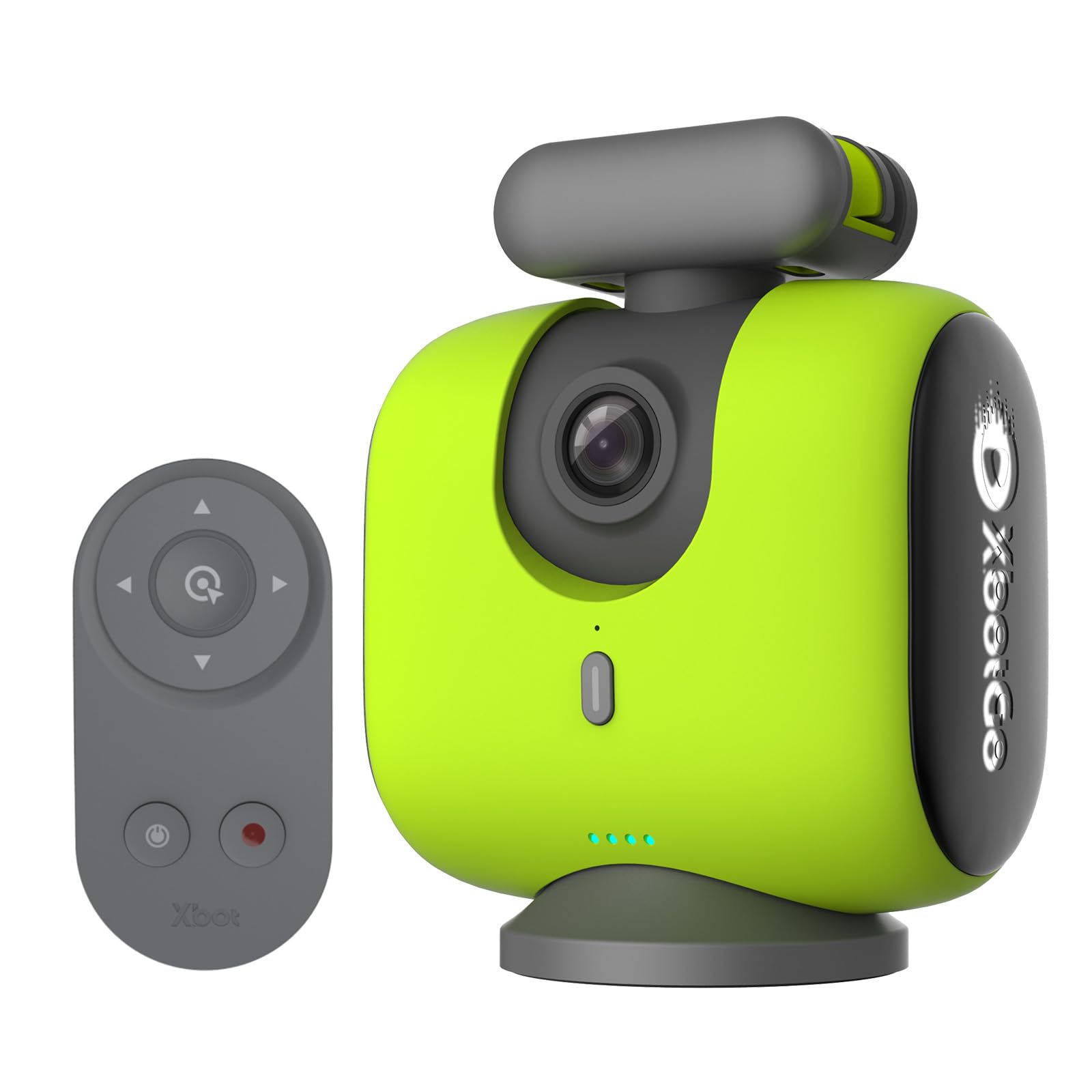
⚽️ Capture the Game Like a Pro—AI-Powered, 4K-Ready, and Always Live!
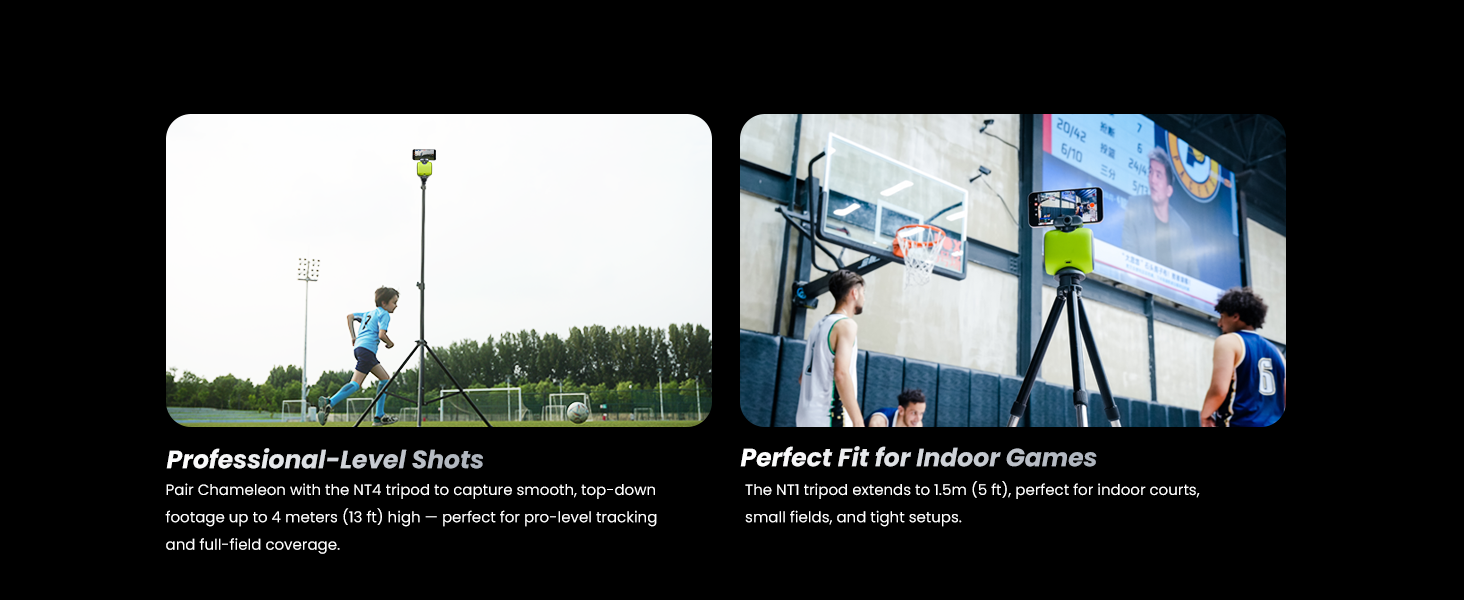
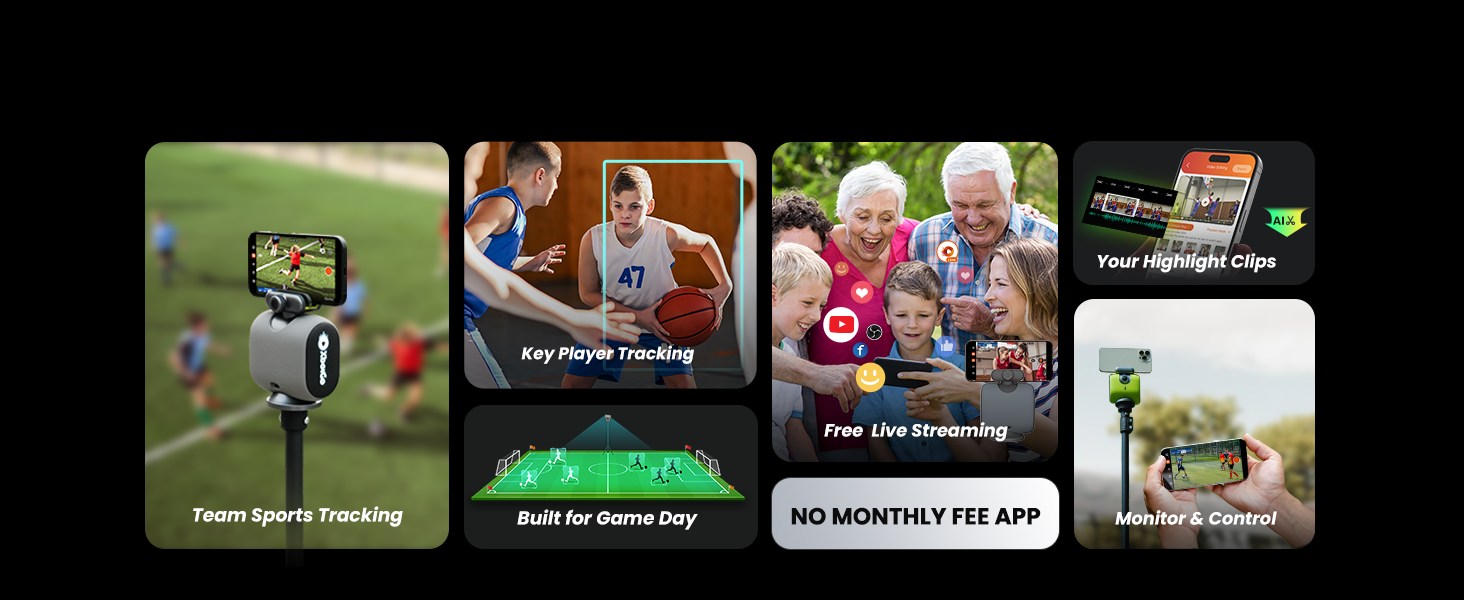
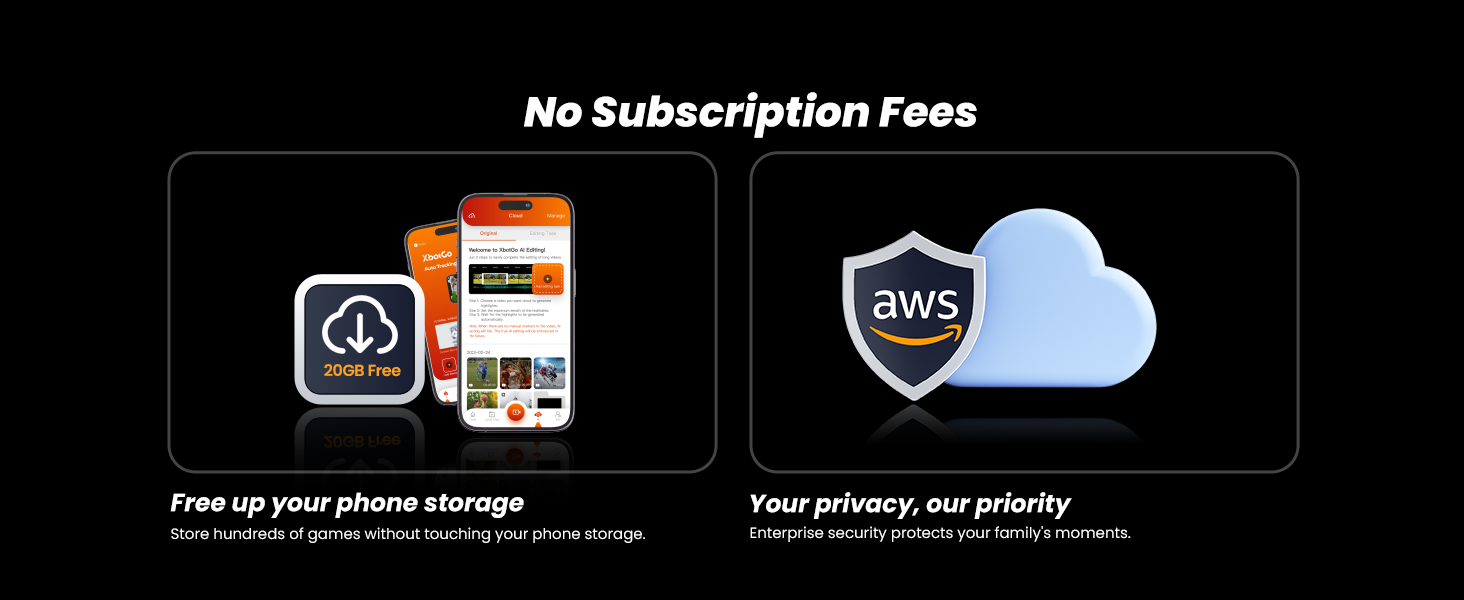
The XbotGo Chameleon is a cutting-edge AI-driven sports action camera mount that auto-tracks team sports players in real time. It records stunning 4K video at 60FPS with a wide-angle lens and supports effortless live streaming to major platforms without any subscription fees. Compatible with iOS and Android, it includes a feature-rich app offering remote control, live scoreboards, and 20GB of free cloud storage, making it the ultimate tool for coaches, parents, and sports enthusiasts to capture and share every thrilling moment.









| ASIN | B0DG2DYQD8 |
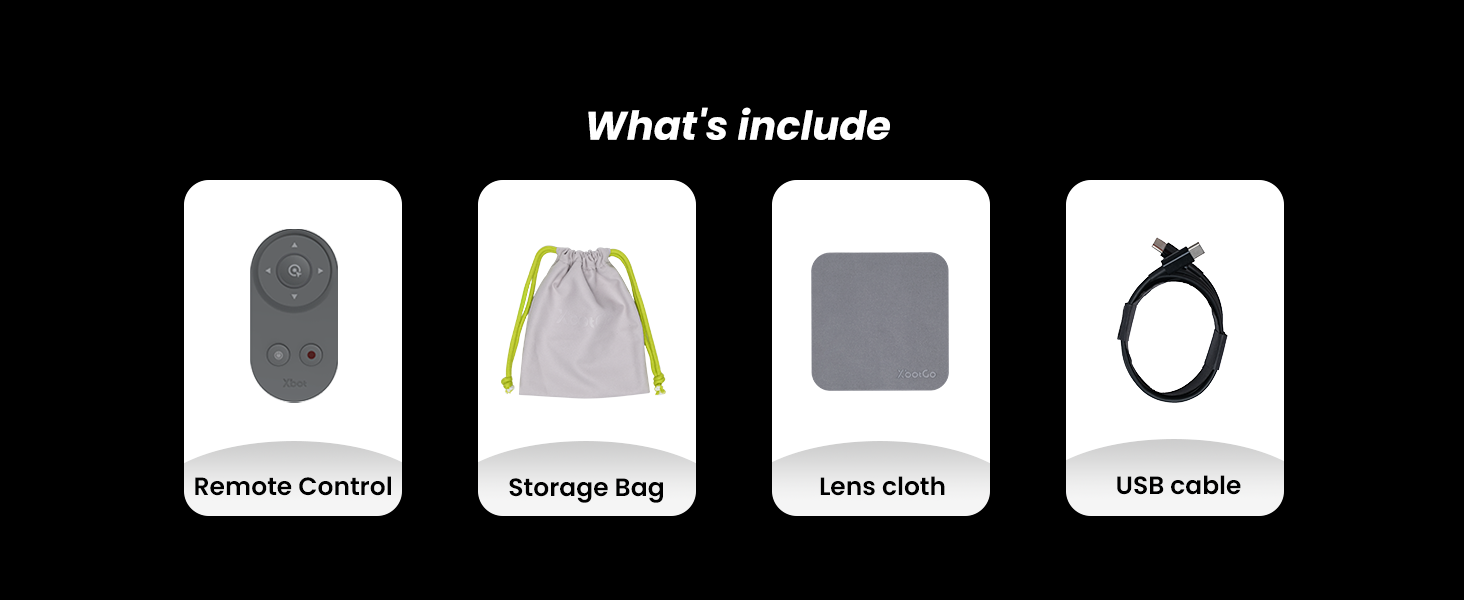
| Batteries | 1 Lithium Ion batteries required. (included) |
| Best Sellers Rank | #2,347 in Electronics ( See Top 100 in Electronics ) #9 in Sports & Action Video Cameras |
| Brand Name | XbotGo |
| Color Name | Lemon Green |
| Customer Reviews | 4.0 4.0 out of 5 stars (940) |
| Date First Available | September 4, 2024 |
| Item Weight | 2.12 pounds |
| Item model number | CHMG01 |
| Package Dimensions | 7.44 x 6.81 x 3.43 inches |
| Special Features | Wireless |
C**S
Incredible AI Tracking and Stunning 4K Quality
This XbotGo sports camera is absolutely amazing! The AI auto-tracking works flawlessly for team sports like soccer and basketball, capturing all the action without needing a cameraman. The 4K 60FPS quality is sharp and smooth, and the live streaming feature is a huge plus. I love that there’s no subscription required and it connects easily with iOS. It’s been a game changer for recording games and sharing highlights — highly recommend!
O**.
Live broadcasts with scoreboard!
Being an electronics enthusiast, I've come across phone gimbals and camera gimbals, but what I haven't come across is something like the XbotGo tracking camera gimbal. While DJI Osmo and other vlogging cameras with built in gimbals and object tracking are great for being your own cameraman, they are weak when it comes to recording and live streaming sports events. Before coming across this product, I watched a live stream of a basketball game streamed by my son's middle school done by another parent. It had a scorboard overlay and great quality. I always wondered how that was done. It was when I came across the XbotGo that it clicked for me. The parent must have used a similar device to this product. The XBotGo hardware is simple in concept. It has pan and tilt capabilities and a bluetooth remote for controlling the gimbal operation as well as starting and stopping the video. It has a camera built in that is used only for optical tracking. This condensed set of hardware makes the XbotGo more versatile as it leaves the camera and wireless hardware up to the phone that you provide. The streaming video quality is up to the phone that you provide. This is where the software comes in. The software is an all-important part of this system. It is used to connect to the Chameleon via bluetooth and provides the functionality that sets it apart from a standard phone gimbal. Upon starting the app, you choose the sport that you will be recording. This allows the Chameleon to customize its motion tracking to the sport. If you think about it, in Basketball or Soccer, the camera should be following the ball, not a specific person. This is the key feature that sets this product apart from standard gimbals. To really make the live stream work, you need to log in with an XBotGo account. From there, you will have the ability to live stream to Youtube or Facebook. To create a scoreboard overlay, you will need another phone. This phone will be the remote monitor for the Chameleon and you can customize the feed with a scoreboard. Even better is the ability for Chameleon to work with OBS. From a laptop, OBS can connect to a URL given by the product once you have the camera started. OBS treats this as a live source and you're then able to create even more overlays and stream to other social media platforms not covered by the XBotGo's app. Overall, this is a well thought out system that is just impressive with the results that you can get. Very cool.
A**L
Instructions describe features, not how to use them
I am hoping to upgrade this as I become more familiar with the product. Be prepared to set aside a lot of time to learn the product. The paper manual contains a random mix of information but no instruction on how to operate. The video tutorials can be paused but can only be started from the beginning, which is time consuming when you're playing with something new and want to scroll to the part you are learning. Having repetitive music play on a loop when you are trying to listen to the instructions is not a positive feature. The instructions describe features, not how to use them. For example, the Xbot has a feature to follow a player, called FollowMe. The instructions read "Enter "FollowMe Mode" → Select "Jersey Number" → Enter the athlete's jersey number. Where will you find the "FollowMe Mode"? I can't answer that one yet but will let you know. There are thousands of positive reviews and I hope to join them. So far, this is destined to be returned because if everything is not intuitive, it should be easy to look up in the manual. If you are recording a game and need to learn something, it makes no sense to watch a video tutorial on the same device that is 12 feet in the air recording the game. Update Aug 6 - comments are specifically related to ice hockey It would be great to be able to zoom with the remote or the monitor. Once the camera is 12+ feet in the air, bringing it down to turn off auto zoom and then figure out the zoom I want is a process. The gimble cannot angle down sufficiently to pick up all of the action.Significant amount of action along nearside central boards is missed. I was really surprised that I cannot edit my footage by signing in online. It appears that I have to use the phone I recorded with, which is laborious for an hour plus footage vs accessing it via much bigger screens. UPDATE (Aug 6): you can send yourself a link. Update Aug 7 The live streaming feature on high speed internet does not work. It does a frame every few seconds. It could be a great tool but has logic flaws from a hockey perspective. If your phone (camera) is at the recommended height of 12 feet, you need to use the monitor function to make sure it is set up as you want (such as forcing a manual panning if the tracking loses its way (the camera drag function on the monitor is excellent BTW, is very fast) and linking the devices by hot spot is recommended. If you do this, you can't then use wifi to to live stream. If they fix the streaming issue, I would recommend a mirroring feature (between two Apple products).
D**N
Gets the job done!
This is such a unique gadget that I wish I found out about sooner! It tracks the players and ball quite well all things considered, ultimately letting me free up my hands and focus on the game. It was also extremely easy to setup, taking minimal effort. I really like how there’s no cables involved either, so it’s pretty straight forward. Once more updates for the ai tracking software are pushed out, I can definitely see it becoming a more prevalent device seen across events.
K**U
The Chameleon AI Auto Sports Action Camera completely blew me away! I originally bought it to capture soccer and basketball games, but it impressed me far beyond that. The 4K 60FPS video quality is crystal clear and buttery smooth, making every fast-play moment look professional. The standout feature is definitely the AI auto-tracking — it follows motion beautifully and adjusts seamlessly without any manual input. To test it out, I even had it track my dog, and it followed him easily! I attached a video showing how effortlessly it keeps up, and it genuinely surprised me with how accurate and smooth the tracking is. Setup was super straightforward, and it pairs well with both iOS and Android devices. I also love that there are no subscription fees — everything you need is included without being locked behind monthly payments. The Lemon Green color is stylish and easy to spot, and the camera itself feels sturdy and high quality. There is a lot to learn with this camera because it has many features, modes, and settings, but once you start exploring them, you realize how powerful this little device really is. Whether you’re filming team sports, practices, or even pets running around, it captures every moment cleanly and intelligently. All in all, this camera is really good — incredibly capable, fun to use, and absolutely worth the investment. It’s like having your own personal camera operator who never misses a moment!
C**Z
Muy recomendable
C**N
Bien
M**S
👍
ウ**み
私の息子は9歳で、今年からサッカークラブに入会して練習を始めました。子どもの父親は出張が多く家にいないため、息子の運動の様子を記録しておきたいと思っています。 xbotgoは本当に使いやすいAI撮影製品で、接続も簡単で性能も良く、追従撮影も正確なので、お母さんが子どもと一緒に使うのにとても適しています。 子どもが練習している時にはライブ配信もできるので、出張中のお父さんも遠隔で子どもの様子を時々見ることができます。 これは単なる高性能AI撮影ツールではなく、子どもと一緒に楽しく成長する小さな絆にもなります。とてもおすすめの製品です。😄
Trustpilot
1 week ago
5 days ago