
DOWNLOAD THE APP


Customer Services
Copyright © 2025 Desertcart Holdings Limited
DOWNLOAD THE APP


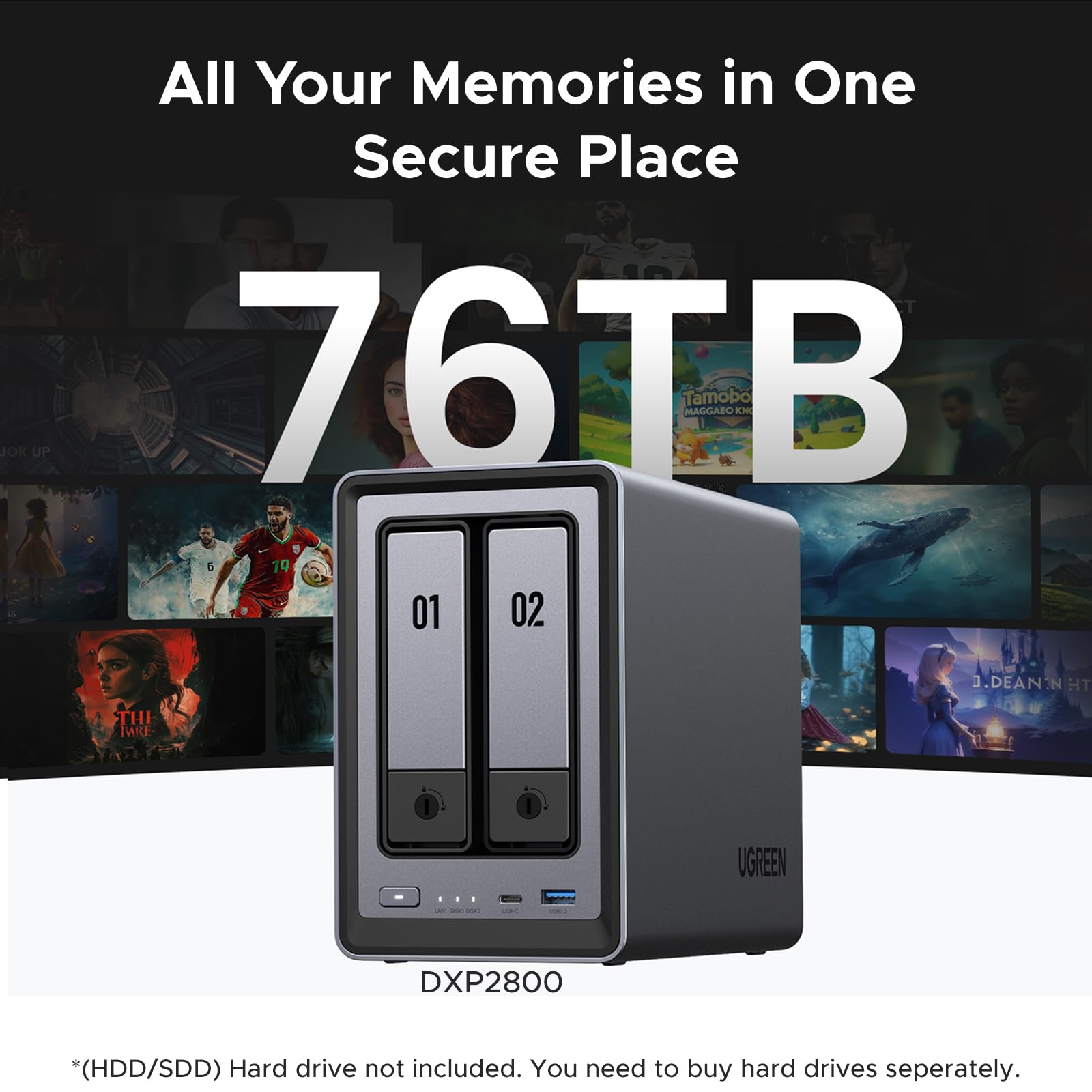
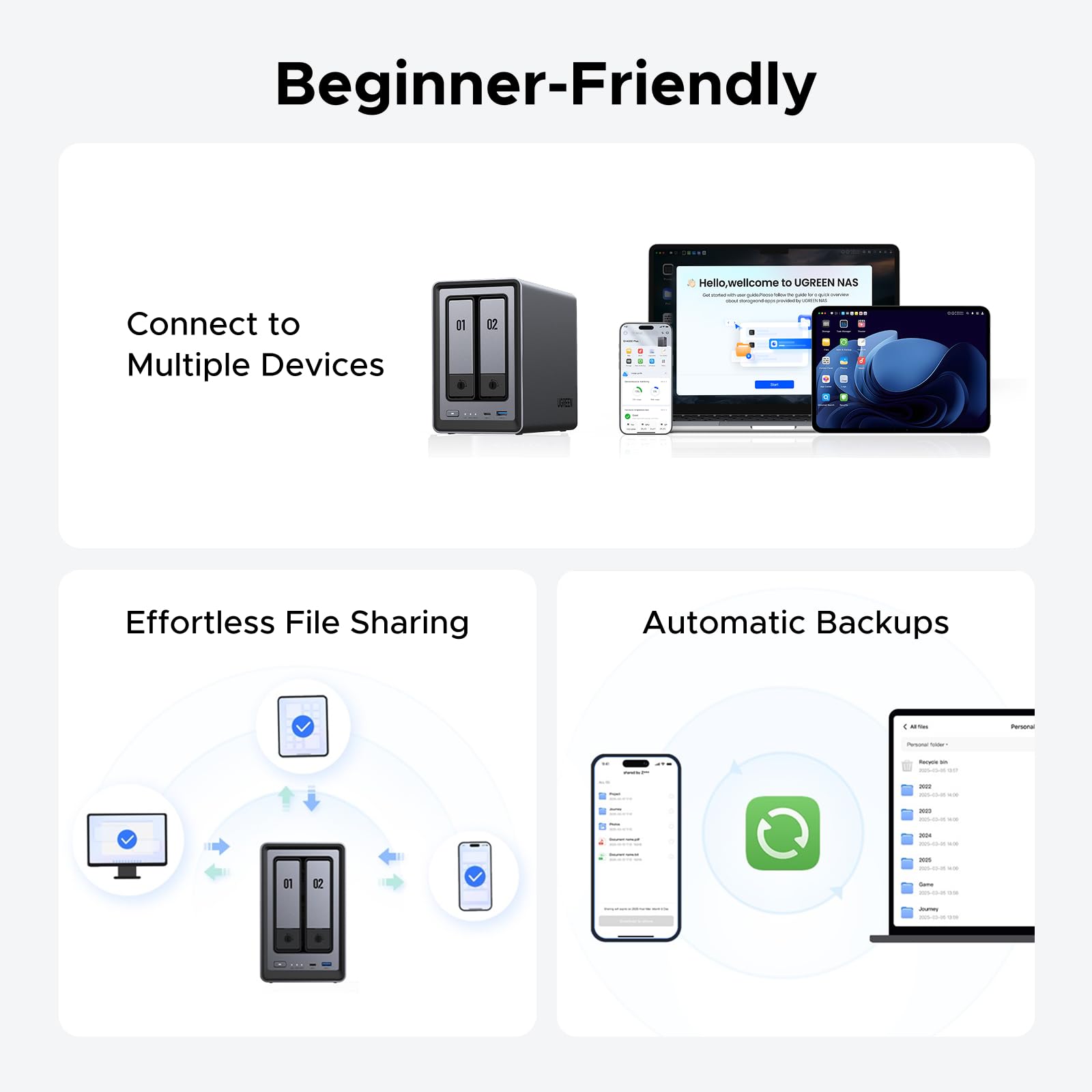

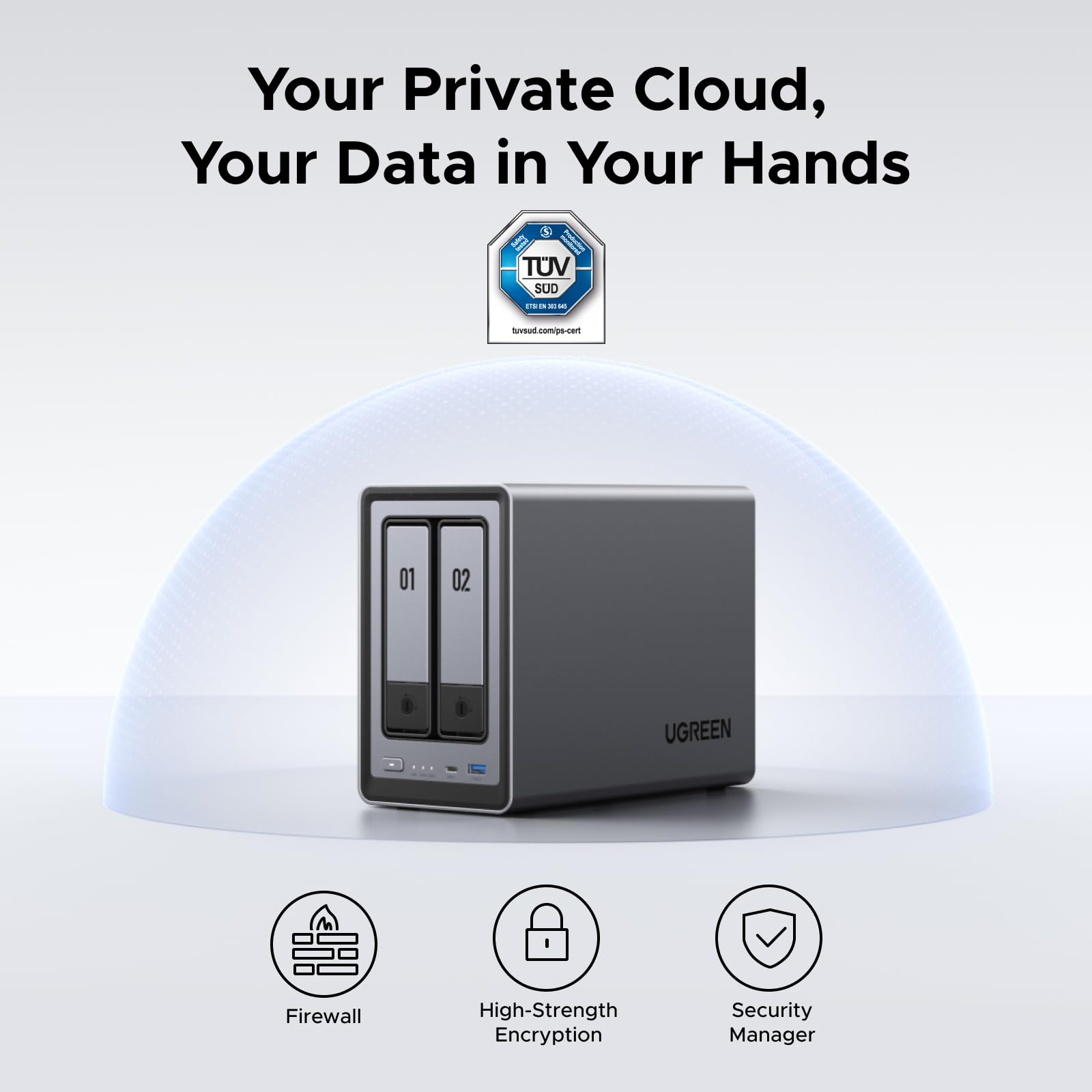


🚀 Own Your Data, Stream Like a Pro, and Never Miss a Byte!
The UGREEN NAS DXP2800 is a robust 2-bay desktop NAS designed for small teams and enthusiasts, featuring an Intel N100 quad-core CPU, 8GB DDR5 RAM, and 2.5GbE networking. It supports up to 76TB storage with dual SATA and M.2 NVMe slots, offers 4K HDMI output for media streaming, and runs on user-friendly UGOS Pro software. Its premium aluminum build and advanced features make it a cost-effective, secure alternative to cloud storage, perfect for seamless file sharing, AI-powered photo management, and private media servers.


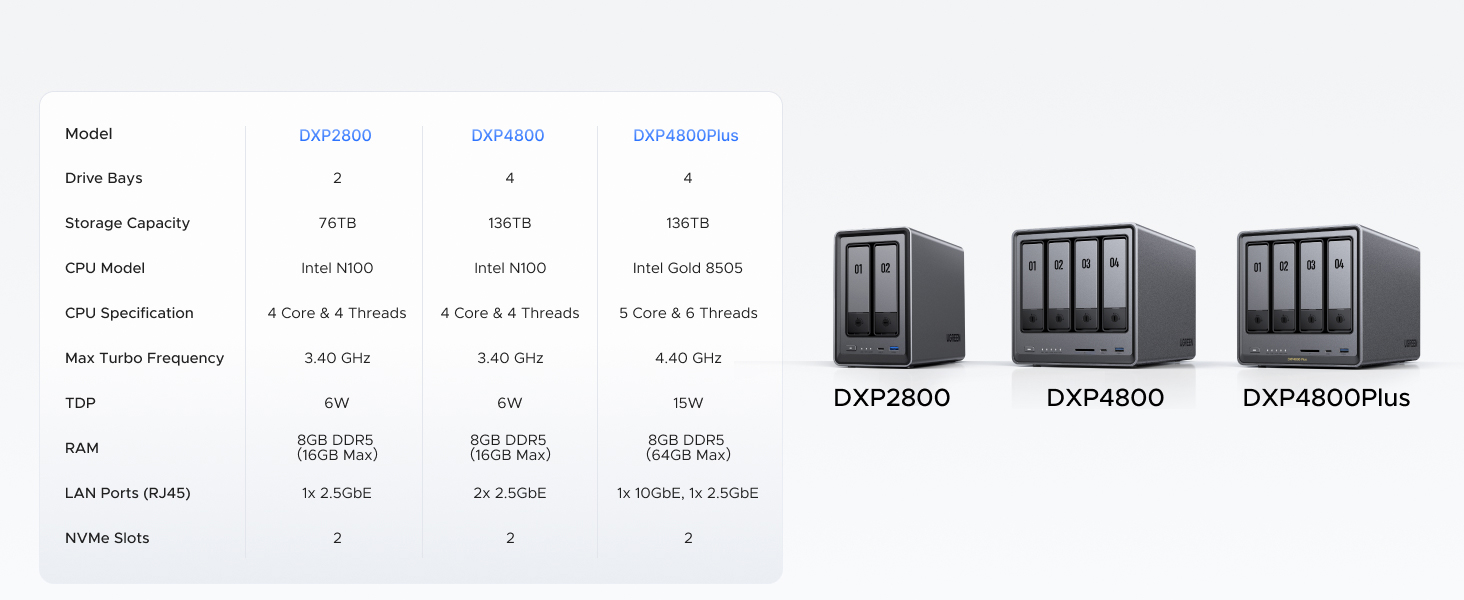


| ASIN | B0D22HBFK1 |
| Batteries | 1 CR2032 batteries required. |
| Best Sellers Rank | #5 in Network Attached Storage (NAS) Devices |
| Brand | UGREEN |
| Color | Grey |
| Computer Memory Type | DDR5 SDRAM |
| Customer Reviews | 4.5 4.5 out of 5 stars (854) |
| Date First Available | April 18, 2024 |
| Hard Drive | 2x SATA, 2x M.2 NVMe Slots |
| Hard Drive Interface | Serial ATA-600 |
| Item Dimensions LxWxH | 9.33 x 4.29 x 6.97 inches |
| Item Weight | 5.68 pounds |
| Item model number | DXP2800 2-Bay |
| Manufacturer | UGREEN |
| Number of Processors | 1 |
| Operating System | UGOS Pro |
| Processor | 3.4 GHz |
| Processor Brand | Intel |
| Product Dimensions | 9.33 x 4.29 x 6.97 inches |
| RAM | 8 GB |
| Series | DXP2800 2-Bay |
W**L
Great entry level NAS with advanced features to explore
VERY solidly constructed with a thick, HEAVY aluminum unibody, no sharp edges or unfinished surfaces. The design is well thought out and easy to access the M.2 drives and RAM. I thought there were 2 RAM slots but realized you can upgrade to a single 16 GB stick. It would be nice if there were 2 slots so I didn't have to keep a spare 8 GB stick, plus a 16 GB stick adds another big chunk of money to the total cost. Everything was easy to setup and works flawlessly with 2x12TB HDDs and 2x2TB M.2s. With an HDMI port this functions as a low cost HTPC and NAS in one box that doesn't require me to get too deep in the weeds managing things. I was considering the UGREEN mini PC with 4x M.2 drives but this one allows for much cheaper, larger capacity drives with the option for M.2 speed.
A**H
Ugreen NASync DXP2800: The Best Value for a Home Media Server
The DXP2800 is a powerhouse for families moving their data off expensive cloud subscriptions like I have done. For anyone running Plex for home media server and Immich to replace google photos, this 2-bay unit delivers incredible performance at a stellar price. Key Highlights: Plex & Immich Heaven: The Intel N100 CPU handles 4K transcoding and Immich’s AI-heavy tasks effortlessly. It’s perfect for creating your own private, fast, and secure media cloud. Massive & Fast Storage: Supports two large SATA drives (up to 30TB each) and includes two M.2 NVMe slots. Put your app metadata and database on the SSDs for instant responsiveness. Premium Build: The aluminum chassis feels solid and durable, far superior to competitors' plastic designs. Easy Setup: UGOS Pro software is user-friendly and makes setup a breeze, even if you’re new to NAS systems. Docker support expands functionality hugely. The Caveat (The Noise): The only real drawback for large media libraries (like my 16TB drives) is the chassis can amplify HDD vibrations during heavy writing. Quick Fix: Placing the unit on a silicone mat or adding some felt pads inside the bays silences this minor quirk immediately. Verdict: This NAS is an absolute winner. It has the hardware to crush any home media task and is easily the best self-hosting solution I've used. A must-buy if you want to take ownership of your digital life!
N**M
Ugreen DXP2800 – Two Weeks In
After two weeks of use, my Ugreen DXP2800 2-Bay NAS with my older, upgraded ASUS AS6602T (8GB RAM + 500GB dual SSD caching) have shown clear differences in performance, efficiency, and usability. Despite Ugreen’s newer Intel N100 processor, both NAS devices deliver similar overall performance, though Ugreen feels snappier in simple tasks like UI navigation and file browsing. However, Ugreen struggles with resource management, especially when running apps via Docker or Virtual Machine. Even when Firefox (installed through Docker) is not actively in use, it continues consuming CPU indefinitely unless manually restarted. This inefficiency leads to higher CPU usage and unnecessary disk activity over time, something ASUS manages much better due to its more mature OS and application optimization. One clear advantage of Ugreen is power efficiency. Under average load, Ugreen consumes around 17-20W/h, increasing to 25-35W under heavy load, and drops to 9-12W in sleep mode. Comparatively, my ASUS NAS idles at around 20W, runs at 30W under normal usage, and spikes up to 50W during intensive server tasks. While the difference might seem small, over a year, Ugreen’s lower power consumption could save around $40+ in electricity costs, which adds up significantly over time, especially for 24/7 operations. Ugreen’s aluminum enclosure looks premium and dissipates heat well, but it acts like a soundbox, amplifying HDD noise. My ASUS NAS, despite using the exact same WD 3TB NAS 5400RPM HDDs, remains much quieter, likely due to better HDD insulation and optimized read/write handling. If your NAS is stored in a garage, laundry room, or server rack, noise won’t be an issue, but if it’s in your office or bedroom, the HDD noise from Ugreen can be irritating under load. One area where Ugreen clearly outperforms ASUS is photo backup and remote syncing. Ugreen’s Photo Backup for iOS is so efficient that I’m seriously considering canceling my Google Photos subscription. With RAID1 syncing to both my NAS setups across two locations thousands of miles apart, I now have a seamless, private cloud solution. Setting up RESYNC to pull backups from my ASUS NAS over the internet was smooth and reliable, syncing 700GB without issues and continuing to update efficiently. Meanwhile, ASUS’s photo app has been broken for me since 2020, making this a huge win for Ugreen. Ugreen feels fast and modern but currently lacks the mature software ecosystem and refined features of major NAS brands. That being said, if Ugreen continues investing in UGOS over the next 6-12 months, it could become a serious competitor to ASUS and Synology. Right now, I’m happy with my purchase, especially at the discounted price, considering that a comparable ASUS or Synology model would cost nearly twice as much. If Ugreen keeps improving, this might just be one of the best value NAS options out there.
C**O
El mejor más en éste rango de precio
T**N
Great NAS! Got it on sale, and its been awesome and running straight for a month. Slotted in 3-12tb NAS drives and run them in RAID 5. Took 3 days to build the array, but its been running well. It only has a few Apps available at the store so far, including Docker and Jellyfin which work pretty well if you configure them right. Took me a few hours to learn how to do it and configure everything, but thats from 0 knowledge and it was pretty easy to pick up. I wouldn't really run VMs on it, just because the CPU is rather limited. Mostly set up as a photo back up(with the sync and backup App) and a media server(Jellyfin). I run the Jellyfin server on my Linux server though, since I find its easier to configure. You just have to permanently mount your network drives so you can access the NAS storage. It even has a built in remote access without configuring ports, so you can access and backup when your away from you local network Would definitely recommend to get this if you have no experience with NAS, since its very easy to pick up
M**S
Es un NAS increíble y las capacidades que tiene da mucho margen para sus usos Solo me gustaría que en la galería de fotos se pudieran etiquetar las fotos para poder organizar mas facialmente las fotos
M**L
I’ve been following the UGREEN NASync series since its Kickstarter days, and as soon as it hit Amazon Canada, I didn't hesitate. After nearly a year of daily use, I can confidently say this is one of the best tech investments I’ve ever made. The "Apple Tax" Solution: The real value of this NAS became clear when I bought my new MacBook. As many know, upgrading internal storage on a Mac is incredibly expensive. By using the DXP2800 as my personal cloud, I was able to buy the base model laptop and store all my heavy files, photos, and media on the NAS. I can access everything from anywhere in the world, saving me hundreds of dollars in hardware upgrades. Performance & Reliability: Even with the stock 8GB DDR5 RAM (I haven't felt the need to upgrade yet), the Intel N100 CPU handles everything smoothly. I primarily use it for: Automatic Photo Backups: It syncs my phone photos instantly, allowing me to keep my phone storage free. Media Streaming: It serves as a flawless movie hub for my home. Fast Connectivity: The 2.5GbE port is a must-have. A great pro-tip: if you need even more speed, you can use one of the USB ports for an extra ethernet adapter! Software & Build: UGREEN has been very consistent with software updates. The app is intuitive and improves every month. The build quality is premium and feels like it was designed to last. It’s quiet, efficient, and fits perfectly on my desk. Pros: Significant long-term savings on phone/laptop storage. Easy M.2 NVMe and RAM upgrade paths. Solid 2.5GbE performance out of the box. Consistent software improvements. Cons: As a "light to moderate" user, I haven't found any real flaws. It does exactly what it promises. Final Verdict: If you want to own your data and stop paying for monthly cloud subscriptions or overpriced hardware storage upgrades, this is the way to go. Highly recommended for families and small teams!
S**N
Thanks UGREEN! Product arrived on time. Opened it up and everything inside was well protected and packaged. Setup the new NAS and was thoroughly impressed and easy to use. Fantastic product and highly recommended.
Trustpilot
2 weeks ago
3 weeks ago