
💻 Code smarter, not harder — the ultimate pro monitor for the modern developer.
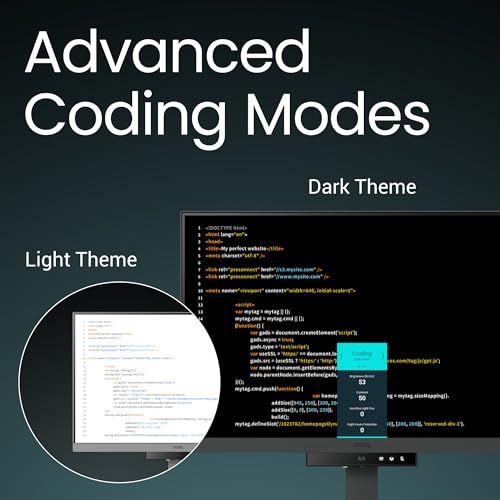
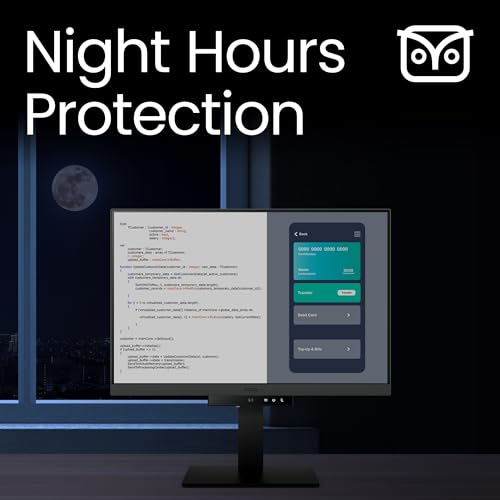
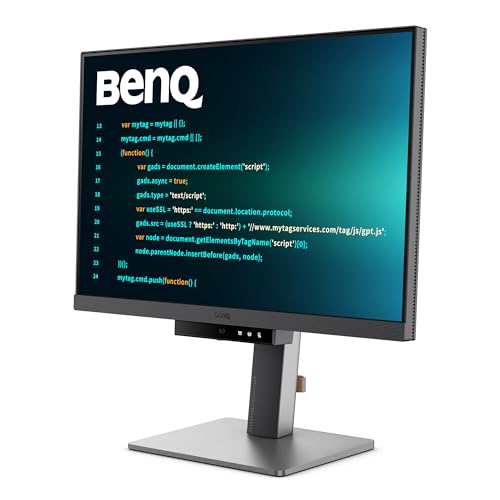
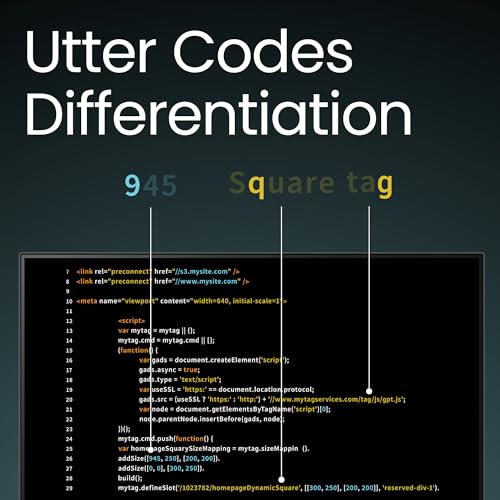
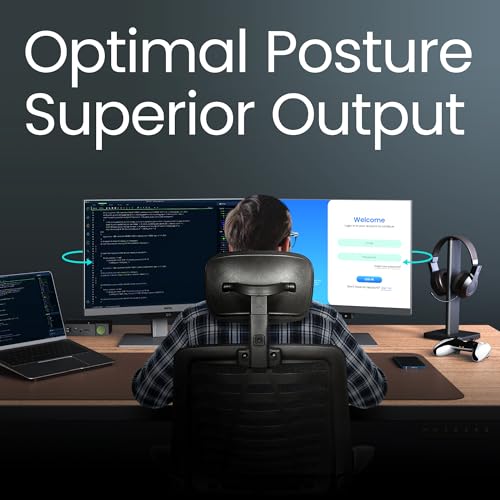
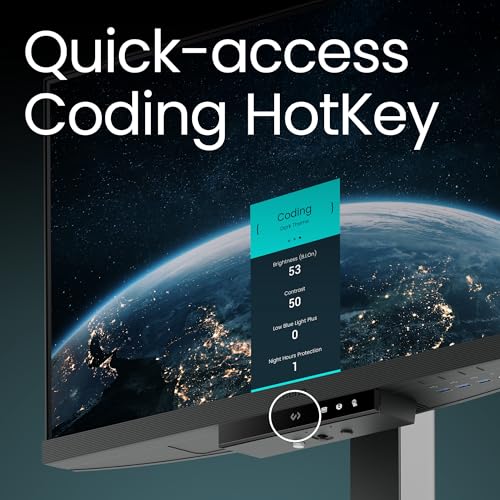
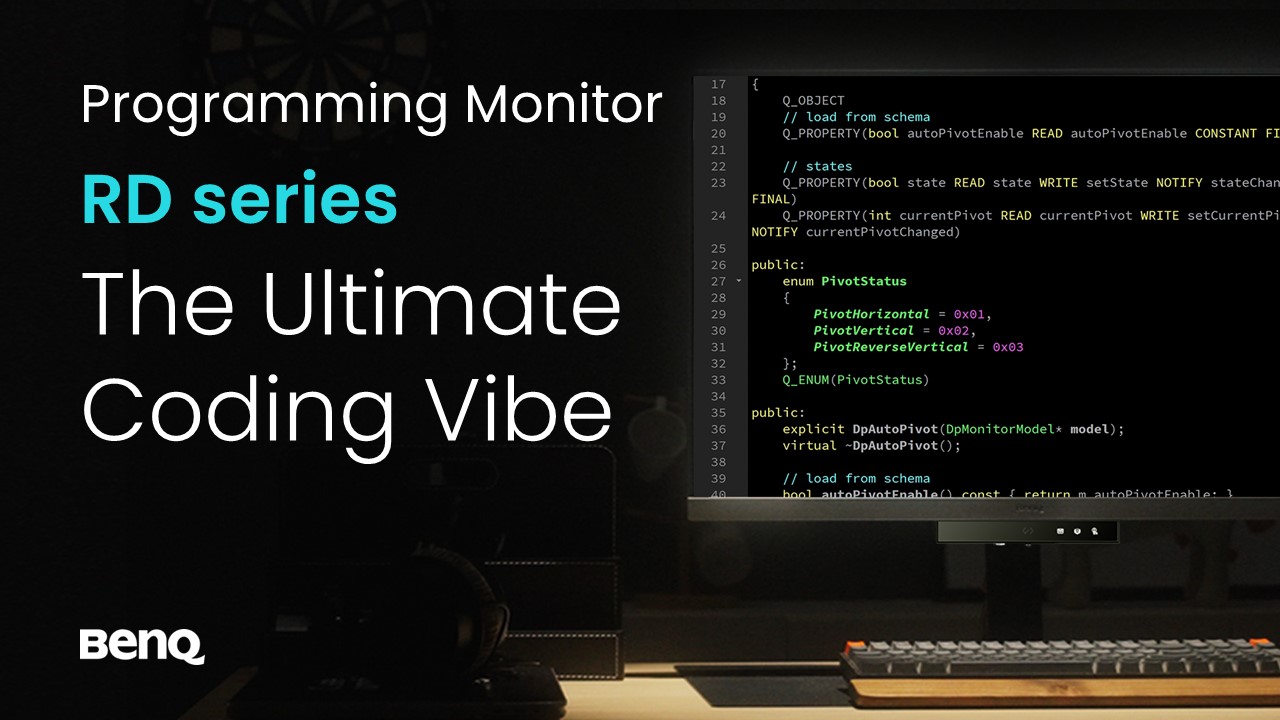
The BenQ RD240Q is a 24.1-inch WQXGA (2560x1600) monitor designed specifically for programmers, featuring advanced coding modes, a dedicated coding hotkey, and a 16:10 aspect ratio for enhanced vertical workspace. It offers 90W USB-C power delivery with Thunderbolt 4, ergonomic adjustments, and eye-care technologies like Brightness Intelligence Gen2 and Night Hours Protection to reduce eye strain during long coding sessions. Its built-in USB hub and KVM switch enable seamless multi-device connectivity, making it a premium, productivity-boosting tool for professional developers.


| ASIN | B0D2KVY1FG |
| Batteries | 1 AAAA batteries required. |
| Batteries Required? | No |
| Batteries included? | No |
| Best Sellers Rank | 18,975 in Computers & Accessories ( See Top 100 in Computers & Accessories ) 345 in Monitors |
| Colour | Black |
| Customer Reviews | 4.2 4.2 out of 5 stars (137) |
| Date First Available | 2 May 2024 |
| Display style | LED |
| Item Package Quantity | 1 |
| Item Weight | 7.6 kg |
| Item model number | RD240Q |
| Manufacturer | BenQ |
| Part Number | RD240Q |
| Plug profile | Desk Mount |
| Power Source | Wired |
| Product Dimensions | 22.8 x 53.3 x 52.2 cm; 7.6 kg |
| Shape | Flat |
| Size | 24” WQXGA 16:10 |
| Special Features | Blue Light Filter, Eye Care, Height Adjustment, USB Hub |
| Style | Adjustable Stand |
| Usage | programming |
| Voltage | 240 Volts |
M**S
Great for coding
This monitor is excellent. I'm a professional developer with a 3 monitor setup, and this is the best display I've used. It has modes for coding in light mode, dark mode, and an SRGB mode for when colour accuracy is important. I mainly use dark mode, and it's fantastic. The contrast ratio is just like using an OLED, and it's very easy on the eyes. The anti reflection coating is pretty good, but not as good as on the flagship Samsung TVs. The halo back light also helps to reduce eye fatigue. The 3:2 aspect ratio is brilliant for developing. You don't miss out on any screen size, as it's a 4K monitor with some extra pixels at the bottom of the screen. This means any 4K media plays in native resolution, just with bigger black bars than on 16:9. The monitor also has a built in USB hub, and KVM. It has a thunderbolt 4 connection with 90W of power delivery. By plugging your keyboard and mouse into the monitor, you can plug the USB C thunderbolt into your computer as a one cable solution for power, display, and peripherals. The KVM means it can be connected to 2 computers at once, with an easy way of switching between them. It's pretty cool being able to connect with just one cable, and makes it easier to connect laptops and tablets without needing an expensive dock. I'd like more than one of these monitors, but the price is quite high, and I also need to keep at least one standard monitor, so I can test UIs on a more standard resolution and aspect ratio. I might buy another if the price comes down on black Friday.
T**D
Fantastic monitor
What a great fantastic monitor with great black levels unlike my other Dell ips screen. Nice and clear text and the added resolution really does help and the size is perfect. The moonlight is adjustable is colour white to yellowish and the intensity. Attached is the lowest setting with yellowish colour. This monitor also does 90w power deliver and video and also has mst so you can connect second screen to this monitor which will pass it through to any device so with built in kvm I can switch from my work laptop and PC and use a added second screen. I have mine paired with a small portable monitor.
G**N
Big fan of this size, and the automated brightness control
I'm a full time software developer. I was using a 25" 1440p Dell (nice, but discontinued) and needed to get a second monitor for another location. I initially picked 25" over 27" on purpose, having read Nick Janetakis's article on the ideal screen size for developers (long, but worth a read). I find text on a 24" to be just as legible as my 16:9 25", but appreciate the extra height of 16:10. I also prefer the colours and contrast on the BenQ, and its ability to adjust itself to the ambient lighting conditions is superb. So in all respects, I prefer this BenQ to my Dell. I'm still using the Dell, but on a different desk. No need to buy stuff we don't need, right? I was also 28" curious, and did try the 28" version. It's got a very nice image, but (as a tiling window manager user) I found that I was turning my head left and right a lot, and rarely looking at things in front of me. It's tall too, so a lot of stuff I'd need to read would be near desk level, which has a fairly negative impact on my posture. Conclusion: I'm far better off when my windows (which fill my screen) are on a display whose edges aren't so difficult for me to see. This is also why I prefer a single screen. I usually put code on one workspace, documentation on another, and switch between them with a keystroke more quickly than I could turn my head to look at another screen. Occasionally I need docs and code side by side, in which case I'll put a browser next to my editor. That works great too. Often I'm working on an app, and will put the app's UI next to the editor so I can see the impact of my changes in real time. Also great. And if I need to see two different files, they're visible side by side in a full screen editor. End result: I'm pretty confident I've got the best monitor on the market for tiling window manager users who don't want to be turning their head a lot, looking up/down too much, etc. Also, on looking up/down, beware a monitor that's so tall that you need to read things above eye level. It requires your eye to be wider open than normal, which increases the rate at which the lens dries out. Combined with our tendency not to blink when looking at a screen, this can increase your chances of getting dry eye disease. I'm now an eye drop user, and I think it's because I used to position a monitor a bit high. So that's another reason not to get a bigger one.
S**T
I'm not sure why we ditched 3:2 aspect ratio monitors!?
As a lifelong software engineer I've used a lot of monitors. More recently the Apple Studio display (which is top of my leaderboard still). The Asus ProArt which is amazing for content creation (Photoshop, Premiere Pro) but alas they are all wide, very wide. When I first saw this "coding" monitor I thought it was a gimmick but after watching a lot of reviews and reading their literature I realised this is what I needed all along. Rear halo light aside, the ability to have a tall high resolution screen that at the tap of a switch change the display modes on was and is just a god send. I can now how modes that look terrible for content and surfing but awesome for the contrast of my pages of code and with a simple switch change back to normal mode. Brilliant idea for a product. You might have issues with some games but that's what my 16:9 display is for. As for ports again another great selection. Latest display port, HDMI and two USB-C one and a KVM feature to stop swapping mouse and keyboard connections! Perfect when you have a PC and Mac you switch development between! The speakers aren't great as is with most monitors display hence the 4 stars I would've given 4.5 stars but couldn't!
T**C
Good one
N**1
This monitor exactly what I needed. I'm a programmer and I spend arpund 12 hours in front of the screen. I already had a gaming monitor but it wasn't cutting it. My eyes wear constantly straining leading to bad overall health. No monitor I used in the past had the feature this one has. It's not about the resolution, the Hertz, the size -- its about the quality, the software, and the feature this monitor offers. The unboxing experience was uninspiring and I doubted if I made the right choice. But right after booting thi buddy up, I realized the clarity and the display quality. Mind blowing! The most important thing for me is screen brightness, and this guy has a software controlled brightness adjustment option. On top of that, it has the night protection mode that lowers the brightness even further. I'm sold in this. I highly recommend this to anyone who codes. And the ergoarm is superb. Why did you pick this product vs others?: This product targets programmers, the only in the market.
D**N
Great monitor with great features for programming but very thick with bad port placement.. Most amazed with this nano-texture coating which totally removes glare and makes it usable even on direct sun, compared to previous Dell U2723QE which was anti-glare but was terrible. Quality of picture is great, and I truly love Moon Halo, especially at night. Stand is beautifully made but very very heavy - can barely move it on the table. At the negative side, I would like better that more USB ports were put at the back side and less on bottom side. Also, this monitor is very thick, which made my Light bar placement pretty hard - had to create custom solution to make it fit. Function bar is useless to me as I use Display Pilot 2 to control the monitor, so that is pretty much just an advertisement trick.
H**N
Jag gillar dessa, nu har jag nu tre stycken. Bilden behöver ändras till sRGB och ljusstyrkan sänkas och sen är bilden väldigt bra! Flimmerfri bild, bästa antireflex jag sett. Lite minus kring designen, klumpen i nedkant och hur knapparna sitter. Men inte värt prisskillnaden till något annat. Synd det inte är 120 Hz, men det blir förstås en helt annan prisklass. Gillar formatet 3:2, tidigare 16:10-användare. Lite tröga att starta upp, mjukvaran till Windows är inte perfekt, buggig, men inte betydande.
H**S
This is truly the best working monitor that i have tried in my life . I loved it so much that I bought another one.
Trustpilot
3 weeks ago
3 weeks ago



