
DOWNLOAD THE APP


Customer Services
Copyright © 2025 Desertcart Holdings Limited
DOWNLOAD THE APP

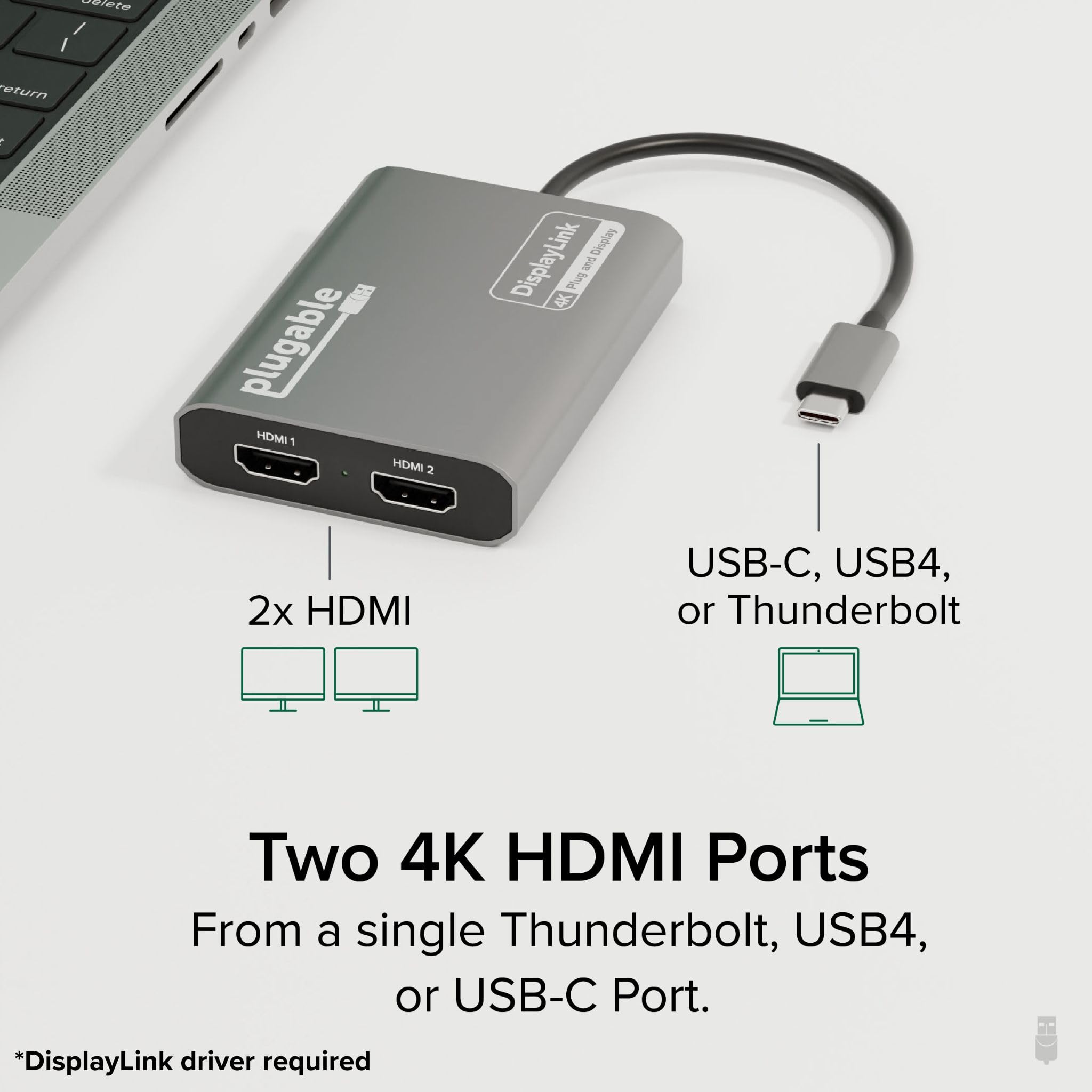


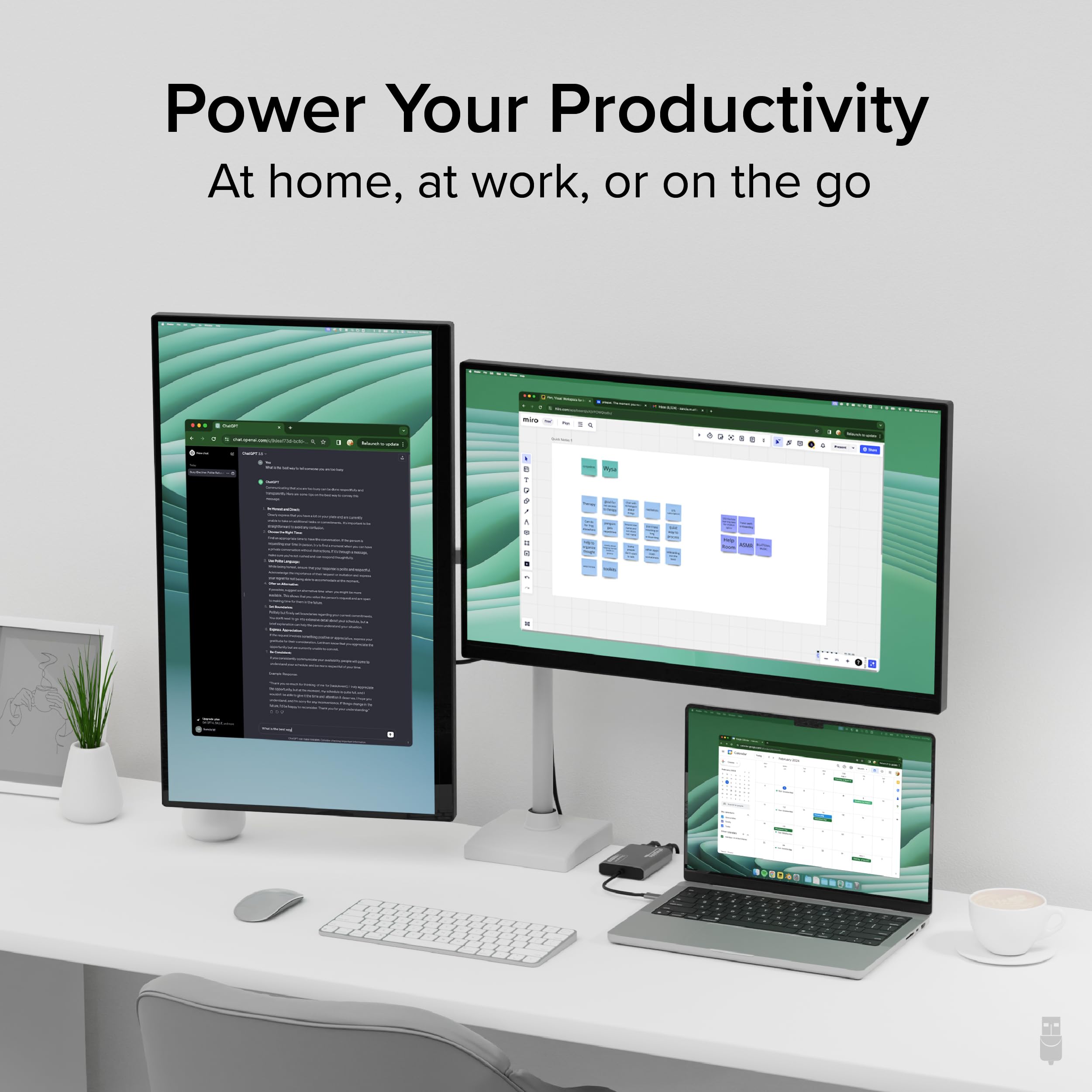
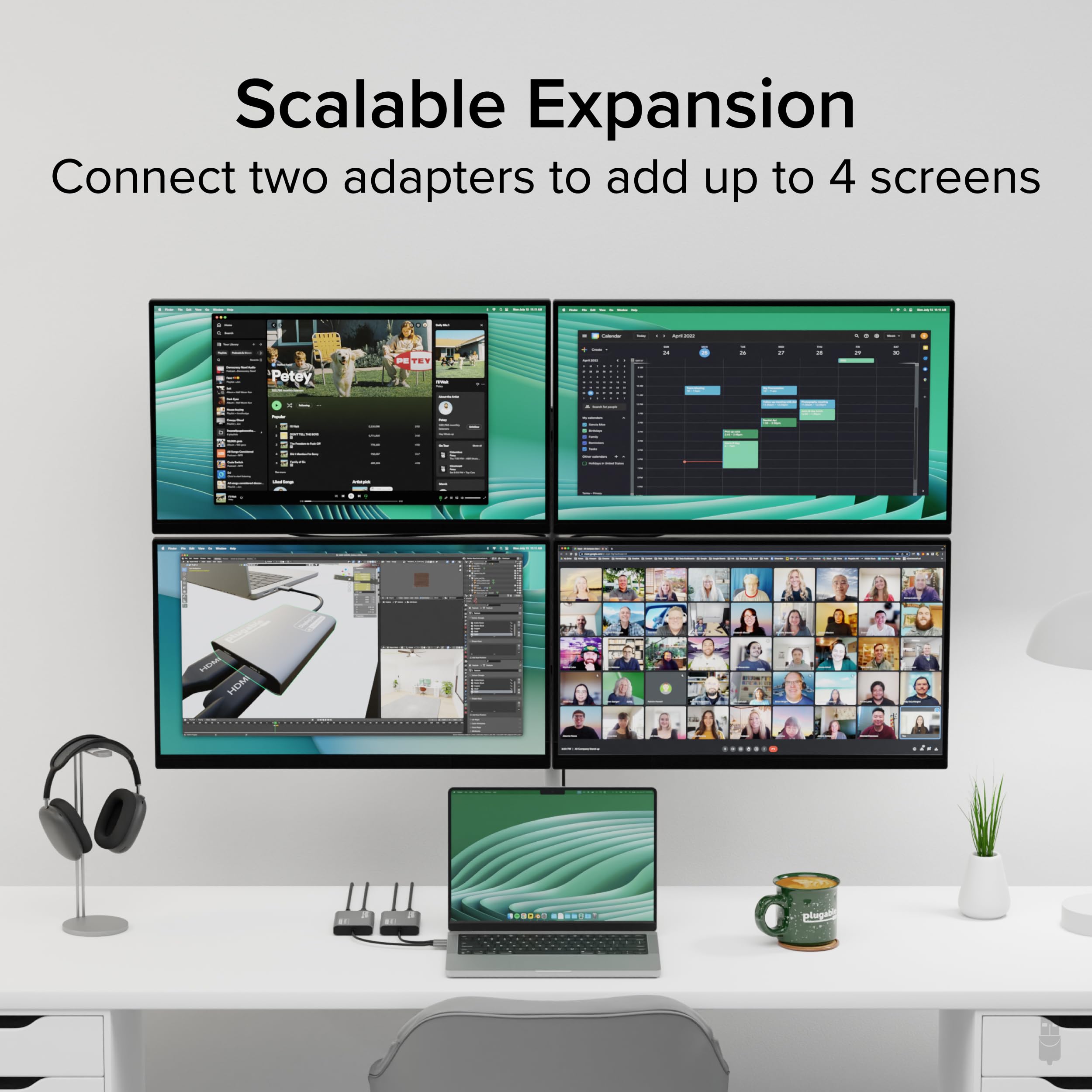

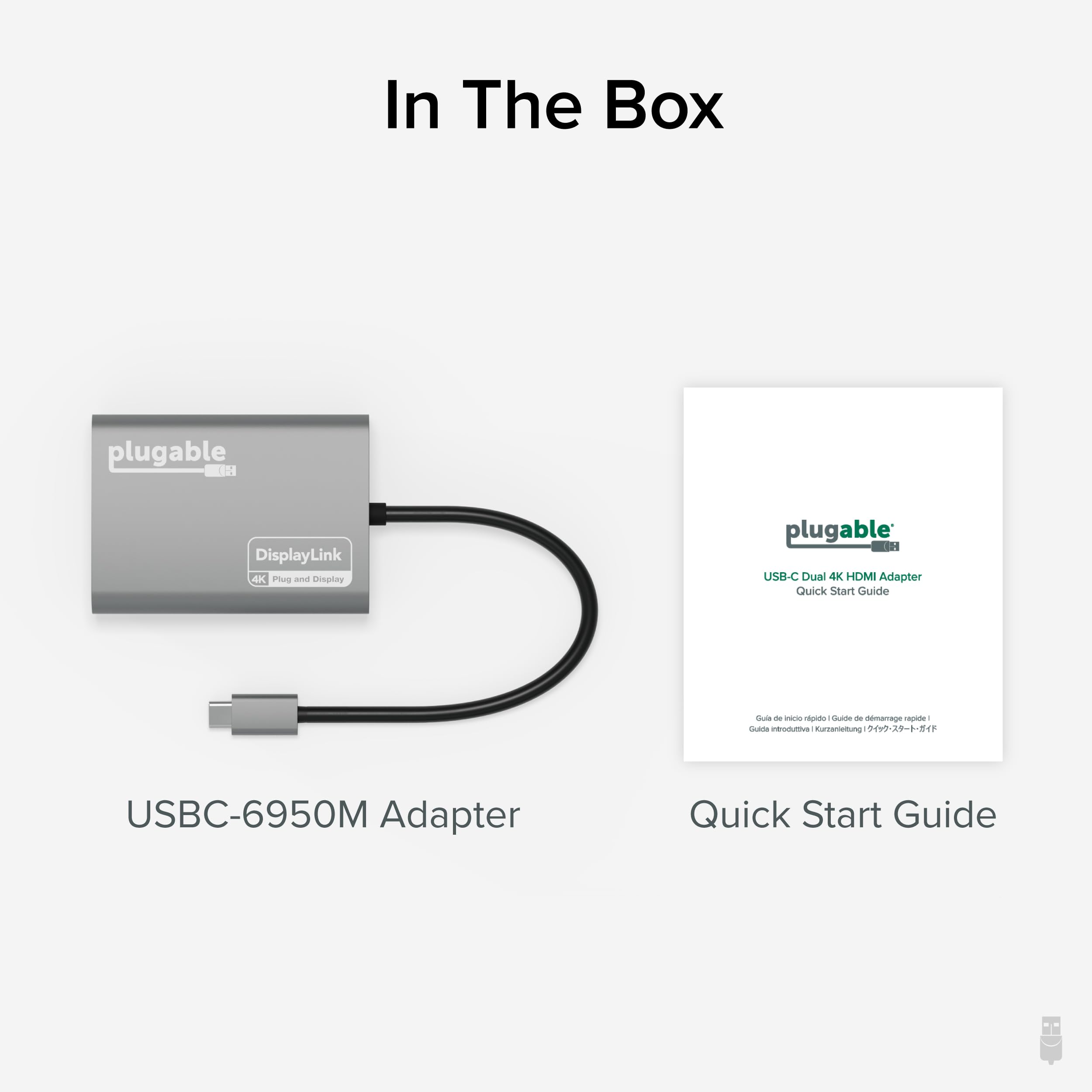
🚀 Double your screens, double your productivity—because one just isn’t enough!
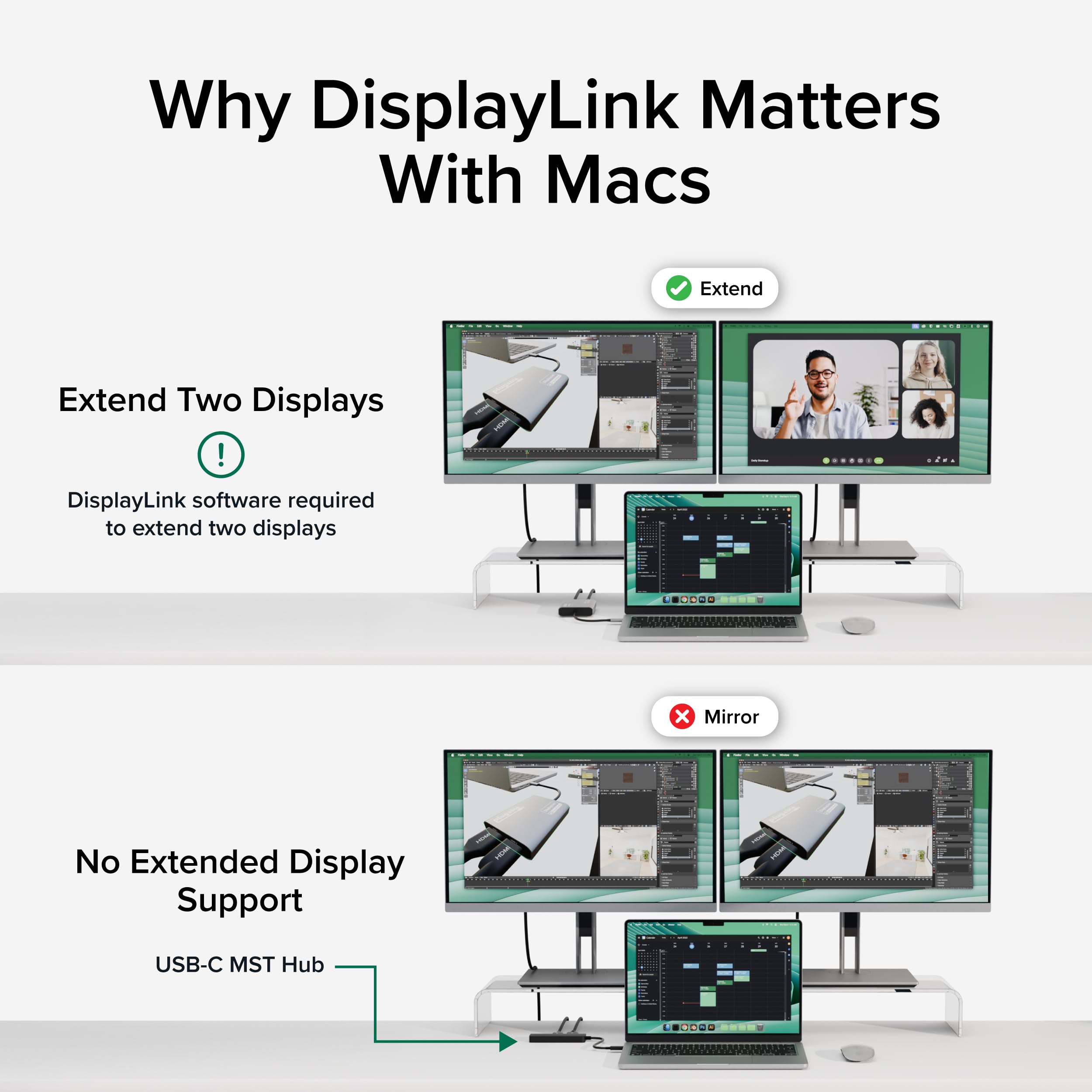
The Plugable USB C to HDMI Adapter (USBC-6950M) enables dual 4K 60Hz external displays from a single USB-C or Thunderbolt port, overcoming Mac M1/M2/M3 display limits via DisplayLink technology. Designed with a sturdy aluminum chassis, it supports macOS, Windows, and ChromeOS with required driver installation, making it ideal for professionals seeking expanded, high-resolution workspaces with reliable lifetime support.




















| ASIN | B0CS8D3KF2 |
| Best Sellers Rank | 21,084 in Computers & Accessories ( See Top 100 in Computers & Accessories ) 99 in DisplayPort to HDMI Adapters |
| Guaranteed software updates until | unknown |
| Item model number | USBC-6950M |
| Manufacturer | Plugable |
| Product Dimensions | 7.87 x 6.1 x 1.52 cm; 117.93 g |
A**R
Brilliant! Can’t fault it
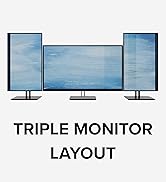
Works exactly as it should. I have a M2 MacBook Air which natively only supports one external monitor however this device allows me to plug in a further external monitor giving me three screens in total which is exactly what I was looking for. I have tried many other ways using various devices but this is the only one which has worked for the M2 MacBook. Simple to install the required Driver then plug the device into the laptop and then the monitors. Highly recommended.
N**E
Great product
Great product. Works as expected.
A**Z
Works with MacBook Air M1 - two HDMI outputs at last
Works for MacBook Air 13-inch (2020) - Apple M1 Input C and output to 2 HDMI screens I tried many and this is the only one that works.
S**H
The adapter you need - don’t go for cheap imitations
I tried various other brands prior to this which wouldn’t work with my Mac M3 to enable multiple screens. This did the trick and was very easy to install and use. Worth the money.
C**N
Brilliant Product Support
I checked with chatGPT that my MacBook Air M3 had native support for dual external monitors when in clamshell mode. I bought a Newmight 7 in 1 USB-C adapter for £30, but it didn't work. I then made a more careful search for a compatible adapter. I found this rather expensive adapter with DisplayLink technology. I had already purchased an extra monitor, so I took the plunge. I eventually got it working, but I had some issues. For instance sometimes windows weren't rendered properly, and sometimes pressing ctrl -> would switch the windows on both monitors rather than just the one which had focus. Nevertheless I found Michael S from product support almost unbelievably polite and helpful. I eventually got evrything working properly, and am happy with my purchase.
C**R
A "Plugable and Playable" quick fix for the problem with M2 macBook Air...
I've had a great experience with my 2022 M2 MBA, but I was frustrated when connecting to my work docking station, as only 1 of the monitors could be used. I read a lot of reviews, and with some trepidation, bought this adapter. It's not cheap, but having downloaded the DisplayLink software this "just works" and is much cheaper than an M3/4 MBA! Great product, and I expect to continue using it after updating my Mac to increase monitor flexibility.
R**K
Lag in mouse movements
Unfortunately, there is lag between your actual mouse movements and what you see on the monitor which is very annoying.
S**S
Great product and above and beyond customer service
All the Plugable products I've bought have been brilliant - easy to use, and perfect for connecting my macbook air to 2 monitors so I can get my work up on larger screens. What's really impressed me though is their great customer service if you have any questions - they really went above and beyond to help me get everything working just right as quickly as possible. I'd highly recommend!
C**E
Fonctionne parfaitement pour ajouter deux écrans sur un Mac
C**U
It WORKS! I tried for days to get my 2 monitors connected to my Mac only to find out that although I have a MAC book pro with a MAC 13 chip. It's the base model chip. And natively a dual monitor is only with the MAC13 Max or MAC13 Pro... (Apple should be more transparent with their fine print). ChatGPT recommended this product and it was extremely easy to set up and within just a few steps I have DUAL monitors working on my Mac. I used the extended setting on my MAC. I highly highly recommend this product. Because not every dongle can handle dual output. I tried several dongles before this one. Thank goodness for this product and the easy website to download the driver.
S**N
SEAMLESS! Worked perfectly for my M1 MacBook Air. After buying a handful of adaptors and spending an embarrassing amount of time trying to set them up only to find they’re not compatible the Plugable USB C was a simple effortless set up. So far zero issues at all and relieved to finally be set up
G**Z
M3 MacBook Air(2024)で使用中です。 もともと、外付けの27インチ4Kモニターを拡張ディスプレイに使っていたので、本商品を使って3面目(本体+USB-C経由の外付け+本商品経由の外付け)を拡張するのに使っています。 導入は簡単で、メーカーのサイトから最新のDisplayLink Driverをダウンロードしてインストールするだけです。 これで、普通に「システム設定」の「ディスプレイ設定」に3つ目の画面が出てきて、他のモニターと変わらず設定し、利用することが出来ます。ちなみにMacOSはTahoe(26.3)を使っています。 このMacBook AirにはThunderbolt/USB4が2ポートしかないので、AnkerのTB4 Mini Dockで拡張した外部ポートに接続するという若干トリッキーな使い方をしており、さらに3面目は4Kモニターを1440x2560解像度(縦位置)で使っていますが、この複雑な構成でも全く問題なく動作しています。 基本的には作業用のフォルダをいくつか並べて配置しているだけですので、速度が問われるような使い方はしていないのですが、このアダプターで拡張したモニターでフルHDの動画を再生しても、特にコマ落ちなどは起きません。 接続解除〜再接続時やスリープ状態からでもスムーズに復帰し、ウインドウ位置も記憶しているので、使用上のストレスはほぼ感じずに済みます。 注意点としては、このアダプタは仮想画面を作って動作しているので、接続した状態ではMac全体がHDCPに非対応になります。そのため、著作権保護の関係で、Amazon プライムビデオやappleTV+の再生が全てのディスプレイで不能(ブラックアウト)になります。この状態を解消するためには、本商品とMacの接続を解除する(USB-Cを抜く)必要があります。 この1ヶ月以上、平日は毎日動作させています。動作中は、非接触温度計で測定して40℃前後と熱を持ちますが、それに起因するものを含め、今のところノートラブルで運用できています。 これなら、ビジネス用途でも安心して使えると思います。おすすめです。
I**N
Muy simple de utilizar, coloque el driver y funcionó a la perfección
Trustpilot
2 months ago
1 month ago