We remain fully operational. Our teams are working around the clock to ensure your deliveries continue safely.

DOWNLOAD THE APP


Customer Services
Copyright © 2025 Desertcart Holdings Limited
DOWNLOAD THE APP
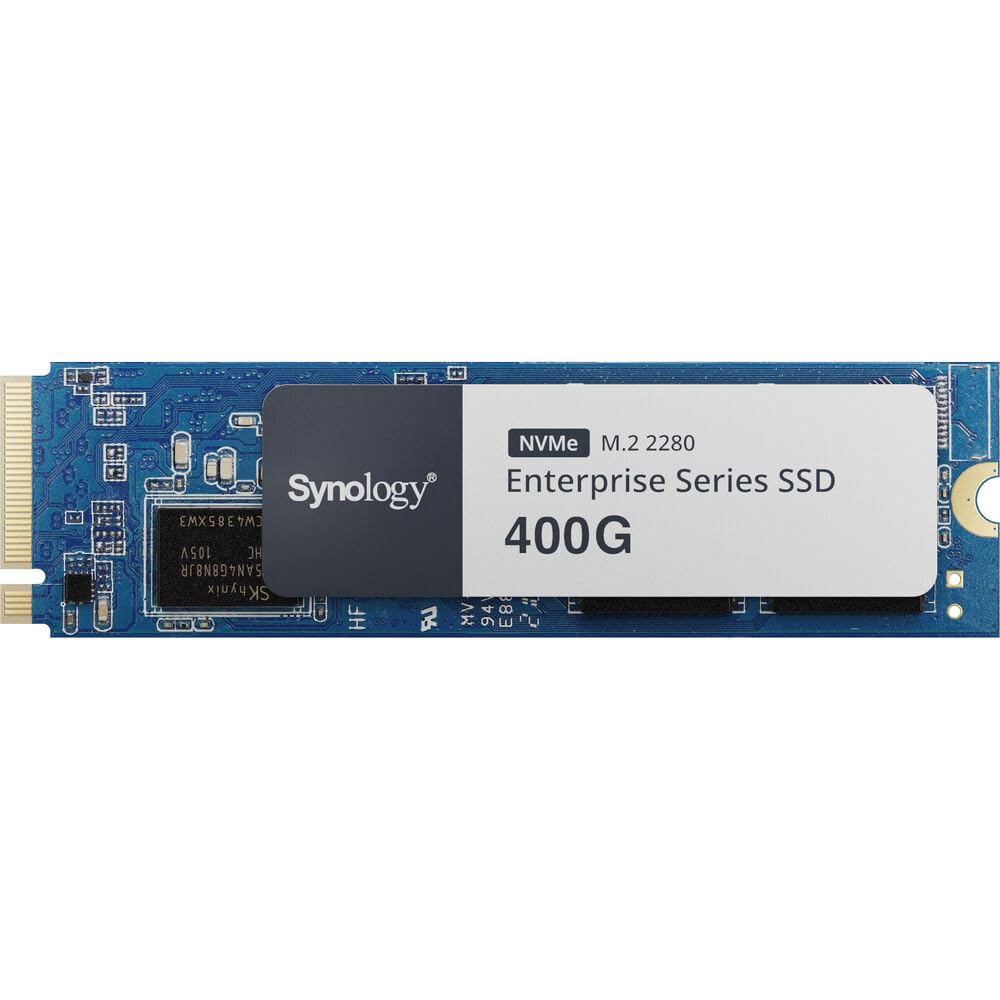
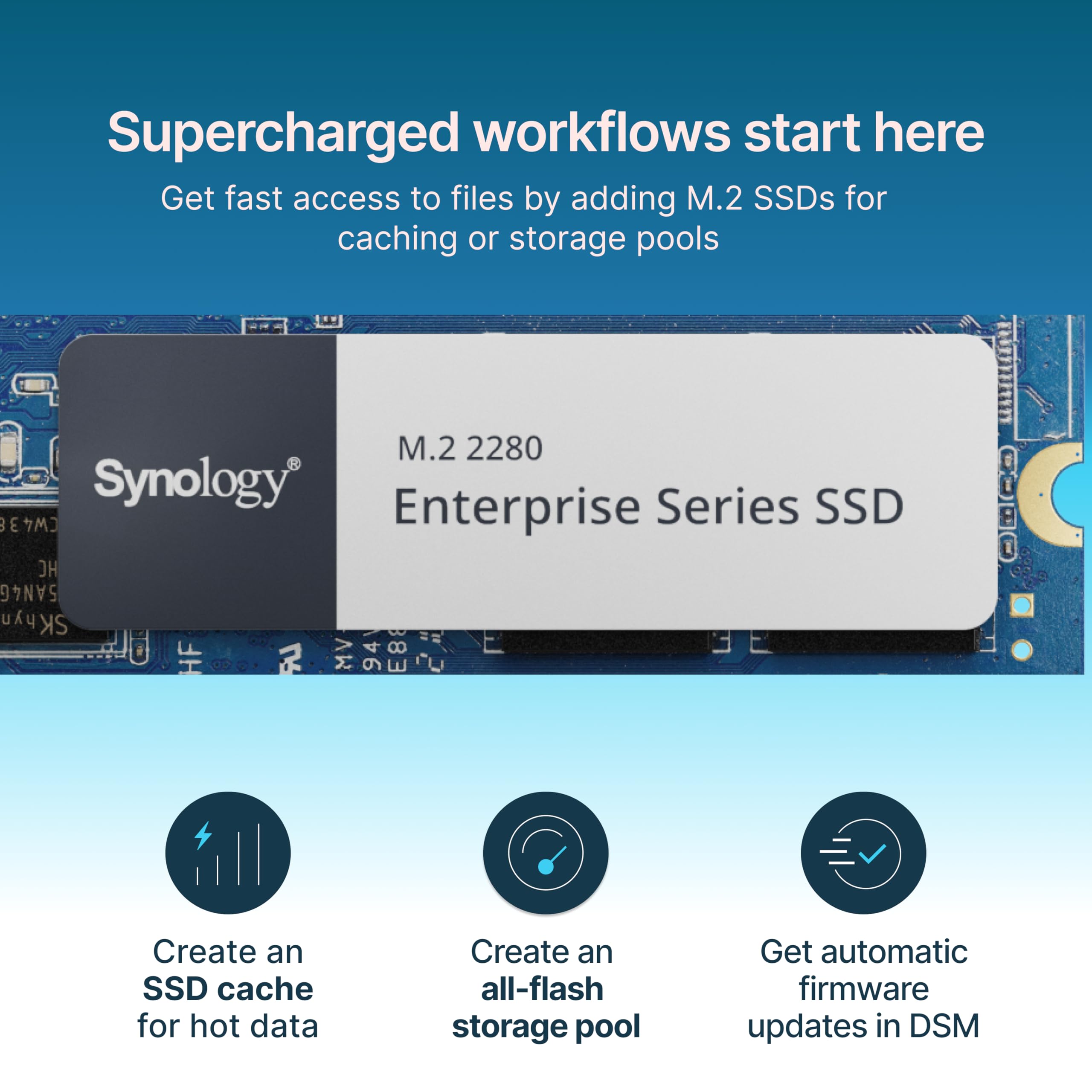
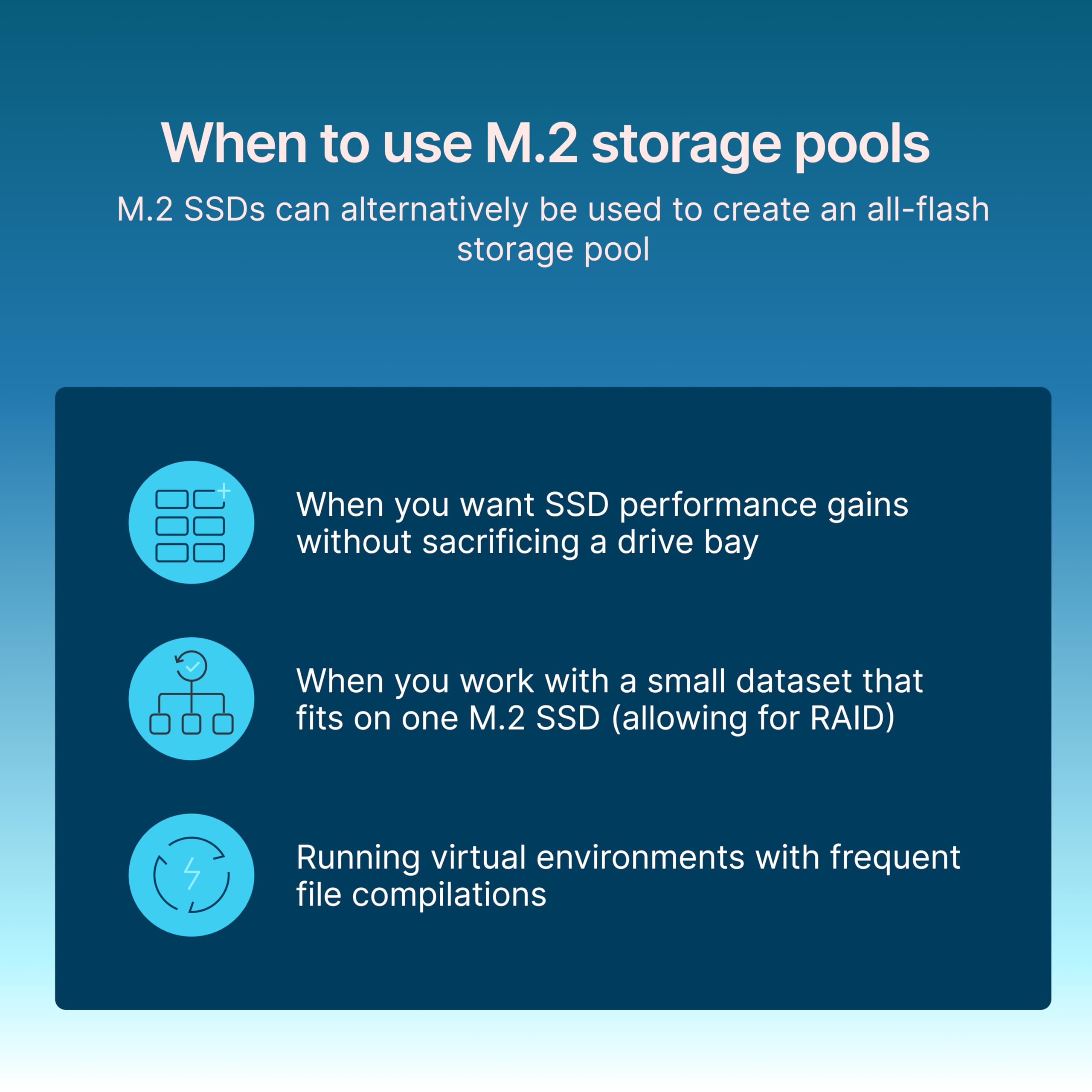
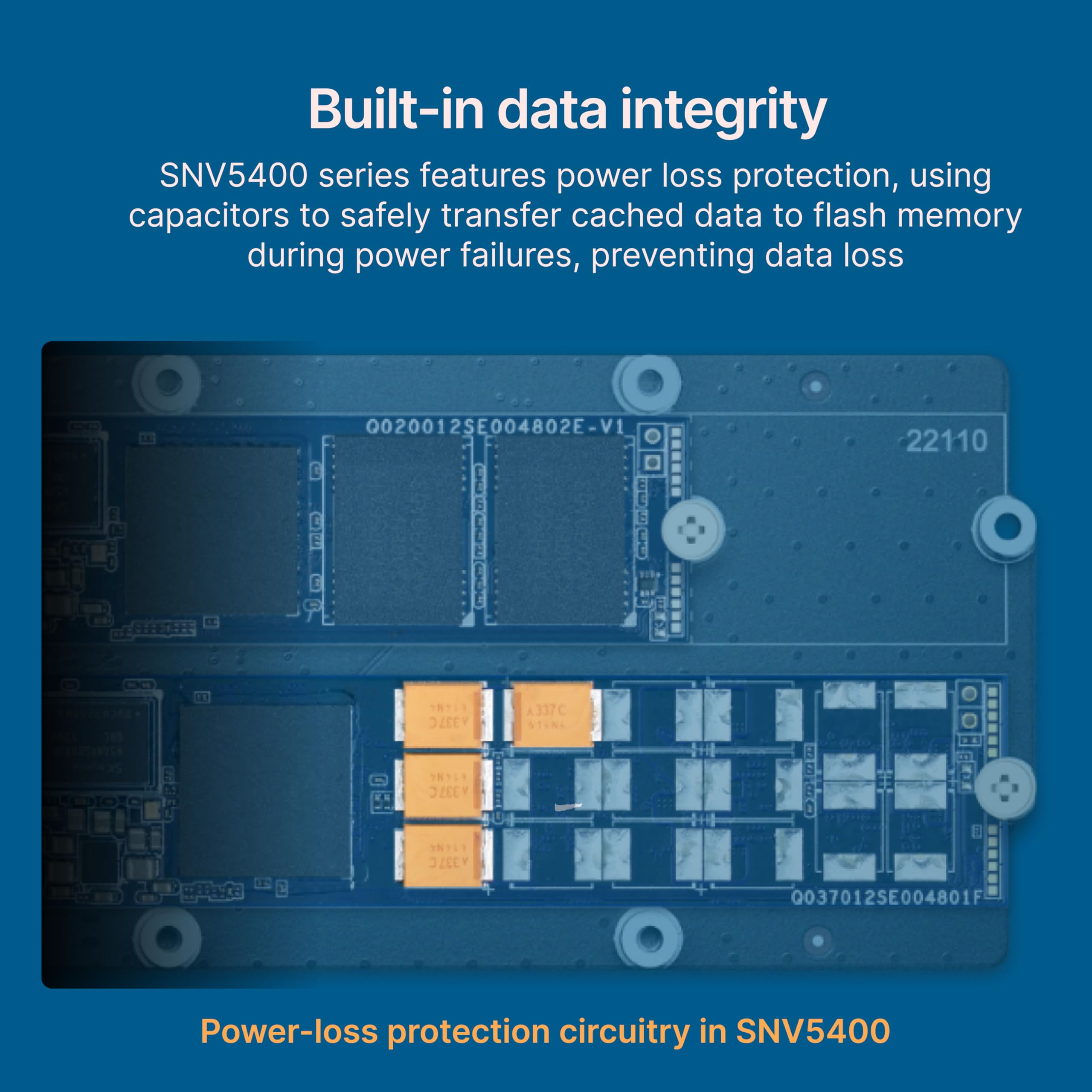
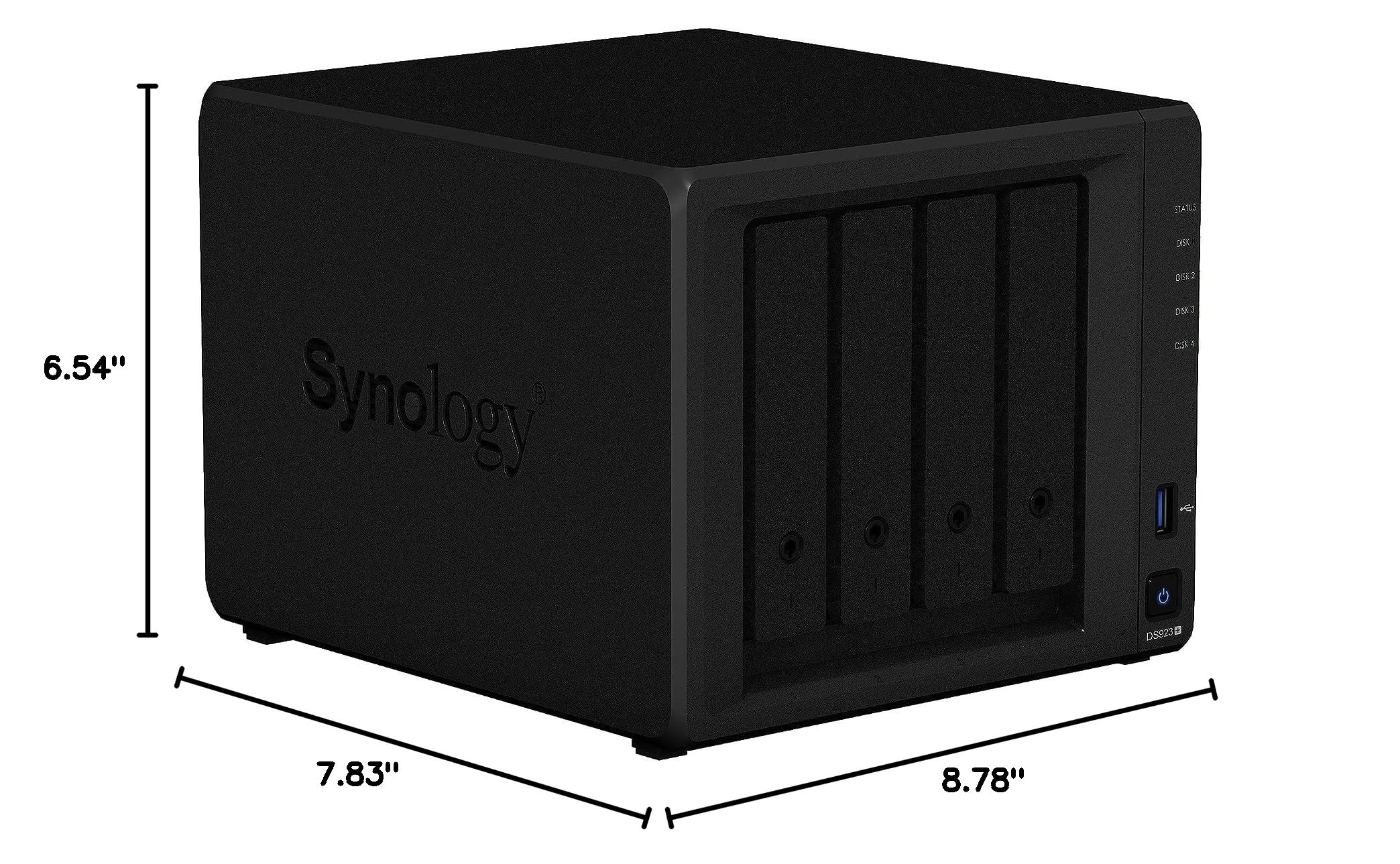
🚀 Elevate your NAS game with Synology’s enterprise-grade NVMe SSD — speed, endurance, and reliability in one sleek package!
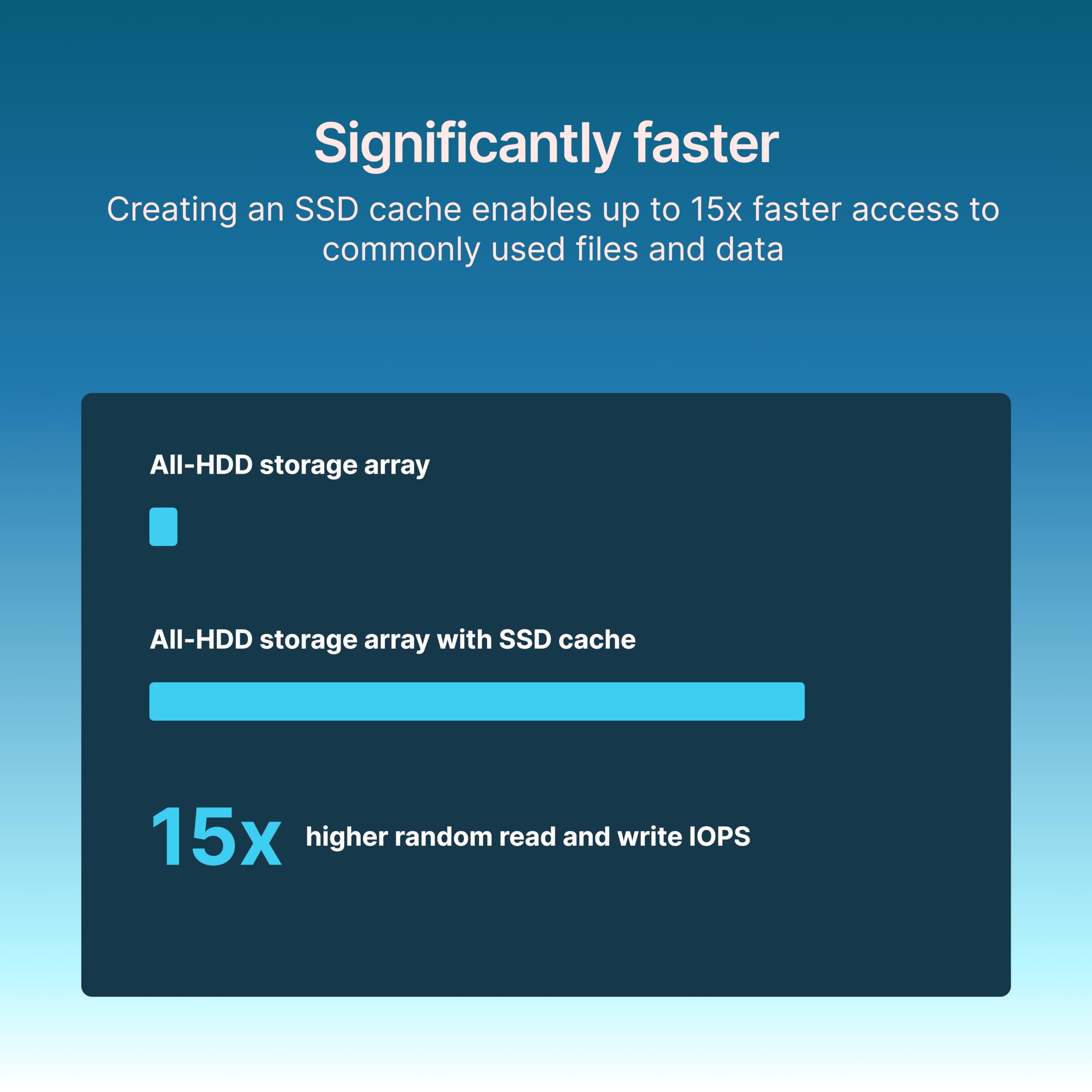
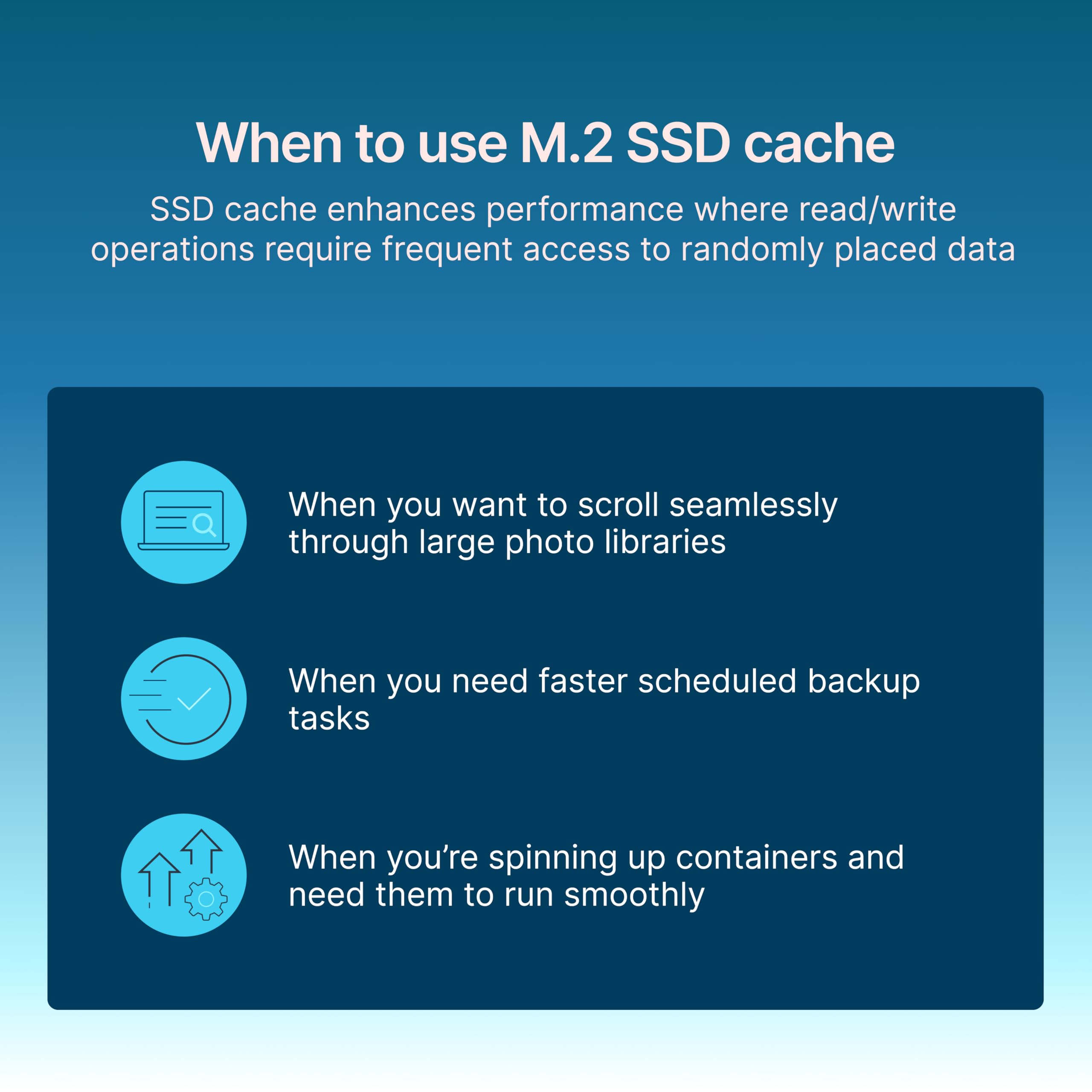
The Synology SNV5420-400G is a 400GB M.2 NVMe SSD engineered specifically for Synology NAS systems, delivering ultra-high sustained 4K random read/write IOPS (660,000/120,000), blazing transfer speeds up to 3,000MB/s read, and robust endurance rated at 700 TBW. Designed for intensive caching and 24/7 high-concurrency workloads, it features power loss protection, TRIM support, and automatic firmware updates, all backed by a 5-year limited warranty to ensure enterprise-grade reliability.


| ASIN | B0CGHQNSS5 |
| Additional Features | PLP (Power Loss Protection), TRIM Support |
| Best Sellers Rank | #480 in Internal Solid State Drives #6,646 in Computer Internal Components |
| Brand | Synology |
| Color | Black |
| Compatible Devices | Synology NAS |
| Connectivity Technology | Ethernet, USB, eSATA |
| Customer Reviews | 4.4 out of 5 stars 31 Reviews |
| Data Transfer Rate | 3000 Megabytes Per Second |
| Digital Storage Capacity | 400 GB |
| Enclosure Material | Nand Flash |
| Form Factor | M2 |
| Hard Disk Description | Solid State Drive |
| Hard Disk Form Factor | 22 Millimeters |
| Hard Disk Interface | PCIE x 4 |
| Hard-Drive Size | 400 GB |
| Hardware Connectivity | PCI Express 3.0, PCIE x 4 |
| Installation Type | Internal Hard Drive |
| Item Dimensions L x W x Thickness | 3.15"L x 0.87"W x 0.14"Th |
| Item Weight | 0.02 Pounds |
| Manufacturer | Synology |
| Media Speed | 650MB/s |
| Model Name | SNV5420-400G |
| Model Number | SNV5420-400G |
| Number of Items | 1 |
| Read Speed | 3000 Megabytes Per Second |
| Special Feature | PLP (Power Loss Protection), TRIM Support |
| Specific Uses For Product | Business, Personal |
| UPC | 846504006182 |
| Unit Count | 1.0 Count |
| Warranty Description | 5 year |
O**O
SSD that just worked in my DS425+
Received new part with latest firmware. Worked just fine
A**R
Good but pricey drive
It works well, with high speed and easy installation, but it is overpriced. The problem is that Synology doesn't allow you to use NVMe drives that are not their brand.
V**N
no
read/write speed better
R**S
Working well
Seems to be working well. Easily installed and setup went smoothly. Now using as Volume 2 - SHR-1 and running VM with good response.
C**R
Limited support with newest OS, the AI functionality is mediocre, and deleting popular functions
Synology’s Own Apps Don’t Work With DSM 7’s “modern” security selected. One of the reasons I went with Synology was their supposedly superior software. Surveillance station's functionality was severely hampered with the recent update to DSM 7.2.2 (removed h.265 codec support). DS Video has not been updated in two years and will not work if the NAS security is set to modern. DS video has other interface and CODEC issues, but it is pathetic that Synology hasn’t even updated the ciphers used in its software so that “modern” security cannot be used on Synology’s NAS. Now Synology is deleting applications and core functionality (h.265 codec support) for "performance." Never buying another Synology. The whole point of paying a premium for Synology is their software, not their years old sub-par hardware. Synology removing h.265 support over a ~$1 per device license fee is unacceptable. Turning to Synology photos, despite 30,000+ images, the AI only recognized the subjects in less than 500 photos, and then much of the recognition was wrong. It did much better with faces, but leaves much room for improvement.
T**D
Not for the average Joe
"I'm totally undecided about the Synology DiskStation DS923+ 4-Bay NAS Enclosure Server. While it’s packed with features like the AMD Ryzen R1600 Dual-Core processor and 8GB of DDR4 RAM, I don’t feel it’s a great backup option for your average Joe. If you’re someone with a lot of technical experience, the additional bells and whistles might be appealing, but for someone like me, who isn’t as tech-savvy, it feels overwhelming. I also dislike that they charge extra for automatic photo updates—it feels like a feature that should be included. I’ve heard it’s possible to create a reverse DNS at no cost, but I’m completely lost on how to do that. Overall, this might be a fantastic product for advanced users, but for beginners, the learning curve is steep, and the added costs for some features are disappointing."
R**B
that pic
Nice dirty picture of the back side! The photo guy phoning it in :)
A**S
Way to pricey comapred to the market
It's just an NVMe device. And the problem with Synology is they FORCE you to buy their NVMe and just don't allow any other brand. Ridiculous restriction.
Trustpilot
5 days ago
2 weeks ago