We remain fully operational. Our teams are working around the clock to ensure your deliveries continue safely.

DOWNLOAD THE APP


Customer Services
Copyright © 2025 Desertcart Holdings Limited
DOWNLOAD THE APP
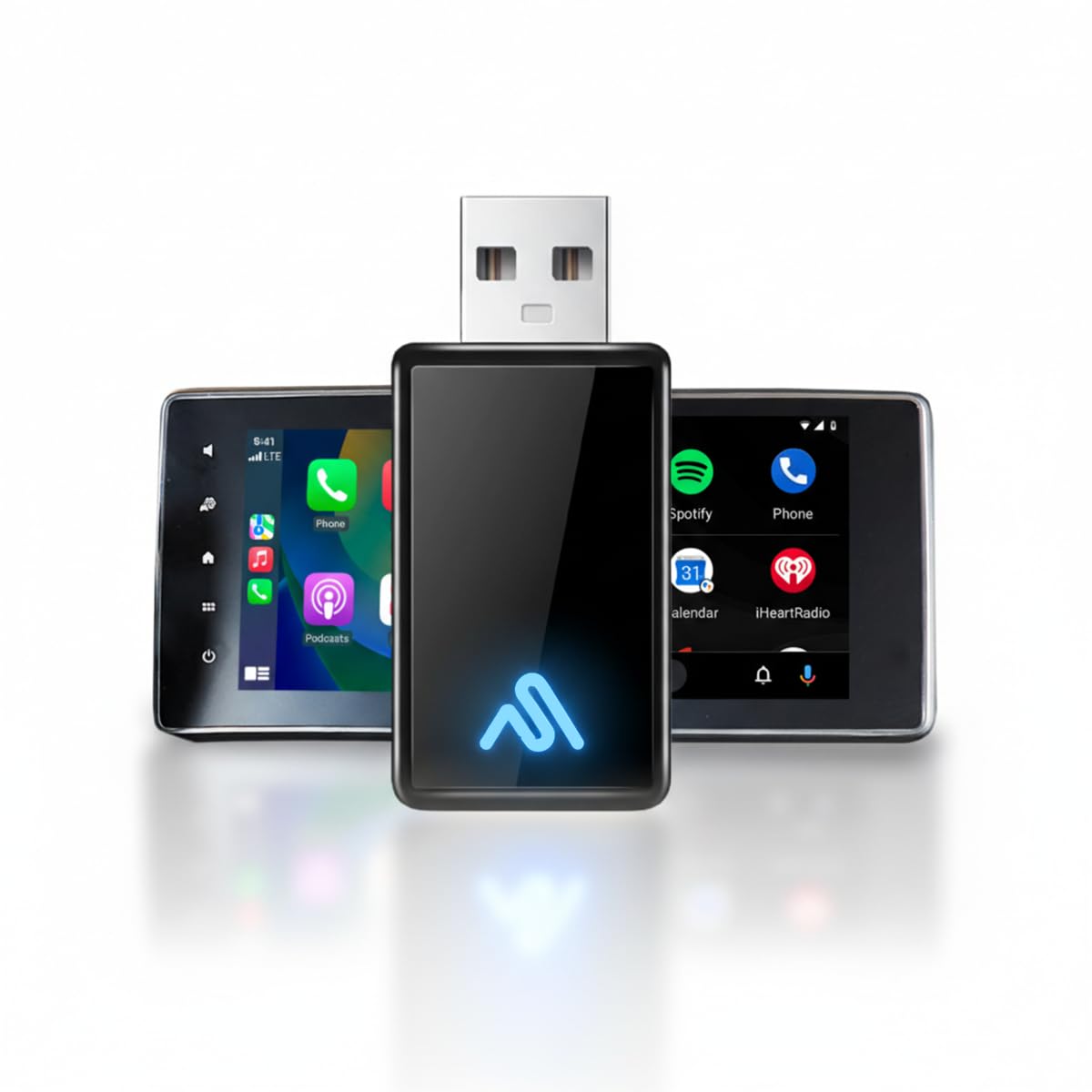
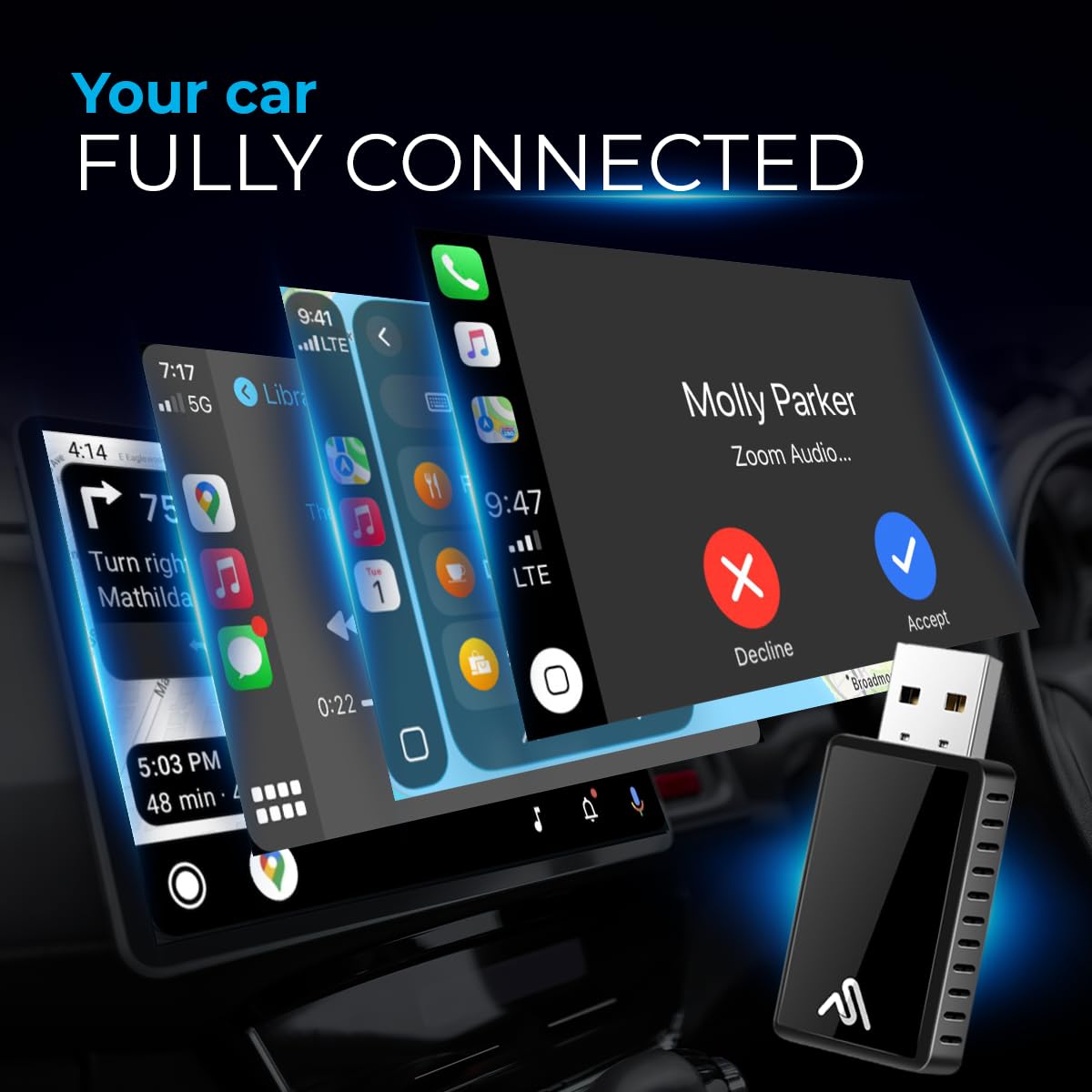
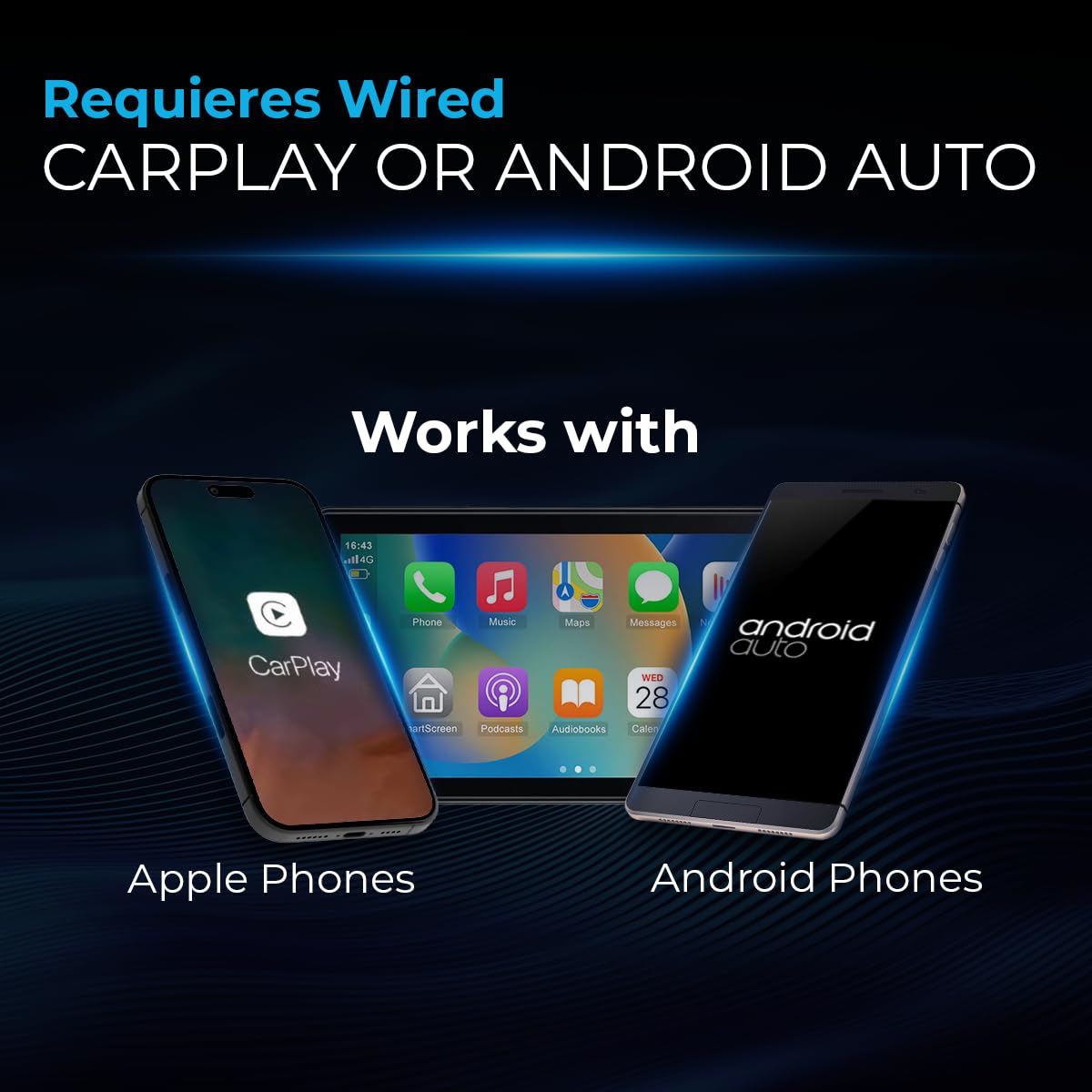
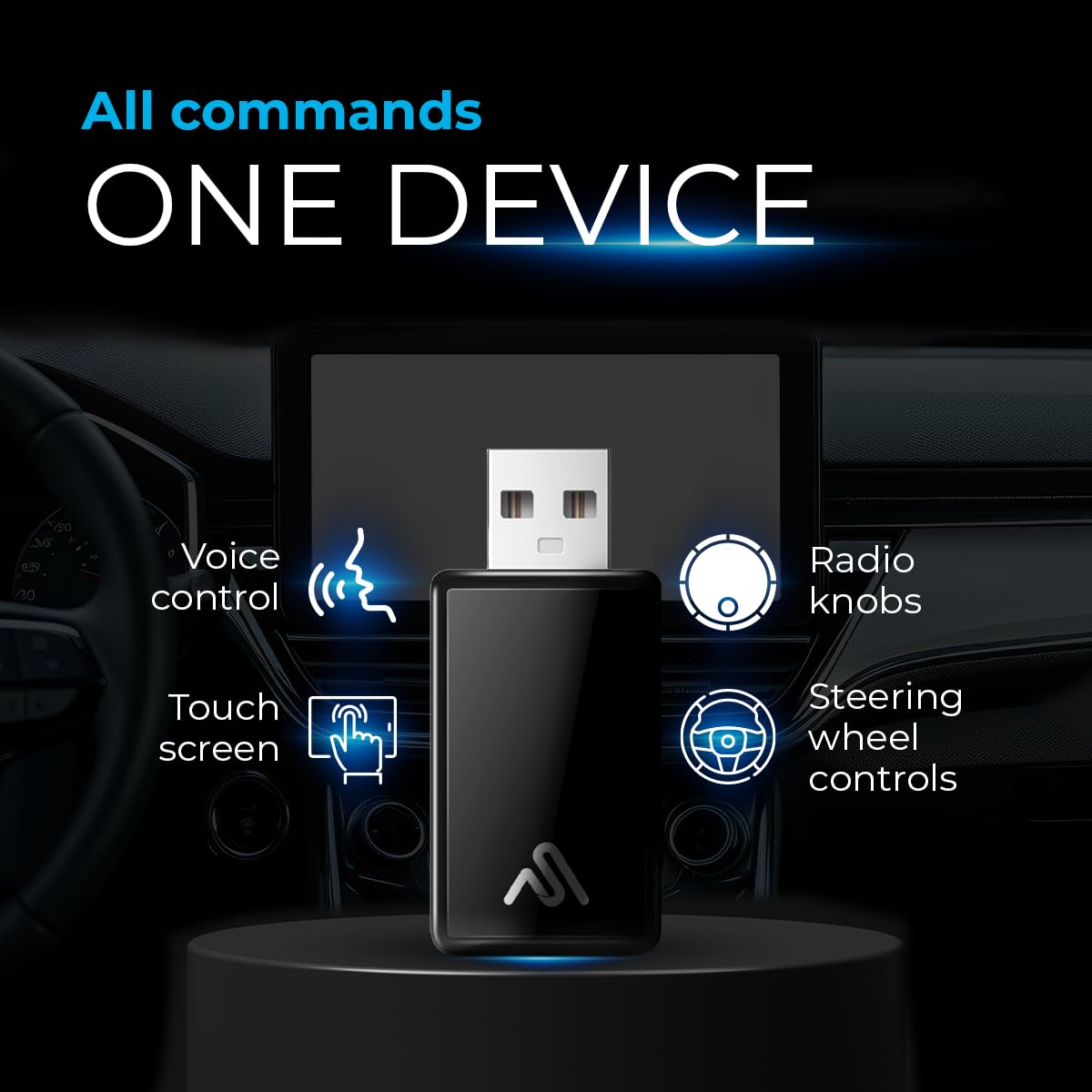
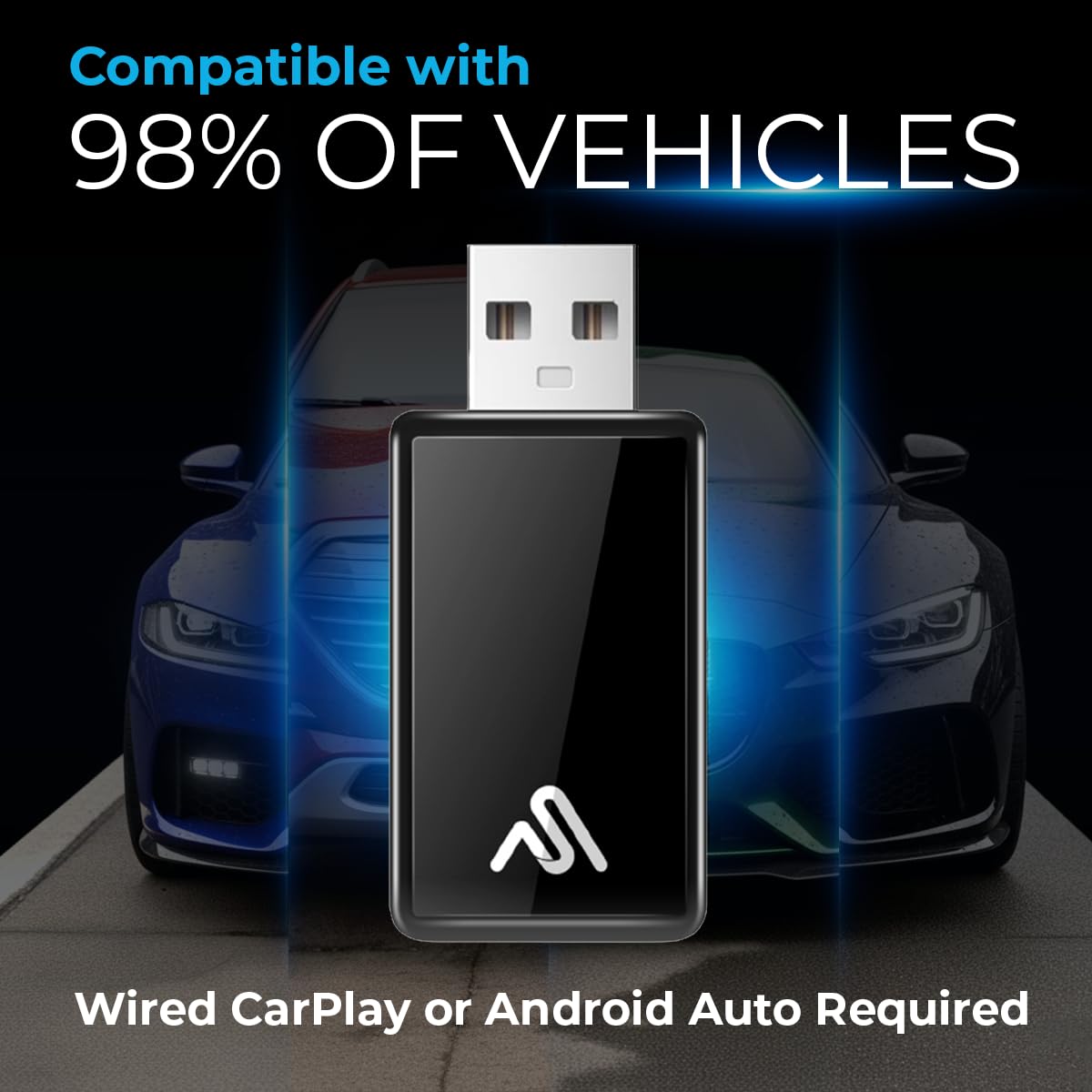
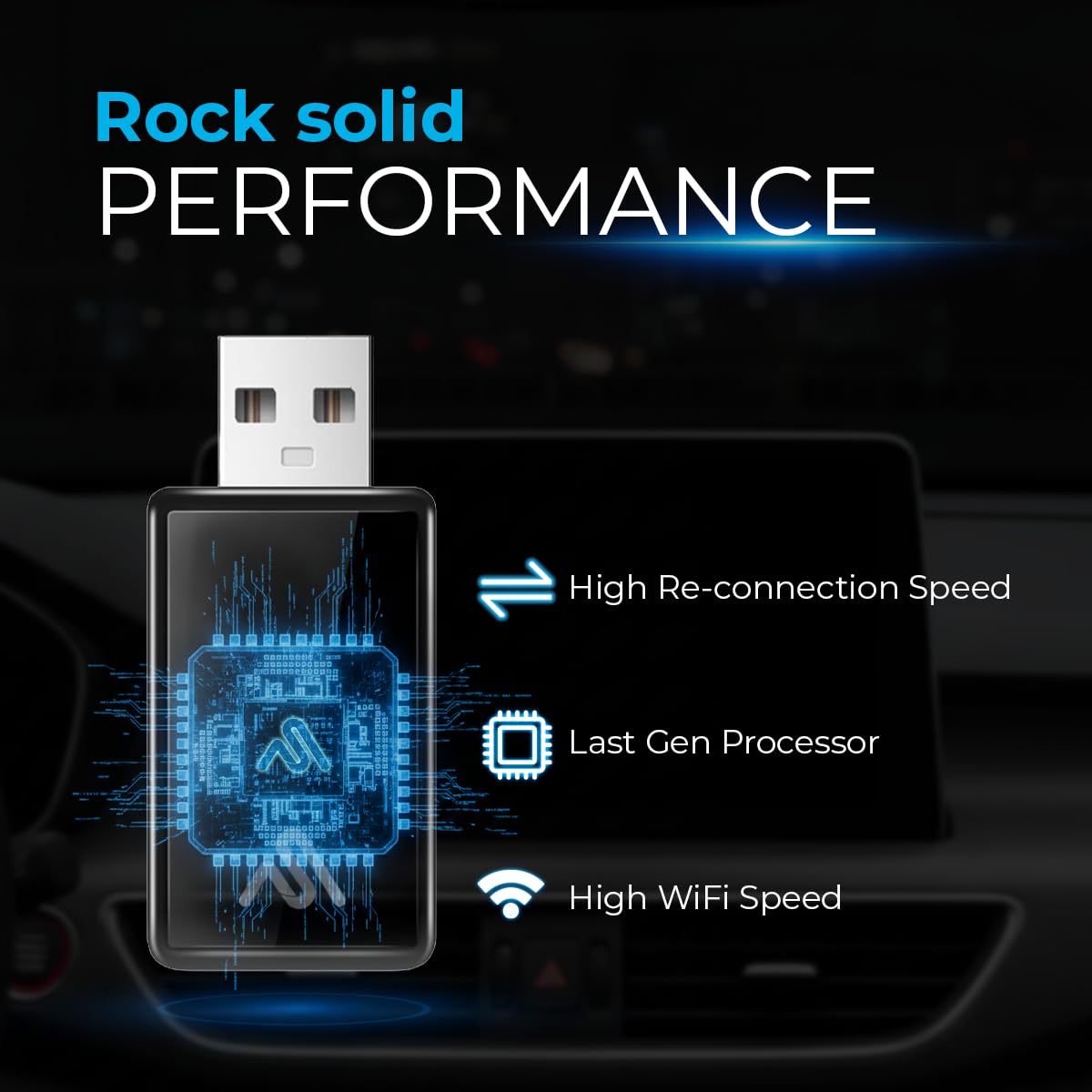
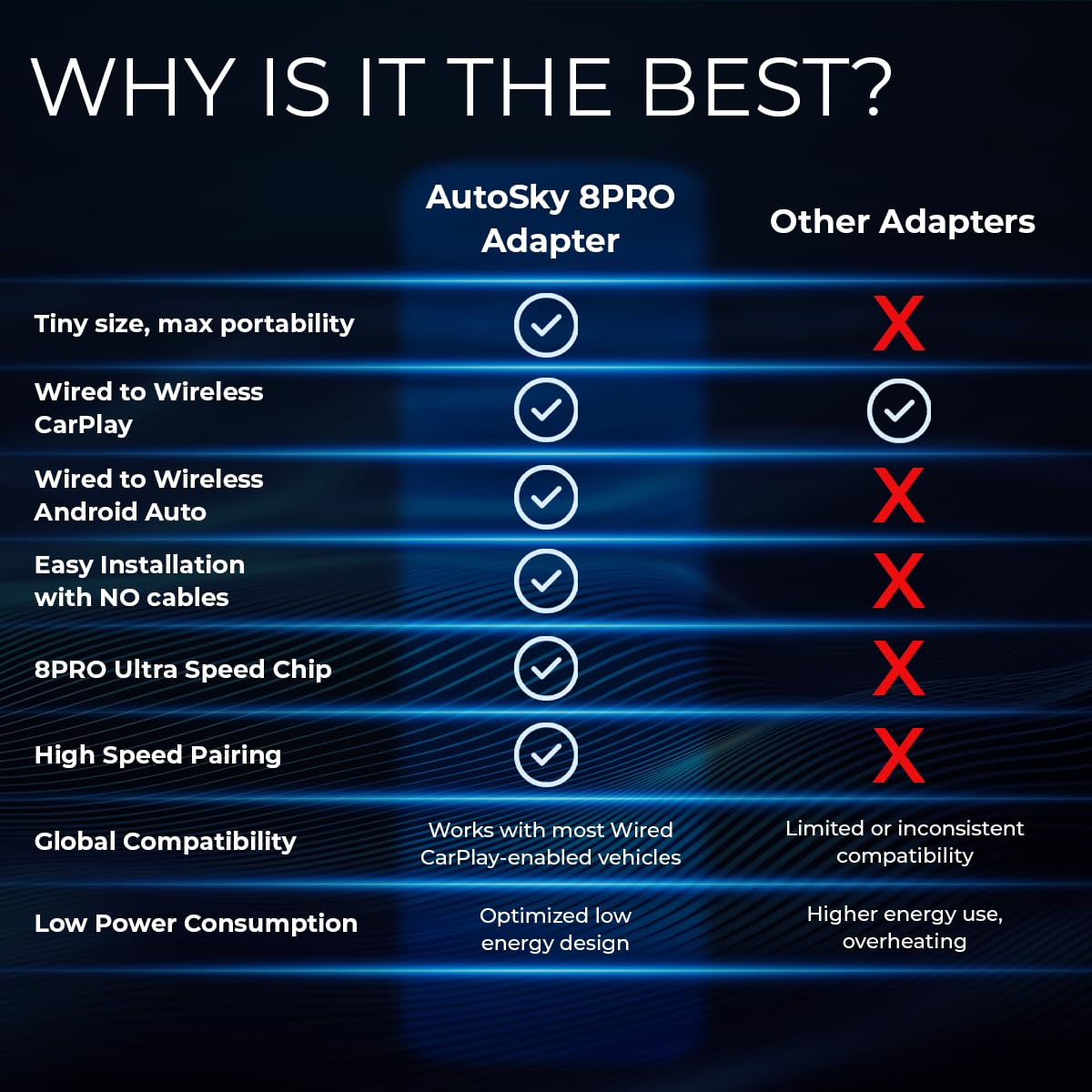
🚗 Cut the cords, not the connection — wireless CarPlay made effortless!
The AutoSky WUA-8PRO Wireless CarPlay Adapter transforms any factory wired CarPlay or Android Auto system into a wireless powerhouse. Featuring an ultra-fast 8PRO chip and Bluetooth 5.3, it ensures stable dual-band connectivity with plug & play simplicity. Its compact, elegant design keeps your dashboard clean while delivering seamless auto-reconnect functionality for a premium in-car infotainment upgrade.


| ASIN | B0C6BQWLJ8 |
| Best Sellers Rank | #6,087 in Car Electronics Accessories |
| Customer Reviews | 3.9 3.9 out of 5 stars (864) |
| Date First Available | May 25, 2023 |
| Item Weight | 0.106 ounces |
| Item model number | WUA-4 |
| Manufacturer | Promaster Electronic LLC |
| Product Dimensions | 1.97 x 0.98 x 0.39 inches |
K**R
Easy to use
I received this adapter a few days ago. Immediately plugged it into my Subaru Forester and connected via Bluetooth. It fired up and has run every time I have gotten into the car and started the engine. I used the QR code on the “Users Manual” ( which is just a slip of paper with a few instructions and the QR code) to update the software. The download completed quickly and that was it. A couple of things while I’m talking about the software download… 1) The website mentions updating the adapter and how it may freeze at 1% while installing. This is exactly what happened. I ended up taking it to the house and plugging it into my desktop computer. I then accessed the adapter via my phone, had it download the update and then it automatically installed the update. Woo Hoo! 2) Some have mention it takes a while for adapter to start. If you look around while in the access screen, you’ll find a section that lets you choose the time delay. Default is 20 seconds. I changed mine to 15 seconds, which gives me time to watch all my other Subaru electronics start and stabilize first. So far it is a very good unit and works well. Update: The device failed after a few weeks of use. It locked up while turning on and just froze. Reboot the radio, unplug and plug in again, nothing worked. So I returned it and got another one. So far, so good. We shall see how this one goes. BTW… the timing delay on this one was factory set to 0 seconds, so I left it there.
G**Y
Excellent Product!!
First off, I’m a detail guy and this is how I’d want someone to rate a product like this for usefulness, generally. I’m not ULTRA detail in terms of ACTUAL speeds the unit functions with, but in terms of general life usage and ease, I want reviews to give an idea of the daily use of the product. Here are my thoughts on this product after a few months of using it. It works really well and faster than the previous unit I had for the same application in terms of “start up”. I like that it’s small and stays out of the way for where my CarPlay USB port is in my car. I love having wireless CarPlay as most of my driving is within the city I live, so I don’t need the extra step of having to plug my phone into the cable every time I get in my car. For longer trips, I’ve got a wireless charging option setup with an Apple wireless charger mounted in a vent clip that is fitted for it - the apple charger is plugged into the vehicle’s lighter port inside the console with a USB/USBC lighter plug adapter. My wife also uses her phone with the CarPlay adapter. If I’m not in the car, it connects to her phone by simply selecting the unit in the Bluetooth list. She’s not techie and never has problems connecting to it. If she’s used it most recently, I’d first select this unit in the Bluetooth list when I get back in the car and it’s actually as simple as selecting it in that list and waiting for it to do it’s thing in recognizing the phone. If only one user is using the unit, it will connect automatically every time you get in the vehicle without having to go to the phone’s Bluetooth list. It’s also faster in terms of functionality than the previous unit I was using for the same application related to accessing and utilizing CarPlay apps. I’d recommend it!!!
T**N
Worked fine...until it didn't
Setup was super simple and probably took under a minute. I have not noticed the lag or decrease in audio quality that some others have mentioned. That said, it has failed to recognize my phone when I have started my Jeep Wrangler a couple of times. It is very easy to "forget" the device and re-pair it. However, this is a minor annoyance and the reason I deducted a star. I do think it is a good value for the price I paid, and I am overall pleased with this product. UPDATE: Worked fine for 32 days and then stopped. Updated software to no avail. I am two days outside the return window (of course), so I guess I am just out 40 bucks.
A**R
AutoSky Wireless Adapter works on a 2023 Harley Davidson RGL
I would have given this 5 stars but I had trouble getting it to connect to my motorcycle. I got it to work but the instructions were not straight forward. Here are a few things that may help someone else. Your iPhone must connect to the autosky adapter via a Wi-Fi connection. I followed the instructions multiple times and got frustrated with the server stopped responding error message enough to contact the Mfg. but before they could contact me, I got it to work. I decided to connect my adapter to my computer to ensure constant power is available to the adapter. Connect to the server by connecting your iPhone to the adapter via Wi-Fi and Bluetooth. Connection to both must be done before you can connect to the AutoSky server. Once I did this, the adapter page came right up. Scroll down to the Upgrade menu and if there is an update for your adapter, select it to start the download. Once successfully completed, unplug your adapter and plug it back it. If you want to, you can recheck the server page but I don't think it was really necessary. Once my adapter was updated, I went back to the garage and plugged it into my motorcycle. Don't forget that you must connect to the adapter via it's Wi-Fi connection. This time, you only need to make that Wi-Fi connection. The Carplay screen came up within seconds. The rest is history they say. Carplay was working flawlessly. I turned my bike off and waited a minute or two and turned it back on. Carplay came up within seconds. In short, once you get your adapter updated, only if needed, connect your iPhone to the adapter via the WI-Fi connection, you should be able to see the carplay screen at this point. One last thing. In case other HD motorcyclists aren't aware of this, the Carplay plug in adapter/connector must be connected to the WHIM connector under your front fairing. This plus the AutoSky wireless adapter works to get Carplay on our 2019 and up bike. Good luck guys. This thing rocks.
P**X
Been using this adapter in my Hyundai i30N for 5 weeks by now and had no problems so far. Bought this for its slim design, which makes the interior look tidier. Set up was done in 3 minutes and it automatically connects reliably every time I step into my car. Only downside of using ANY Bluetooth adapter is having a slight input delay, which you get used to though.
T**E
A few months on and its still working. Takes about a minute to boot up but has worked every time I get in the car so far. In my car its hidden away in the glove box.
N**I
Perfect solution for wireless CarPlay. Connects automatically, works seamlessly.
A**R
Worked flawlessly in my truck. Easy to setup. I recommend this for a wireless setup.
L**Z
BUEN PRODUCTO, SOLO QUE EL PRIMER DIA DEBES INSTALARLO COMO 2 VECES POR QUE NO LO RECONOCE CON UNA SOLO VEZ
Trustpilot
1 month ago
1 month ago