

Desert Online General Trading LLC
Dubai, United Arab Emirates
Desert Online General Trading LLC
Dubai, United Arab Emirates

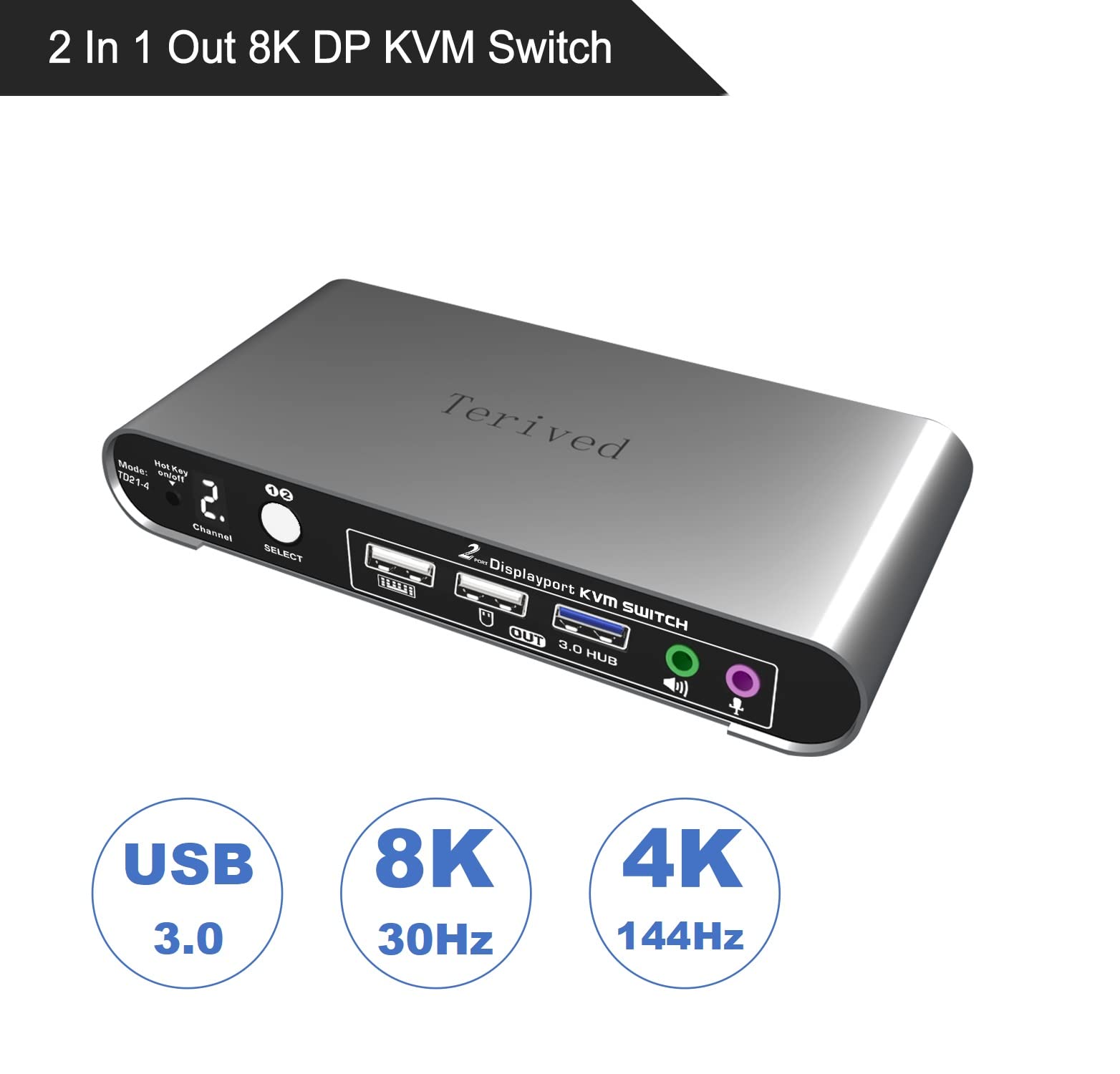

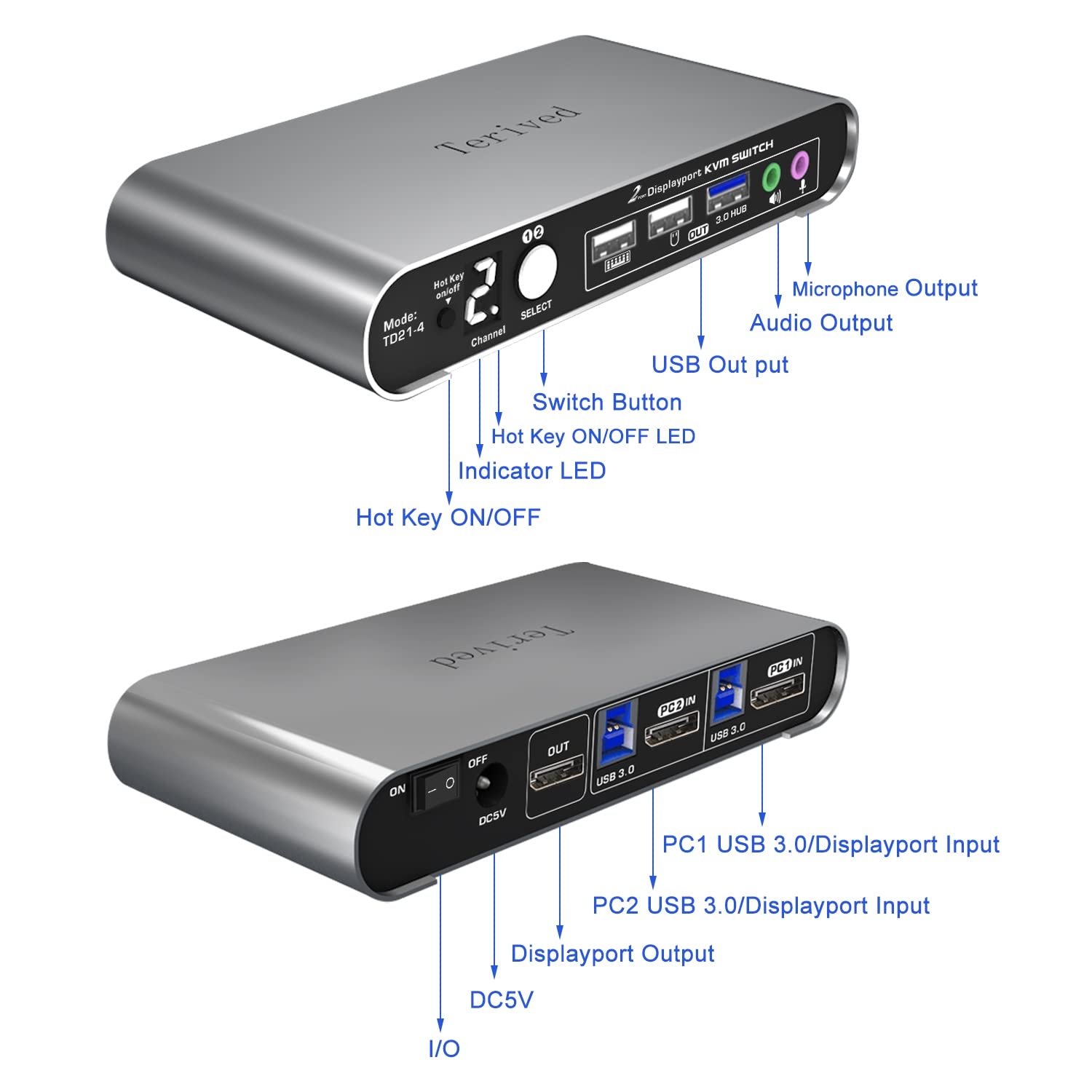


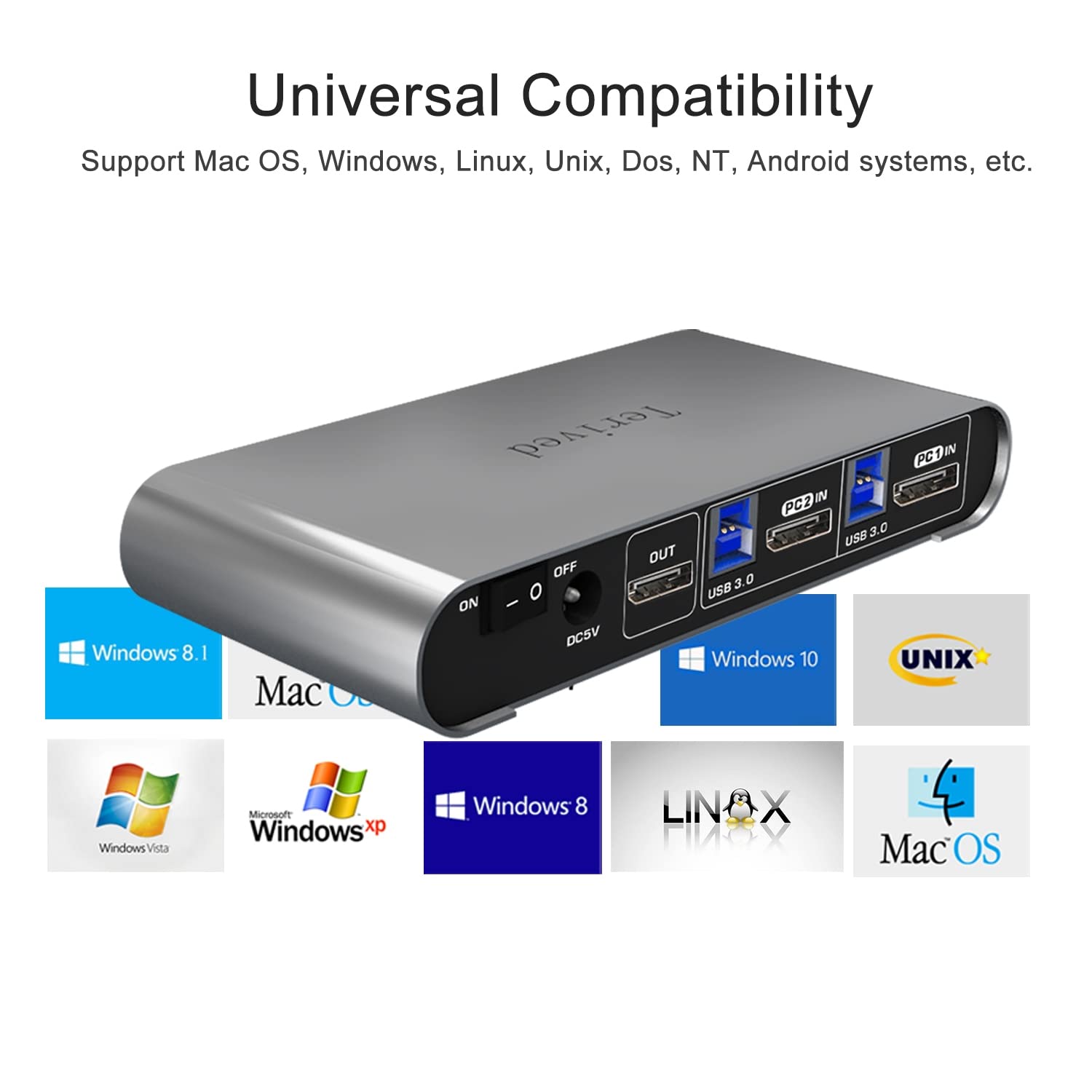
🔄 Switch it up with style!
The 2 Port DP USB 3.0 Automatic KVM Switch allows you to control two DisplayPort computers with a single monitor, keyboard, and mouse setup. It supports high resolutions up to 8K@30Hz and 4K@144Hz, features a durable aluminum alloy shell, and includes a digital display for easy channel visibility. With USB 3.0 data transfer speeds of up to 5Gbps, this KVM switch is perfect for professionals seeking efficiency and performance.


K**J
Effortless Multi-Computer Management
Upgrade your workstation with the Terived 4 Computers 1 DP Monitor Automatic KVM Switch, the ultimate solution for seamless multi-computer management. This innovative device allows you to control up to four computers using a single display and keyboard/mouse setup, streamlining your workflow and maximizing efficiency. Discover the convenience and versatility of the Terived KVM Switch and take your productivity to the next level.Effortless Multi-Computer Control: The standout feature of the Terived KVM Switch is its ability to control up to four computers using a single DP monitor, keyboard, and mouse. With the push of a button or via automatic switching, you can easily switch between computers and access their desktops without the need for additional monitors or peripherals. Whether you're multitasking between different projects or collaborating with teammates, the Terived KVM Switch makes it easy to manage multiple computers from one central workstation.Automatic Switching: The Terived KVM Switch features automatic switching functionality, allowing you to focus on your work without interruptions. Simply set your preferred switching mode – whether it's manual, hotkey, or auto-scan – and let the KVM Switch handle the rest. When you need to switch between computers, the KVM Switch automatically detects the active input and displays it on your monitor, ensuring a seamless and uninterrupted user experience.High-Definition Display: Enjoy crystal-clear visuals and vibrant colors with the Terived KVM Switch's support for DP (DisplayPort) monitors. With its high-definition display capabilities, the KVM Switch delivers sharp and detailed images, making it ideal for graphic design, video editing, gaming, and other visually intensive tasks. Whether you're working on spreadsheets, watching videos, or editing photos, the Terived KVM Switch ensures that every pixel is rendered with precision and clarity.Plug-and-Play Setup: Setting up the Terived KVM Switch is quick and easy, requiring no additional software or drivers. Simply connect your computers and peripherals to the KVM Switch using the included cables, and you're ready to start working. The KVM Switch supports a wide range of operating systems, including Windows, macOS, and Linux, ensuring compatibility with your existing hardware and software setup. With its plug-and-play functionality, the Terived KVM Switch gets you up and running in minutes, so you can focus on what matters most – your work.Space-Saving Design: Designed with efficiency in mind, the Terived KVM Switch features a compact and space-saving design that fits seamlessly into any workstation. Its sleek and modern aesthetic complements any desktop setup, while its lightweight construction makes it easy to transport between different workstations or office locations. Whether you're working in a home office, corporate environment, or on the go, the Terived KVM Switch provides the versatility and flexibility you need to maximize your productivity.Reliable Performance: Backed by advanced technology and engineering expertise, the Terived KVM Switch delivers reliable performance and long-lasting durability. Built to withstand the demands of daily use, this KVM Switch is made from high-quality materials and undergoes rigorous testing to ensure optimal functionality and reliability. With its proven track record of performance and reliability, the Terived KVM Switch is the ideal choice for professionals who demand the best from their workstation accessories.In conclusion, the Terived 4 Computers 1 DP Monitor Automatic KVM Switch is a game-changer for anyone looking to streamline their workstation setup and maximize productivity. With its effortless multi-computer control, automatic switching functionality, high-definition display support, plug-and-play setup, space-saving design, and reliable performance, the Terived KVM Switch offers unbeatable convenience and versatility for managing multiple computers from a single workstation. Upgrade your setup with the Terived KVM Switch and experience the difference it can make in your daily workflow.
S**N
Works as advertised, at least initially.
The media could not be loaded. FYI, this account is my wife's amazon account.Ok, so this is a preliminary review basically immediately getting it all installed. I have three computers attached: one is a 2013 macbook m3 for work, one is a gaming pc for home/personal, and a raspberry PI 4 for hobby stuff. Mouse / keyboard attached to front panel of KVM, and in the hub port I have a display link switch. Right now only running one hdmi through the hub KVM and letting the display link handle the other monitor. The RPI is using one hdmi connect.Unit is small but well built and nice looking. Took me a little while to get all the kinks worked out. One huge gotcha is that the monitors take a while to integrate the unit the very first time so be patient. Suggest hooking things up slowly and test as you go. Also, the hdmi ports and cables are very stiff so make sure they are plugged all the way in. Some information such as a full list of shortcuts is only in the manual and not online! Switching is is a bit pokey, maybe 10 seconds or so, sometimes less, sometimes more, especially if the computer logs itself out.DisplayLink (all graphics through USB driver) isn't terrible, but it adds cpu load and display lag, is slower to switch and has other minor headaches (especialyl for mac) so ideally everything runs through the KVM hdmi. In order to do that, I need thee cables: displayport to hdmi for gaming pc (nvidia only gives one hdmi), "micro hdmi" -> hdmi for rpi, and thunderbolt -> hdmi for mac. However, it's not clear if it's necessary...I need to use it for a while. My primary monitor is on wired hdmi.Keyboard shortcuts work fine for all three o/s (linux, win, mac) with no issues. I have had no issues with displays not switching or windows repositioning after switching back. I will follow up with an extended review, but if you are WFH and looking for a reasonably priced switching solution that supports > 2 monitors, then this is probably the product for you.
R**R
Broken by the third month of use
Purchased for home setup. It worked perfectly for the first month or so, by the second month it still worked but had a lot of glitches (e.g., 1 of the 2 monitors not connecting) but I was able to debug and figure out ways to getting the switch to function. However, by the third month of using the switch, it has stopped working completely. Regardless of how many times I've attempted to reinstall the entire setup or trouble shoot the switch. For something at this price point, you would expect it to last more than 3 months. Highly avoid.
Trustpilot
4 days ago
5 days ago
3 days ago
2 months ago