



❄️ Cool tech meets eye candy — your CPU’s new best friend!
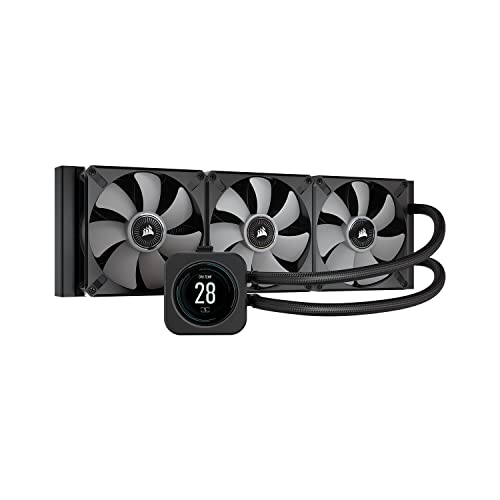
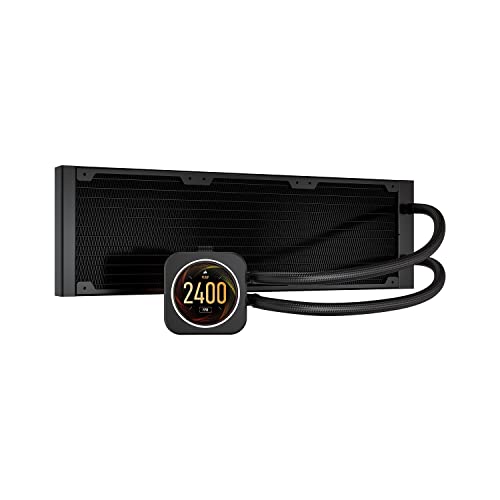
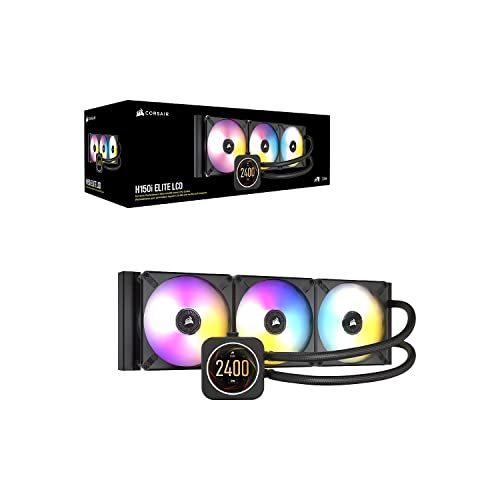
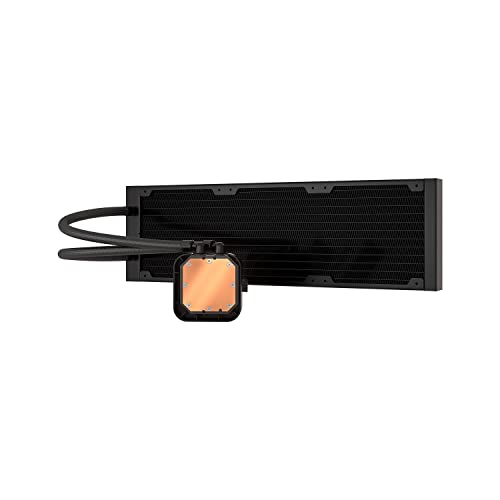
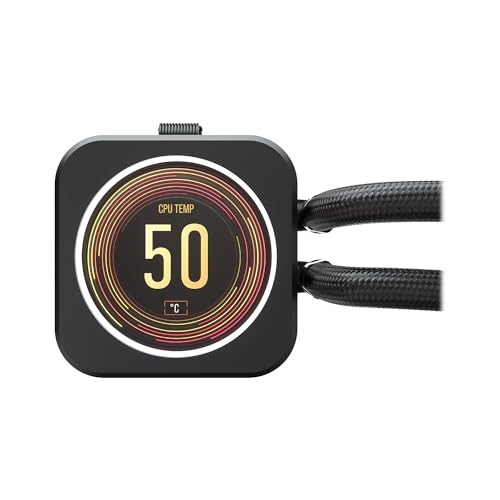
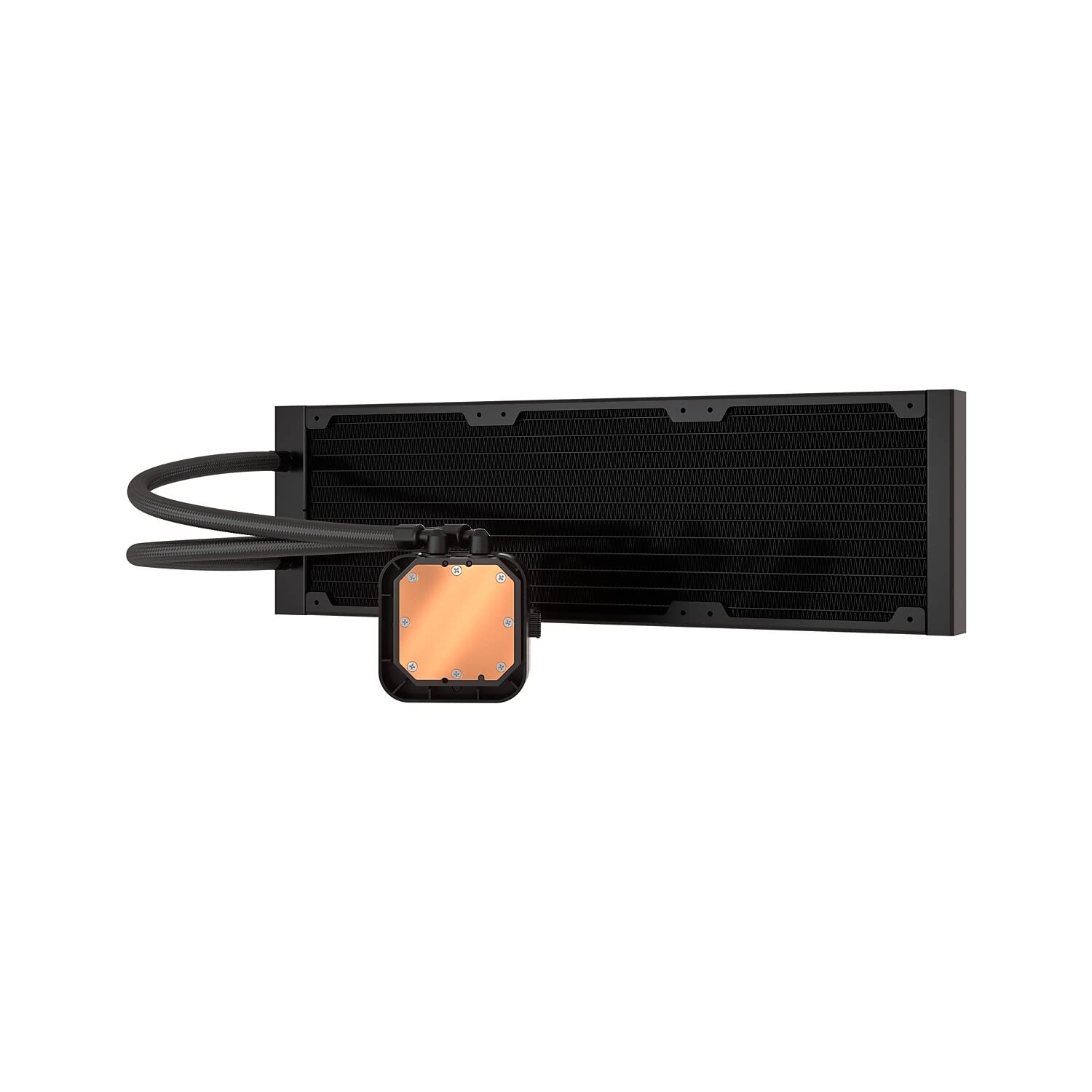
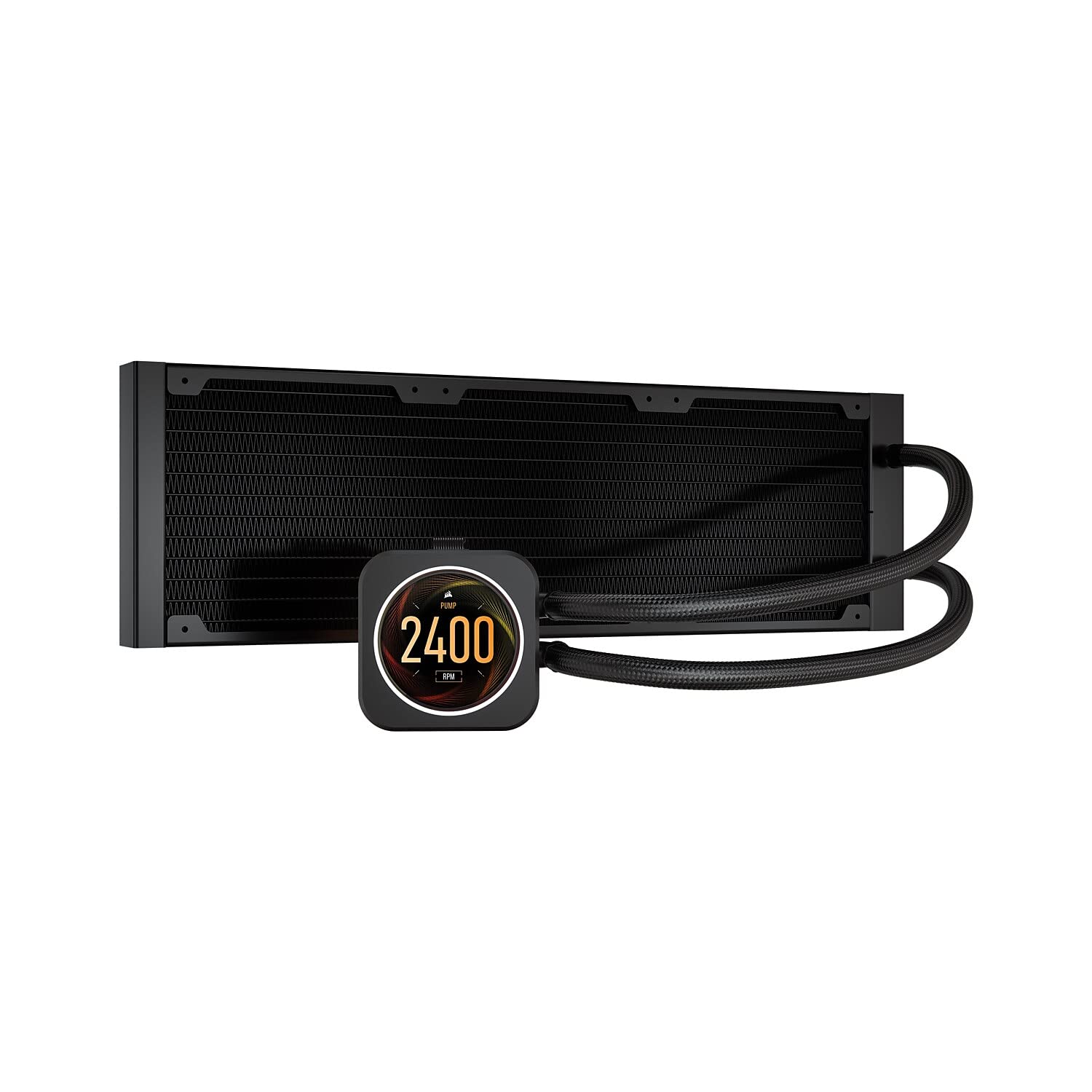
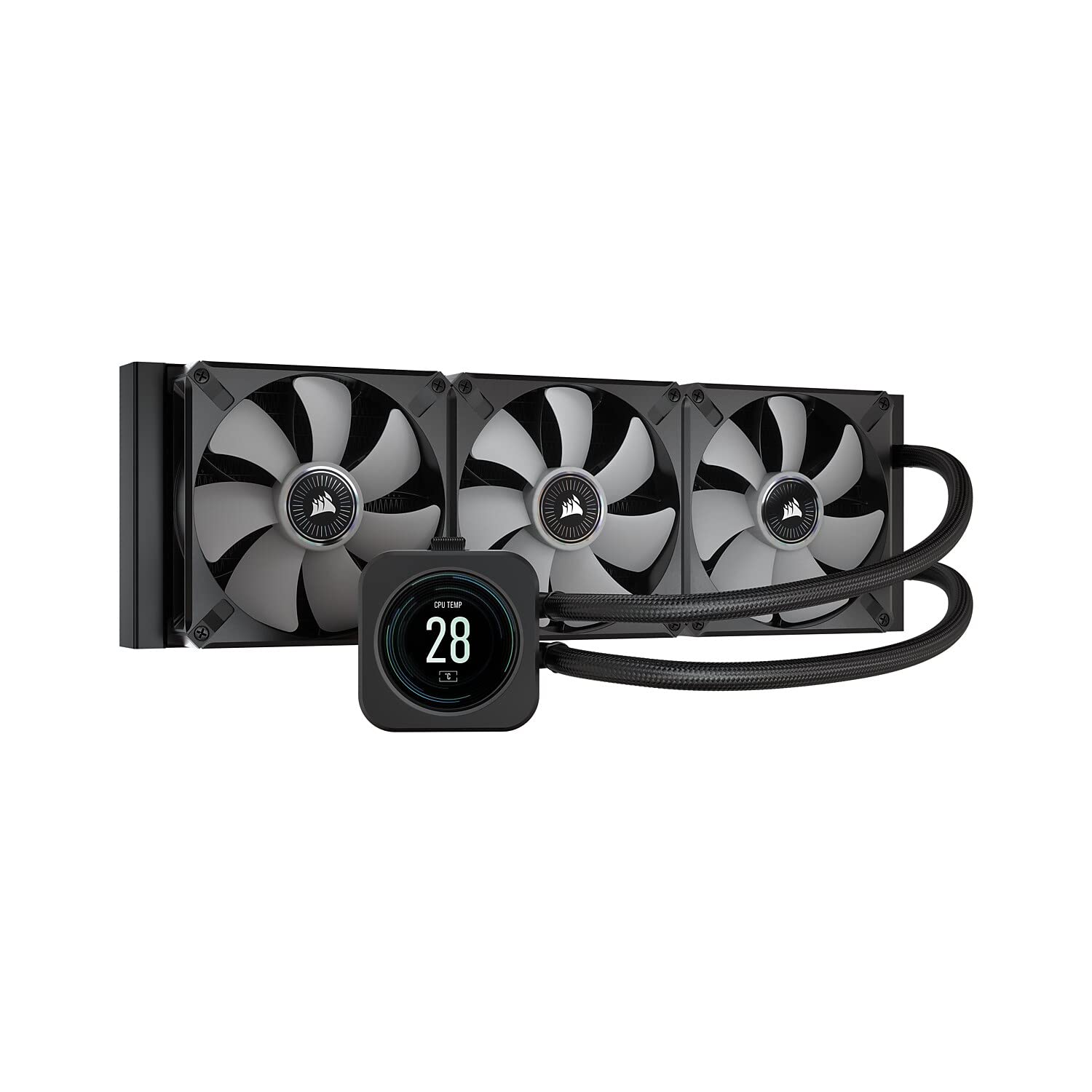
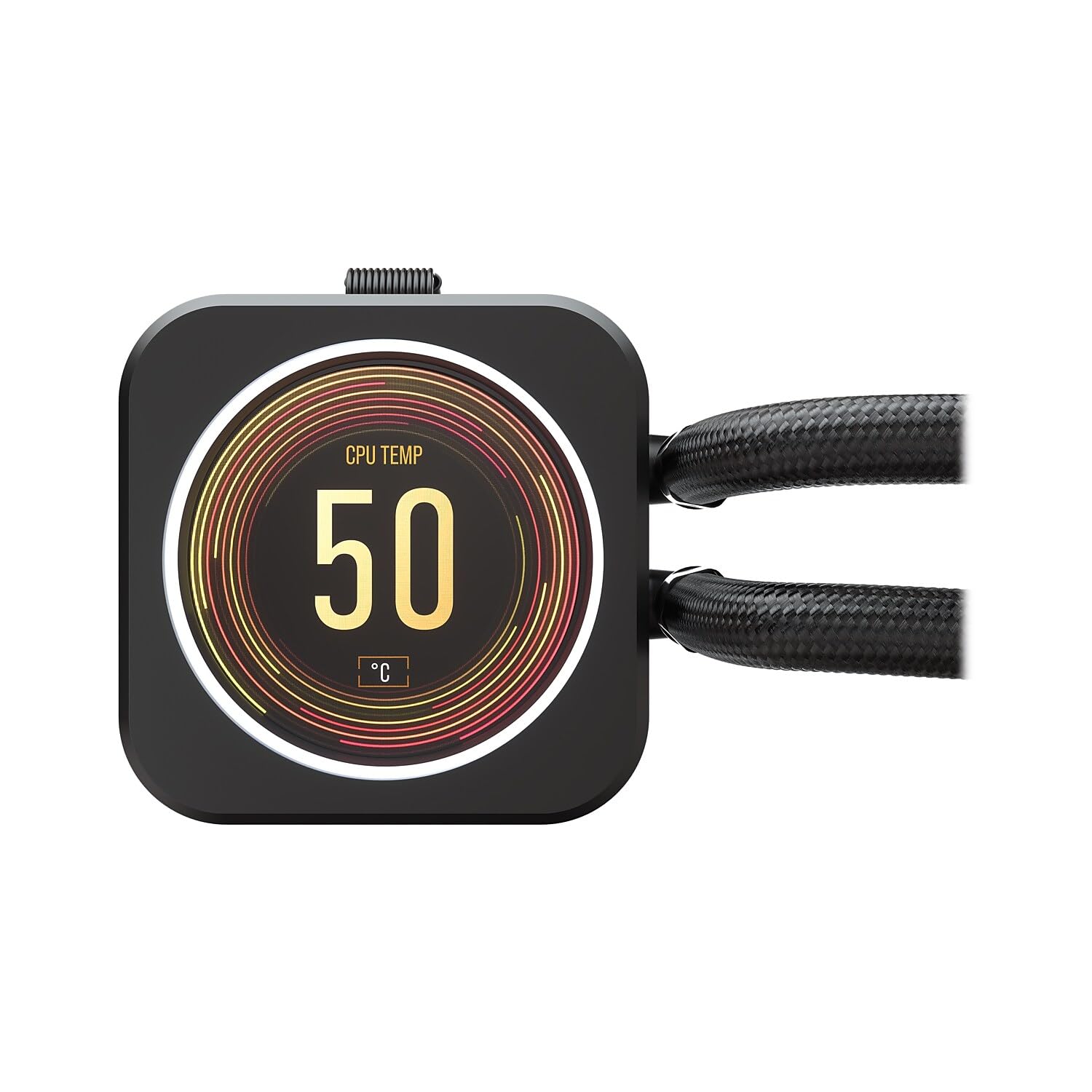
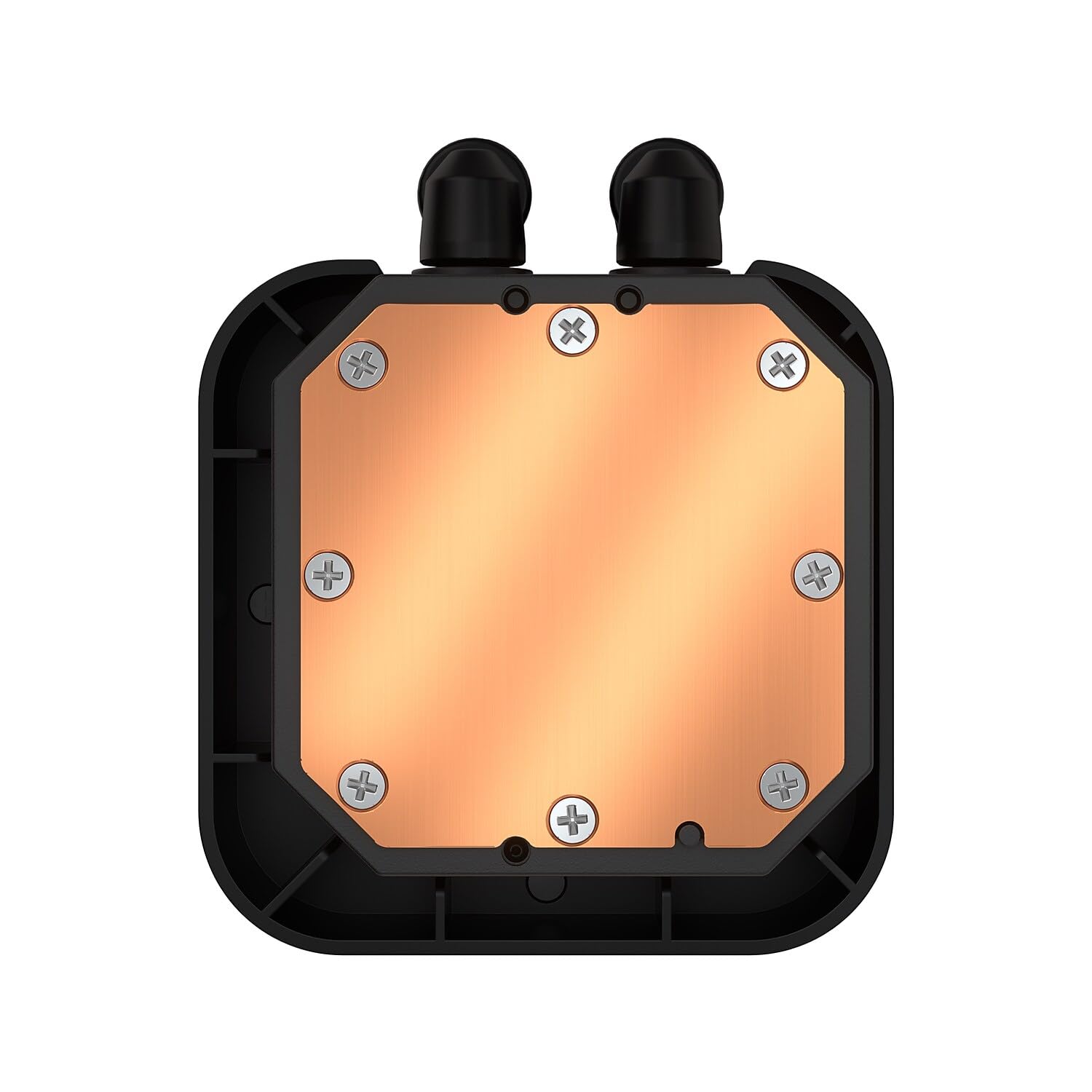
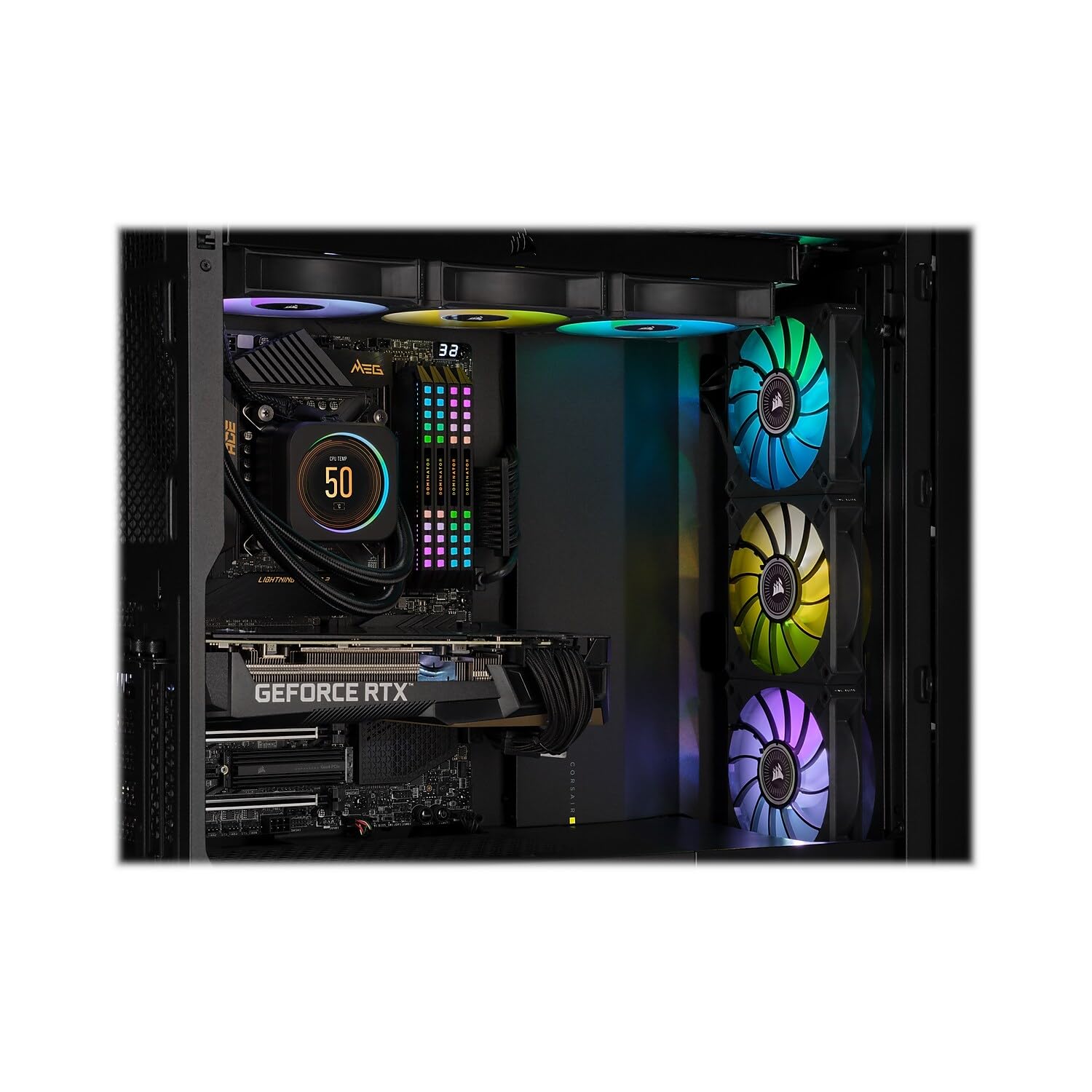
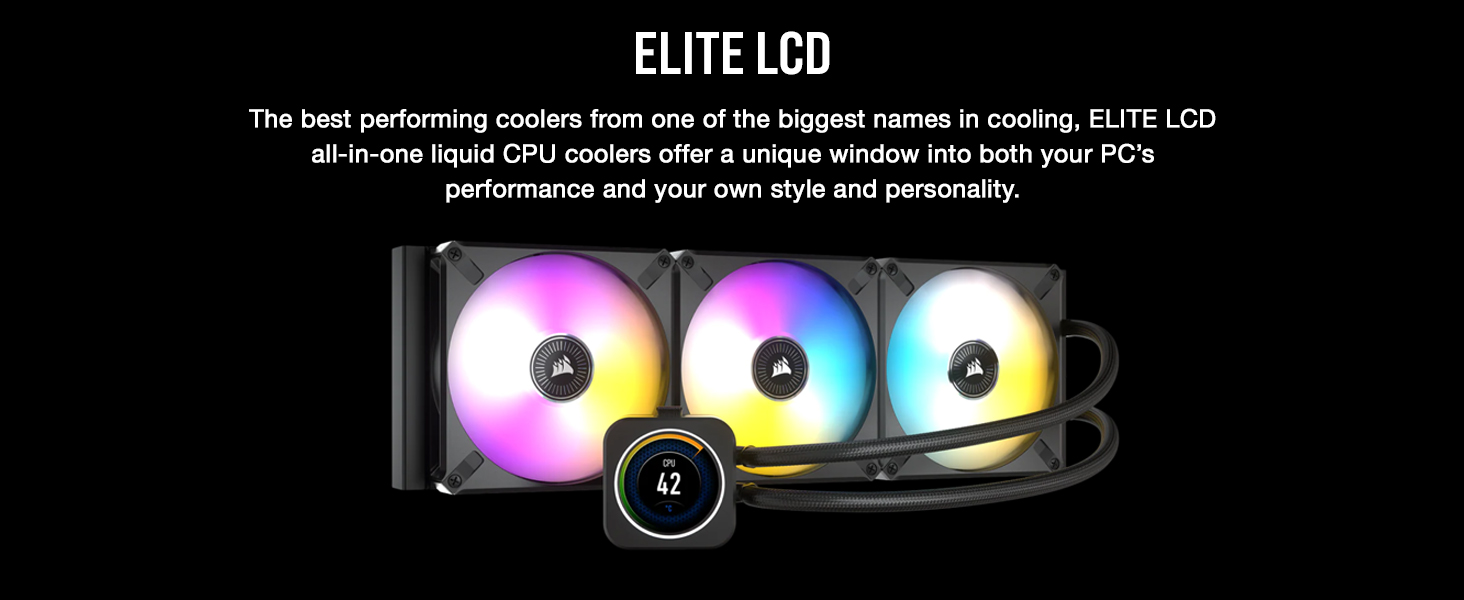
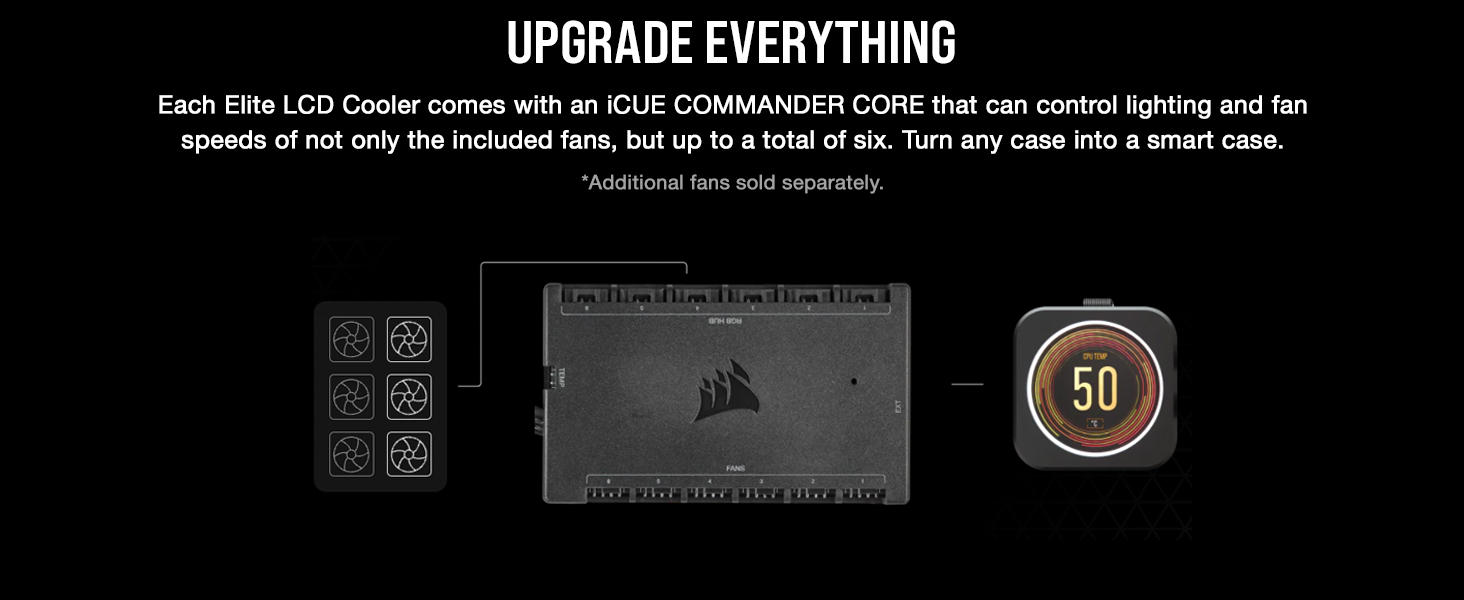
The CORSAIR iCUE H150i Elite is a premium 360mm all-in-one liquid CPU cooler featuring a customizable 2.1” IPS LCD display, 48 dynamic RGB LEDs, and three magnetic levitation 120mm fans. It delivers powerful, low-noise cooling with smart fan and lighting control via the Commander CORE and iCUE software. Compatible with a wide range of Intel and AMD sockets, it offers advanced thermal performance and personalized system monitoring, making it a top-tier choice for enthusiasts seeking both style and substance.






| ASIN | B09HDWQKV8 |
| Air Flow Capacity | 174.3 Cubic Feet Per Minute |
| Best Sellers Rank | #215 in Water Cooling Systems |
| Brand | Corsair |
| Compatible Devices | Desktop, Graphic Cards |
| Cooling Method | Liquid |
| Date First Available | April 1, 2022 |
| EU Spare Part Availability Duration | 6 Years |
| Global Trade Identification Number | 00840006648147 |
| Item Weight | 2.57 pounds |
| Item model number | CW-9060062-WW |
| Language | English, English, English, English, English |
| Manufacturer | Corsair |
| Material | Aluminum, Copper |
| Maximum Rotational Speed | 2100 RPM |
| Noise Level | 10 Decibels |
| Number of Items | 1 |
| Power Connector Type | 3-Pin |
| Product Dimensions | 15.63"L x 1.06"W x 4.72"H |
| UPC | 840006648147 |
| Voltage | 12 Volts |
| Wattage | 3600 kWh |
E**S
Good at cooling. Mediocre software + accessories.
IF YOU HAVE ISSUES READ BELOW FOR SUGGESTIONS PROS:Works well in keeping my PC nice and cool. Normally temps hover at 31C and when gaming, it can go up to 60C. CONS:There is a lot left to be desired with everything else that comes with the cooler and software. This set up is also VERY sensitive to cables not plugged in + how much power is flowing in said cables. And what makes it more annoying is that it will try to run but then give errors on everything but the actual cause of the error. IF YOU HAVE AN ISSUE WITH: >LCD screen option not showing on iCUE Stop using the provided usb splitter. Plug the 9 pin cable directly into the USB slot on the mobo. On my mobo, there were two USB slots directly below the RAM slots and towards the very edge of the board. If your slots are already full, someone on reddit claimed that a pin to usb cable and plugging into a 3.0 USB worked for them (they linked to a 5 pin connector but this is a 9 pin, tread at your own pace here). >Pump failure (only if the CPU is not overheating) When this happened to me, a red icon appeared on the LCD screen and the fans kicked into overtime. I knew the pump didn't die because my system was not overheating. I found a solution from a cosair representative on Reddit and did the following: Shut down your PC > Turn off the power supply > Open up the PC > Secure the 20 pin connector on top of the commander core. In my case, I completely removed it and plugged it back in. This resolved my pump issues immediately. I would also double check all other connectors just in case. If your issue doesn't go away, Corsair *has* to be contacted for pump failures. >RAM, other devices not showing up on iCUE Again, reseating the cables on the commander core & plugging 9 pin into the mobo resolved this. >LCD turned black but shows in iCUE, other issues with RGB Usually solved by restarting iCUE. If you have other RGB software running (i.e Mystic Light, ASUS armory), go into iCUE settings > SDK > Device Control > uncheck iCUE control on the affected devices (it sounds contradictory but this will make iCUE run first). If that doesn't work, then block competing software under Application control in that same window (SDK). All in all, when *everything* is set up as mentioned above, it works fantastic. The RGB sometimes messes up but that could be because I have Mystic Light running at the same time.
M**N
You get what you pay for.
This got the full five stars save installation. That depends on your computer case, space, orientation, processor and experience. Existing systems, you're more than likely pulling out your motherboard. That said, Corsair provides you more than enough hardware for installation. Intel LGA 1700 hardware comes standard, as does older Intel, AMD and Thread Ripper. Corsair even includes the hardware in the box do do a push/pull radiator setup (which I did). So no trips to the hardware store looking for extra screws etc. Required connections: One pin (either pump or cpu fan) on motherboard used as a 'tach' wire to show the motherboard there is a cooler installed. On the motherboard USB connection (requires two but cooler comes with a USB splitter cable meaning you need only occupy one USB motherboard connection. Finally a SATA power connector, all three of which connections are present in most all even semi-modern computers. The Pump and three fans are run by an included commander module which can operate RGB and RPMs of up to six fans. Three fans are included with the kit for the radiator. These are magnetic levitation fans, meaning no bearings. This means no bearings, less noise, better RPM slew and quieter. IE the fan is 100 percent indepenant from the fan chassis. Corsair's free software ICUE is a must to control the RGB and the screen on the waterblock. The screen is very clear, supports .gif(s) and .jpeg(s). I have mine set to monitor CPU and GPU temp but all of this is easily changed should you like to set up lighting/performance profiles in the software. NOTE: The software seems a bit resource heavy and is a little tricky for beginners, but you're not going to blow anything up. Running the ICUE software is not required for this pump and fans to throttle/operate (as the motherboard can control them) but HIGLY recommended. I'd call it a MUST. If not, you're just wasting money. I include that because in the event the software fails, or something else goes wrong, the cooler will still function properly. NOTE: I found cable length for all connections to be more than long enough for a nice clean look in what I'd call a large mid-tower case (Corsair 5000D). Thermal paste is included pre-applied on the water block, and my previous experiences with Corsair's factory paste are good. This stuff I rubbed off and used Thermal Grizzly instead. Not a required step, but some of the best compound out there. So to the primary point, HOW WELL DOES IT COOL? Well it's not the best out there, but HARDLY the worst. It's in the bounds of a top tier cooler with only a few being better, and those that are, are not by much (a degree or 2) and around the same price with far less features. Results may vary (everyone's case cooling is different), but with an overclocked Intel I7, 13700k I am running near ambient room temperature at idle (27-30C) and under Prime 95 (pretty much the hardest stress test you can give a CPU around 86C after 15-20 minutes. Those temperatures, to keep it simple, are VERY good temperatures to see on a chip that is know to run on the hotter side of things even without an overclock. It's a quiet cooler with a lot of features, and easy to install, again depending on your case and experience. If you do not have experience building computers I would NOT recommend trying to install this yourself, but then, I'd say the same for any other cooler. Have someone that knows what they're doing help you, better yet help and teach you.
B**N
Pump failed within one week
Let's start with the fact that I paid $250 for a premium aio from a reputable company that should not have their pump fail because of faulty hardware. What I'm referring to is the cheaply made plastic pump control unit that comes with this aio, but you can also add as an upgrade for $100 on other corsair aio's. After about 4 days of use I started getting a warning signal on the IL and the fans would blink red and it would say pump failed in the icue software. The thing is, the pump isn't actually failing because it's still working . You can hear it and you can see the temperatures are still good but the pump module thinks it's failing. Someone said online that when you use the USB coupler that comes with it it can cause this issue but I doubt that's the case. Absolutely nothing can fix it and there are no software updates to address this as other uses have reported the same issue with no resolution. So I returned it and will not be buying an aio from corsair again (however I do love their other products). Now let's say the pump never failed, I'll give you my opinion on the unit. I had it hooked up to a 7900X3D. It cools as well as I figured it would. The commander module that comes with it, which I'm honestly surprised they included it because it is pretty expensive on its own, is a cable management nightmare. Corsair is a leader in pc components and the fact that their fans do not daisy chain is annoying. The pump module has a big old cable coming out of the top so you're forced to have it go straight over the top of your motherboard. As for customizability and software I have never had any problem with IQ and I actually think it's pretty impressive. I would opt for the nzxt kraken z73 or Asus rog ryujin.
S**T
With most Corsair stuff, you get what you pay for. You pay for the name and its reputation of being one of the top brands (ASUS, Corsair, NZXT etc) It aint cheap, but then again items like this are usually part of a decent build, with a decent chip to cool, in a decent case . Scrimping on cooling is just stupid and in the long term more expensive. The fancy LED screen is of course cool, but that doesnt contribute to what this product is mainly bought for, which is cooling. And it does this brilliantly. I have a 5800x - with a beefy 5Gz OC on it, and as the pic shows.. idles with about 10% load in the mid 30s. Under max load, Ive not seen it hit 70... Thats bloody impressive! Its premium, well built and manages hot chips with ease. Quiet too with little hum from the pump. Installation isnt super easy, but most AIOs require a bit of experience to get it right 1st time. Just Youtube it and you will get a good idea of how to set it all up. It has a Corsair Commander hub for the fans, but its super simple to do. If you manged to put square pegs in square holes at school, then you will be fine with this too. I found the swapping of brackets (It has intel as standard) to AMD was super easy compared to the last H150 I had. iCue gets better with each update too - making the customising and management of the block a lot easier too I'd score this a solid 9/10. Is it worth almost £250? No.... but it looks good doesnt it? :)
S**I
Un WaterCooling très puissant idéal pour refroidire un i9 13900K, aussi testé sur un i7 14700K. Il est très silencieu et son écran LCD est de bonne qualité
L**S
Excelente. Cumpre o que promete. Temperaturas baixas e silencioso.
ن**د
جميل جداً ويعمل له تقريباً سنتين ماشاء الله
A**R
I like it pretty simple to install 👌 but make sure you plug all the plug in deep or you get the red triangle 🔺️ lol.but don't panic. Just make sure you update icue and your problems will be fixed.
Trustpilot
1 month ago
2 weeks ago



