
🚀 Elevate your home network to pro-level speed and security—because buffering is so last decade.
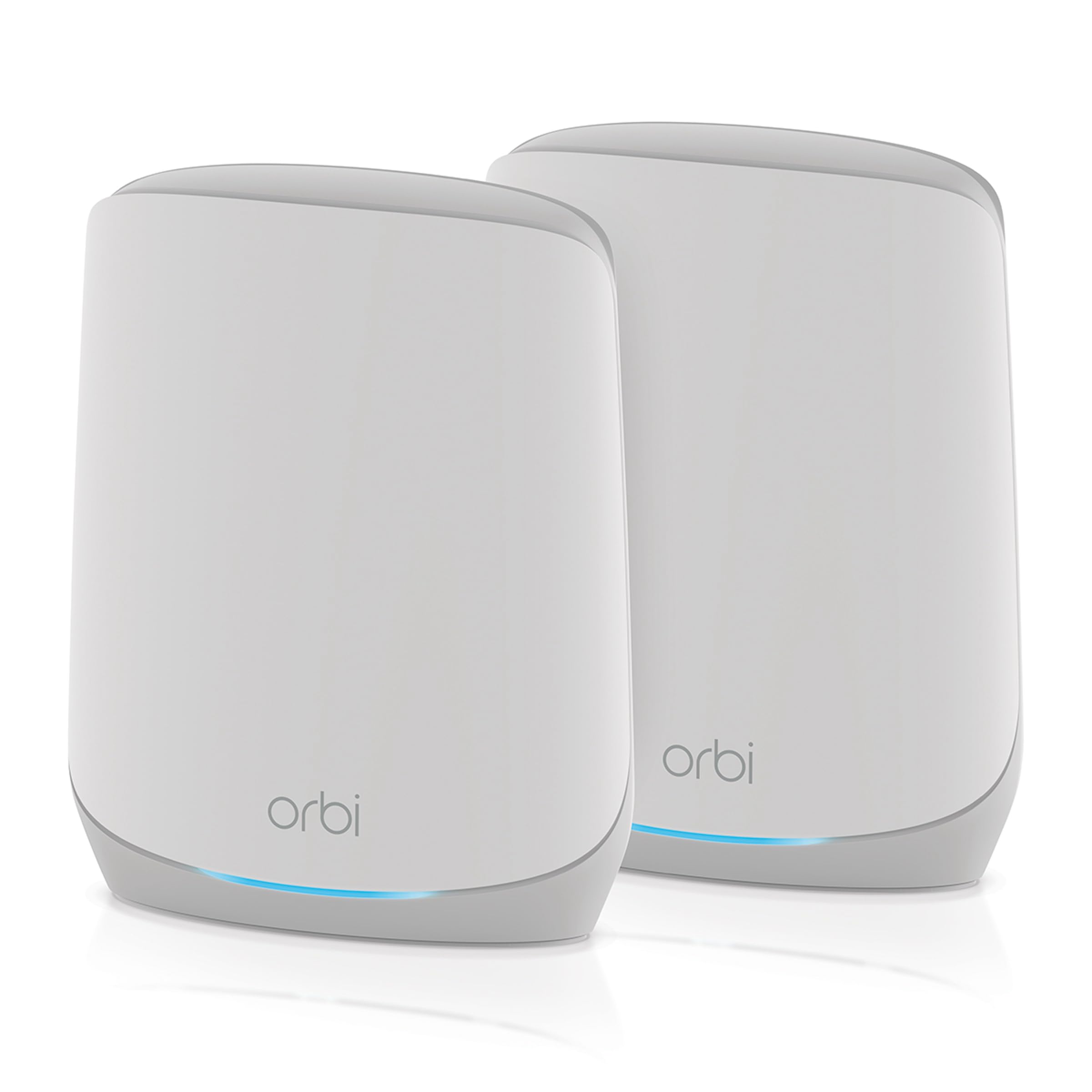
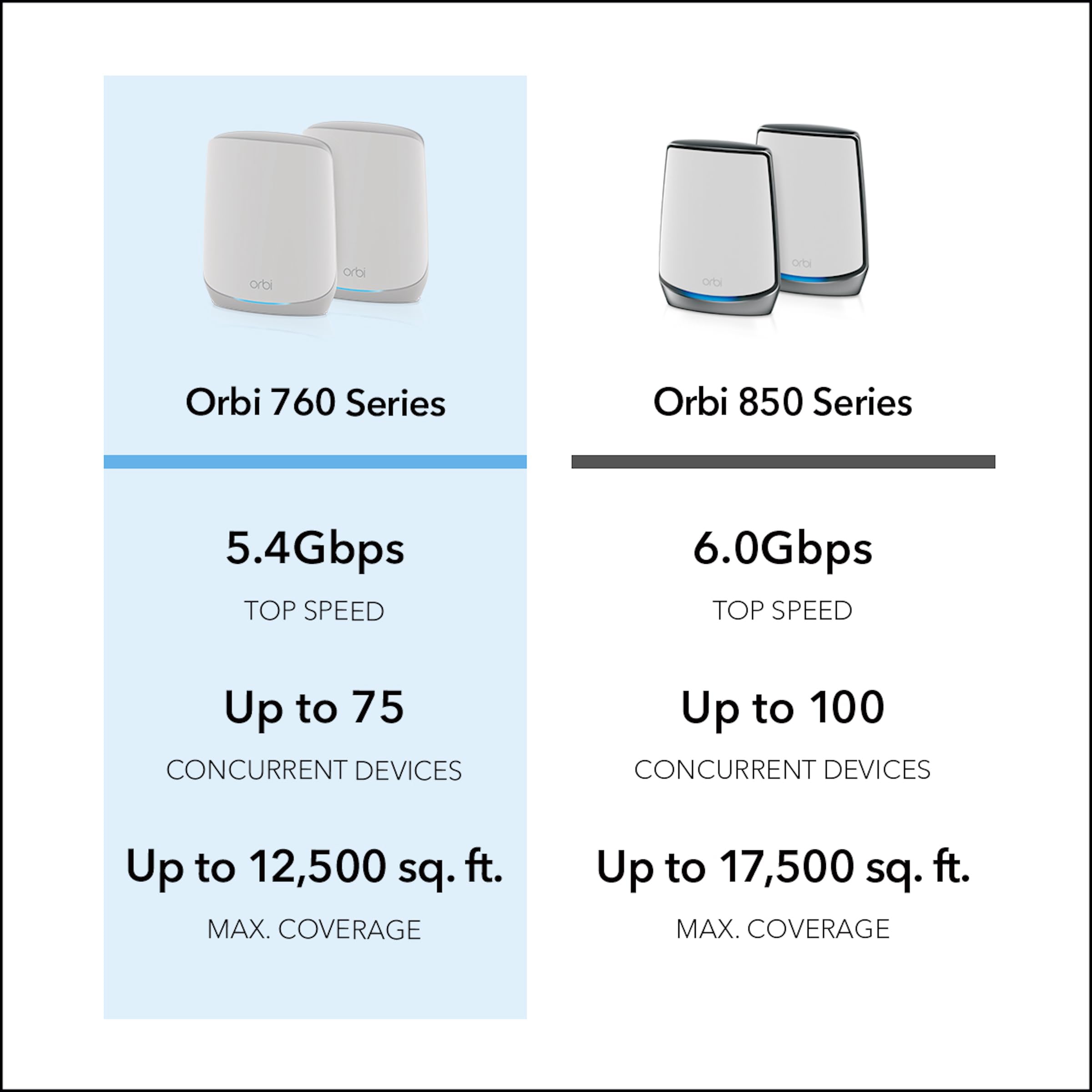
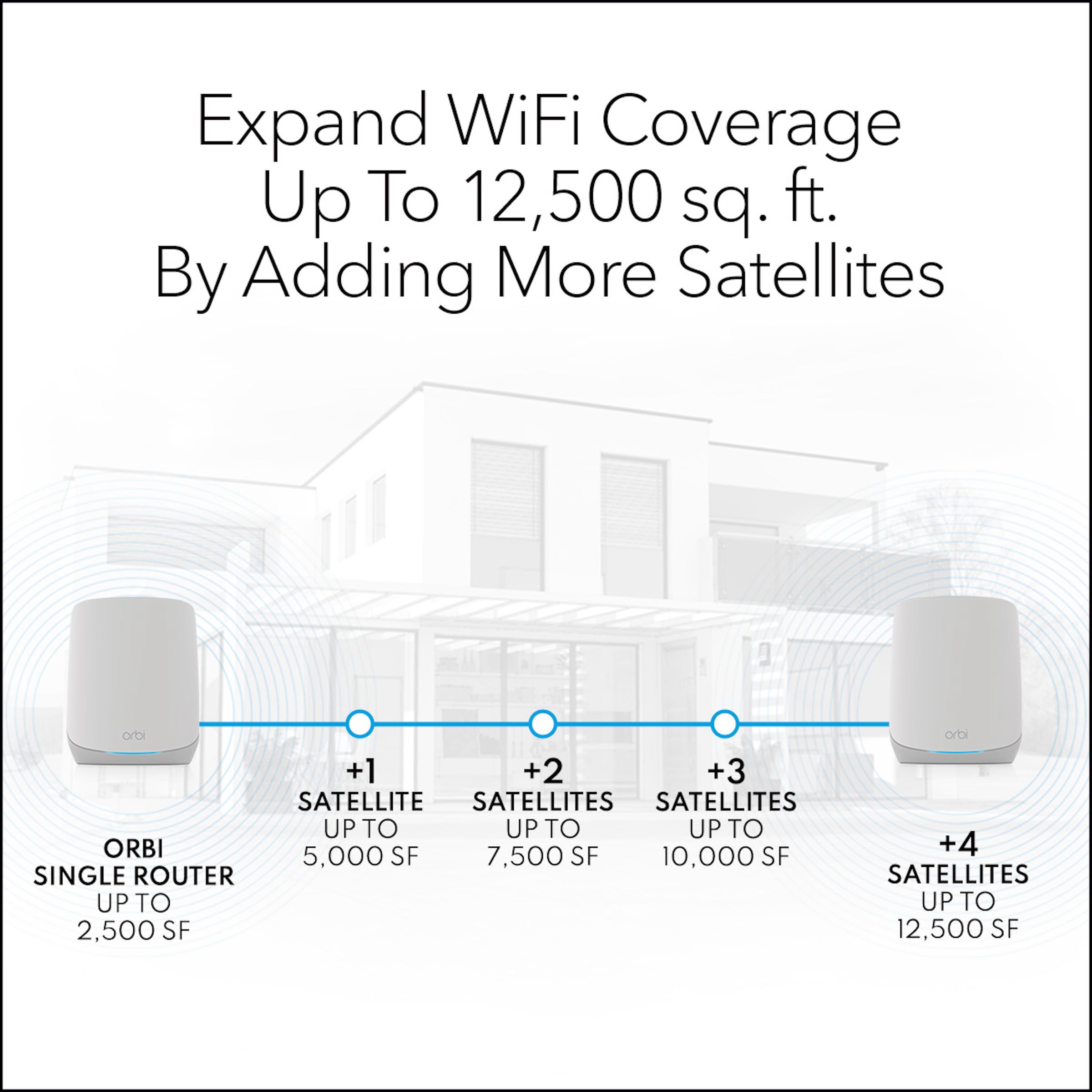
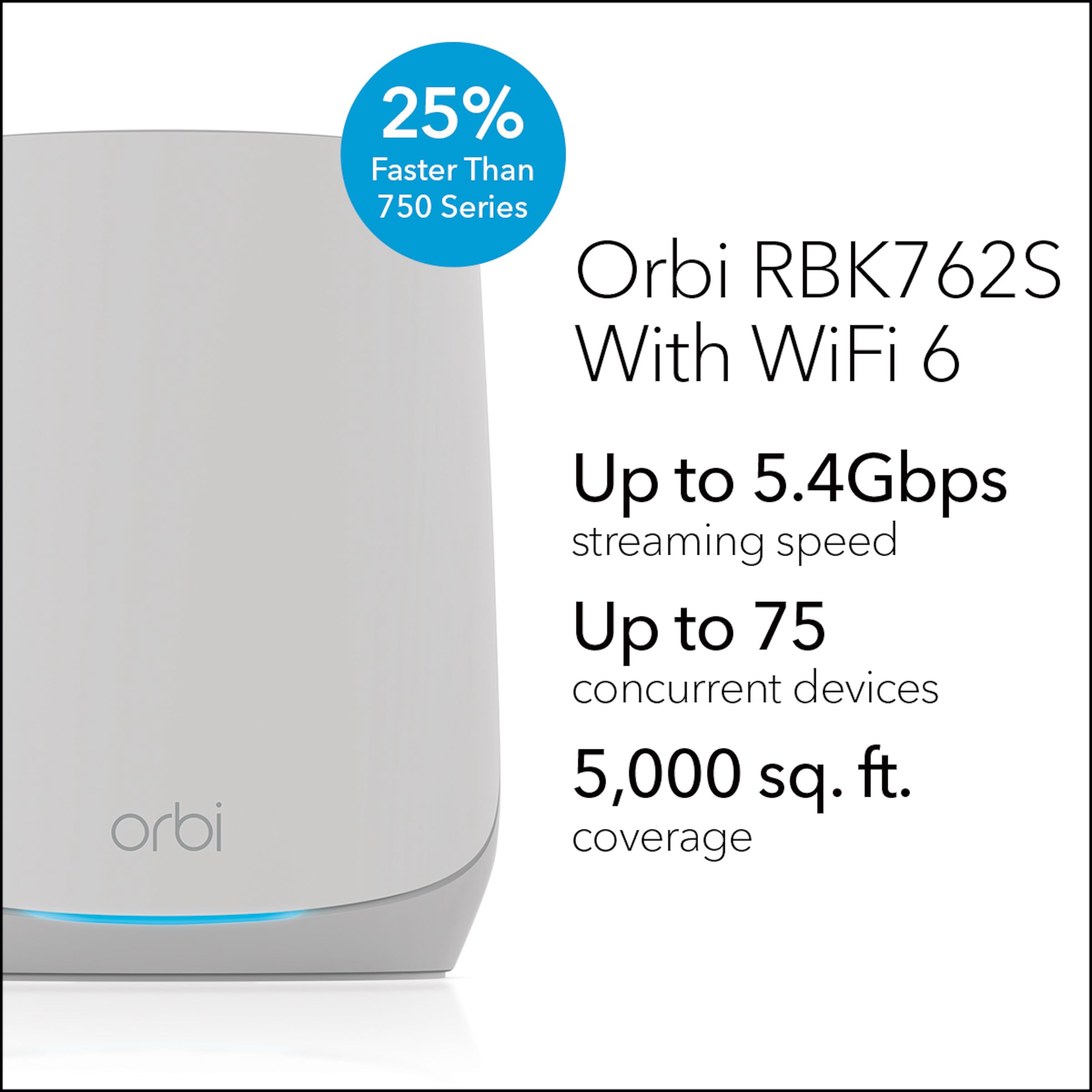
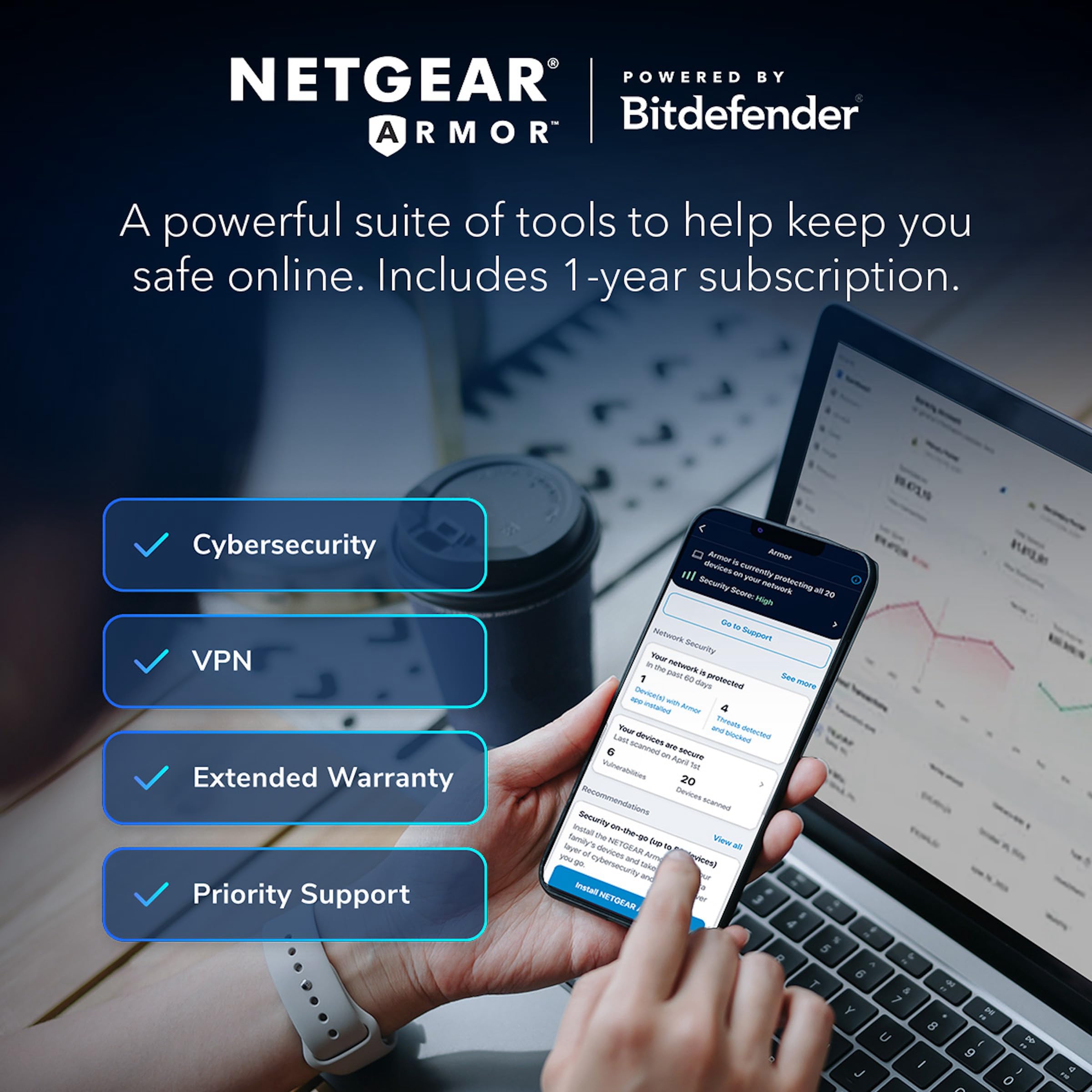
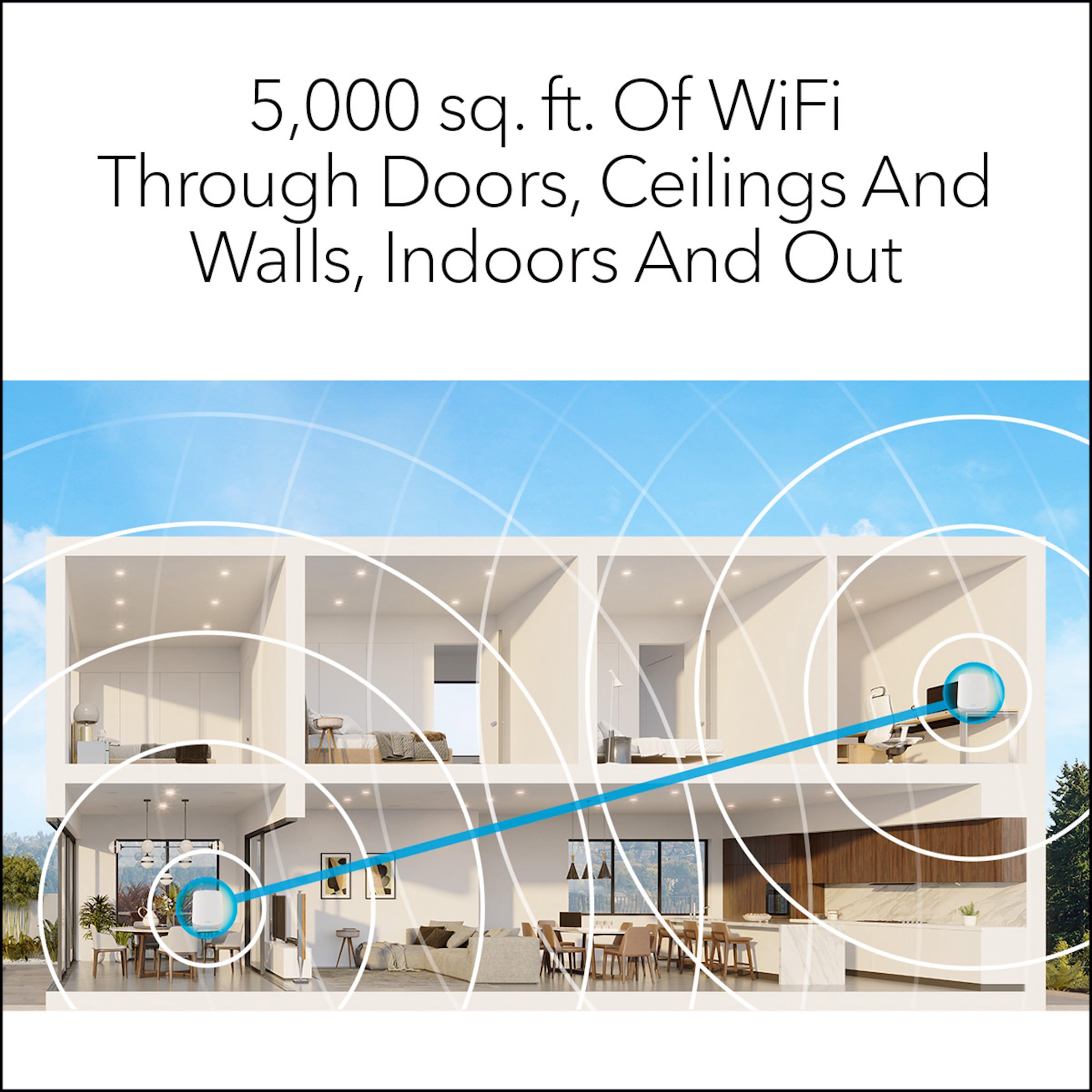
The NETGEAR Orbi RBK762S is a tri-band WiFi 6 mesh system delivering up to 5.4 Gbps speeds and coverage for 75 devices across 4,000 sq. ft. It includes a router and one satellite extender, features six Gigabit Ethernet ports, and comes with a 1-year subscription to NETGEAR Armor for advanced cybersecurity. Compatible with any ISP up to 1Gbps, it offers easy setup and robust protection, ideal for modern homes demanding seamless connectivity and safety.


| ASIN | B01IGYKKF6 |
| Antenna Location | Gaming, Home |
| Antenna Type | Internal |
| Best Sellers Rank | 6,293 in Computers & Accessories ( See Top 100 in Computers & Accessories ) 38 in Whole Home & Mesh Wi-Fi Systems |
| Box Contents | Router |
| Brand | NETGEAR |
| Brand Name | NETGEAR |
| Colour | grey |
| Compatible Devices | Gaming Console |
| Compatible devices | Gaming Console |
| Connectivity Technology | Wi-Fi |
| Control Method | App |
| Controller Type | Push Button |
| Country of Origin | China |
| Coverage | 4000 square feet and 75 devices |
| Customer Reviews | 4.0 out of 5 stars 1,967 Reviews |
| Data Transfer Rate | 5400 Megabytes Per Second |
| Frequency | 5 GHz |
| Frequency Band Class | Tri-Band |
| Frequency band class | Tri-Band |
| Global Trade Identification Number | 00606449162844 |
| Has Internet Connectivity | Yes |
| Has Security Updates | Yes |
| Is Modem Compatible | Yes |
| Item Dimensions L x W x H | 50L x 50W x 28H centimetres |
| Item Weight | 1.46 Kilograms |
| Item height | 28 centimetres |
| LAN Port Bandwidth | 1000 Mbps |
| Manufacturer | Netgear |
| Maximum Upstream Data Transfer Rate | 100 Megabits Per Second |
| Model Name | RBK762S |
| Model Number | RBK762S-100EUS |
| Model name | RBK762S |
| Number of Ports | 6 |
| Operating System | RouterOS |
| Other Special Features of the Product | Internet Security |
| Product Warranty | 2 years |
| Router Firewall Security Level | True |
| Router Network Type | Multi-network |
| Security Protocol | WPA3 |
| Special feature | Internet Security |
| UPC | 606449162844 |
| Unit Count | 1.0 count |
| Voltage | 12 Volts |
| Wireless Compability | 802.11a, 802.11ac, 802.11ad, 802.11ax, 802.11b |
| Wireless communication standard | 802.11a, 802.11ac, 802.11ad, 802.11ax, 802.11b |
S**S
Orbi 963 performs better than expected
Easy to setup. Replaced a previous netgear router than was a few years old. The Orbi gives great speed & area coverage. The main router working by itself covers a much bigger area than my previous multi-aerial router. Stylish looks means that you can place it anywhere the house.
M**C
Strong signal and easy to set up
Great product, easy to set up and bring strong signal around our property which has a lot of granite!
M**R
It's one of the best... but it's too expensive.
Bought this to upgrade our Orbi RBK53S (router plus two satellites - which we bought in 2017) as it was starting to struggle with our ever-increasing devices count (would occasionally reboot itself and drop connections when loaded). It worked really well other than that. So here we are now with the RBKE963. The pluses are that it's easy to set up, it is considerably faster on WiFi connected devices as well as being able to reach them further away and have a lot more of them connected concurrently. I also like having a separate network for IoT devices. And they physically look nice, which is just as well because they're huge and you can't really hide them. The negatives are they are outrageously expensive and Netgear have the cheek to slap annual subscriptions on top for facilities that should come as standard, such as parental controls and cybersecurity. That really irks and is primarily why it drops a ratings star. The other thing that ain't great is the app and the web user interface dashboard are both quite slow and buggy... neither reporting back what's connected accurately enough being one of my main gripes with them. And my experience with Netgear is that they never really get on top of their software upgrade fixes... usually correcting one thing but breaking another in the process. Having said that, I've tried a few cheaper mesh systems and - as you'd expect - they don't perform as well as this... particularly with their range of coverage. I wouldn't recommend this system to everyone looking for a mesh for their home... there are a lot of features on this that are simply overkill... but if you want to future proof your WiFi a bit... like having features such as separate Guest and IoT networks, wireless backhaul, expandability... and can afford it's ludicrous price tag... the RBKE963 is difficult to ignore. **UPDATE** I recently had to add another satellite to this (bought one used as at the time of writing, new ones cost silly money). Whilst WiFi signals were reaching the garden room (about 40 metres away from where the router is located, for the security camera and smart speaker in there) it wasn't quite enough for stable streaming performance (it was fine for switching on remote plugs in there though). Adding the extra satellite improved matters no end. In fact, performance improved in other areas of the home that would normally struggle, such as the kitchen - in which devices there would connect to the garden room satellite now rather than trying to battle their way through the WiFi-unfriendly microwave and fridge freezer interferences to attempt connectivity to the router. Even better performance was achieved by reducing the WiFi transmission power (accessed via the web interface dashboard) down from 100% to 25% to help decrease what I theorise as "WiFi distortion"... a bit like having the volume on your audio system turned up to full volume. The whole system now works flawlessly in all corners of the home. So for any of you having issues with this system's connectivity, consider more / better placed satellites and reduce transmission power and hopefully like me, you'll experience better all-round performance.
L**D
Not Great
Upgraded from ZYxel multi X which have been flawless, but wanted WiFi 6 and increased security from net gear armour all easy to setup Virgin home Hub 4 in modem mode great thruput from my 1gif Virgin internet very fast WiFi and good coverage, very expensive though, there are other version now out from net gear but after reading about them they have some reduced features so don’t think you’ve bought old stock this is still the prime one from net gear the armour stuff is very good and comes with unlimited Bitdefender licences yes it does cost extra but for what you’d spend on virus software this is a no brainier UPDATE...... after many months of using there are a few issues with the devices, firstly iPhones seem to weirdly just stop displaying webpages and only turning phone wifi off and on again fixes it, i thought it was my Iphone 12 but does it on most Apple devices. secondly DNS implementation is Rubbish, it uses some special proxy inside the Unit which on some occasions doesn't display a page again, lots on the Internet about this, i have replaced my DNS with CloudFlare and Googles which is slightly better but still no way as good as my Old Zyxel which i will go back to shortly. Personally WIFI 6 is yes faster but not worth the Investment over normal. I wouldn't recommend after having the Zyxel Multi X setup which for 2 years was Bulletproof this is very poor. UPDATE reduced to one star do not buy these major DNS and WIFI drops 14 pages on NETGEAR site on the issue NETGEAR only allow 90 days support then want to charge you to diagnose and RMA the devices are not faulty hardware it’s shoddy firmware. I switched them off went back to Zyxel Multi X and all my issues have gone.....buy something else you’ve been warned.UPDATE 2 finally found a replacement Ubiquiti AMPLIFI Alien expensive but it works flawlessly in Nethear defence I think they may have patched it now I’ve yet to test but honestly for the cost I’d expect a good device do t risk your money look elsewhere.
N**A
100% recommend this Mesh System!!!!
I am thrilled with my NETGEAR Orbi Mesh WiFi System (RBK852) and wanted to share a detailed review of my experience. After using it for over a month, I can confidently say that it has been a game-changer for my home network. One of the standout features for me is the consistent and reliable connection. Not a single drop in the network has occurred since I installed the Orbi system. This reliability is crucial, especially when you're working from home, and interruptions can be quite frustrating. In terms of performance, I upgraded to Virgin Gigabit broadband, and the Orbi system has seamlessly handled the increased speed. Even when conducting Speedtests from the furthest room in my standard three-bedroom house in the UK, the WiFi 6 Mesh Router and satellite extender have consistently delivered impressive speeds (see pic). This is a noticeable improvement compared to my previous TP-Link setup. Speaking of the setup, I opted for the two-piece system – one connected to my Virgin modem and the satellite strategically placed at the furthest point of my house. This configuration has provided excellent coverage throughout, eliminating any dead zones. It's worth noting that I work alongside two others who are also working from home, and we've experienced no issues with simultaneous internet usage. I appreciate the scalability of the Orbi system. While my current setup suits my three-bedroom house, I can see how additional satellites might be necessary for larger homes. The flexibility to expand based on your specific needs is a great feature. Overall, the NETGEAR Orbi Mesh WiFi System has exceeded my expectations. If you're in a similar situation, dealing with multiple users working from home and seeking a reliable, high-performance WiFi solution, I highly recommend the Orbi system. It has proven to be a worthy investment, providing not only seamless connectivity but also peace of mind.
M**N
Best on the market
I upgraded my home broadband to FTTP on a 500MB/sec package as both me and my wife work from home and we have a teenage son who is very in to his tech and streams movies and game content. The broadband company provided a router that was the same as they give for their standard broadband package - and couldn't cope with the speed nor give enough coverages for my 5 bed house. They then sent wifi discs, also not designed for the speed so whilst I got the wifi coverage, I simply got guaranteed slow speeds. I then invested in a mesh system with a different brand (not Netgear) and I had to spend over 10 hours with their tech support just to try and get it to work as a mesh, but again I only got max 50% of my max speed and their tech team never got the issues resolved. They even left me with it not working, without turning up to planned support call sessions, for nearly two months. I then did what I should have done in the first place and bought the Orbi. Wonderful, wonderful, wonderful. Worked straight out of the box, looks cool, and runs blisteringly fast across all my devices. I get 450MB/sec wirelessly in my study and no less than 250MB/sec across my whole house and that is with just using 2 out of the 3 nodes (both of which are based downstairs). Downstairs nothing runs slower than 300MB/Sec. They look good, they are unobtrusive and run like a dream. They even support guest Wi-Fi which is great, something the first mesh I bought did not offer. So - yes expensive. You probably only need the two node set-up in most standard houses in the UK - but if you live in anything larger than 5000sq ft then just bite the bullet and get the 3 node system. It's not about the price, it's about the value and the fact I did not have to have a single call with any tech support teams and my time is way much more important to me than the few hundred pounds. If you are sitting on the fence - just go with the Orbi!
M**.
Stunning piece of Technology
Installing the Orbi means my Client no longer wants to fire me - it’s literally saved my job. Working from home during Lockdown for 12 months now - alongside 2 teens homeschooling and a Mac user wife has been an utter nightmare. BT fibre 75Mb at the hub location , degrades to less than 20Mb on the top floor of a 4 storey townhouse. Dropped Teams calls and busy PM periods losing the connection entirely - meant I was about to be fired. Simply couldn’t do my job properly. I tried everything - new external line; new socket, new BT Hub, Wi-Fi extenders, upgraded powerlines, x2 5G home hubs (Vfone no connection/EE completely unstable.) Then I read about the Orbi. Yes it’s massively expensive and completely overpriced, but I’ve billed that to my Client and it’s saved my job. Installed in 5mins, worked first time. Devices roam cleverly from the main router to the satellite as you move around the house. And now on the top floor I get the exact same WiFi speed as when sat right on top of the main router. WiFi6 is completely amazing and rock solid. I am utterly impressed. Wired devices just as stable, but not really needed as the WiFi is as stable as any Ethernet connection I’ve experienced. No issues with dual-band roaming - 10yr old printer happy at 2.5, new iPhones living their best lives on 5Ghz. My single best purchase of Lockdown (and I’ve been buying so much that Amazon wrote to me asking if I was actually a business!) Do NOT hesitate to buy this kit - it will change your life, as it has mine.
M**N
The best setup for fibre broadband
Excellent product and setup was easy, the only criticism I would say rebooting the system takes a while and it is expensive, but other than that it is a great product for anyone looking to fully utilise their fibre optic plan. I’m currently using community fibre on an 1GBPS plan and the mesh setup they provided wasn’t to my liking so swapped it out with this. Now I get 1GBPS download and upload speeds on WIFI and the signal is amazing with no interference. I would say to anyone. If you do use your own equipment with your ISP, you may find the speed will drop a little bit for the first few hours and once the system configures it self you should be up and running normally. Also from reading a few articles if you are using community fibre and have issues, clone the MAC address from their supplied router or call them up to reprovision the supplied ONT.
Trustpilot
1 week ago
1 month ago



