



🎬 Elevate your presence—because your image deserves the spotlight.
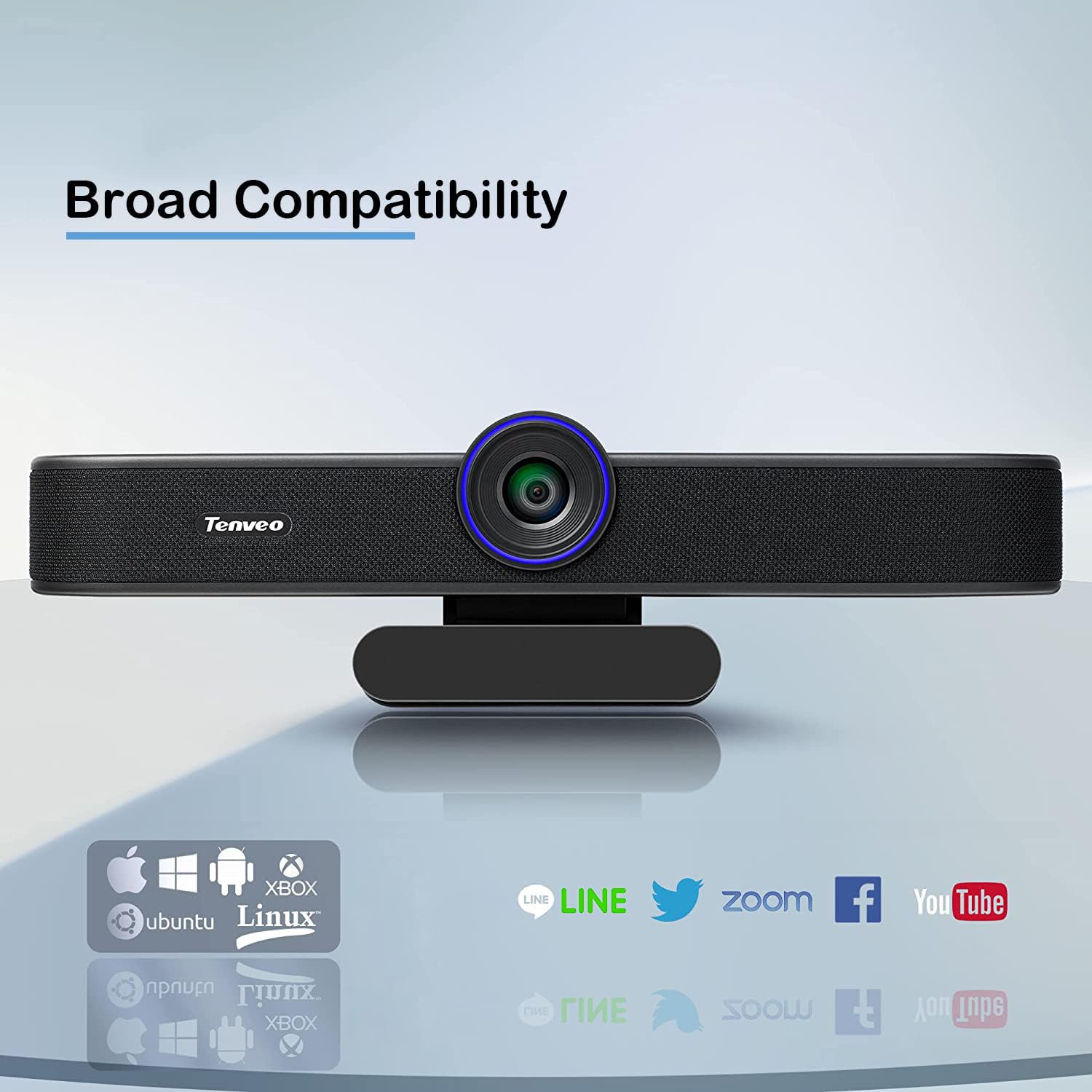
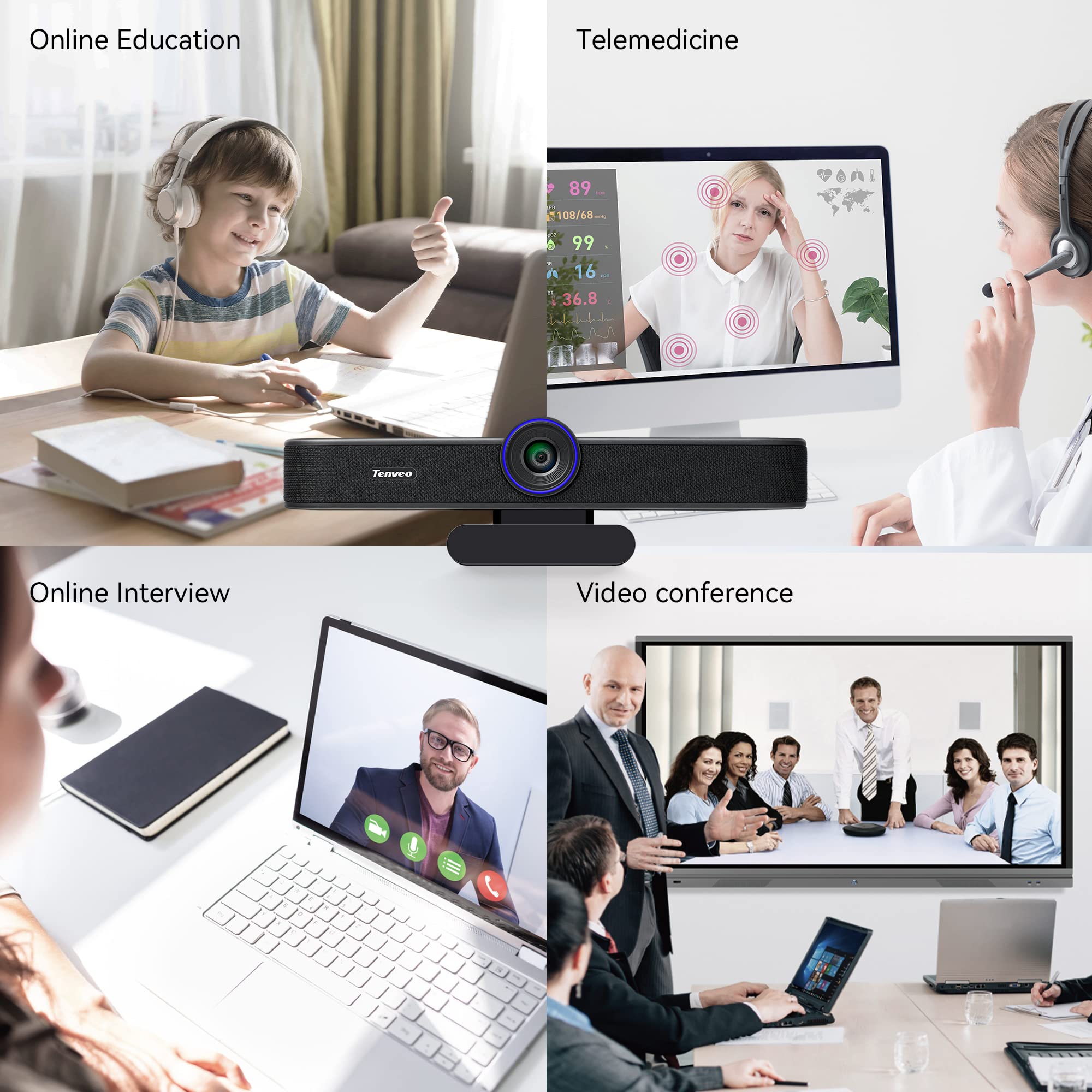
The Tenveo VA300A webcam delivers professional-grade 1080P video at 60FPS with a 1/2.8" CMOS sensor and advanced autofocus. Featuring dual omnidirectional noise-cancelling microphones with a 5-meter pickup range, it ensures crystal-clear audio. Its 116° wide-angle lens captures more participants without constant adjustment. Designed for privacy, it includes a removable cover. Compatible with major platforms like Zoom, OBS, and YouTube, it supports Windows, Mac, Linux, and Android. Plug-and-play USB-C connectivity makes setup effortless, backed by a 3-year warranty and lifetime support.


| Standing screen display size | 2.9 Inches |
| Max Screen Resolution | 2.1 MP |
| Number of USB 3.0 Ports | 1 |
| Brand | Tenveo |
| Series | VA300A |
| Item model number | VA300A |
| Operating System | Linux, Windows, Mac, Android |
| Item Weight | 1.19 pounds |
| Product Dimensions | 2.28 x 8.26 x 1.97 inches |
| Item Dimensions LxWxH | 2.28 x 8.26 x 1.97 inches |
| Color | 300A |
| Rear Webcam Resolution | 2.1 MP |
| Power Source | Type-C |
| Manufacturer | Tenveo |
| ASIN | B0B7KZGG57 |
| Date First Available | July 28, 2022 |
H**R
Works very well, wide angle, good sound
This was very easy to setup on Windows - I just plugged in and let the device drivers install. Then I started a video conference and it worked like a charm.Note that this is a big unit, and is about 10 inches wide. It will look huge sitting atop a laptop screen, and it really isn't like those small webcams you just toss in your laptop bag and lug around. This is clearly designed to put on a larger TV or monitor for a group conference setting. But in that setting, it works really well - the clip will securely hold on to a thicker TV screen, and the wide angle lens really helps get everyone in frame.The built-in speaker sounds clear, and had enough volume that you can hear. No one on the other end complained about the mic, or had trouble hearing our team, so it must be pretty good.For the price, this is a very good video conferencing solution.
M**D
Cant take/place calls on a Mac
I have a Mac mini and purchased this webcam with mic and speakers to be able to answer phone calls from my desk without my phone. You can answer the call, the mic wont be compatible, the other person cant hear you. I can take calls on WhatsApp and the mic works great.
S**N
All in One Webcam Tailored to Your Liking
So much of what we do now requires a webcam. From office meetings, organizational conferences, to doctor's visit requite video conferencing and I, for one want to look professional when I'm before the camera. I've tested many webcams and even with the same specs, they can perform very differently.This unit is a little different than most. Not only does it have a webcam and a microphone, it also has speakers. This means that even if your computer doesn't have speakers you can still use this webcam and have sound. The tradeoff however is the size of this item. Since it has stereo speakers built in, it's a full 8" wide. But since most people will put it on top of their displays it shouldn't matter much. For those who want to use a tripod it has the mount built in.I attached the webcam to my my monitor and plugged it into my USB 3.0 hub. My computer indicated that the unit was connected and recognized it automatically. No drivers needed. I then fired up Zoom to use it's settings to test out the webcam. Once I told Zoom to use the webcam for video, microphone and speakers, it sprang to life.The sound was good. Not very heavy on the bass but was clear and pleasant. Not the speakers I might want to listen to my music on but I'm also pretty picky. My voice was crystal clear and the image was sharp but not filling as much of the frame as I would want but then most webcams don't. Zoom doesn't give you a zoom option (ironic as that sounds) so I'll give you a little tip that resolves the problem.I use a webcam program, YouCam 365, that integrates well with Zoom and Skype as well as many of the other webcam packages. In this program you can tailor the image to look the way you want it to, including zoom, and softness as well as many other features. If you fix your image in this program, keep it open during your Zoom meeting, and then tell Zoom to use it as the image source, the problem is resolved. The image that Zoom projects will be the image you fixed up.This is a good all-In-One solution and I recommend it. It's easy to use and gives a great result.
R**A
Does not work well with Zoom. UPDATED Review
Wanted a 3-in-1 webcam to use with Zoom during the COVID-19 work from home situation. This webcam sounded like the best. However, there are serious issues using this with Zoom for conference calling. Firstly, the product is listed as Tenveo but the actual webcam says "enveo". Yes without the T. Strange. Below are the issues with Zoom1. Loss of mic during a Zoom call. Zoom will show a red ! sign over the mic icon "your mic is not working, switch to a different microphone". Callers will complain of not being able to hear. No matter what I tried, I could not get past this issue. I reinstalled the webcam, rebooted the Windows 10 laptop, tried difference USB3.0 and USB2.0 connectors on the laptop but nothing helped. It appears that the microphone goes into some sleep mode and does not wake up.2. Zoom video will show streaks and flicker every 2-sec. You have to disable "HD" in the Zoom video controls to get rid of this flicker. When HD is disabled, the Zoom picture will become grainy.Issue #1 above is a total blocker for me. The webcam was OK for the first few days. Unfortunately, my 30-day return period expired and now I am stuck with a $125 piece of junk.UPDATE: Sent email to customer service and they were extremely responsive and helpful. They offered a replacement at no charge within a couple of hours of sending the email with the issues. Replacement arrived very fast and the new unit has the "Tenveo" logo with the T. The replacement unit works much better. However, on a MAC, the speakers from the webcam will not work with the video while using Zoom. If you use the speakers from the Tenveo, the Video will freeze. To use the video, you will have to use different speakers.Anyway - EXCELLENT customer service. Upgrading rating to 4-star due to the MAC issue
J**N
All in one for video conferencing
If you are looking for an all in one device for video conferencing for your home office or a small office this is a great product.The camera has a fairly wide pickup angle so if used in a small office you should have no problems getting everyone on camera. The camera image is 1080P at up to 60 FPS. The image from the camera was very good during my conference calls.The microphone picks up on voices quite well and again should work great for home or small office use.The speakers are a bit on the tinny side as would be expected since the primary use here is for voices and not to rock out to bass heavy music.Overall this is a solid web cam/mic/speaker combo. Having it all in one unit is also convenient for travel!
F**S
Only worked for 8 months.
Ordered in May 2020, and in January, it started to have a orange color and then the image started to appear distorted and the camera would turn off on its own. I would love a replacement, but it is hard to navigate the Amazon system to get customer service and a message to seller.
Trustpilot
2 weeks ago
3 weeks ago



