
DOWNLOAD THE APP


Customer Services
Copyright © 2025 Desertcart Holdings Limited
DOWNLOAD THE APP

🎮 Capture Every Frame, Stream Every Moment — Stay Ahead of the Game!
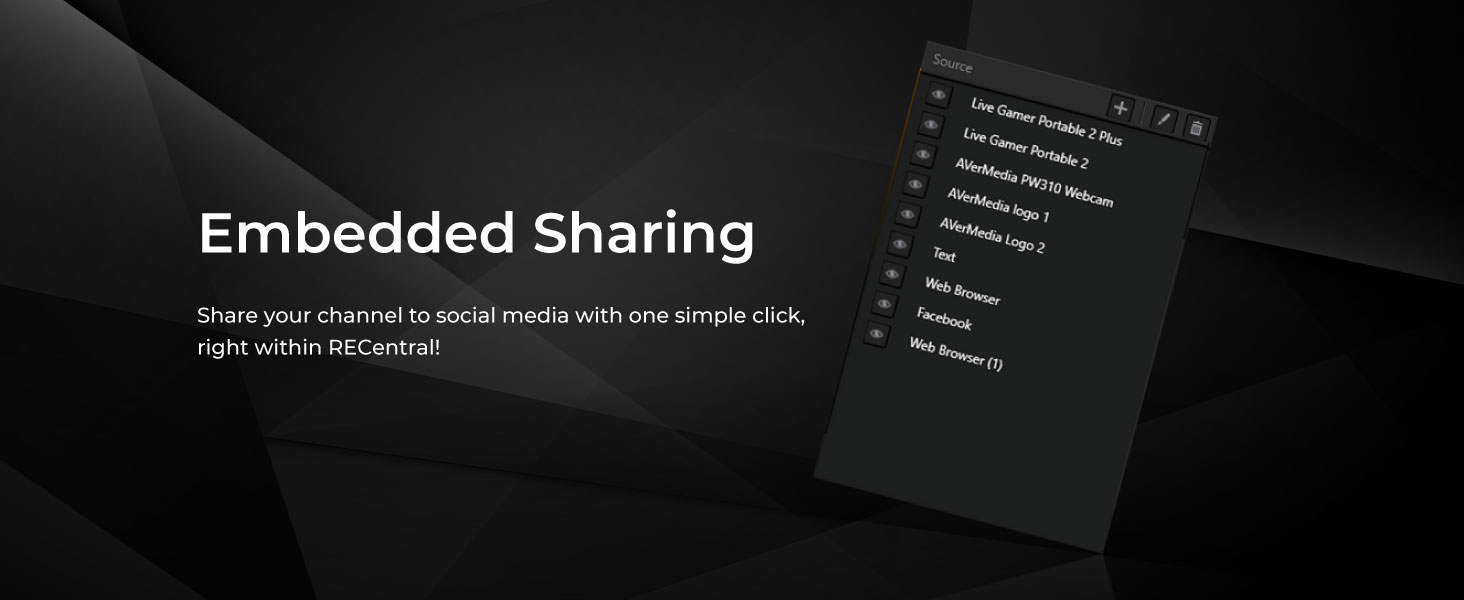
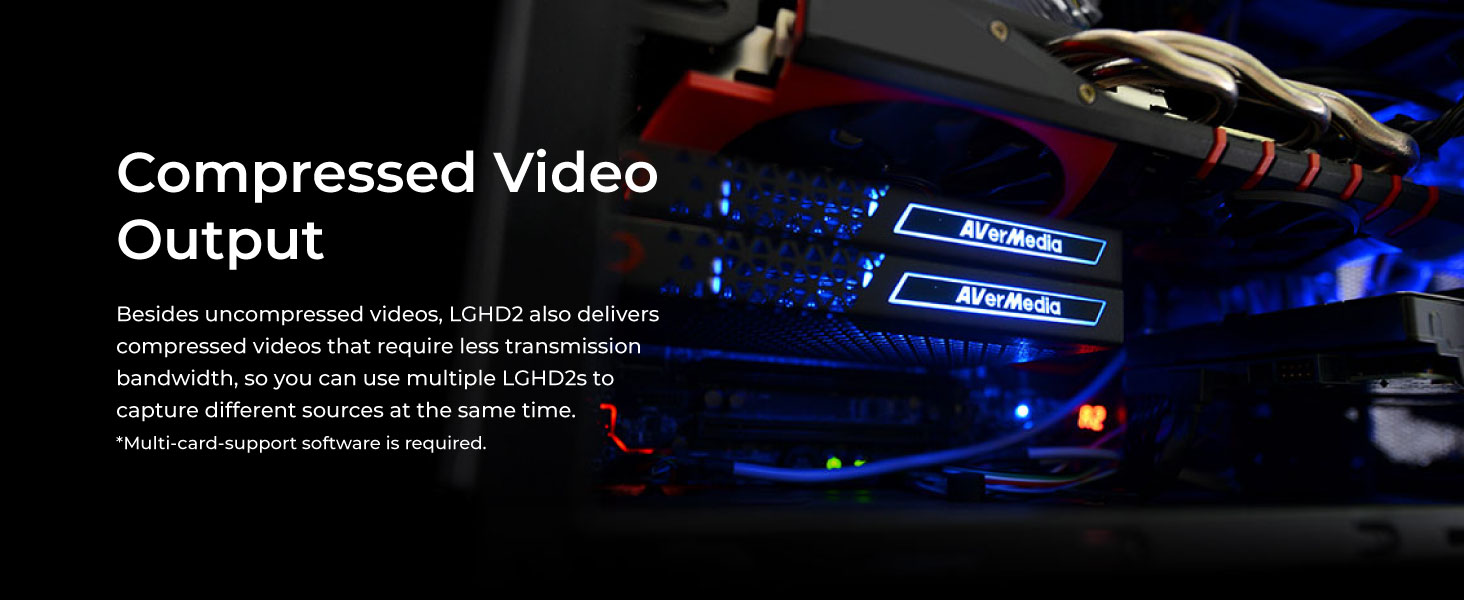
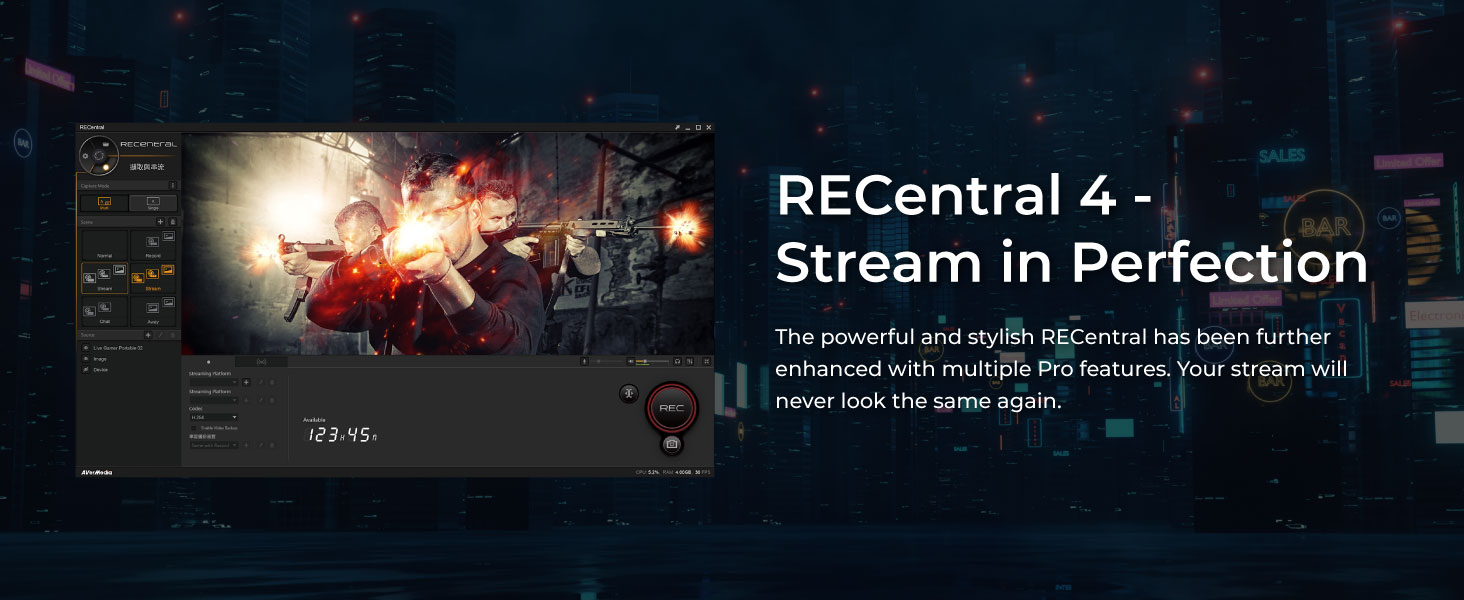
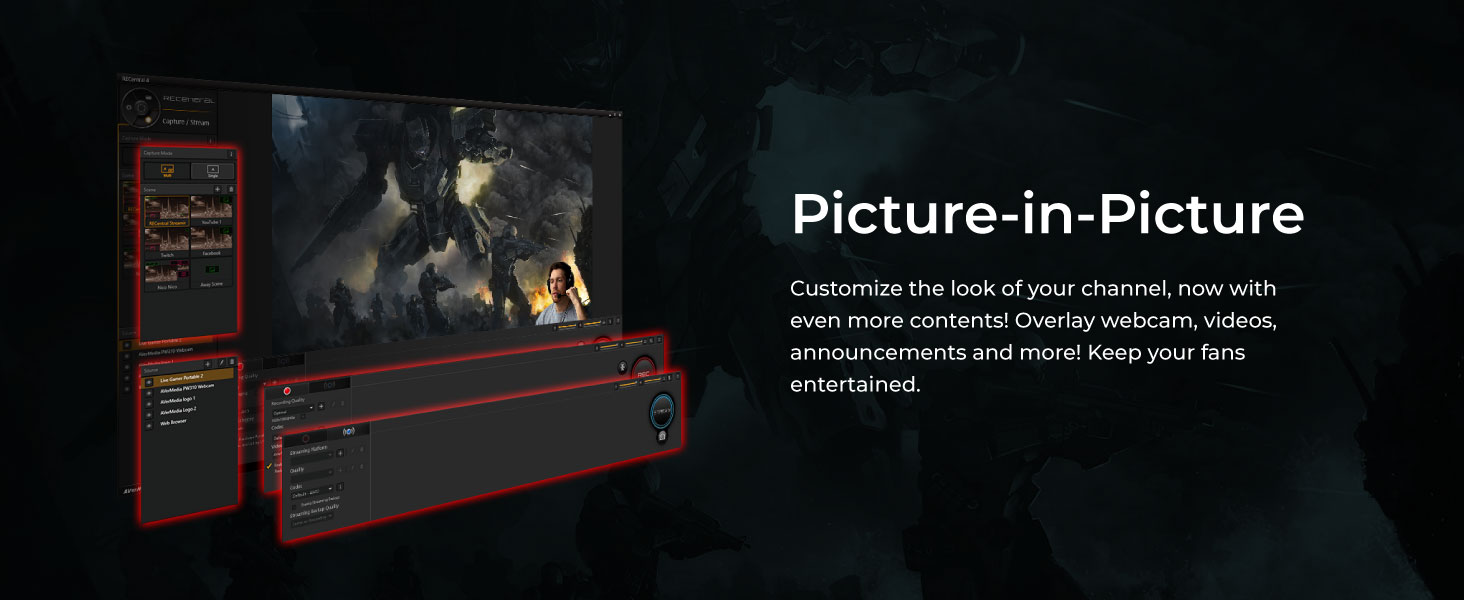
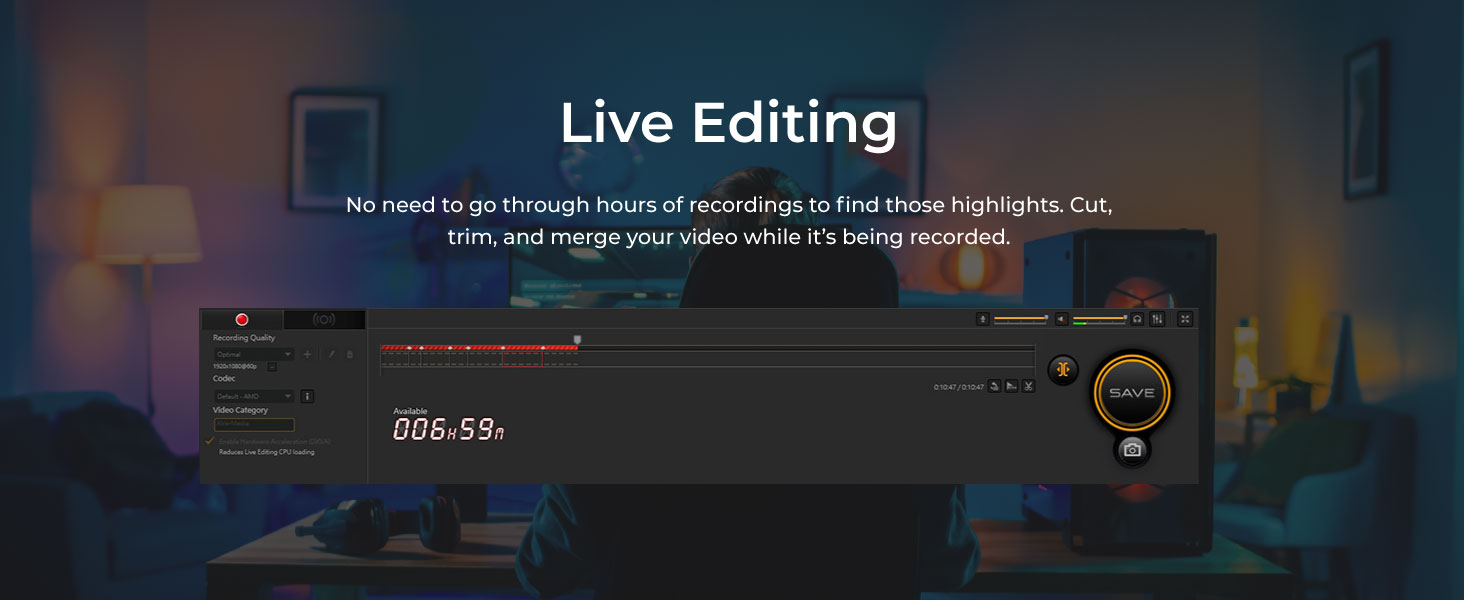
The AVerMedia Live Gamer HD 2 (GC570) is a PCIe internal capture card designed for professional-grade 1080p60 gameplay recording and streaming. It features low-latency HDMI pass-through, multi-card support for up to 4 devices, and plug-and-play compatibility with Windows 10 and above. Bundled with RECentral 4 software, it offers live editing and customizable streaming options, making it a top choice for serious content creators on Xbox, PlayStation, Nintendo Switch, and PC.




| ASIN | B06XRF732W |
| Batteries | 1 Product Specific batteries required. |
| Best Sellers Rank | #239 in Internal TV Tuner & Video Capture Cards |
| Brand | AVerMedia |
| Customer Reviews | 4.3 4.3 out of 5 stars (550) |
| Date First Available | March 25, 2017 |
| Hardware Platform | Nintendo Switch |
| Is Discontinued By Manufacturer | No |
| Item Dimensions LxWxH | 5.9 x 4.9 x 0.9 inches |
| Item Weight | 5.4 ounces |
| Item model number | GC570 |
| Manufacturer | AVerMedia Technologies, Inc. |
| Operating System | Windows 10 |
| Product Dimensions | 5.9 x 4.9 x 0.9 inches |
| Series | 1080p60 plug&play |
J**H
great product
I have been using this capture card for my streaming channel and once i got it set up and figured out it has been great. there was some difficulty on my end most likely from this being my first capture card and not knowing how to set it up to work with the streaming software that I use at that time but now that I have figured that out it performs great every time with no issue. have been using it for almost a year now and would absolutely recommend this card to someone looking to stream or record gaming content. ease of installation 5/5 ease of set up 3.5/5 quality 5/5 dependability 5/5
S**Y
Good - Doesn't work very well on Linux though
This is a pretty good capture card that does what it says. It also only takes up one PCIe slot and is very easy to install. It's also very easy to set up in OBS and get working on Windows 10 without installing any additional drivers. However, on Linux, this device simply does not work correctly (and I use Arch Linux as a daily driver). OBS recognizes it, but once you try to configure it to something besides 640x480, it stops working and requires a reboot. I'm not knocking off any stars since it never *claimed* to support Linux, but it's worth noting that, if you're a Tux fan, you should steer clear of this.
J**O
Updated to four stars after one star review *New Update
New Update*: Initiated a return on this item as it cannot fit the needs of my expectations. This capture card apparently does not allow you to game at 1440p and record at 1080p. This is not the companies or products fault. It has more to do with my lack of knowledge on streaming/capturing. If you are new to streaming/recording and you have a 1440p monitor or higher this will not work for you. Gaming will be forced at 1080 unless you disconnect the card. Purchase a card that does 1440p and up to fit your needs. For 1080p this card worked just fine and as such my original review remains the same. Updated Review: So far it works. I tried using RecCenter4 which is the software for it as well as OBS third party software and both seem to work just fine. I can't really provide technical details since I don't know what im doing in relation to streaming or recording. Recorded a few 1080p game play vids that ran pretty smoothly and did not affect my game play during the recording session. Also liked the features RecCenter 4 provides just need to learn how to use it more efficiently. Overall: The install is very easy, plug the card in, connect the HDMI cord and you're all set. Very little if any impact to game play while capturing recorded video. Hopefully the card lasts long. Original review: I cant really review it since I think mines was DOA. Tried three different pcie slots and the card would not power on. Tried on another pc and it caused a system crash. My system specs: Windows 10 Ryzen 7 3700x Asrock b550 phantom gaming 4 Gtx 1080 g1 32gb ddr4
T**M
So far, 100% plug and play
I purchased multiple products to attempt to capture my Cannon Camera for livestreaming. The internal cards I bought from another company required PCIe slots a I do not have accessible. This one did with the 1x slot. I also tried a USB link device that I constantly had to reconnect to use. This one, I took it out of the box, opened my PC case, and popped this card into the open 1x slot, plugged in my camera, and viola! it worked perfectly from the get go. I was even able to have some fun and feed the passthrough into my USB capture link thing and make TWO MEs!!! LOL Great product so far, will update if that changes. Worth the $$ especially on sale. Used to capture a Nintendo Switch AND a second PC with perfect results each time.
A**R
Works Great
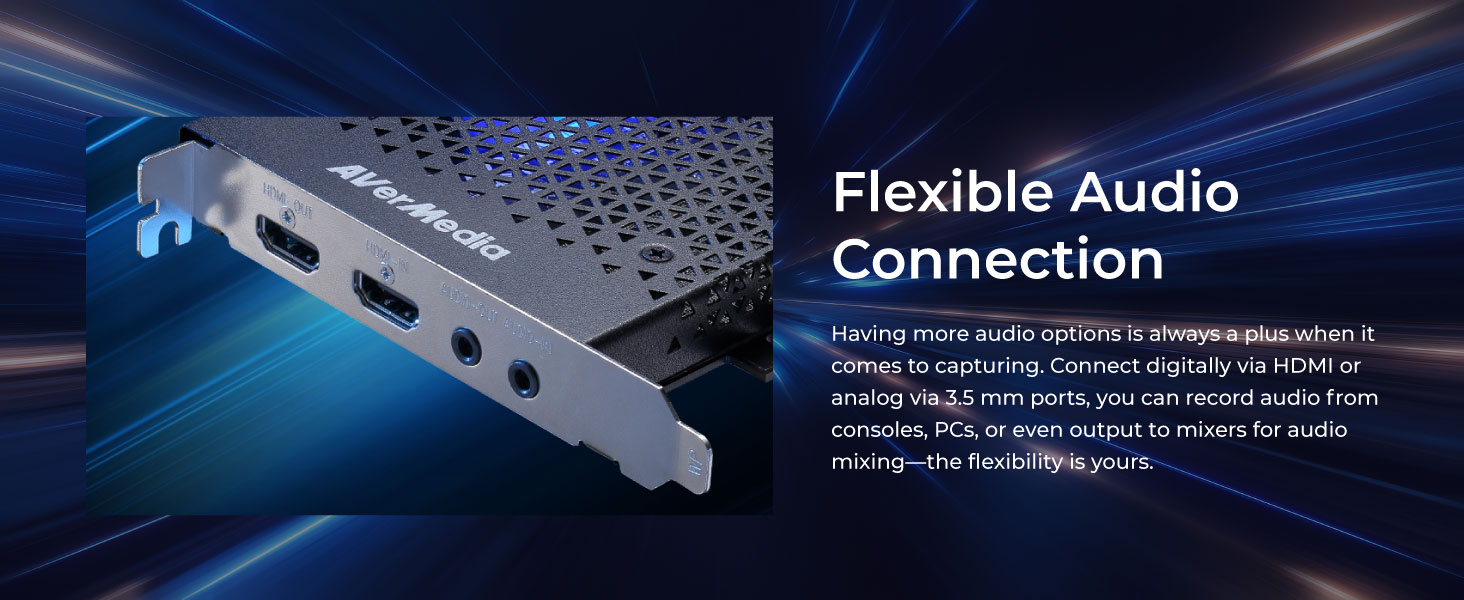
I've been using this to stream Super NT and Nintendo Switch footage on basically a daily basis for a few weeks and I have had no issues whatoever. Haven't touched the bundled software at all, I just use this as a source in OBS. I have the HDMI passthrough connected to a computer monitor and the latecy feels nonexistent. To hear the game, I have the 3.5 mm passthrough jack connected to the line-in jack on my PC so I can hear it with the rest of my desktop audio. No complaints at all.
S**.
Does what it says it does. Can be a little finicky to set up.
Does this work? Sure does. Have used it with a Switch and a Wii (using an HDMI converter) so far and it handles both just fine. Does this work seamlessly? Probably not unless you're using their software to stream. Their provided software (RECentral, I think it's called) seems to be a required install to capture it as a source in other applications, so much like getting anything working in OBS, you'll probably have to tinker with it a bit to get the configuration working the way you want. I had to install that and then run it to get the card to work at all in OBS. Installing it I can understand, because it probably added some driver/library needed. I don't know why I had to actually run their software once to make the card available to capture from OBS Studio, but whatever. Just worth noting that that's a step to take. Am I happy with it? Absolutely. I wish it had some kind of analog video input so I could more easily capture ancient hardware outputs (e.g., my NES,) but that's a minor gripe and I imagine not a popular enough feature to include in a modern capture card.
F**S
It doesn't deserve a full 5 stars because of one minor annoyance. When plugging in my Xbox One X to the HDMI input of the card, the HDMI output image quality was fine, except it was darker than it should be. The feed in OBS and AVerMedia RECentral was clean and not darken. I had to use a spare HDMI splitter to remediate this problem. Xbox to Splitter, Splitter to 1. Screen, 2. HDMI input of Capture card. I wish I didn't have to do that...but at least it works well this way. Works well with Nintendo Switch also.
D**U
I love this card!!! It's better in fine detail in 1080p than the Elgato HD60 and the price and just literally everything! The only caviat is that if you want to use your camera as a capture device you'll have to download their software, as soon as you have and made two clicks on your mouse it just works!!!! No need to look at the software again if you're using OBS etc. Excellent card, better than elagsto's offering and far more functionality than CamLink!! By far the right choice in every respect!
H**O
So, the Live Gamer HD 2 is an amazing card! Ive had zero lag whatsoever, and I've had Xbox one, switch, and other stations connected to it and all my streams have been 60fps with zero loss in frames. I highly recommend using OBS or streamlabs, do not bother with RECentral. Also make sure you watch a YouTube video to get the audio to work properly. It's very easy to install and easy to use. BUT, I have noticed one pain in the butt; when I shut down my pc with a console plugged into the card, the video does not appear after I reboot my pc. Luckily I found a fix: make sure you unplug the consoles HDMI before turning your pc back on. After you've loaded up, then plug the HDMI back in and all is well. For overall quality and price, this is better than my roommates Elgato SD60 USB capture card, hands down!!! If you want to save some money and don't mind plugging and unplugging your HDMI each boot up, then this is your card! Buy it!....... Seriously, DO IT!
A**R
It really works well, but warned if you're a streamer that it doesn't play well with OBS, sometimes i have to shut the source off and on multiple times for it to pick up the sound from the retrotink 5xpro(For you retro streamers) and i don't know why that is. After searching through multiple sound options. It does have it's own software which works 100% of the time without OBS. But it doesn't have the OBS customisation like scene's and stuff and overlays as far as i know. So in closing it's really good when it works well, but OBS users beware there may be struggle when streaming off consoles.
H**H
I bought this because it is what sodapoppin uses, and it works great. I love that it is pug n play into the PCIE. There is a a couple ms delay if you are wanting to play using the monitor and program; but if you use the HDMI by-pass to a TV or second monitor then there is ZERO delay. Not a fan of the AVermedia software, I just use OBS for streaming.
Trustpilot
4 days ago
1 month ago