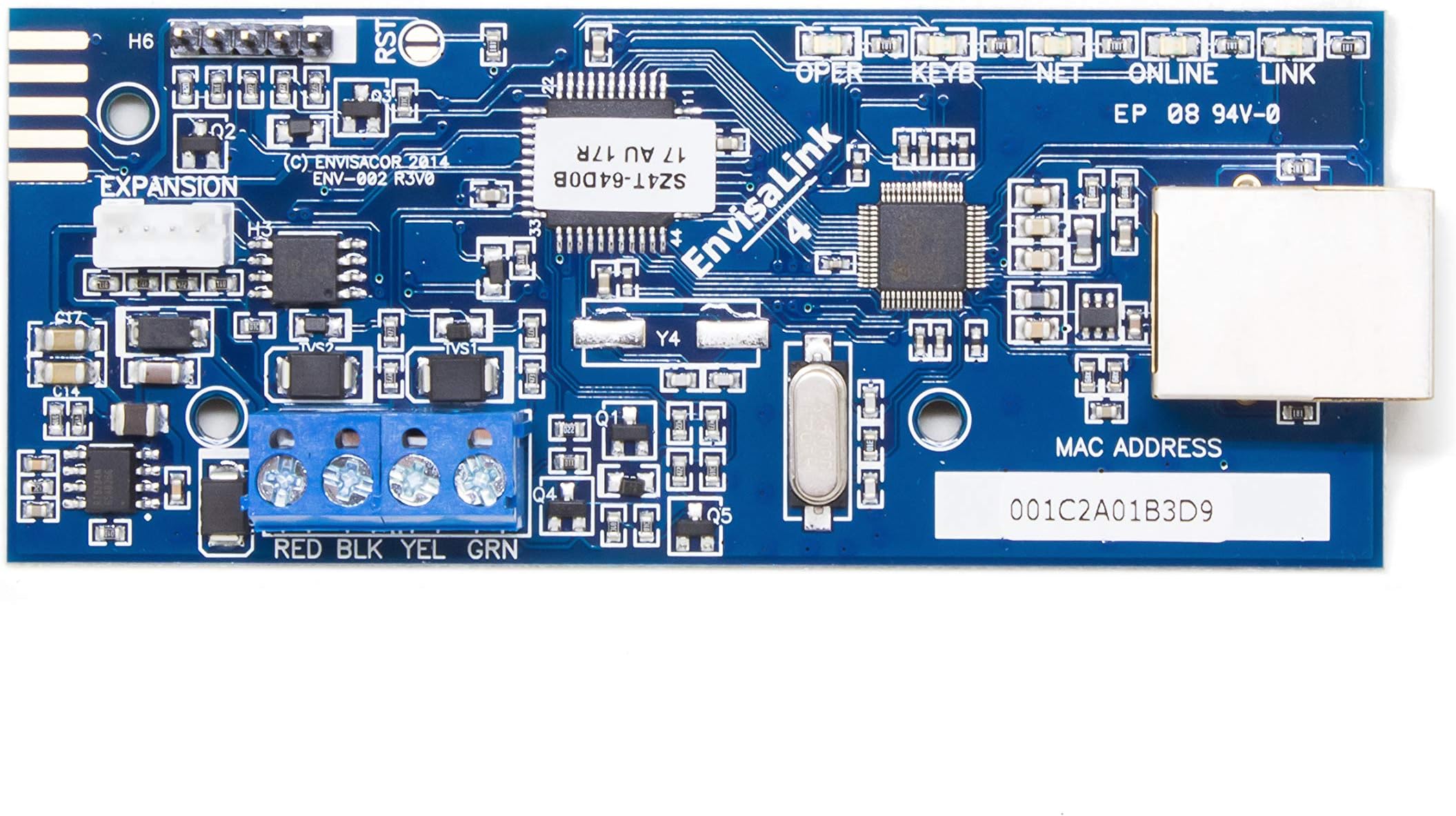
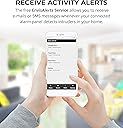
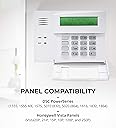
2021 Update: I just wanted to chime in on this device. It's still working great after 5 years now. Even though it connects to an external website which might be of a concern, the website is still in operation and the Android App still works great. This card is the easiest way that I've found to connect your existing alarm-system to your own control rather than paying a monitoring company like ADT/Spectrum/AT&T to monitor your system. Everything is done via your phone App, and there is very little delay. YOU do the monitoring and you don't have to pay $30+ a month to a company that basically will do the same thing. There are other ways to do the same thing that involve a lot more DIY knowledge, but take a lot more knowledge in networking and programming alarm systems. The newer systems do a lot of this for you already built-in, but why pay for new technology when the old stuff works? From a privacy and security perspective, which would you rather have? A system that is used by thousands of people subscribed to one of the monitoring services which uses identical equipment in all of its installations -- or would you rather have your existing older device connected to the Eyez-On control card which is fairly obscure when it comes to devices? There's no absolutely 100% "unhackable" device, but I'd rather have "security through obscurity" that this device offers. It won't prevent a targeted and well-motivated attack, but it should be *different* enough from the huge numbers of well-known and most-used devices to make it too difficult to bother with for the casual cyber-criminal to bother with. Just make sure to use this with a home router with decent security and IMO it's better than anything you can get by paying for a monitoring company. A side note as well. In my city, you need to register your alarm-system with the local police in order to be able to have them check out the house whenever an alarm is triggered. If a system is monitored by a company like ADT, etc., they will attempt to verify whether it's a false-alarm or a real break-in either by using an intercom built-in to the alarm-system, or via a contact phone. If they can't reach you, then they'll report an alarm to your local police, who will then come to investigate. With Eyez-On, I am still able to register my system as an owner-monitored private system with the same benefits. If an alarm were to be tripped I would be notified and then I could call the local police and report the break-in the same way that the monitoring company would. Or I could call my neighbor who would relish the opportunity to confront an intruder -- but he's an ex-marine with a small arsenal at his disposal. Also, having a monitored alarm-system will sometimes get you a small discount off of your homeowner's insurance. It works for my homeowner's insurance, but it might not for all insurance companies, so check first if this is important to you. Original Review: I bought this in December 2016 along with a TP-Link WiFi extender. It's been almost 3 years and it works great. I've got the Vista 20P system and the app hasn't changed much. I'm still happy that Eyezon keeps the app updated and that I still get instant text messages and notifications with any change to my system. It's very easy to set up, but you need to have some working knowledge of how the system works. There are many videos that you can find that will show you step-by-step instructions on how to hook it up and which wires to connect, etc. It's not plug-n-play, but very close. If your phone doesn't say Apple on it, then you'll probably have no problems with the app, connecting this board to your network, and generally will find it simple. If you're an iPhone user, then expect frustration. Yep, that's what I meant to say. That said, it does seem a little pricey, but think about the savings over a pay-by-the-month "monitored" system. We used to have Time-Warner monitored service, and this is the same thing, only faster and better, and FREE. Time-Warner would get a signal from your system that the alarm was tripped, then they would call your home, then your cell to ask if you needed the police/fire or whatever. This device does the same thing, except instead of a call from a bored/tired/apathetic Time-Warner Security Representative you get a notification on your cell phone (and/or a text message if you prefer). Yes, there are better home security systems, but only marginally better. Yes, you can do the same thing with a custom-built Raspberry Pi and a WiFi extender, but this is much easier. The only downside is that this still relies on a 3rd-party website/server to provide the notifications and texts. If they made a version that would use your own home-network to contact you directly without having to go through their system, that would be better, but I have yet to have any issues in 3 years. Compared to the $360 minimum I'd pay per year with a "monitored" system, this is money well spent. Also, as long as I'm here, I realy wish there was an Alexa skill that would work with this. Being able to say, "Alexa, set the home alarm system to night mode," would be awesome. (I know that can be done with other systems, but I'm talking about my 15-year-old Honeywell system.)