



🖥️ Elevate your workspace with LG’s 4K Ergo Monitor — where clarity meets comfort in perfect harmony.
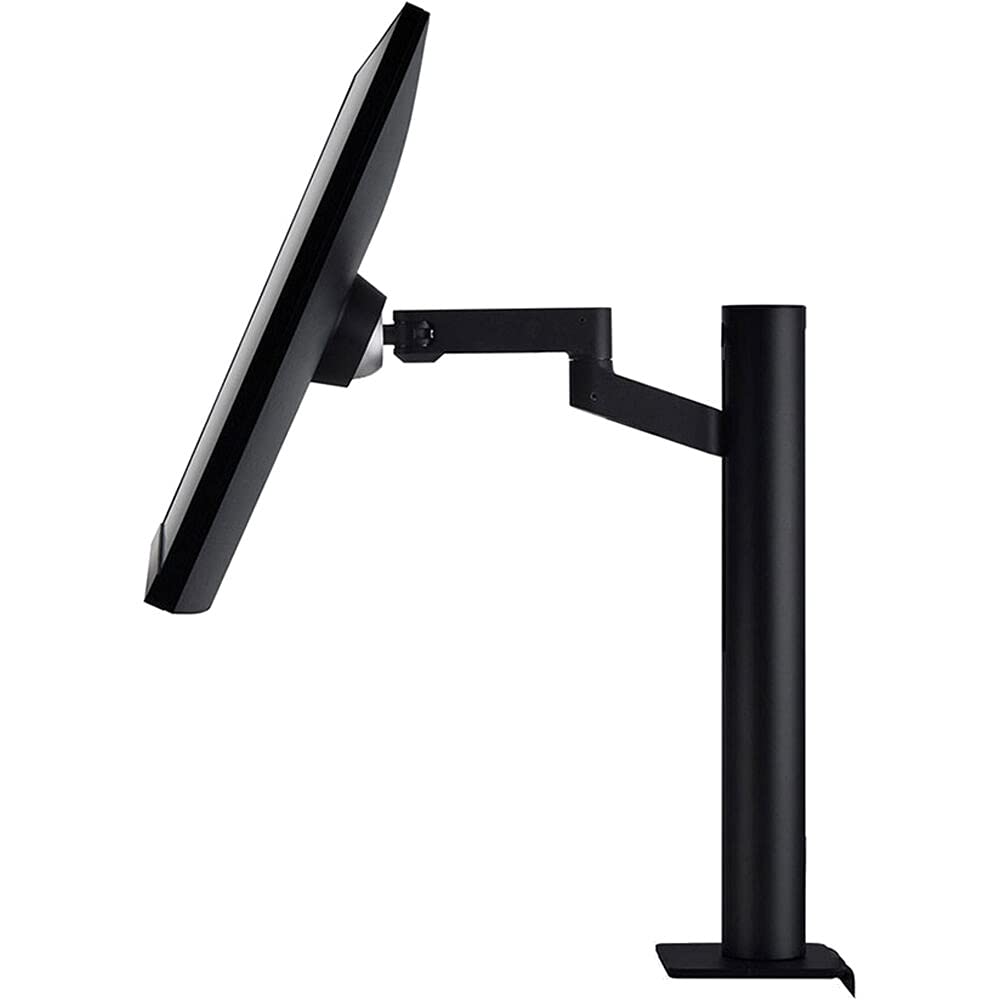
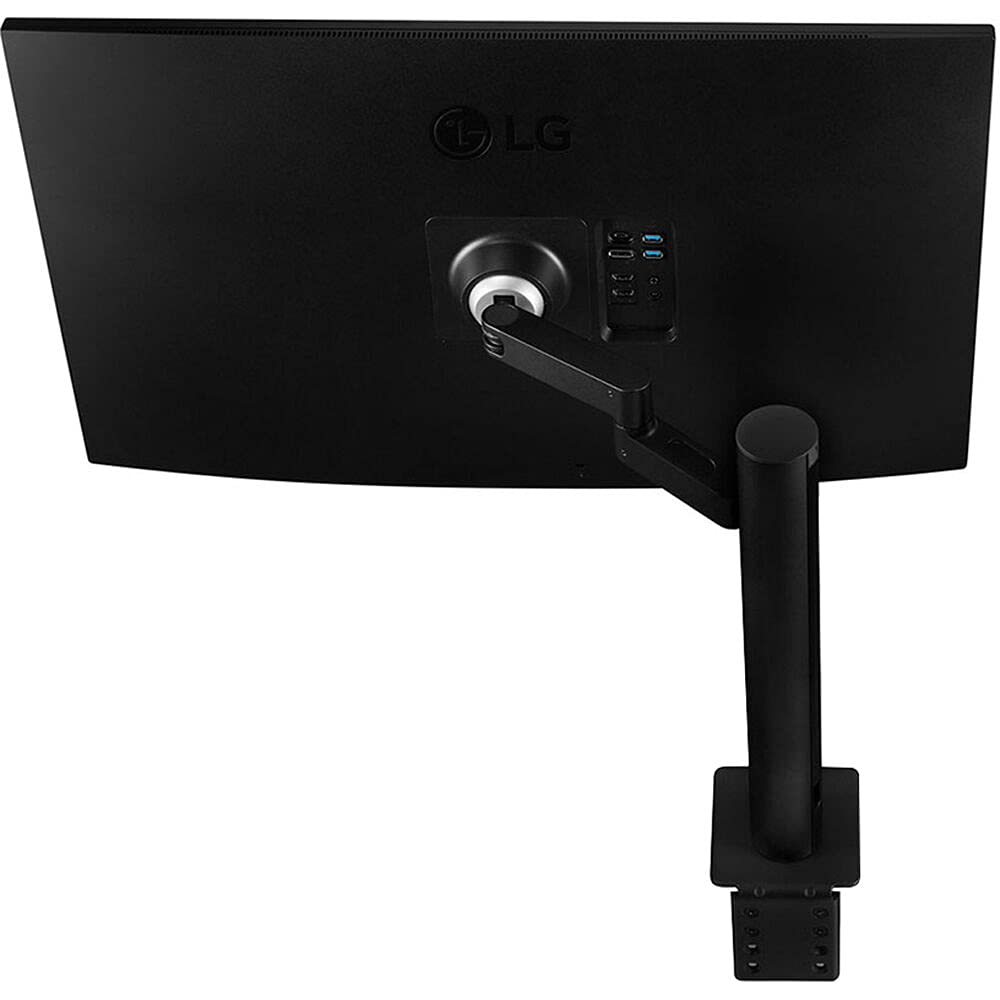
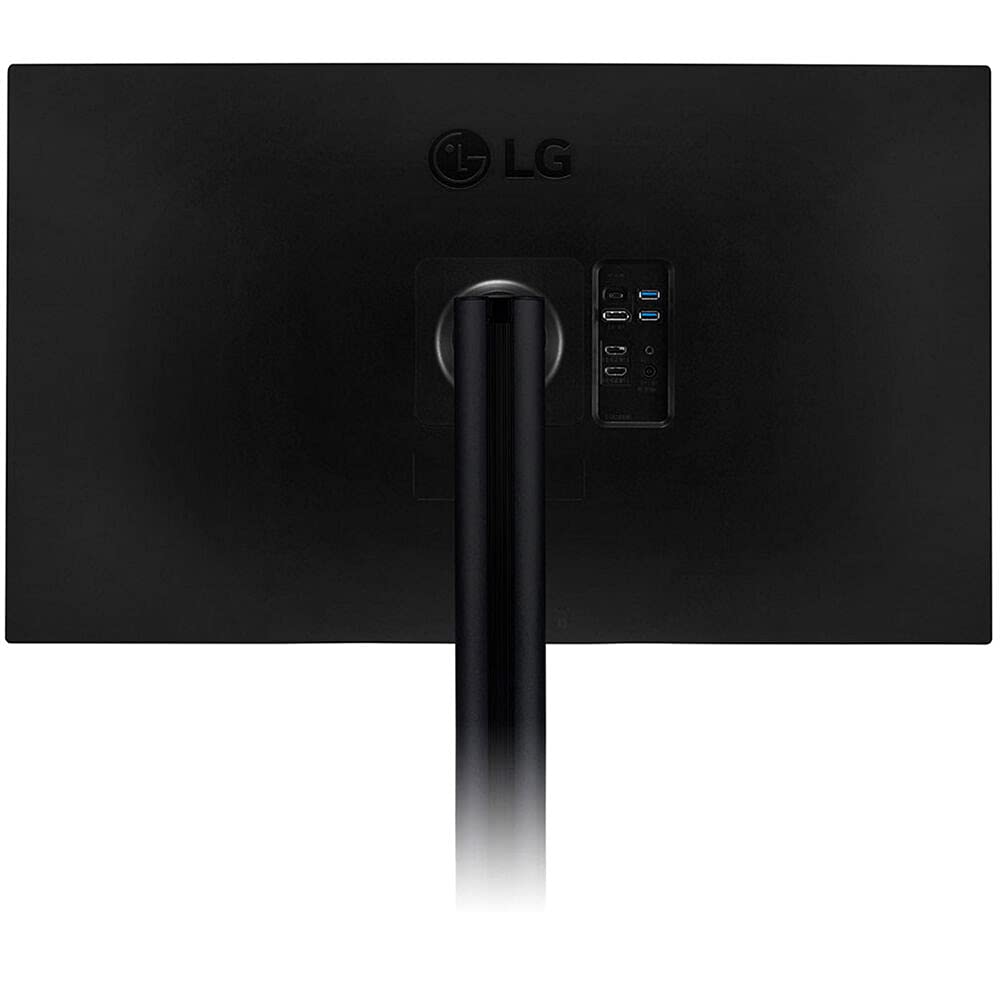
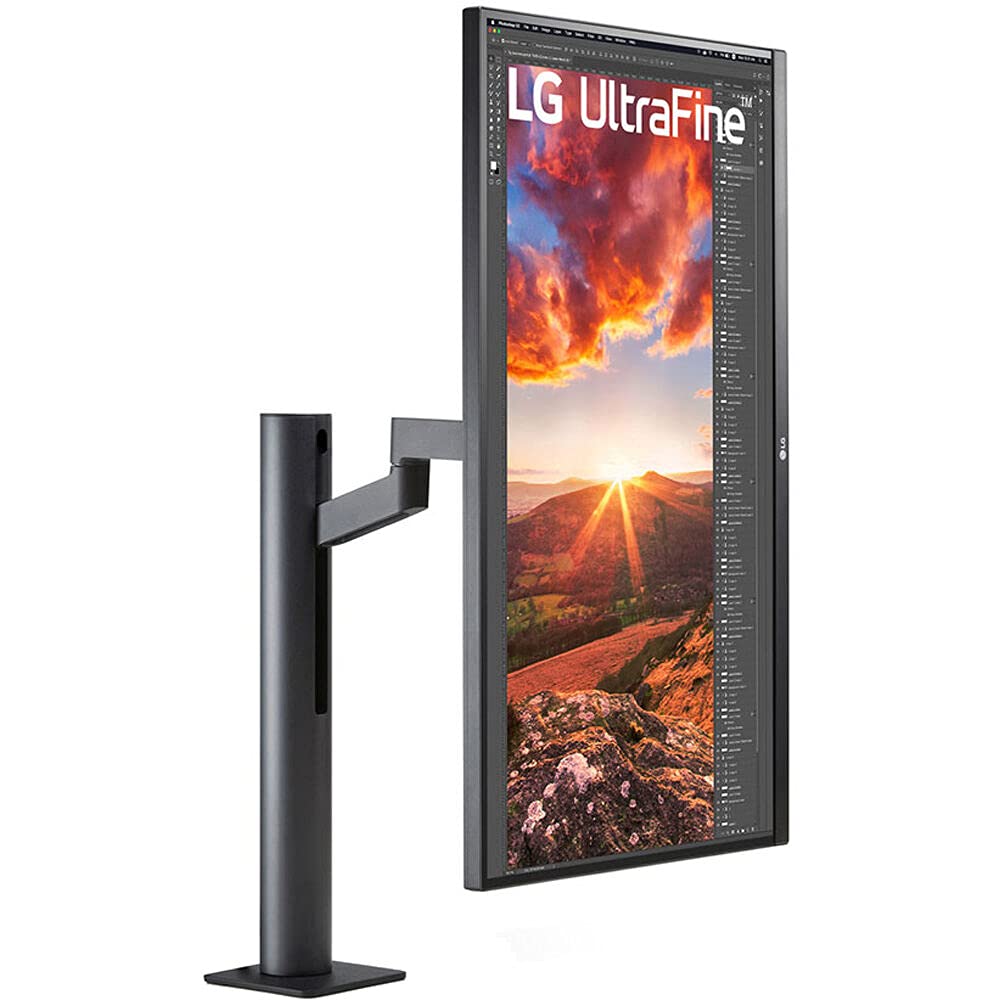
The LG 32BN88U-B is a 31.5-inch 4K UHD IPS monitor featuring a 3840x2160 resolution, 95% DCI-P3 color gamut with HDR10, and AMD FreeSync for smooth visuals. It includes a versatile ergonomic stand with extensive adjustability and a USB-C port providing 60W power delivery, making it ideal for professionals seeking a premium, clutter-free, and comfortable workstation.


| Native Resolution | 3840x2160 |
| Resolution | 4K UHD 2160p |
| Connectivity Technology | USB |
| Hardware Connectivity | 3.5mm Audio |
| Aspect Ratio | 16:9 |
| Display Technology | IPS |
| Display Type | IPS |
| Screen Finish | Glossy |
| Picture Quality Enhancement Technology | HDR10 |
| Viewing Angle | 178 Degrees |
| Refresh Rate | 60 Hz |
| Contrast Ratio | High (exact value not provided) |
| Total Usb Ports | 3 |
| Total USB 2.0 Ports | 2 |
| Number of Component Outputs | 3 |
| Response Time | 5 Milliseconds |
| Shape | Rectangular |
| Color | Black |
| Warranty Type | Manufacturer Warranty |
| Additional Features | Compact |
| Adaptive Sync | FreeSync |
| Is Electric | Yes |
| Item Weight | 14.22 Pounds |
| Item Dimensions D x W x H | 9.7"D x 32.3"W x 20"H |
| Screen Size | 31.5 Inches |
P**A
This is awesome
Hooked this up to my new Mac mini through usb-c. This is the clearest monitor ever for writing and viewing documents. Even Apple News POPS almost off the screen its so immersive. Brings a whole new meaning to Photoshop and Lightroom. This is worth every penny for my day to day workflow. I don't game so I have no comment on that. The arm is great you can swing this monitor every which way. The C-clamp is fully adjustable to handle from about 3/4 to 2 inch desk tops. Just remove 4 screws to increase or decrease, no need for shims as others have stated. Out of the box on a Mac you will have to make a couple of adjustments in Settings for the display. I ended up using a scaled resolution as I could not read the small letters of the default. I also turned on HDR. In the monitor settings I scaled back the brightness to 50% out of the box it was 100%. For now that is good enough, I will run some calibration software soon but like I said for now this thing rocks just the way it is. BTW, the 3rd that shipped to me was really good with a few questions I had. Update: ran some software no additional calibration needed. -- updated, bought a second one they are so good for my workflows.
C**T
Exactly what I was expecting
I've had this monitor for a month. I wanted a monitor to replace my 2 x 24" setup and play my PS4 Pro to it's max capacity 4K 60hz with HDR. Note, I thought it was true HDR, but in the settings it says HDR effect. Regardless, it looks really good on Resident Evil Village. I would upload a picture, but it doesn't look the same as what I see. I quickly toggle from HDMI to USB-C with the switch on the bottom of the monitor so I can use it for work and play. I edit my family/vacation photos in Lightroom, and the colors look pretty good. At the end of the day, it's not the best gaming or photo editing monitor, but those monitors are twice the price and you'd need one of each of you want the best. For a part time gamer who likes to edit some photos and videos when they aren't using it for work, it's perfect. Good price, looks nice and clean, and plenty of work space. Very happy.
M**T
misleading product
If this was marketed as what it actually is, I'd give it 5 stars. Lets be clear, it's a good monitor, but the amazon listing has it as supporting HDR and being 120hz refresh rate.While it will let you turn HDR on, it causes a ton of problems, and is inconsistent. I ordered two of these monitors, and both exhibit the same behaviors with HDR turned on, and will frequently restart if being used for awhile. I did not necessarily expect peak HDR performance, I just needed to be able to enable an HDR signal from my PC.This monitor is also listed as 120hz, it's not, it's 60hz. I guess I should've checked the official manufacturer's specs and not trusted the Amazon one, but LG is not some no-name monitor brand, so I thought it might be trustworthy.These issues were all on top of a poor ordering and shipping experience... I'll be returning it as well.
Z**Z
Perfect
Tiene los 3 bueno bonito y barato
J**N
Had some issues - decent customer service
The positives - this monitor is super practical, the display is perfect for a professional environment (good color reproduction, decent response time and refresh rate, and is super bright), the stand is awesome, and power delivery over USB-C is superb.The negatives - the backlight started to go out after only 2 months of use which was still under warranty. It makes me wonder about the overall quality of the display. Fortunately, customer service is pretty good but I'm disappointed with the repair process overall as it takes too long. LG provides you with a return label using FedEx ground which goes to their repair facility in California. I'm on the east coast and it took about 4 days to get there, another 2 weeks to get the display repaired, and about another week to have it returned. I was without the display for about 4 weeks which really hurt my productivity - I was forced back to my 25 in 1080p display.I am happy with the display overall, including customer service. I guess I just wish there were more local repair places in case this happens again.
S**N
Great monitor for everyone
Out of box color accuracy is amazing. Peak brightness is bright but could use some more nits. HDR peak brightness is very great for gaming. The ergo arm it comes with is very secure and built great. This would be a great gift for any creator and light gamer
S**G
This monitor is not for the gamer.
If you looking for gaming monitor, do not buy and just passThis is same as LG 32UN880-B with 1year warranty.but this(LG 32BN88U-B) model is for business and have 3 year warranty.32", 4k, IPS, 3rd gen stand are really cool and also color is very accrued.if you're working for design or video editing, this monitor will be perfect.
K**R
Diffuser material yellow from hotspot in electronics
Arm is limited in movement has a wobble and worse of the display has a hotspot that in 5years has yellowed the display badly meaningit no longer is useful for color work. The display itself is noting to write home about it has maybe a slightly better color space than the cheapo business models that go on sale for 140usd over the past 5yrs. . . maybe a bit better contrast albeit dim compared to modern gaming displays. maybe 260nits? Lower IPS glow leak Some of the cheaper LGs can be downright blotchy in this regard. But the yellowing heat when this thing has a laptop blister PSU is sad. Sadder they use diffusers and plastic filters that yellow and age with heat. I am unsure what is in the center near the VESA mount that produces the heat but none of my other monitors even eye searingly bright ones produce this much heat in a centralized location. Stay away get a gamer IPS with 120hz and a good ergotron arm for the cost of this thing.Addendum, 5yrs on it has formed a crack in some layer that focuses the backlight as a massive hotspot. All failures due to cheap or badly researched materials used in the backlight. It is the same nightmare of many IPS diffusion layers wrinkling from heat and shrinking over time. SO all other components are working but because of some 4$ bit in the backlight system going bad the entire display is junk.
Trustpilot
1 week ago
1 month ago



