

Desert Online General Trading LLC
Dubai, United Arab Emirates
Desert Online General Trading LLC
Dubai, United Arab Emirates


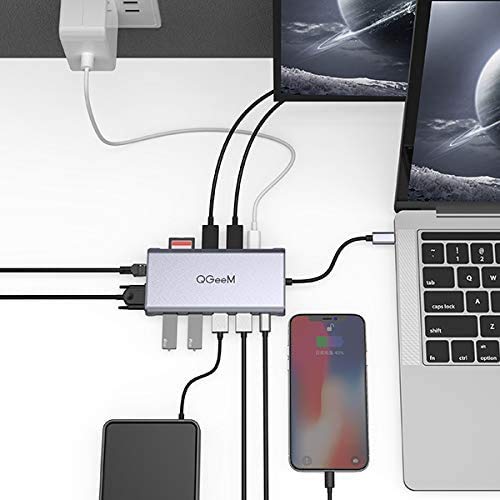

🚀 Triple your screen, double your power, zero compromises.
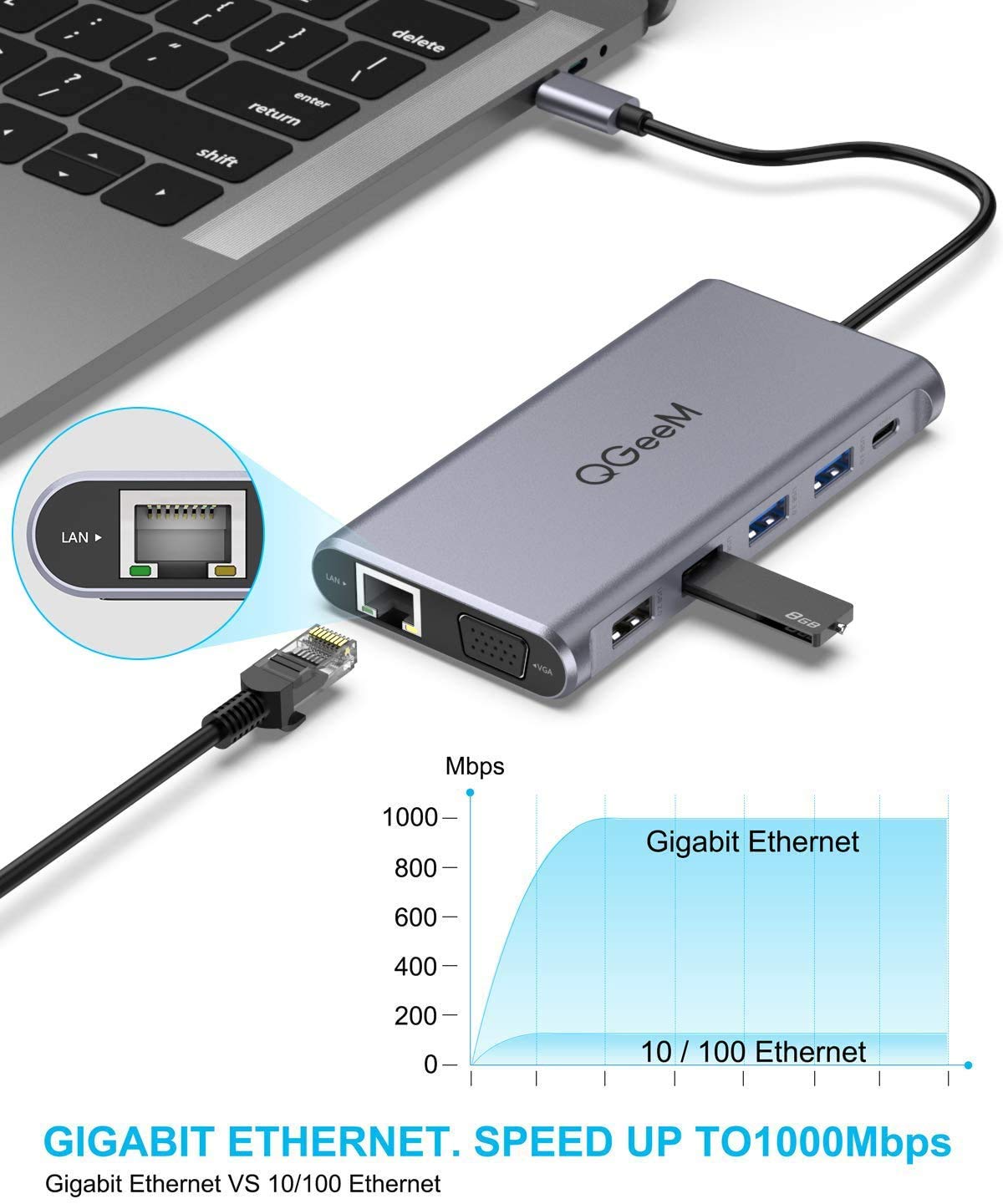
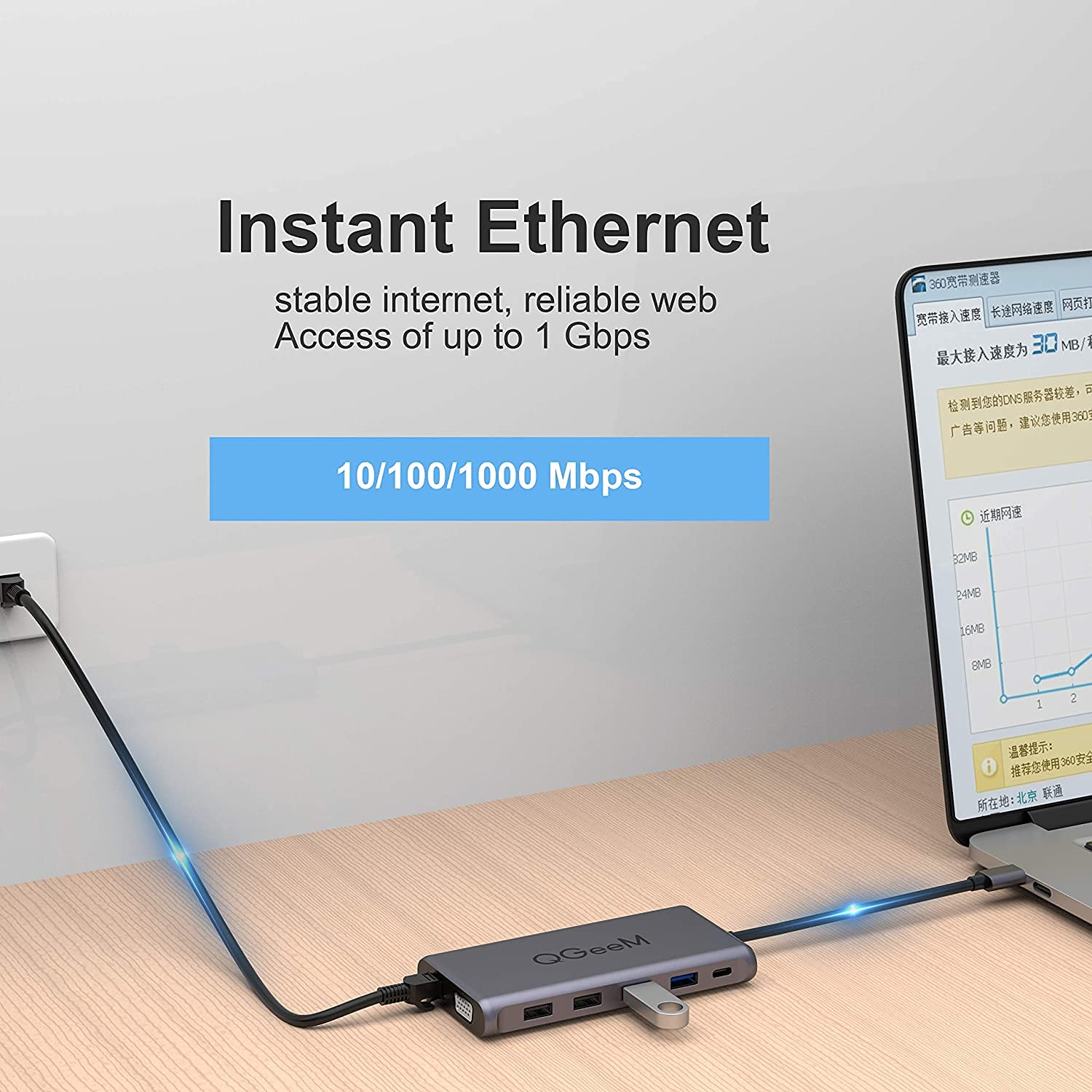
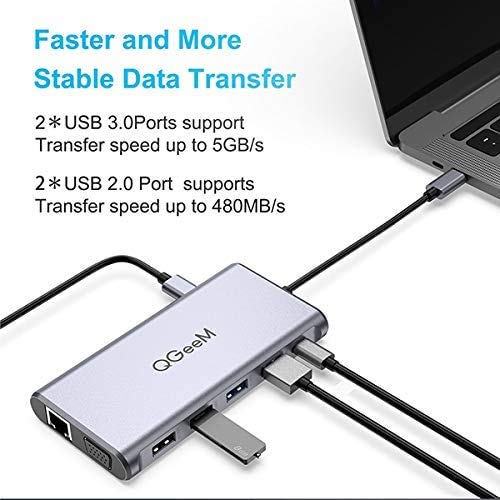
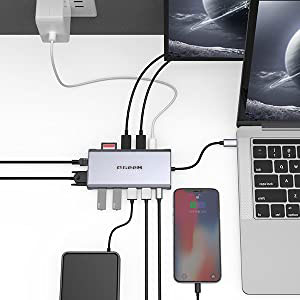
The QGeeM 12-in-1 USB-C Hub is a powerhouse docking station designed for professionals craving seamless multitasking. It supports dual 4K HDMI and VGA triple displays, super-fast USB 3.0 data transfer, 100W power delivery charging, and gigabit Ethernet connectivity. Compatible with MacBook and Windows laptops, it transforms a single USB-C port into a versatile productivity hub with effortless plug-and-play setup.




J**9
Works as advertised, and at a great price!
My Pixelbook only has 2 USB-C ports. One needed to be used for power, and I need my work requires a physical security key which took up the other port. I needed a solution that would allow me to add peripherals (mouse, keyboard, Monitor, etc....) for my home office. I researched my options, and finally landed on the QGeem USB-C Hub. I appeared to have everything I was looking for. It has pass through power, HDMI for my monitor and plenty of USB ports for peripherals. The design is nice. It is smaller than I imagined, however feels sturdy and the ports are rock solid. I was up and running in just a few minutes. Very easy to use! So far this has delivered as advertised, and was priced very competitively. I would recommend this hub to anyone with a laptop that has a USB-C Power connection.
K**K
Carry only one USB-C dongle.
If you are new to USB-C then I would recommend that this is the best investment you can make. I use this as a hub for my laptop and since as of now we are WFH (Work From Home) I needed to use my laptop and desktop with dual displays. So let me begin. I use it as a dock for my laptop keyboard and mouse. I also use several portable hard drives that are USB-C which means they have a faster connection when connecting them to the dock as well. I use a Dell XPS 15 which means you only get 1 thunderbolt connection so you need to maximize the amount of items one dock can have. I also understand that at it's current price, it may be too steep for some, but when you add the factor that this had display port something hard to find in any of the other, cheaper dongles and an Ethernet connection that as someone who has to transfer through the cloud large video files I can take advantage of the internet speeds without having to connect several dongles.Basically if you only want to carry one dongle that can do it all, get this. If you only need a simple display with no Ethernet etc. Then I would say opt for one of their more affordable options. I'm happy with this purchase and so far it has made working easier. It works with my tablet as well for keyboard and mouse. I would say the only CON I have regarding this dongle is that it should be 3ft not 1ft cable cord. Other than that I recommend it if you just want one dongle to carry around and you have a usb c only mac or tablet or laptop, this is it.
M**.
Overall very good - just a couple small issues
I've been using this for a few weeks now and have been overall impressed. It's simple to use and tends to work well. I have had a couple issues, however:1. The type-C female port isn't delivering as much power as I thought it would. Using a USB-C to thunderbolt cable it charges my iPhone, but not my iPad Air. Given the specifications, I thought it would have enough energy output to charge my iPad, but I'm constantly stuck on a "not charging" notification. This is a pretty big let down as this was going to be an important part of my desk set-up and now I need to reconfigure.2. The USB inputs won't function correctly with my Logitech nano-receiver for my wireless keyboard and mouse. My computer will recognize the USB receiver when plugged in, but won't function correctly. I'm not sure if this is just because the nano-receivers are a bit older, but it's another pain.Ultimately, each of these are fairly minor issues, but they are inconveniences nonetheless, and part of my reasoning for this purchase was to have a single-unifying dongle that wrapped everything up nicely together. I'd love to figure out how to resolve both of these issues, because otherwise, the hub is working well.2.
W**N
Excellent dock for USB-C enabled PCs
I needed a "dock" device that I could use with two different USB-C-enabled PC laptop devices and two or three HD monitors. I also needed some extra USB ports. This device has worked perfectly since the day I plugged it in. I use it everyday, swapping my laptops back and forth. I've used it for about a month, and it has done 100% of what I needed.The two laptops are a Dell Latitude 7290 and a Microsoft Surface Book 3. For monitors, I have a Samsung 32 inch 1920x1080 curved screen, and an LG 29-inch ultra-wide that offers 2560x1080. I'm connecting to the Samsung on the Displayport and the LG on one of the two HDMI ports. I can also connect to a third monitor on the remaining HDMI port. Video display is crisp and clean and works beautifully. USB ports all work fine. Eventually, I may use the SD slot, but currently don't have a reason to. I did not have a "PD" power supply to try connecting to the USB-C port that feeds through to the laptop, but I'm looking forward to utilizing that feature eventually once I aquire a suitable power supply.My only very slight complaint is that the length of the USB connecting cord from the device is a little short. My two laptops have the USB-C port on opposite sides and I had to rearrange my desktop each time I wanted to switch devices to get the dock to sit in a place where I could connect it. But this was solved easily with the purchase of a USB-C extension cable.This little docking station for USB-C enabled devices does everything the much more expensive Dell and Microsoft docks can do for a fraction of the price. I highly recommend it.
Trustpilot
1 week ago
3 days ago