We remain fully operational. Our teams are working around the clock to ensure your deliveries continue safely.

DOWNLOAD THE APP


Customer Services
Copyright © 2025 Desertcart Holdings Limited
DOWNLOAD THE APP
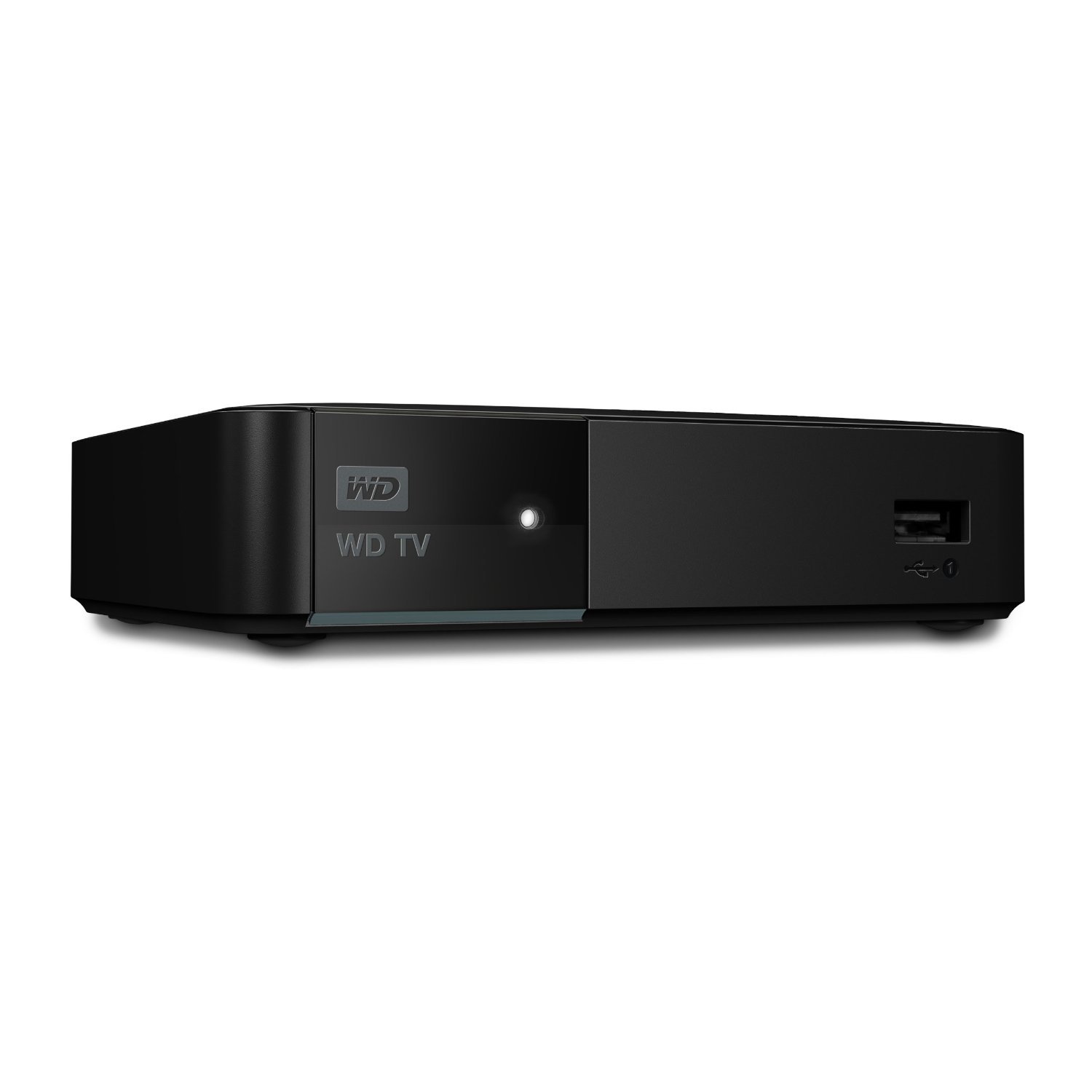
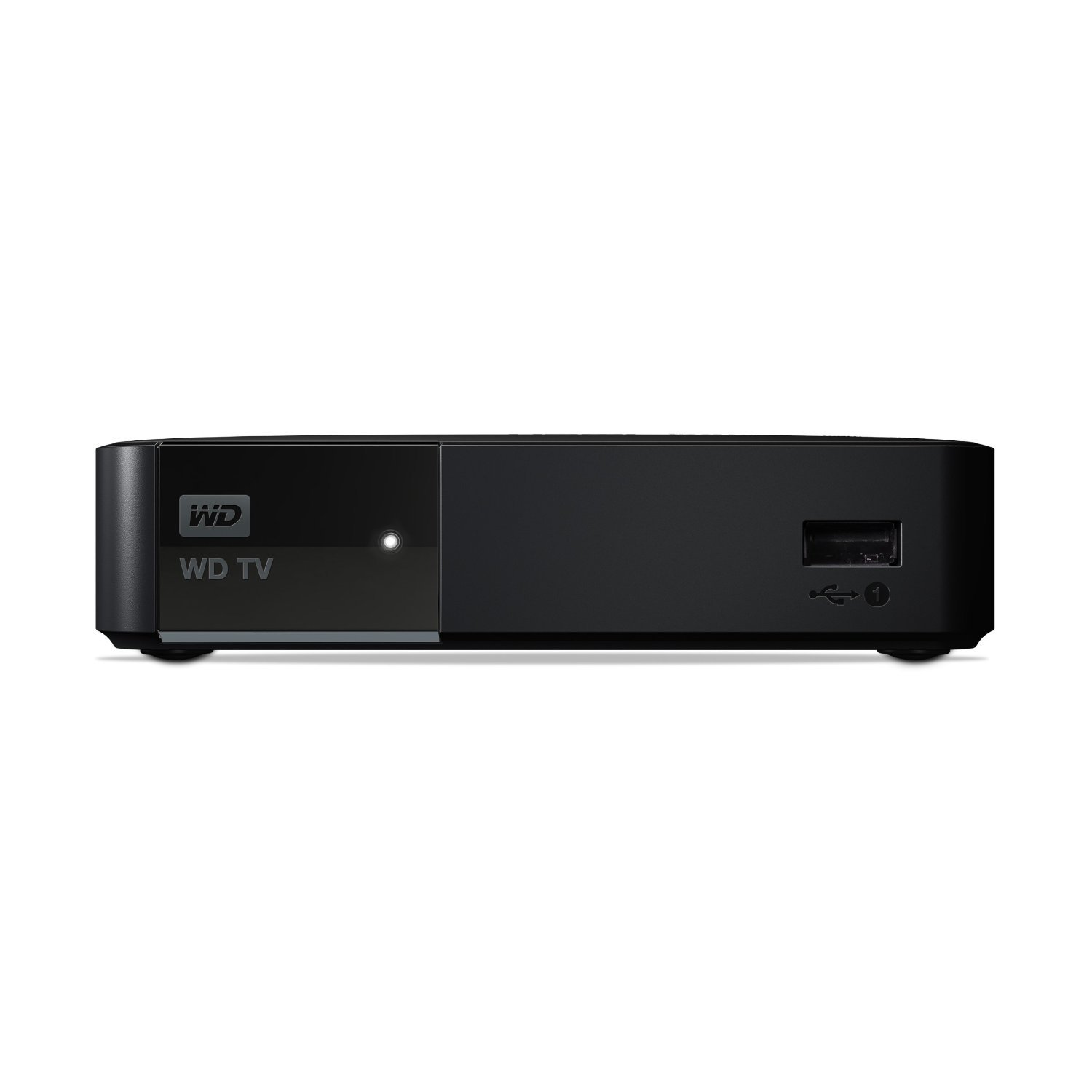
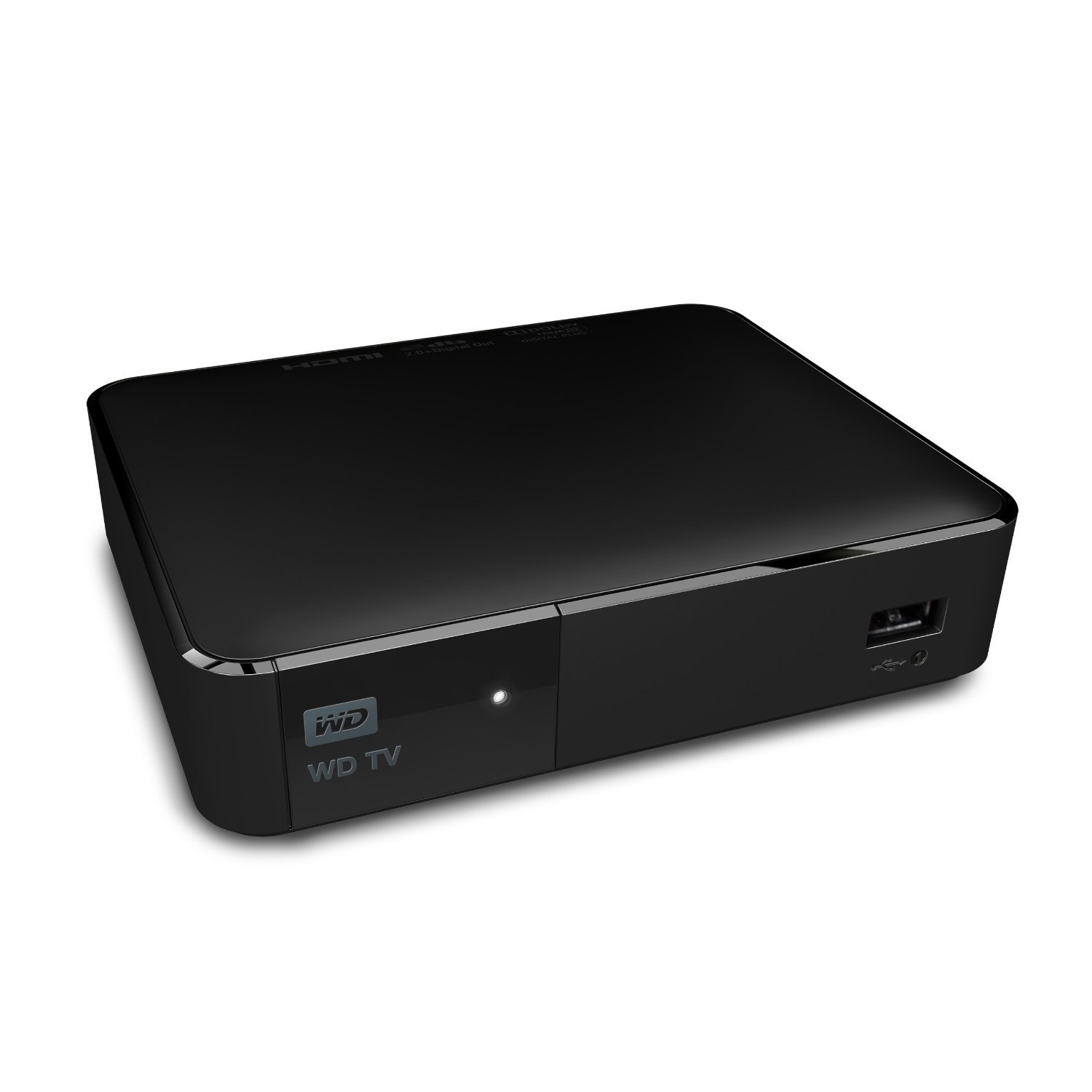
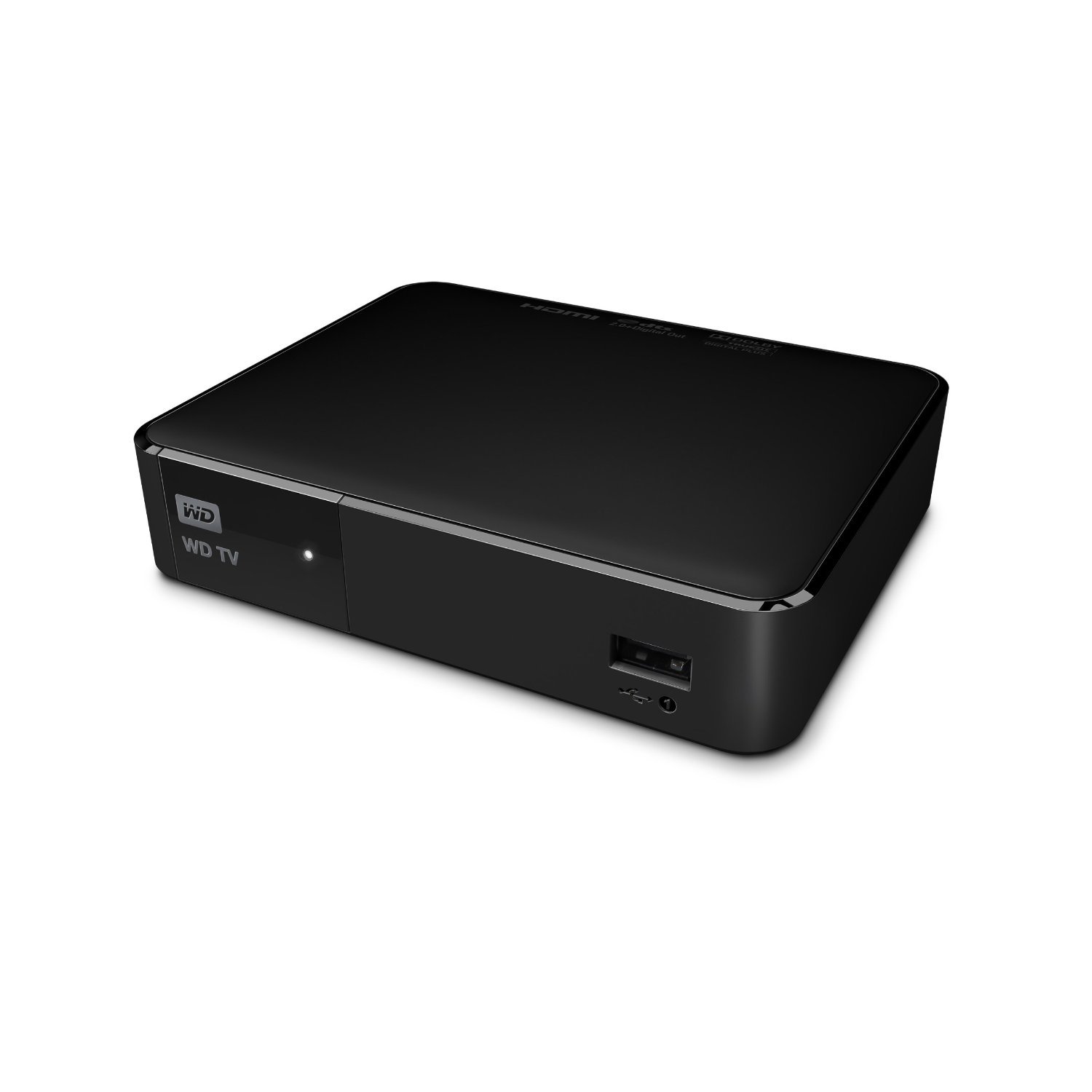
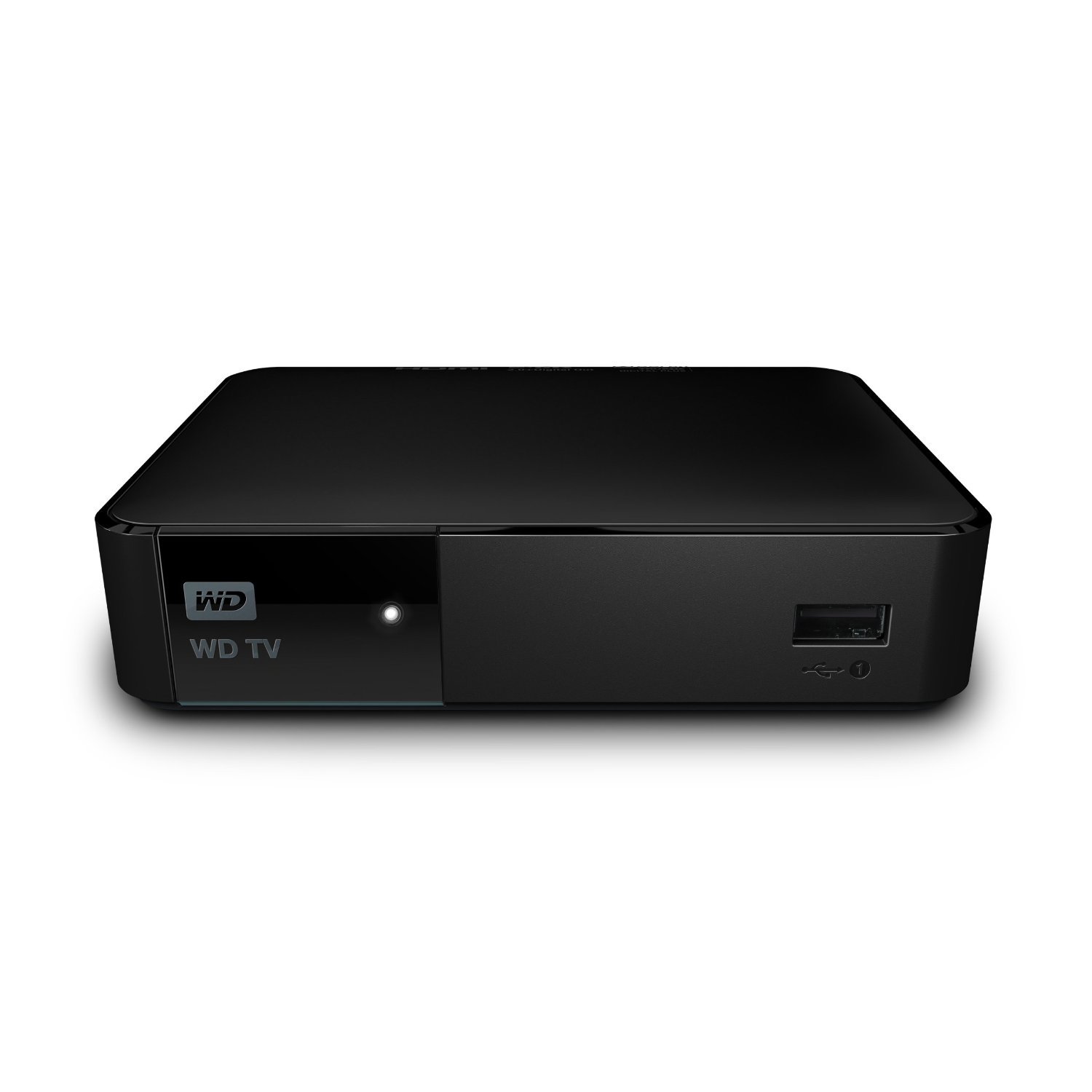
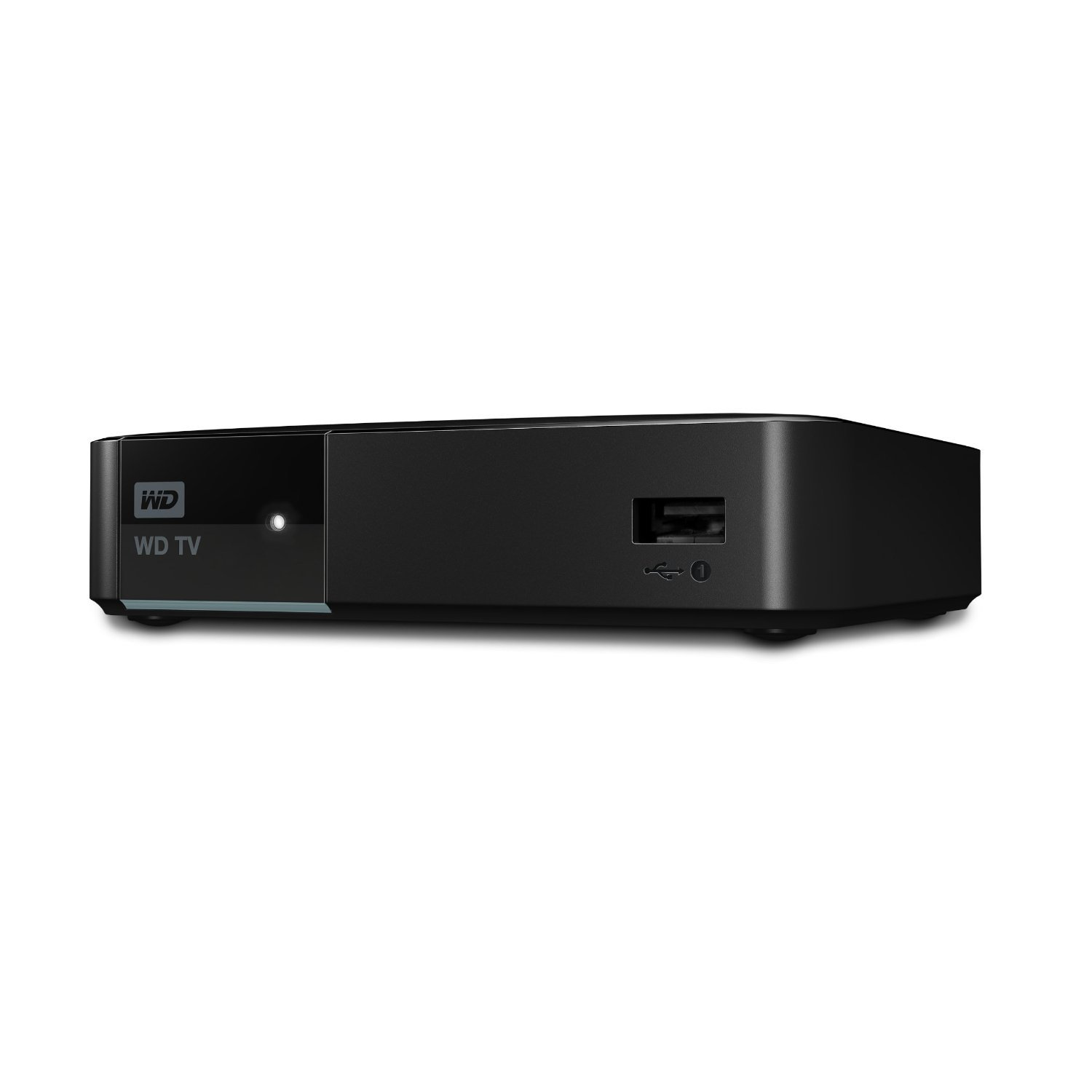
🎬 Elevate your media game — stream smarter, not harder!
The WD TV Media Player (WDBYMN0000NBK-HESN) is a sleek, reliable streaming device delivering 1080p Full HD video with broad format support including MKV, MP4, and AVI. Featuring USB and HDMI connectivity, it effortlessly accesses media from external drives and network devices like My Passport Ultra and My Cloud. Its customizable interface and Miracast screen-sharing capability make it a versatile hub for professional millennials seeking a streamlined, high-quality home entertainment upgrade.
| ASIN | B00JXFM75Y |
| Best Sellers Rank | #847,940 in Electronics ( See Top 100 in Electronics ) #2,168 in Streaming Media Players |
| Brand | WD |
| Built-In Media | Ac Adapter, Composite Av Cable, Media Player, Quick Install Guide, Remote Control With Batteries |
| Color | Black |
| Compatible Devices | Smartphone, Tablet |
| Connectivity Technology | USB |
| Connector Type | HDMI, RCA, USB |
| Controller Type | Remote Control |
| Customer Reviews | 4.1 out of 5 stars 502 Reviews |
| Form Factor | TV Box |
| Global Trade Identification Number | 07180378244206 |
| Item Weight | 6.72 ounces |
| Manufacturer | Western Digital |
| Model Name | WDBYMN0000NBK-HESN |
| Model Number | WDBYMN0000NBK-HESN |
| Other Special Features of the Product | Miracast screen-sharing, customizable user interface for streaming content |
| Resolution | 1080p |
| Special Feature | Miracast screen-sharing, customizable user interface for streaming content |
| Supported Internet Services | |
| UPC | 718037824420 |
| Video Codec | H.264, H.265 |
| Video Output Resolution | 1920x1080 Pixels |
| Warranty Description | 1 year |
R**A
Nice little unit and NO it does not play all file types
I did a lot of research before buying this device, and I am debating whether I will send it back right now. Everything in these reviews is fairly accurate but some comments are misleading. The interface isn't great, its what it is for the price. It does NOT playback all of your media, although when it does it does so sufficiently and it supports a lot of formats and the subtitles that may or may not go with it. If you watch a lot of anime, then probably you have some amount of HVEC or 10-bit files and you may or may not be aware of this. This device will NOT play these files, which unfortunately are the bulk of what I wanted to watch. I basically didn't want to sit in front of my computer anymore watching Japanese anime and this was going to be my solution, it isn't. Everything else I have found it plays well. Every now and then I get a random reboot, but for the normal types of files its pretty much what I expected and I know I can get firmware updates, etc from WD vs. some random manufacturer, so I think for most people this may be a good choice. I really need a full out PC/media center to play my collection. The reviews that say that it will play all of your files are simply wrong. It does play a lot of file types for what you pay for, so I have decided to keep it.You can download the full manual from the WD website and look at page 209 in the Appendix and it will list the supported file types. HEVC is not listed. If your inclined, handbrake is pretty easy to use and you can re-encode your problematic files to MP4/MKV and they should work. Subtitles are always problematic, but I haven't had any problems yet.
T**E
A very capable player
This box is great for what I need it for. I don't use Netflix, I don't like Netflix and I will never subscribe to it, so that is irrelevant to me. I connect a 2 TB hard drive to it and play movies, music and watch pictures. This box does all those beautifully and much better than most competitors using the Realtek 1186 chipset like those from KDlinks and Micca. The WD player can do things the others cannot, like resuming a large music file after shutdown. Also, the startup time is very fast compared to others made by Micca for example, because it doesn't actually shut down, it just goes to low power sleep. So it takes about 15 seconds to go from off to playing something. The GUI is very pleasant and much more refined than the competitors as well. Is it perfect? No. I did have a few glitches at first and sometimes I need to restart the whole thing (rarely, but it happens). Also, customer service is a complete joke. I wrote them a question and they responded after 10 days with a stupid form letter that was totally useless. But the bottom line is if what you need is a fast, reliable, easy-to-use media player then this one is fairly priced and is more refined than most of the other ones out there.
G**S
Almost perfect movie player.
I upgraded to this WD TV media player from the previous WD TV Live 4 months ago for playing a movie collection of about 550 from a WD 3TB USB 3.0 Passport drive. I'm not using any other feature just movie playing so this review concerns only movie playing. Setting up the player is very easy but you need to scan through a 244-page PDF manual to get the knack of the remote. The on-screen user interface is a joy arranging your files very neatly and with various options. To avoid long file lists I have created directories of decades ('20s, 30s, ..., '00s, '10s) with subdirectories containing each movie and a .jpg pic of the movie poster (found over the net). They're perfectly displayed File Manager style with subdirectories sporting the .jpg poster as thumbnail. Absolutely gorgeous and easy to navigate. Remote control has all key functions neatly positioned (particularly audio track/subtitles/chapters) plus you can go anywhere into the movie by entering the desired time - no more endless fast fwd or rewind. On the downside you need to press Off (red button) for 5 seconds on the remote to shut-down the player otherwise it stays on stand-by without any LED indication to show. Curiously that doesn't work all the time, it stays on stand-by regardless meaning the player's surface stays hot all night/day wearing itself for no reason. WD should have included a proper switch-off key on the remote for such a critical function. Second, future-proof it's not. It cannot play x265 files, the CPU is not fast enough. That means larger x264 movie files in your Passport drive, you may run out of space sooner than you expect and 4K will probably be down-sampled in x265 FHD not x264. However, for existing movie collections fine. Overall I'd rate 4 stars due to the on-off switch. Great improvement over the previous model and a nice buy for the price.
R**.
Mediocre player at best
Where to start...... Pros - plays any codec format in mkv container Cons - very unresponsive user interface. Very slow navigation - no way to set it to play only the forced subtitles. It either plays the first subtitle of every video file even ones that don't have forced subs which ends up showing all the subs even if you don't need them or you have to turn off auto subs and then select the forced subs by hand.....that is if you remember that the movie has forced subs in the first place - repeatedly fails to play audio which forces you to cycle back through the audio tracks until the audio starts\ - audio sync problem unless you set the framerate to be forced to match in the main options menu - After getting the movie/tv show information from TMDB/TVDB it refuses to ignore words like 'The' or "A" or "Of" at the beginning of the title so a movie like "The Avengers" gets shown in with your movies starting with T. Also for TV shows, after getting the metadata it sorts them alphabetically instead of alphanumerically, so your series would show episode 1, then 10-19, then 2, then 2-29, etc which causes a problem when you're watching multiple episodes because it jumps around in the series - After getting the movie/tv show information it clutters up your hard drive with a folder named after the movie/tv show and also an xml and metathumb file stored within the same folder as the video instead of a subfolder (preferrably a main wdtv folder at the root of the drive). It may not seem like a big deal, but if you have a lot of movies/tv shows in one folder it gets cluttered very quickly. It's just a sloppy way of doing it - No way to manually edit/alter the info directly on the device. You have to connect your hard drive back to your PC, find the correct XML file among the dozens/hundreds in that folder and edit it that way. Even after editing the info to fix the TV show sort order issue or rename "The Avengers" to "Avengers, The" so it shows correctly in order, it won't recognize the changes after you plug the drive back in. You have to go into the main options menu and do a reset of the metadata. It's not even spelled out clearly how to do it and is a little bit of guess work to find it - Refuses to support external USB drives larger than 500 gigs that don't have their own power supply - Plays all audio through the front 2 speakers of my home theater connected via HDMI Bottom Line - The only benefit this player has over my home theater that plays media files is it supports any audio or video format inside of an MKV container. There are far too many flaws with this system to be used as a main media player if you have an alternate method. I would only suggest using it to play videos that your main player/home theater does not. You'll get a much better all around experience and better audio quality The only thing keeping me from returning these (I bought 2) is the fact that it plays VC-1 video dumped from blurays directly into mkv container instead of my home theater that only supports it in WMV or ASF containers which are near impossible to remux without reencoding. Aside from that I am not happy with these at all
N**K
Love this player, solved a problem and works great.
I dropped in a hardwire Network cable from my router through the walls in to the cabinet where I keep my TV electronics. Prior to buying this box I was connected to my TV via my Sony blueray player and was streaming downloaded or home videos from my home NAS server (originally just using the wifi). I was getting some stuttering on certain videos and after connecting the Cat6 and dropping the Wifi I knew it wasn't a bandwith problem as I now had the direct connection (but still getting stuttering). I bought this and plugged in the CAT6 cable to the back and then used the HDMI cable out to talk to the TV. Amazing, works flawlessly and plays all sorts of file types. I can also access home videos, pictures and other files on my server. I'm going to get one for my bedroom and perhaps see how the wireless performance is before going to the trouble of snaking another CAT6. It's a small unobtrusive box too and the remote is fine, responsive and easy to use. I'm using a network access point to boost my signal through the whole house so I'm expecting it to work well when I try it on wifi only. Update: I did use the wifi into the box into the bedroom and it's also flawless. A great solution in my opinion. FYI I'm playing almost exclusively 1080p files and videos, mainly MKV and MP4 file types.
H**G
The first one broke after a year of good service but had been discontinued
So this is my 5th media player and the most expensive. The first one broke after a year of good service but had been discontinued, so there was no replacement available. The 2nd didn't work. The third didn't work. The 4th worked well enough but didn't give me what I specifically needed and this is important to me: As I am hard of hearing in the human speech range (too much Deep Purple at #11), no matter which center channel I use in my surround system (and I've tried some very good ones), when I'm watching movies the dialogue sounds muddy to me. However, the garbage speakers in my big screen TV actually clear up the dialogue enough, so if I route the sound through my 5.1 receiver and my TV at the same time, I can understand speech and still get surround sound plus butt-kicking bass out of my powered sub. But most media players can't do this. It's one or the other. Before buying this unit I spoke to a tech at WD and he assured me this player could play both audio playback systems at the same time. And it does so beautifully. I route an audio optical cable from the player to my 5.1 receiver (I needed a splitter because of my blu ray player but that was no big deal) and an HDMI cable for video and audio from the player to my TV and I'm extremely happy with the results. The receiver more than overwhelms all audio from the TV except dialogue, which is perfect and finding a sonic balance between them was a snap. For source material, I'm using flash drives with movies, which I patch into the handy front USB port. The remote is a delight. There is a minimum of buttons (thank goodness) and those are logically laid out. The remote has the feel of hard rubber, so it's easier to hold and operate than any other remote I own. Some reviews of this unit complain about the long wait time from pushing a button on the remote to getting something to happen but I didn't find that to be the case at all. There is way more to this unit than playing movies from flash drives and, because of my specific user needs, it's unlikely that I'll ever need it. The online user manual, for example, has 244 pages and I used maybe 3 to get a quick handle on playing movies from a flash drive, which is total simplicity. Like, I went through the setup guide and there was nothing I needed to adjust. How nice is that? Maybe if I used the WD TV Media Player for more than I do, I might find fault with it. But for my needs, it's 5 stars.
O**F
I love how this box plays all of my media - ...
I have a love/hate relationship with WD. I love how this box plays all of my media - all of it - I love that. I hate the UI - hate it. I hate the 3 second lag every time I press any button on the remote. I hate the stupid swipe area on the smartphone remote - it is impossible to control. I hate simple stuff like not being able to make one of my favorite photos the background image. Yes it says it supports this but it does not. And I hate how WD has managed to name every one of its similar products names that are ridiculously overloaded to the point where it is impossible to find online help for your product because it shares names with 5 other products. WD TV. WD TV Live. WD TV Live Plus. WD TV Media. WD Live Player. WD Live Streaming Media Player. Seriously? Are you serious WD - that's your product marketing genius? Honestly I can't even tell which one this is - I just tell my friends "it's the one that doesn't support netflix." In the end, it's sub $100 and it plays all of my network media and ultimately that's what these boxes are useful for. But jeez WD - why go to so much effort to nail the hard part - supporting every codec in the western (and eastern!) hemispheres and then make the UI, remote, and support such complete horse shat. Why? Edit 2014-07 Okay Alberto Medina called me today from WD support and he helped me solve the problem of using my own image as the wallpaper - it turns out you can only do this from local media (USB). So that's a bit of a workaround but hey I will give credit where it's due - they called me and solved this. Kudos to WD for trying so hard. This is a good device and does what it should. It is still a bit slow in scrolling through files but hey, nothing is perfect. Edit 2014-07 #2 My device suddenly stopped being able to access my WD My Cloud EX2 which is really frustrating. My older WDTV Live in the other room (same network) still accesses it just fine so clearly it's not a network or config issue on the EX2. I've rebooted the WDTV and the NAS and the router - no help. Also the remote control app is beyond horrible - who in the world designs a UI that requires finger swiping to replace pressing a button. Aside from the fact that it's a horrible UI decision, it flat out doesn't work.
T**J
Specific Bug Ruins My Experience
Let me preface this 1 star review by saying that this is based on one specific function that I need out of the WD players (Windows Home Server with MKVs, MP4s etc. supplying several receivers, like this one in my home) Your situation may not mirror mine and you may find that this is an excellent solution for you. My only recommendation is to do your research. :) That being said, this is the only WD product with which I have had an issue. I have owned several WD streaming devices over the years and have really enjoyed them. The price for this level of functionality and file compatibility is excellent. I recently purchased the WD TV Media Player as a replacement to the WD TV Live Player (essentially and older version of the same thing) which sadly died after several good years of use. The Good: the new interfaces offered are very nice and the file compatibility is second only to an HTPC if you have a home server setup. The Bad: this unit has several bugs that are discussed at length on the WD support forums, but haven't all been addressed by WD. One bug in particular I encountered recently that may or may not be related to the most recent firmware release (v1.02.17 12/16/14) The device requires a system reset or power down before files will play from what appears any network attached device. It has been hypothesized on the forums that it is related to a Windows Home Network error. (Keep in mind that I have never had any issues like this with any other WD player on my network) What the bug looks like: 1)Turn on TV and WD TV Media Player, (connect to network device, like a server or PC, if it isn't already connected) 2) select file to play, 3) has your device had a hard reset since the last use? If Yes: black screen appears with a spinning orange arrow-ring, then the file's title and progress bar appear momentarily before playback begins. If No: black screen appears with a spinning orange arrow-ring... that's it... forever and ever and ever (or at least for the 30 minutes that my patience allowed me to test it) This may have to do with how the device handles the shutdown when the power button is pressed... I wasn't able to find anything about a 'sleep' function in the settings menu, but maybe that's the culprit. Unless WD starts paying my salary, my troubleshooting of this device has come to an end... :) The Ugly: I tried rolling back to a previous firmware version and researched/toyed with the idea of switching to one of the homebrew firmware options, but decided that ultimately might not fix the issue if there is something inherently wrong with how the WD TV media player interacts with a Windows network. Also, I've put enough time into troubleshooting already, so I've elected to return the device as it doesn't meet my needs. I should have just purchased an older WD TV Play that I know works with my network layout or gone with a mini HTPC/XBMC setup. Leaning more towards HTPC at this point since I’m a little fed up with WD over my recent experience.
Trustpilot
2 months ago
1 month ago