We remain fully operational. Our teams are working around the clock to ensure your deliveries continue safely.

DOWNLOAD THE APP


Customer Services
Copyright © 2025 Desertcart Holdings Limited
DOWNLOAD THE APP
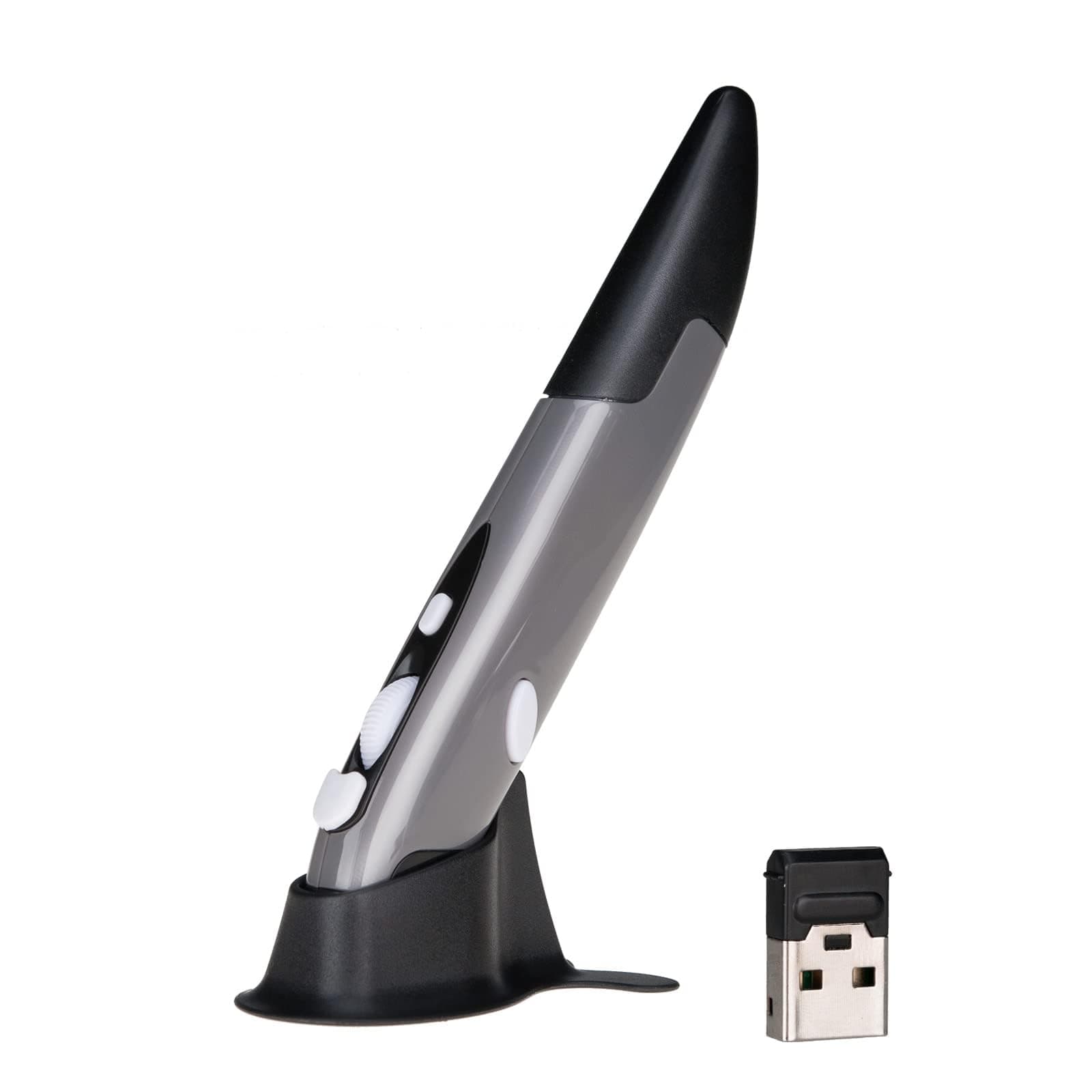

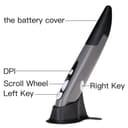
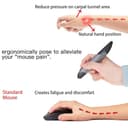

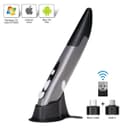
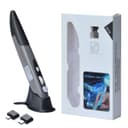
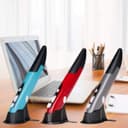
🖊️ Elevate your workflow with the pen mouse that fits your lifestyle.
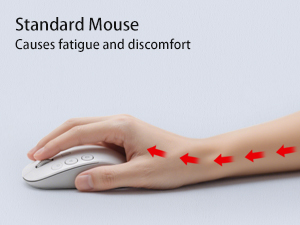
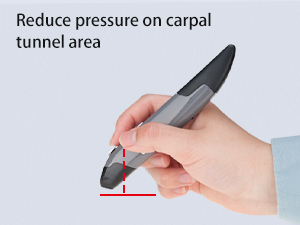
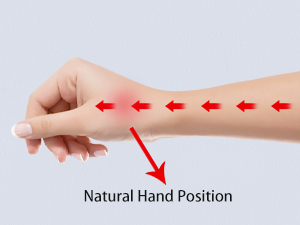
The Lychee Wireless Pen Mouse is a sleek, ultra-portable 2.4GHz optical mouse designed like a pen for natural grip and easy portability. It offers adjustable DPI settings (500-1600) for precision control, a 33-foot wireless range via USB receiver, and ergonomic features including a scroll wheel. Powered by a single AAA battery with power-saving auto-sleep, it’s compatible across Windows, Mac, and Android devices—ideal for professionals, educators, and on-the-go multitaskers.










| ASIN | B077GM4W11 |
| Antenna Location | Daily use, school settings, meetings and presentations |
| Are Batteries Included? | No |
| Are Batteries Required | Yes |
| Best Sellers Rank | 22,803 in Computers & Accessories ( See Top 100 in Computers & Accessories ) 550 in Mice |
| Box Contents | Pen Mouse, USB 2.4GHz Receiver, Mount, English Manual |
| Brand | Lychee |
| Brand Name | Lychee |
| Button Quantity | 4 |
| Colour | Grey |
| Compatible Devices | [Linux-based computers, laptops, devices with USB and Wi-Fi connectivity] |
| Connectivity technology | USB |
| Country of Origin | China |
| Customer Reviews | 3.5 out of 5 stars 2,279 Reviews |
| Enclosure Material | Plastic |
| Hand Orientation | Ambidextrous |
| Hardware Platform | Laptop, Personal Computer, Tablet |
| Item Dimensions L x W | 14.5L centimetres |
| Item Weight | 29 Grams |
| Manufacturer | Lychee |
| Model Name | PR-A18 |
| Model Number | PR-A18 |
| Mouse Maximum Sensitivity | 1600 Dots per Inch |
| Movement Detection | Optical |
| Movement detection technology | Optical |
| Network Connectivity Technology | USB |
| Number of Batteries | 1 AAA batteries required. |
| Number of buttons | 4 |
| Operating System | Mac |
| Power Source | Battery Powered |
| Product Features | Portable, Wireless |
| Product Finish Type | Glossy or Matte |
| Product Warranty | 1 |
| Range | 33 feet |
| Special feature | Portable, Wireless |
| Style Name | pen-like |
| Theme | computing |
| Unit Count | 1.0 Count |
R**T
Great handy mouse pen
Very nice little mouse for what I am looking for. The instruction is easy enough to follow and the mouse works very well. Easy to install and feels very light and easy to use. Might buy another one for work if they have any in red.
C**R
Not for drawing, Better feel then normal Mouse
To start with this mouse can not be used for drawing or anything like that. It's same as normal mouse in that case. With that aside, this mouse is still much easier on hand, and feels better to use then normal mouse. The quality is not great, but for the price it's good. The only downside, is using right click, which takes a little effort, as it's on left side of the mouse, and not easy to reach effortlessly. Overall, I still prefer to use it against the normal mouse, due to ease on hand.
J**I
It’s ok…
Well, it works ok. Bit hit and miss on things. Slightly awkward using the white right key. Not sure if I will start using my old Mouse.
I**.
Poor quality
Worked great day 1 then never worked again
O**Y
Comfortable, good for RSI
Only just got it but instantly feels more comfortable than my sideways mouse. I've had RSI in my wrist and fingers for a long, long time. It feels natural, comfortable and relatively easy to use so far. The only thing I struggled with a bit was the right click on the side, but I am sure I will get used to it. I've been able to do most tasks so far easily.
D**S
Good alternative for a conventional mouse
UPDATE ON 09/01/2020 After 9 months of casual use stopped working. The laser light still goes on when turned on, but afterwards doesn't operate. ORIGINAL REVIEW: Have it for two days now. I really like it. It makes computer use to blend into overall office work better. It feels like another pen. Drawbacks: No wheel click; right click is difficult to perform without moving the pointer, takes some skill to do left click without moving pointer. You have to be ready to accept some difficulty and learning to get the same functionality from this pen as you would get with the normal mouse. I really miss wheel clicking. Apart from that it is great.
R**.
Good pen style mouse
I bought this to use with my laptop, because a normal mouse is too bulky to carry in a laptop sleeve. This fits in the sleeve or even a breast pocket to carry. An improvement would be to relocate the right mouse button to the lower right side to use the middle finger, because the thumb position means changing the grip when holding as a pen.
D**E
Great Item
Great Item ... Good Business ... Thanks ... DM
Trustpilot
1 month ago
3 weeks ago