Buy anything from 5,000+ international stores. One checkout price. No surprise fees. Join 2M+ shoppers on Desertcart.
Desertcart purchases this item on your behalf and handles shipping, customs, and support to Kyrgyzstan.
👾 Dominate your game with Alienware’s ultra-responsive, color-rich 27-inch powerhouse!
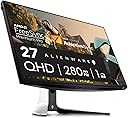
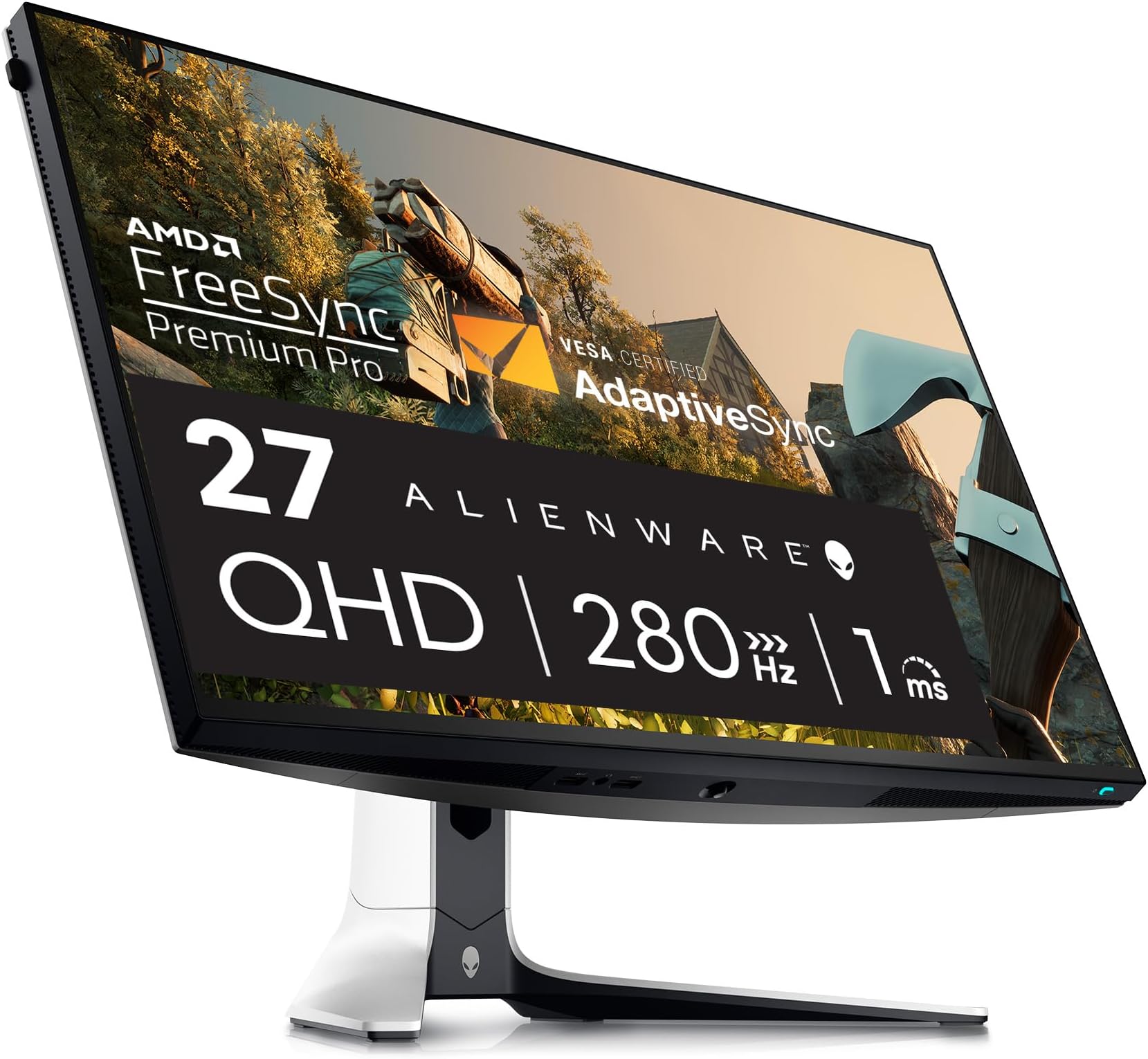
The Alienware AW2723DF is a 27-inch QHD gaming monitor featuring a blazing-fast 1ms response time and a native 240Hz refresh rate (overclockable to 280Hz). Equipped with IPS Nano Color technology, it covers 95% of the DCI-P3 color gamut and supports VESA DisplayHDR 600 for vibrant, immersive visuals. Certified NVIDIA G-SYNC and VESA Adaptive Sync ensure tear-free, low-latency gameplay. Its fully adjustable Lunar Light chassis with AlienFX lighting and ergonomic stand makes it a premium choice for serious gamers and creative pros alike.


| ASIN | B0BCXJ7XXM |
| Adaptive Sync | FreeSync Premium Pro |
| Additional Features | Adaptive Sync, Anti Glare Screen, Flicker-Free, Height Adjustment, Pivot Adjustment |
| Aspect Ratio | 16:9 |
| Best Sellers Rank | #13,499 in Computers ( See Top 100 in Computers ) #481 in Computer Monitors |
| Brand | Alienware |
| Brightness | 350 |
| Color | Lunar Light |
| Color Gamut | 100 |
| Compatible Devices | Desktop, Gaming Console, Laptop |
| Connectivity Technology | VGA |
| Contrast Ratio | 1000:1 |
| Customer Reviews | 4.4 4.4 out of 5 stars (422) |
| Display Resolution Maximum | 109 Pixels Per Inch |
| Display Technology | LED |
| Display Type | IPS |
| Hardware Connectivity | 3.5mm Audio, DisplayPort, HDMI, Headphone, USB 3.2 Gen 1 |
| Has Color Screen | Yes |
| Is Electric | No |
| Item Dimensions D x W x H | 26.8D x 60.7W x 51.6H centimeters |
| Item Weight | 8.9 kg |
| Manufacturer | Dell |
| Model Name | AW2723DF |
| Model Number | AW2723DF |
| Mounting Type | Desk Mount |
| Native Resolution | 2560x1440 |
| Number of Component Outputs | 2 |
| Picture Quality Enhancement Technology | IPS |
| Pixel Pitch | 109 |
| Power Consumption | 22.1 Watts |
| Refresh Rate | 240 Hz |
| Resolution | QHD Wide 1440p |
| Response Time | 1 Milliseconds |
| Screen Finish | Matte |
| Screen Size | 27 Inches |
| Shape | Rectangular |
| Specific Uses For Product | Desktop, Gaming, Photo Video Editing |
| Total Number of HDMI Ports | 2 |
| Total USB 3.0 Ports | 5 |
| Total Usb Ports | 5 |
| UPC | 884116431435 197684007378 |
| Viewing Angle | 178 Degrees |
| Voltage | 240 Volts (AC) |
L**O
Excelente monitor de alta gama qué cumple dentro de las espectativas para lo que fue creado, tiene tecnología compatible con Windows HDR que mejora la calidad del video, la respuesta de actualización es tan veloz que se vuelve casi imperceptible para el ojo humano y además se evita el desgarro de la pantalla, trae la opción de agregar una mira virtual y así mismo de reducir la luz azúl, no tiene problemas de sobrecalentamiento como otras que ofrece la competencia y que también son premium, tiene un espectacular RGB para personalizar los colores que iluminan la carátula detrás del monitor mediante alien ware overclocked; Por otro lado, el vendedor tiene buena política para resolver imprevistos por parte de paquetería; Por tal razón lo recomiendo ampliamente, comprarla sin miedo.
B**R
افضل شاشه اخذتها
B**.
I purchased this monitor a year ago after extensive research. I was looking explicitly for a monitor that had an IPS panel, a fast response rate, a high refresh rate, was QHD, and offered a great warranty. The Alienware offers all of these, at a great price. I’ll list the pros and cons that I’ve experienced over the year of owning this product. Pros: - IPS w/ 98% SDR/HDR color calibration out of the box - High SDR Brightness - 280hz Refresh Rate - 0.5ms Response Rate w/ overdrive - QHD (2560x1440) - Build quality is top tier - Zero ghosting - No flicker - Freesync Pro works with AMD/Nvidia cards - 3 year warranty out of the box from Alienware Cons: - Backlight Bleed is noticeable on black wallpapers or in very dark scenes, probably one of the worst I’ve seen. This is common with this unit if you search it. For me, it’s not a massive issue because I only use it for bright FPS titles. I have an ultrawide OLED for other games. - Alienware UI is lacking compared to competitors. The UI feels like there’s a lot, but there’s actually not. This is especially true if you try HDR mode, where the panel will lock the color, and brightness settings. Why this is makes no sense to me. - No HDMI 2.1. This doesn’t really matter since it’s not a 4k monitor, but I would assume it would have one since the monitor was released after the currentgen consoles. At the price, it surprised me. I use DP 1.4 either way, so it wasn’t an issue for me. - No speakers. This personally doesn’t affect me as I use either headphones or a surround system. However, it technically is a con. - Mediocre HDR performance. The HDR performance is mediocre at best. The gray uniformity isn’t the greatest because the backlight bleed, which takes away from the highs and lows HDR tries to accomplish. The HDR brightness is also technically below standard. I would recommend SDR, which looks very good anyway. - Semigloss screen coating. The coating appears more matte than semigloss to me, but it’s not bad per say. It’s still good enough to not wash out the colors like some matte coatings, but I definitely feel like calling this semigloss isn’t accurate. I would rather call it lightly matte. Conclusion: - This monitor excels at being a top tier choice at competitive fast moving games like CoD, CS2, Overwatch, Etc. However, it does not excel at games that would be better played on an OLED or MiniLED panel. I own this monitor strictly for FPS titles, and have the OLED AW3423DWF for other games. My use for this monitor is fantastic, and I would definitely recommend it for anyone who plays fast paced competitive games and can push the frames to utilize the refresh rate.
K**R
Item received pretty quickly despite the 1 day delay (not a big issue). Works like a charm.
G**O
The build quality is good, the stand his heavy and well built. The picture quality is stunning, my problem is that this monitor is advertised as 240+ hz frame rate, from what I can see, 144hz at 2k is what it will do. Maybe at 1080p it will do 240hz. The way they advertised it as up to 280hz is deceiving. My Counterstrike game is showing up into the 200 hz plus range. Maybe I'm wrong. There is no setting in the monitor menu that locks in the frame rate. You have to change the frame rate in the Windows settings. You can only put the frame rate in the monitor menu on Gaming extreme, and hope you get the best rates while gaming. I think for the $500 range, it's a good buy. The build quality is on the higher end. I do recommend it, but it has its caviots, menu design, and frame rate lock in, being the two I don't like.
Trustpilot
2 weeks ago
3 weeks ago