

RD280UA (24" WQXGA 16:10)
Product ID: 648680827
Details
- Aspect ratio16:10
- BrandBenQ
- ResolutionQXGA Wide
- Screen size24.1 Inches
- Screen surface descriptionMatte
🌙MoonHalo customizable backlight
🦾Ergonomic adjustable stand
🖥️24.1" WQXGA 2560x1600
Desertcart purchases this item on your behalf and handles shipping, customs, and support to Kyrgyzstan.
👨💻 Code smarter, not harder — your eyes will thank you!
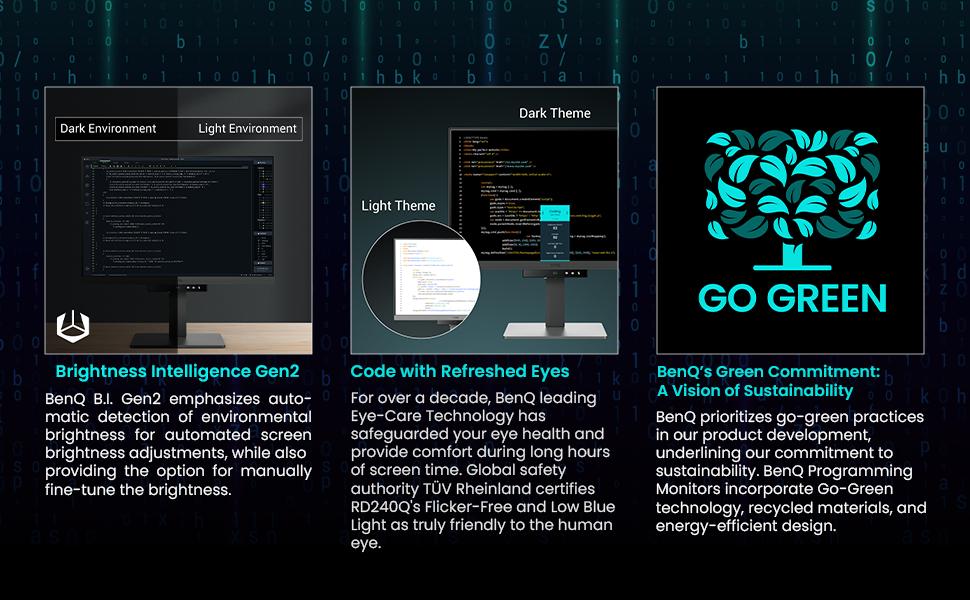
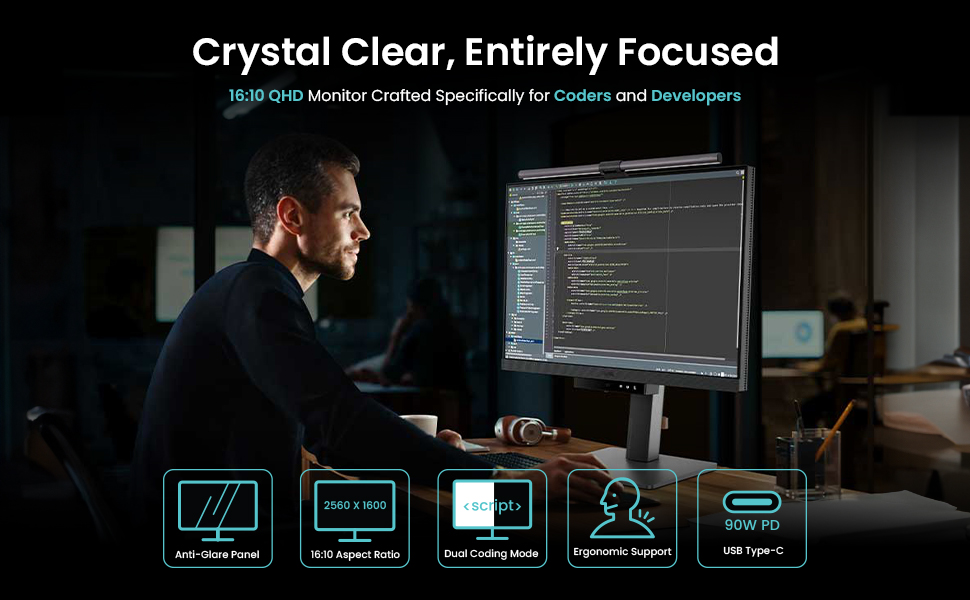
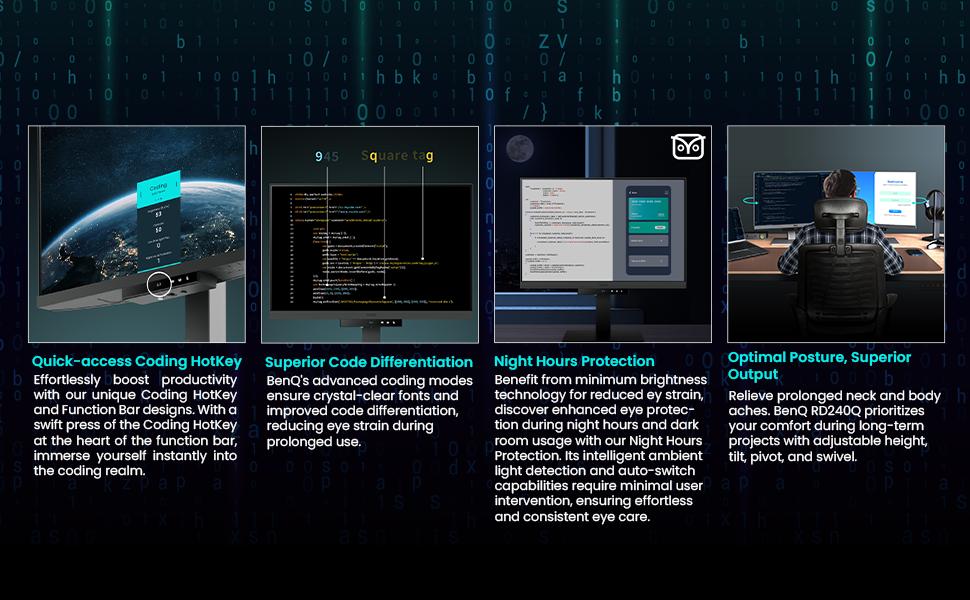
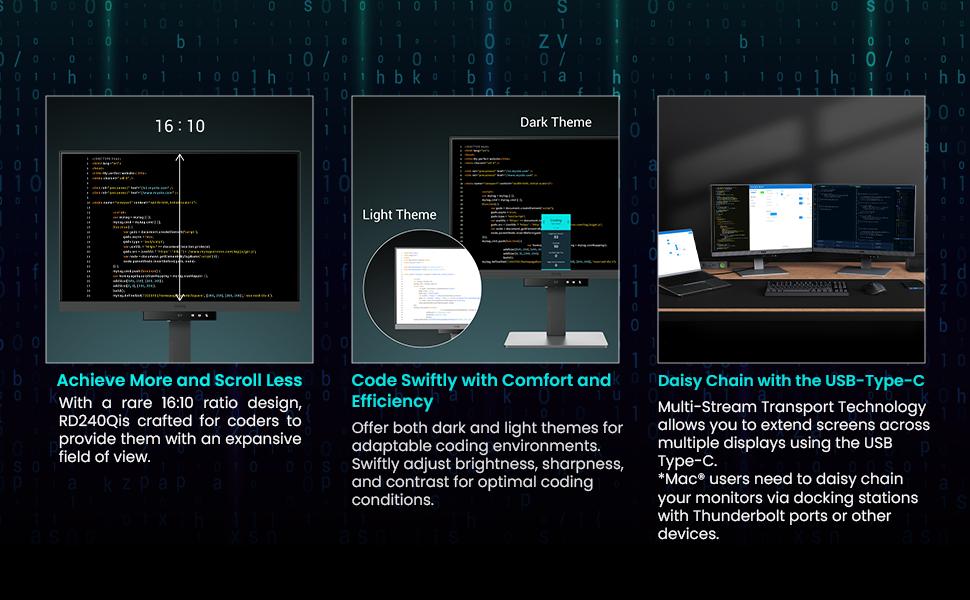
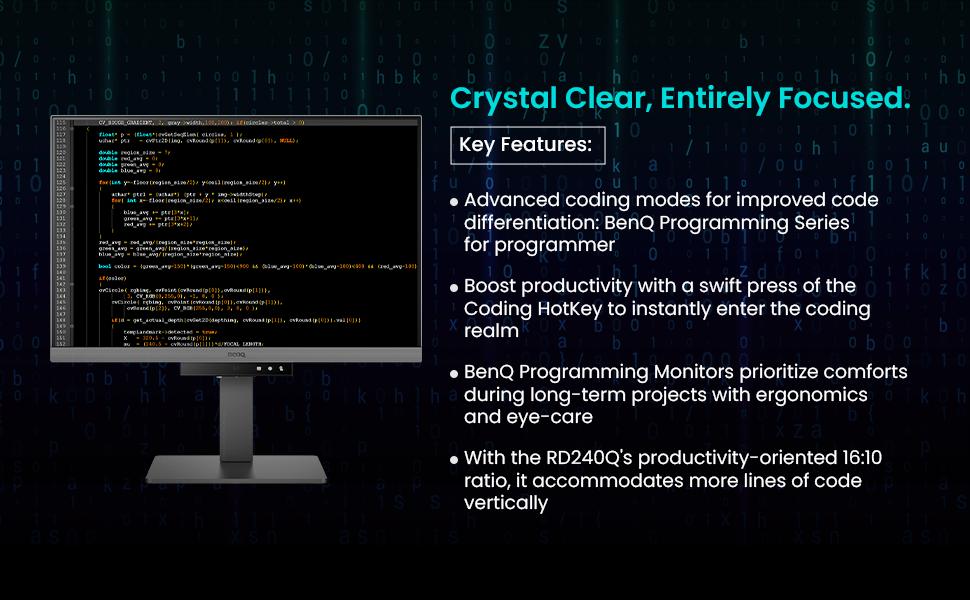
The BenQ RD280UA is a 24.1-inch WQXGA (2560x1600) LED monitor designed for professionals who demand clarity and comfort. Featuring a Nano Matte panel to reduce glare, dual coding modes for optimized font visibility, and the innovative MoonHalo backlight for customizable eye protection, it’s tailored for long hours of coding and research. Its ergonomic stand ensures perfect posture, while adaptive brightness intelligently adjusts to your environment, making it a top choice for developers and knowledge workers seeking peak performance without eye fatigue.
| ASIN | B0D2KVY1FG |
| Adaptive Sync | FreeSync |
| Additional Features | Blue Light Filter, Eye Care, Height Adjustment, USB Hub |
| Aspect Ratio | 16:10 |
| Aspect ratio | 16:10 |
| Best Sellers Rank | #110,861 in Computers ( See Top 100 in Computers ) #2,708 in Computer Monitors |
| Brand | BenQ |
| Brightness | 300 |
| Color | Black |
| Compatible Devices | Devices with HDMI, DisplayPort or USB-C ports |
| Connectivity Technology | DisplayPort, HDMI, USB Type A, USB Type C |
| Contrast Ratio | [estimated range] 500:1 - 1000:1 |
| Customer Reviews | 3.4 out of 5 stars 25 Reviews |
| Display Resolution Maximum | 2560 x 1600 |
| Display Technology | LED |
| Display Type | LED |
| Global Trade Identification Number | 04718755093272 |
| Hardware Connectivity | DisplayPort, HDMI, USB Type C |
| Has Color Screen | Yes |
| Image contrast ratio | [estimated range] 500:1 - 1000:1 |
| Included Components | Power Cable |
| Item Dimensions D x W x H | 22.8D x 53.3W x 52.2H centimeters |
| Item Type Name | Monitor |
| Item Weight | 7.6 Kilograms |
| Manufacturer | BenQ |
| Model Name | RD280UA |
| Model Number | RD240Q |
| Mounting Type | Desk Mount |
| Native Resolution | 2560x1600 |
| Number of Component Outputs | 1 |
| Picture Quality Enhancement Technology | Wide Color Gamut, Brightness Intelligence Gen2 |
| Pixel Pitch | 0.274 |
| Refresh Rate | 60 Hz |
| Resolution | QXGA Wide |
| Response Time | 5 Milliseconds |
| Screen Finish | Matte |
| Screen Size | 24.1 Inches |
| Screen size | 24.1 Inches |
| Screen surface description | Matte |
| Shape | Flat |
| Specific Uses For Product | programming |
| Total Number of HDMI Ports | 1 |
| Total USB 2.0 Ports | 3 |
| Total USB 3.0 Ports | 1 |
| Total Usb Ports | 3 |
| Viewing Angle | 178 Degrees |
| Voltage | 240 Volts |
G**N
Big fan of this size, and the automated brightness control
I'm a full time software developer. I was using a 25" 1440p Dell (nice, but discontinued) and needed to get a second monitor for another location. I initially picked 25" over 27" on purpose, having read Nick Janetakis's article on the ideal screen size for developers (long, but worth a read). I find text on a 24" to be just as legible as my 16:9 25", but appreciate the extra height of 16:10. I also prefer the colours and contrast on the BenQ, and its ability to adjust itself to the ambient lighting conditions is superb. So in all respects, I prefer this BenQ to my Dell. I'm still using the Dell, but on a different desk. No need to buy stuff we don't need, right? I was also 28" curious, and did try the 28" version. It's got a very nice image, but (as a tiling window manager user) I found that I was turning my head left and right a lot, and rarely looking at things in front of me. It's tall too, so a lot of stuff I'd need to read would be near desk level, which has a fairly negative impact on my posture. Conclusion: I'm far better off when my windows (which fill my screen) are on a display whose edges aren't so difficult for me to see. This is also why I prefer a single screen. I usually put code on one workspace, documentation on another, and switch between them with a keystroke more quickly than I could turn my head to look at another screen. Occasionally I need docs and code side by side, in which case I'll put a browser next to my editor. That works great too. Often I'm working on an app, and will put the app's UI next to the editor so I can see the impact of my changes in real time. Also great. And if I need to see two different files, they're visible side by side in a full screen editor. End result: I'm pretty confident I've got the best monitor on the market for tiling window manager users who don't want to be turning their head a lot, looking up/down too much, etc. Also, on looking up/down, beware a monitor that's so tall that you need to read things above eye level. It requires your eye to be wider open than normal, which increases the rate at which the lens dries out. Combined with our tendency not to blink when looking at a screen, this can increase your chances of getting dry eye disease. I'm now an eye drop user, and I think it's because I used to position a monitor a bit high. So that's another reason not to get a bigger one.
B**Ş
Muazzam bir ürün
Arkadaşlar, ürünün maşallahı var. Gerçekten göz yorgunluğu için birebir. Ürünün ücreti fazla diye iade edecektim, dün iadeye verdim ancak evdeki OLED monitörü kullanmaya başlayınca bunun değerini anladım: sanki gözüme masaj yapıyor mübarek. 60 hertz olması biraz kötü gibi gelebilir başta ama oyun oynamayacaksanız bence takmanıza gerek yok. Metin okumadır, araştırma yapmadır muazzam bir ürün. 4k'lığını da sipariş vermiştim ama iade ettim, bunun çok daha iyi olduğunu düşünüyorum. Kısacası bilgisayar başında çok araştırma yapan, yazı okuyan ve göz yorgunluğundan muzdarip kişiler için birebir. Aslında fiyatından ötürü 1 yıldız kırılabilir, malum fazla yüksek. Onun dışında gerçekten muazzam bir ürün.
D**L
Para trabajar bien
La verdad es que se ve bien. Tiene varios modos, al final lo configuras el primer día y no lo vuelves a tocar. El añadido de pantalla verticalmente realmente, no se usa, miras más al centro. Los de 27" se me hacen demasiado grandes, es como que hay que mover la cabeza o la vista para mirar. Creo que para trabajar es más cómodo 24".
S**P
Trop petit pour être confortable 24 " (2560x1600)
Je ne suis pas totalement satisfait. J’ai pris un 24 pouces avec une résolution native de 2560 x 1600, que je trouve déjà trop petite. Certes, on peut afficher plus de code à l’écran, mais tout devient minuscule. Il y a bien une option de mise à l’échelle, mais on perd alors tout l’intérêt mis en avant ici ou sur d'autres chaînes. J’aurais pu opter pour le 32 pouces, mais avec ses 3840 pixels, le problème reste le même. À mon avis, BenQ aurait dû proposer un écran dédié aux développeurs avec une résolution plus raisonnable, comme un 32 pouces en 2560 px. Autre point décevant : le 24 pouces n’a pas l’éclairage Halo, ce qui, vu le prix, est regrettable. Pour le reste, je ne le trouve pas spécialement plus confortable, juste légèrement mieux. Par exemple, l’adaptation automatique à la lumière ambiante est difficile à comprendre. Quant au mode sombre ou clair pour le code, je ne vois pas de réelle différence ni de valeur ajoutée.
A**E
ATTENTION AUX LIVREURS
Livreur qui balance les colis du camion Sur le titre il y a Marqué MoonHali mais enfaite il n’y en a pas. Sinon très bon écran
Trustpilot
3 weeks ago
1 day ago