


Buy anything from 5,000+ international stores. One checkout price. No surprise fees. Join 2M+ shoppers on Desertcart.
Desertcart purchases this item on your behalf and handles shipping, customs, and support to Kyrgyzstan.
🚀 Elevate your workspace Wi-Fi game with Festa F65 — speed, style, and control in one sleek package!
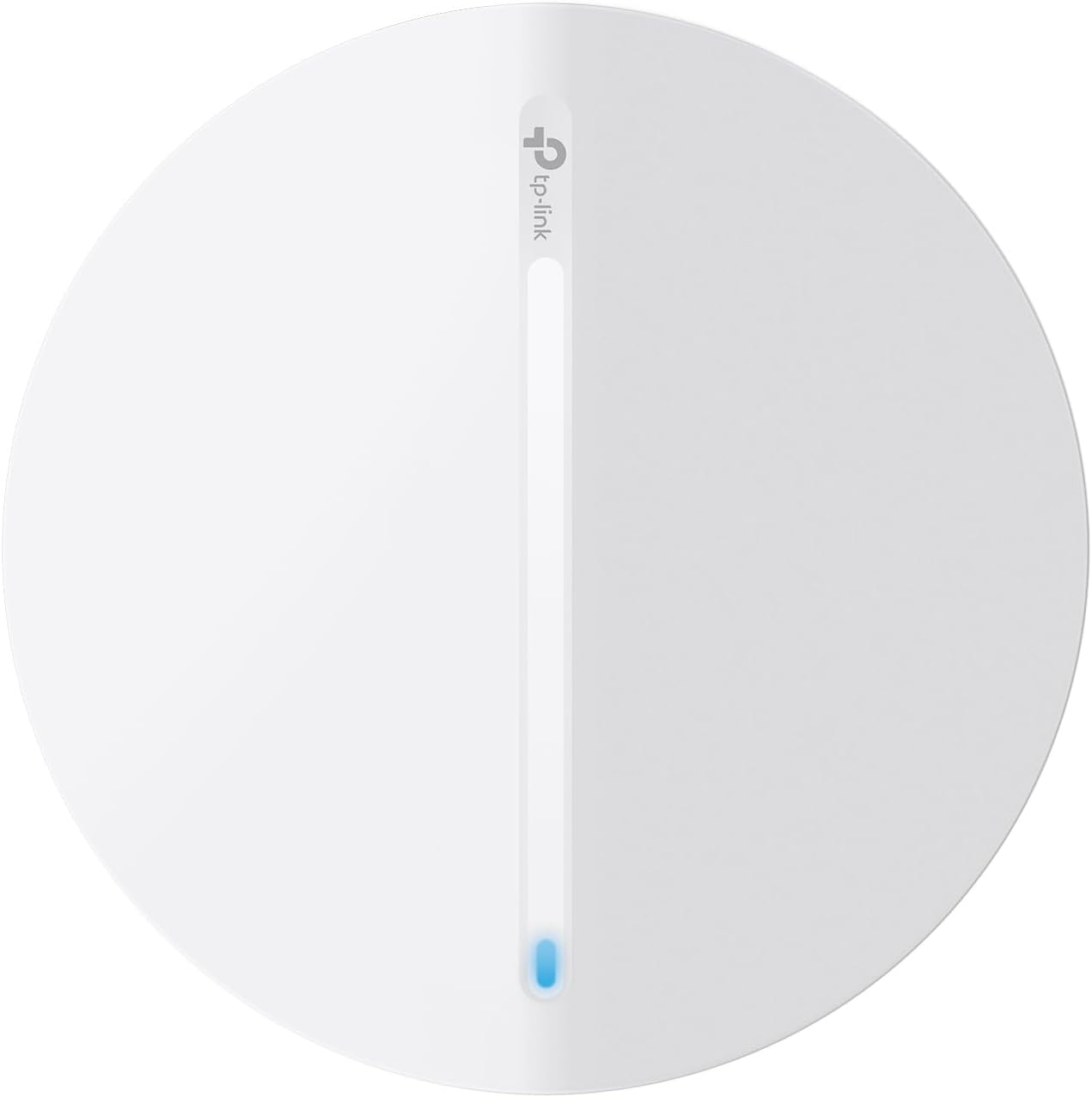
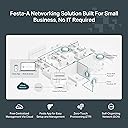
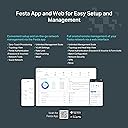
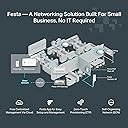
The TP-Link Festa F65 is a Wi-Fi 6 AX3000 wireless access point delivering up to 3000 Mbps dual-band speeds with advanced features like MU-MIMO, seamless roaming, and Mesh Wi-Fi. Its ultra-slim design blends into modern environments, while free centralized cloud management via the Festa app enables easy remote control. Flexible powering options including PoE+ simplify installation. Ideal for small businesses and professional spaces seeking fast, secure, and effortlessly managed wireless connectivity.












| ASIN | B0D7KQSGBM |
| Antenna Location | Business, Home |
| Best Sellers Rank | #33 in Computer Networking Wireless Access Points |
| Brand | TP-Link |
| Built-In Media | Ceiling/Wall Mounting Kit, Festa F65, Installation Guide, Power Adapter |
| Compatible Devices | Personal Computer |
| Connectivity Protocol | Wi-Fi, Ethernet |
| Connectivity Range | 140 Square Meters |
| Connectivity Technology | Ethernet |
| Control Method | App |
| Controller Type | App Control |
| Coverage | 140 square meters |
| Customer Reviews | 3.8 3.8 out of 5 stars (21) |
| Data Transfer Rate | 3000 Megabits Per Second |
| Frequency | 5 GHz |
| Frequency Band Class | Dual-Band |
| Is Modem Compatible | No |
| Item Dimensions L x W x H | 6.3"L x 6.3"W x 1.51"H |
| Item Weight | 14.08 ounces |
| LAN Port Bandwidth | 1000 Mbps |
| Manufacturer | TP-Link |
| Maximum Upstream Data Transfer Rate | 3000 Megabits Per Second |
| Mfr Part Number | Festa F65 |
| Model Name | Access point |
| Model Number | Festa F65 |
| Number of Ports | 1 |
| Other Special Features of the Product | Access Point Mode |
| Security Protocol | WPA3-Personal, WPA3-Enterprise |
| UPC | 810142821919 |
| Warranty Description | 3 year manufacturer |
| Wi-Fi Generation | Wi-Fi 6 |
| Wireless Compability | 802.11ac, 802.11ax, 802.11b, 802.11g, 802.11n |
D**I
Festa Devices are Great!
I recently set up the TP Link FESTA Wi-Fi system in my home. It includes FESTA router, FESTA switches, and FESTA AP. Comparing to the Ubiquiti system I had for the last several years, this FESTA system is much easier to set up and understand, at least to me - have very basic knowledge about networking. Controlling and seeing the status of the whole network (equipment and users) from the APP on the cell phone is quite convenient and clear. I highly recommend the FESTA system. The WiFi 6 is very fast. But since it is relatively quite new to the market, there is few videos in YouTube about this FESTA system.
B**A
Not Working as Expected and Support Unresponsive
Purchased this to replace a 5-year old Ubiquiti PRO AP for our home since did not feel Ubiquiti PRO was working as good as it used to. Also, wanted some of the upgraded features. Was getting frustrated though with Ubiquiti there management console is too complex. Used the Festa Web App for setup and it found the device easily. Seemed to step thru the process of setup easily. Then loaded the Android Festa app to verify settings. One thing important was roaming. Wanted to use the same SSID as my wireless router in the front of our home. This worked well with Ubiquiti. Even though the configuration shows the SSID I programmed in the AX3000 tis still broadcasting the same factory SSID. It did accept the password and range looks better than my Ubiquiti PRO. Also noticed from the Android App there is a setting to turn off the blue light but this does not work. Attempted to contact live chat. Said I was 2nd in queue but there has not been any response in nearly 2-hours. Likely going to return this due to lack of support. Maybe I could live with other deficiencies but my wife will not accept a blue light on the ceiling. Too bad, I like TP-Link and have quite a few of their dimmers and switches that are controlled via Kasa.
C**B
Just what I needed
Used in my wife's office, 2 storeys, all wire lath plaster. One upstairs , 2 downstairs, perfect coverage across 2500sq ft of what is essentially a giant faraday cage. Setup with Festa app is super easy. Ran regular cat 5. Very happy with results.
S**N
Access point only, not a wireless modem.
This access point is okay. Setting it up on my network was difficult. It took me quite done time to figure it out. Once I got it up and running it has yet to let me down. It would be nice if I could have individual control over which wifi devices in my home connects and which ones dont at any given time but I haven't found that feature. The range is good and there isnt any drop off any where in my tiny home. This device is not the best for DIY setup (even though thats what I did). But if you can be patient its worth purchasing.
T**R
Great system and AP!
Great signal up close and far away. Bought 2 for our home, one upstairs and one downstairs. Works great, very happy with Festa system and AP signal strength. No connectivity issues through walls or floors.
E**D
Standalone mode is not an option. Must configure via the Cloud.
The Festa F65 is a nice POE+ wireless Access Point, but must be configured using a Cloud based management console. For security reasons, I wanted to configure the AP in standalone mode -- meaning it's managed independently and not controlled by a central Omada controller. Standalone mode is outlined in support documentation, but tech support advises it's unavailable due to TP-Link moving device management to the Cloud. Item returned and different model ordered.
P**S
Website instructions didn’t work, tech support unresponsive
Website says it can be used as “standalone” WAP but instructions for setting up for this application were incomplete. Most recent version of mobile app did not match the incomplete instructions. 2 emails to tech support were unanswered in 5 days (over the weekend, so 3 business days)
S**N
Can't adopt on the controller and no way to manage it as standalone
I cannot believe that TP-Link released this product without ensuring it works properly. This is my first purchase of an access point (AP) that acts like a brick. The AP will show as "online" when trying to add it, but once added to the controller, it will keep showing as "disconnected," and I cannot access the AP from the local network directly. The worst part is that it has OPEN wifi enabled by default, so your network can be accessed without passwords while trying to get it to work. Getting help online is impossible. I would stay away from this product or any new TP-Link releases.
B**E
Didn't perform as advertised, expensive and manual/support wasn't particularly helpful. Returned it.
M**S
The information indicates it supports WPA2 Enterprise but it doesn’t under under Festa Cloud Controller options.
Trustpilot
4 days ago
2 days ago
