Desertcart purchases this item on your behalf and handles shipping, customs, and support to Kyrgyzstan.
🚀 Elevate your everyday grind with power, speed, and style!
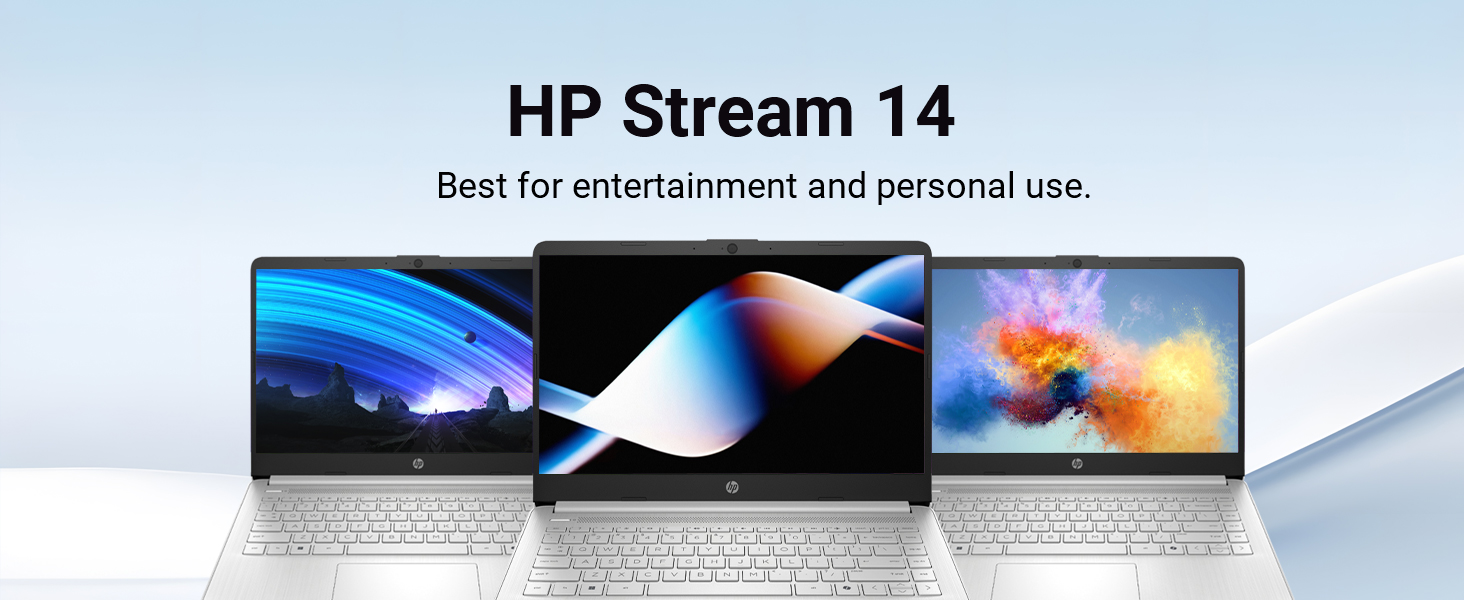
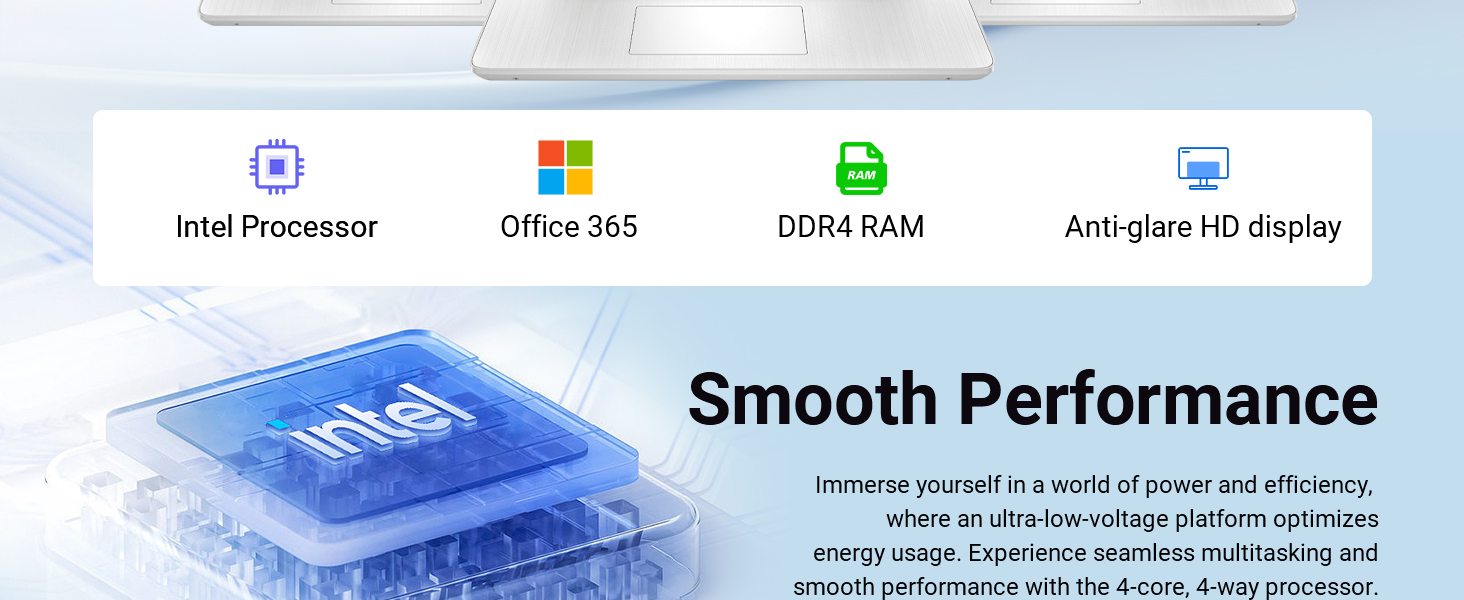
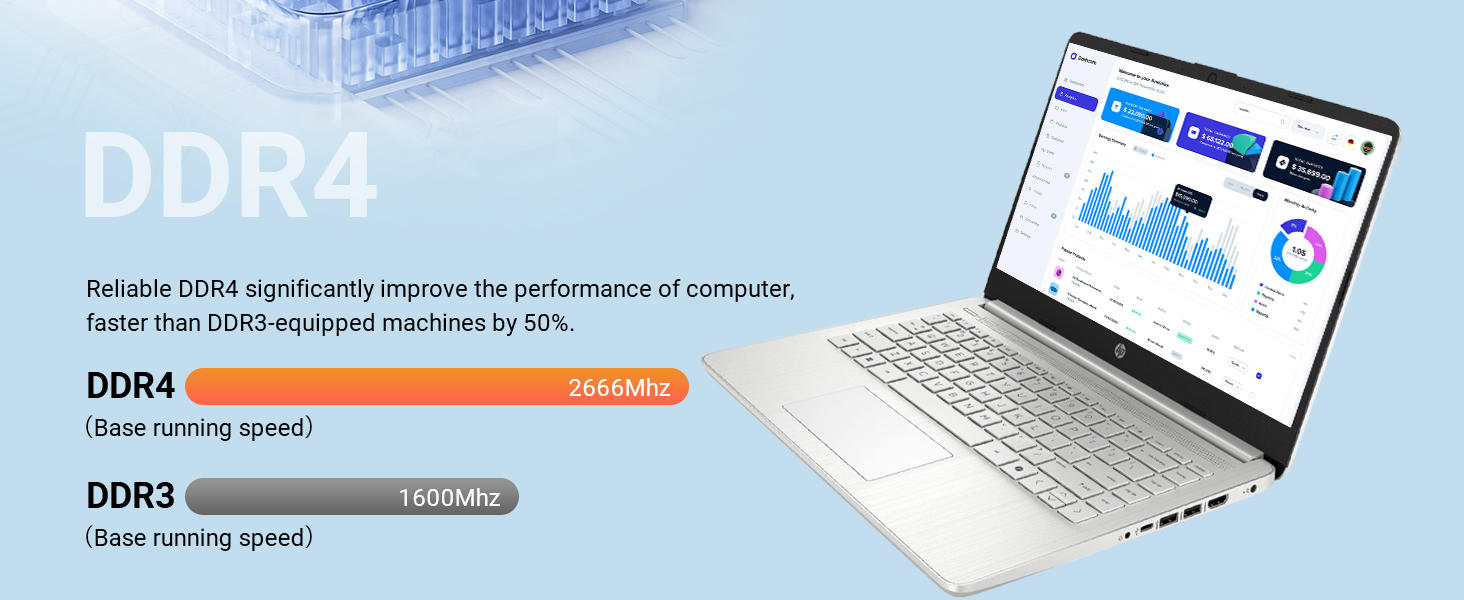
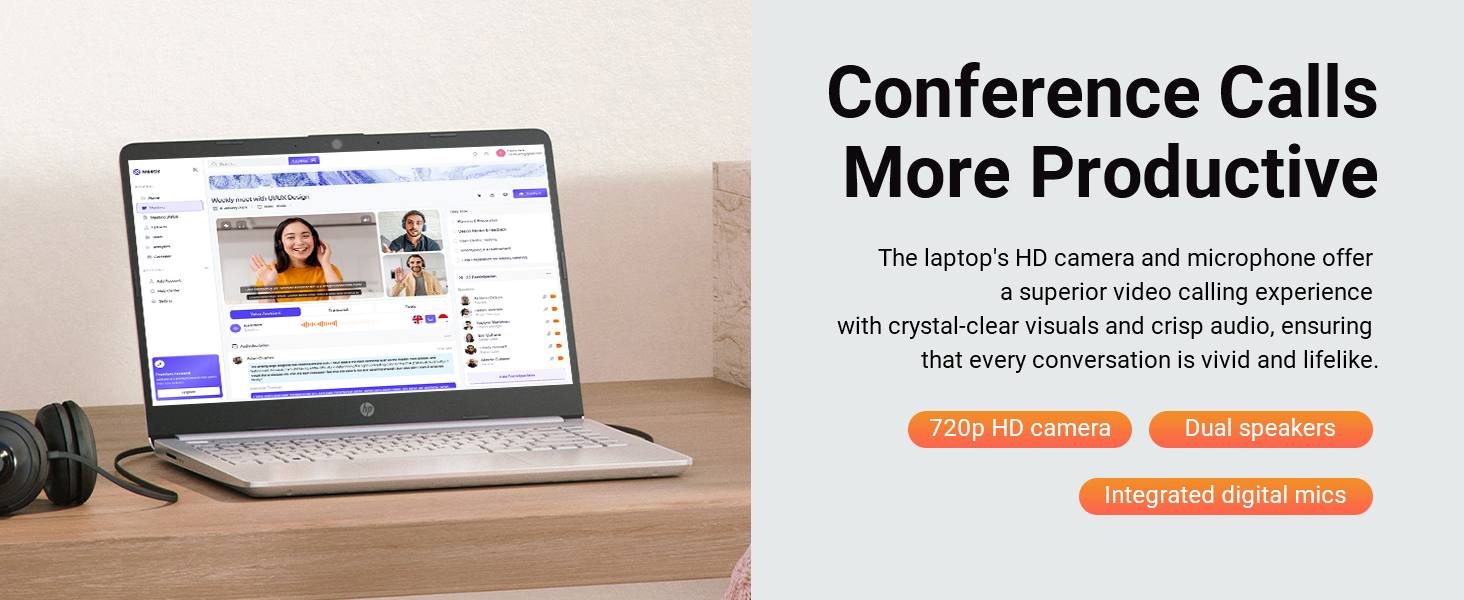
The HP Stream 14" HD BrightView Laptop combines a sleek silver design with a quad-core Intel Celeron N4120 processor, 16GB DDR4 RAM, and a total of 288GB storage (128GB UFS + 160GB docking station). Featuring a vibrant HD display, Intel UHD Graphics, and a 720p webcam, it’s optimized for seamless multitasking, long battery life, and reliable performance for professionals and students seeking affordable productivity on the go.


| ASIN | B0CZKPF2QH |
| Audio Output Type | Speakers |
| Battery Average Life Standby | 10.75 hours |
| Battery Life | 11 hours |
| Best Sellers Rank | #749 in Computers & Accessories ( See Top 100 in Computers & Accessories ) #63 in Traditional Laptop Computers |
| Brand | HP |
| Built-In Media | AC adapter,Battery,Documentation,7-in-1 Docking Station with 128GB Storage,32GB MicroSD Card with Adapter,Type-C Data Cable,3-in-1 Charging Cable,Suede Cleaning Cloth |
| CPU Model | Celeron |
| CPU Model Generation | 5th Gen |
| CPU Model Number | Intel Processor N150 |
| CPU Model Speed Maximum | 3.6 GHz |
| Color | Silver |
| Compatible Devices | Headphone, Mouse, Speaker |
| Connectivity Technology | USB, Wi-Fi |
| Customer Reviews | 4.2 out of 5 stars 1,796 Reviews |
| Display Resolution Maximum | 1366x768 pixels |
| Display Technology | LED |
| Display Type | LED |
| Form Factor | Standard Laptop |
| Graphics Card Ram | 16 GB |
| Graphics Coprocessor | Intel Graphics |
| Graphics Description | Integrated |
| Graphics Ram Type | Shared |
| Hard Disk Description | 128GB eMMC |
| Hard Disk Interface | Solid State |
| Hard Disk Size | 128 GB |
| Hard-Drive Size | 128 GB |
| Hardware Interface | USB |
| Human-Interface Input | Microphone |
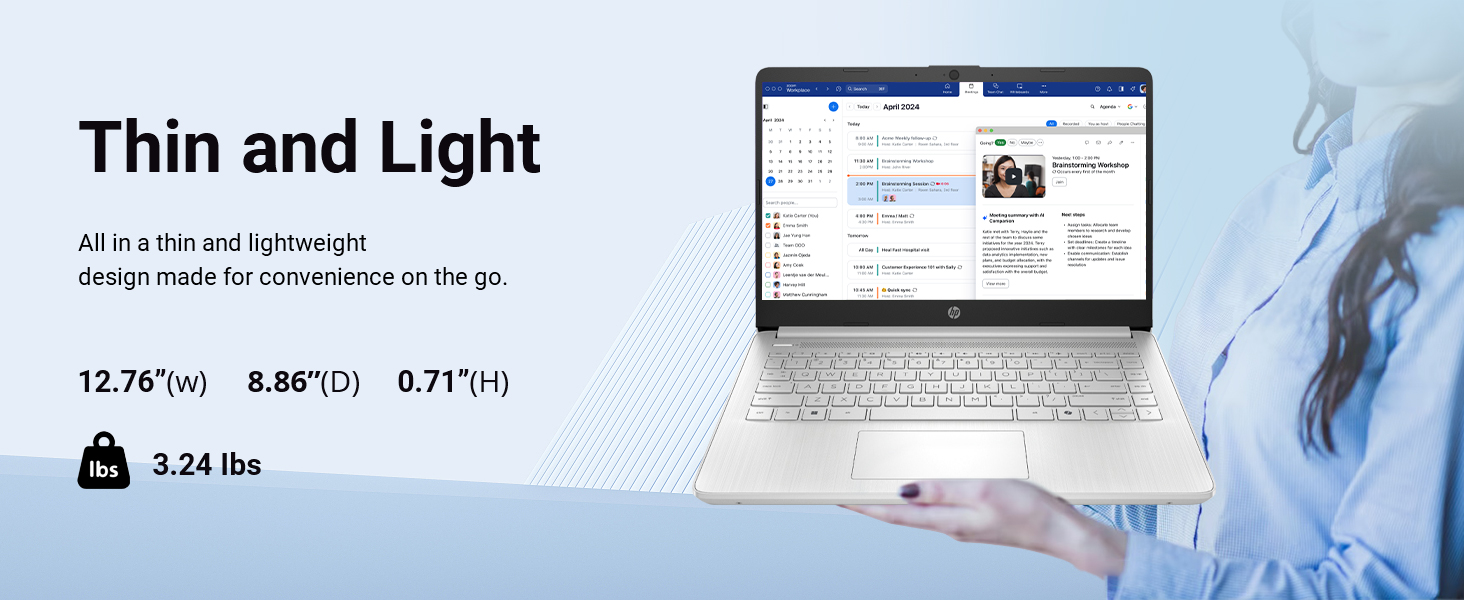
| Item Dimensions L x W x Thickness | 19"L x 12"W x 3"Th |
| Item Weight | 1.5 kg |
| Keyboard Description | Chiclet |
| Manufacturer | HP |
| Memory Speed | 2400 MHz |
| Model Name | HP Stream |
| Model Number | HP Stream N4120 |
| Model Year | 2025 |
| Native Resolution | 1366 x 768 pixels |
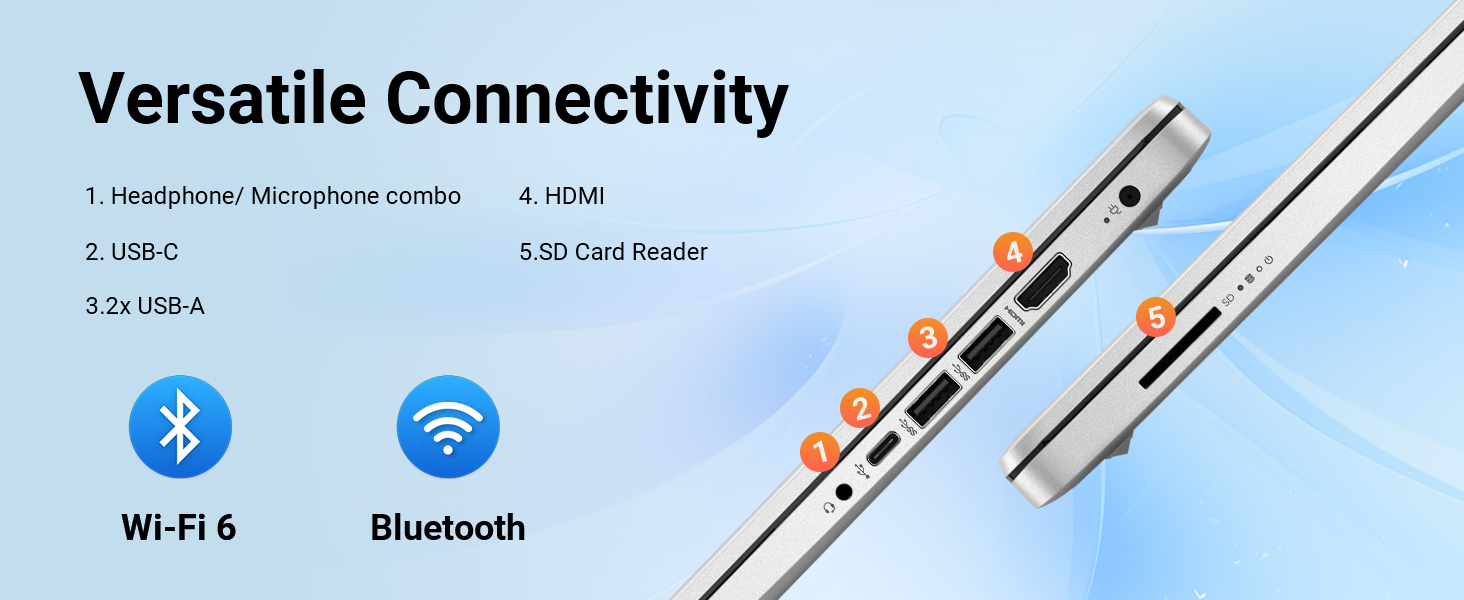
| Number of Ports | 7 |
| Operating System | Windows 11 S |
| Other Special Features of the Product | Anti Glare Coating |
| Processor Brand | Intel |
| Processor Count | 4 |
| Processor Series | Celeron |
| Processor Speed | 3.6 GHz |
| RAM Memory Installed | 16 GB |
| RAM Memory Technology | DDR4 |
| RAM Type | DDR4 SDRAM |
| Ram Memory Maximum Size | 16 GB |
| Resolution | 720p |
| Screen Size | 14 inches |
| Specific Uses For Product | Business, Developer, Entertainment, Gaming, Student |
| Total Usb Ports | 3 |
| UPC | 196188505243 |
| Unit Count | 1 Count |
| Video Output | HDMI Displayport,USB Type C |
| Video Processor | Intel |
| Voltage | 12 volts |
| Warranty Description | 1 Year |
| Warranty Type | Limited |
| Wireless Compability | 802.11ac |
| Wireless Technology | Wi-Fi |
J**D
Very affordable
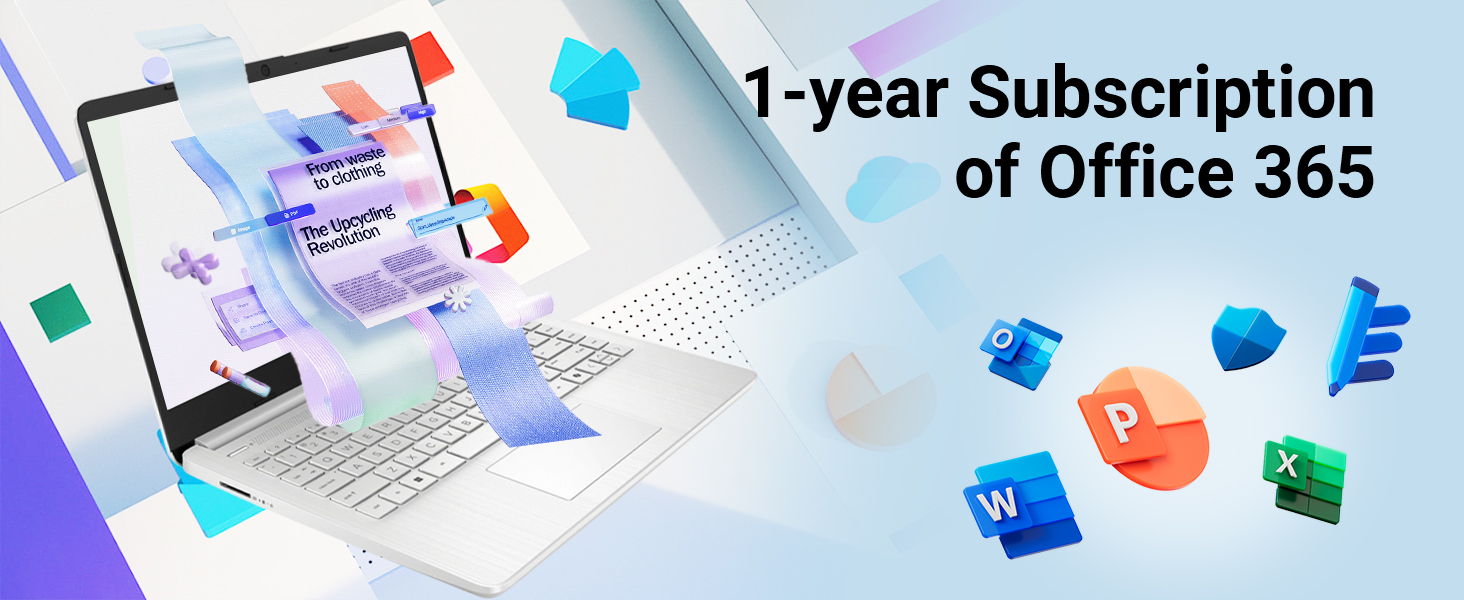
The HP Stream 14" HD BrightView Laptop is a budget-friendly device designed for basic tasks such as browsing, emailing, and word processing. With its sleek silver design and impressive specs, this laptop is an excellent option for students, professionals, and anyone looking for an affordable yet reliable device. *Pros* 1. *Affordable*: The HP Stream 14" is an excellent value for its price, offering a range of features and specs that rival more expensive laptops. 2. *Impressive Performance*: The Intel Celeron N4120 processor and 16GB RAM provide smooth performance for basic tasks, making it ideal for everyday use. 3. *Ample Storage*: The combination of 128GB eMMC storage and a 160GB docking station set provides plenty of space for files, documents, and multimedia content. 4. *Long Battery Life*: The HP Stream 14" offers up to 14 hours of battery life, making it perfect for on-the-go use. 5. *Office 365 Included*: The laptop comes with a 1-year subscription to Office 365, providing access to popular productivity apps like Word, Excel, and PowerPoint. *Cons* 1. *Limited Upgrade Options*: The laptop's storage and RAM are soldered, making it difficult to upgrade or repair. 2. *Basic Graphics*: The Intel UHD Graphics are sufficient for basic tasks but may struggle with demanding graphics-intensive applications. 3. *720p Webcam*: The webcam resolution is relatively low, which may affect video conferencing quality. *Verdict* The HP Stream 14" HD BrightView Laptop is an excellent choice for anyone seeking an affordable, reliable device for basic tasks. While it may not excel in demanding tasks or graphics-intensive applications, its impressive performance, ample storage, and long battery life make it a great value for its price. *Rating*: 4.5/5 stars *Recommendation* This laptop is ideal for: - Students seeking an affordable device for schoolwork - Professionals requiring a basic laptop for email, word processing, and browsing - Anyone looking for a reliable, easy-to-use device for everyday tasks However, if you're a gamer, graphic designer, or require a laptop for demanding tasks, you may want to consider other options.
M**4
Good Laptop
Good laptop for the price. Does what is needed for regular home use. Not necessarily for gaming or higher processing applications.
L**A
Great laptop for students
It's a great laptop. Unfortunately I had to return it. I didn't properly read the description and it was missing a lot of features I prefer to have, like touch screen, numerical pad, etc. There were no issues with the refund. I read a lot of bad reviews of the return process, and was worried at 1st. I had no bad experience, it was great. I can't knock a star off when it was my fault I didn't read before purchasing, that wouldn't be fair.
M**I
Reset PC, Switch out of S Mode, Do Not Install McAfee
Windows S Mode and McAfee are glitchy performance killers and restrictive applications. Switching out of Win 11 S mode should be a straight forward process but it just does not work as it should, along with McAfee installed, whether you want it or not. McAfee acts like a worm virus, intrusively imbedding itself deep into system architecture instead of being a gate keeper like other anti-virus apps. Windows S Mode dose not allow you to install and run any app that is not Microsoft verified and found on the Microsoft Store. In S Mode, you cannot install and run any browser other than MS Edge or Bing. There is an app within the MS Store to switch out of S mode but it will not work because, I suspect, of the bloated software that launches when you first turn on and set up this laptop. Switching out of S Mode is permanent. All the advise and direction I found to get this switch to work had failed. Lots of frustrated people out there with the same issue. I finally got MS Support on the phone and they told me this is a very common problem with this product and the only way to resolve it was to reset the PC. A total reset, wiping the OS and all files you may have added. No big deal as this is a new PC and I did not transfer anything from my old PC. After the PC was reset, I was able to switch out of S mode so that I now have Win 11 Home instead of Win 11S Home. At the same time, a McAfee install popup was automatically prompted so I could select Do Not Install. This was all a bit of a pain but other than that, this laptop is not so bad. The display colors are not as vibrant as I hoped but with a resolution of only 1365 x 768, I should have expected that. However, the graphics display very well on a connected higher resolution monitor and it handles steaming video from Amazon Prime Video beautifully. I hope this information can help someone avoid the frustration of dealing with what was intentionally sold as a very restrictive operating environment. Getting rid of S Mode and McAfee gives you back unrestricted use of your laptop. One more annoying detail is that, by default, this operating environment is set to save everything to the MS cloud. The default storage of Document, Downloads, Pictures, etcetera, are all MS cloud folders which is where every file is stored unless you go through a few more clicks to store the files on your local laptop drive. By default, initially you cannot even boot up this laptop without entering your MS PIN to log onto your laptop, and thereby logging into your MS account at the same time. I found this a bit presumptuous that MS thought this was a good idea. Perhaps good for their own marketing efforts though, as some bot scans your files for things you do in order to tailor marketing ad pushes to you personally, but I digress. If you do not want Big Brother holding on to all your personal, professional, private, or other data, then you need to go in to system settings and turn off the MS log in PIN. Doing so allows you to boot up your laptop to your local drive account only. You can always log in and log out of your MS account if and when you choose at any time. Of course, you can even turn off your own laptop log in password so it just simply turns on. without a password. Your choice, as it should be.
L**N
Don’t waste your money!!
Do NOT buy! Purchased this based off reviews for my daughter for college and within 6 months it’s gone to hell! She hasn’t even gotten to use it for class! And I cannot get anyone from Amazon to contact me from support to attempt to troubleshoot. It sounds like it’s going to blow up, every time we open it it says it’s “updating” but takes well over 30 minutes and this is no kidding, every single time we open the laptop. This is a piece of crap. I wouldn’t even give it one star but I had to in order to leave this review.
Z**5
Overall GREAT product for the money
Writing this review on said device after months of daily use, is easy to navigate, speakers are loud and clear, screen has had no issues and is brightness adjustable from the keyboard as are the volume controls and playback controls. mouse pad can sometimes be too sensitive but not a big issue. Overall GREAT product for the money
A**O
Lapto personal
I’ve been using the HP Stream 14” HD BrightView with Intel Celeron and I’m really pleased with its performance for daily use. This laptop is fast enough for browsing the web, checking emails, streaming videos, and light work tasks. The 14” HD BrightView screen is clear and bright, making it great for watching shows and working on documents. It’s lightweight, easy to carry around, and the battery lasts long enough to get me through most of the day without constantly needing to charge. The keyboard feels comfortable and the overall build quality is solid for the price. Overall, this laptop offers excellent value if you’re looking for a reliable device for everyday tasks. Highly recommended!
S**O
Long Lasting
I’ve had this computer for 2 years now! No issues it’s worked great and doesn’t heat up.
G**O
Not satisfied
Had to return it as the product got heated up from the start
Trustpilot
3 weeks ago
2 months ago