


Buy anything from 5,000+ international stores. One checkout price. No surprise fees. Join 2M+ shoppers on Desertcart.
Desertcart purchases this item on your behalf and handles shipping, customs, and support to Kyrgyzstan.
🔘 Master your smart home with a single touch—because convenience is the new luxury.
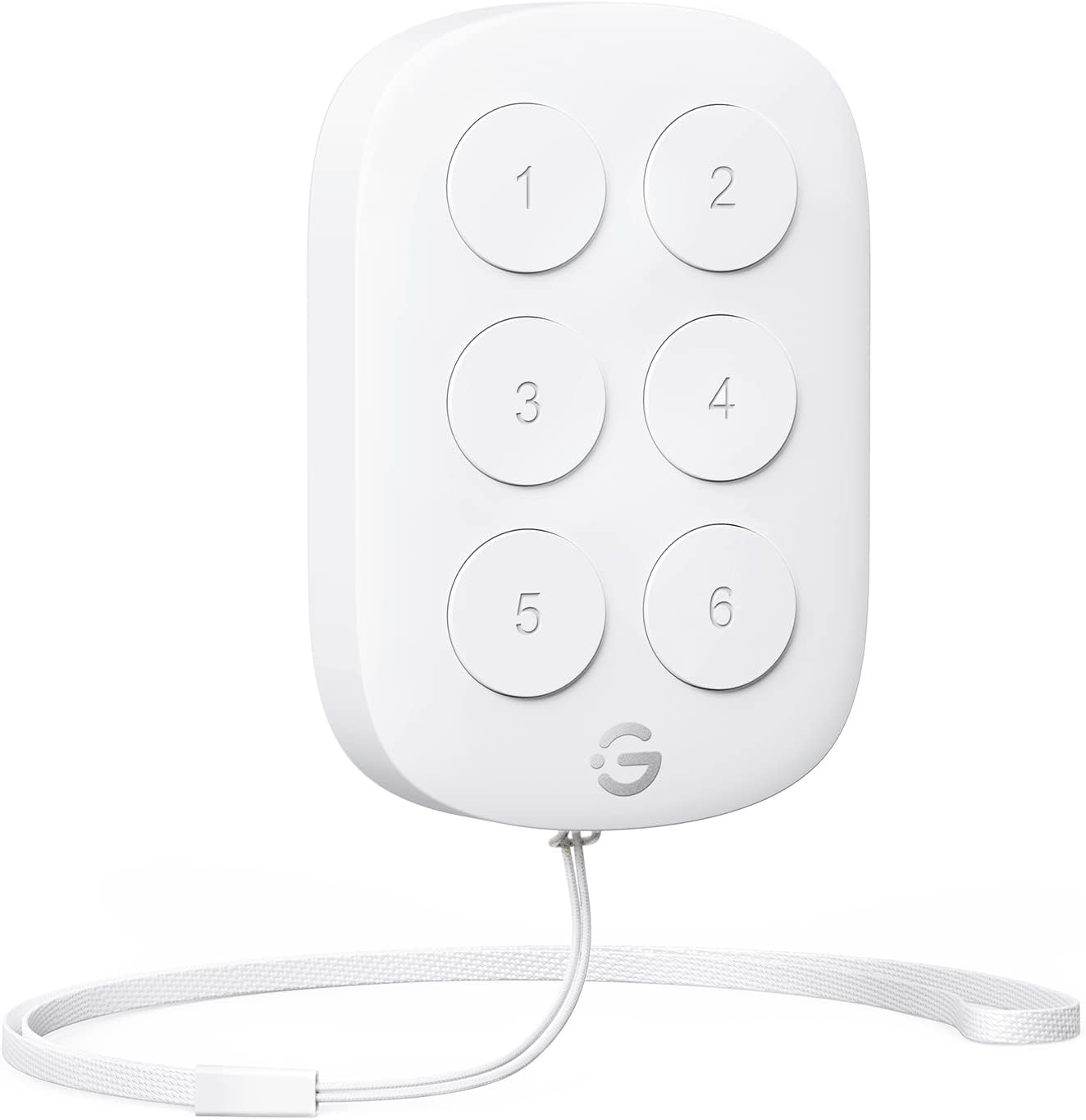
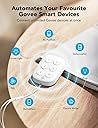
The GoveeLife Wireless Mini Smart 6 Button Sensor is a compact, battery-powered controller designed to manage up to 50 Govee smart devices simultaneously. Featuring dual-mode Bluetooth and Wi-Fi connectivity with a 55-meter effective range, it enables one-touch group control and alternate on/off toggling, making smart home automation intuitive and versatile for any room or scenario.


| ASIN | B0BVB3TXDT |
| Battery Types | Lithium-Ion |
| Best Sellers Rank | #267,190 in Home Improvement ( See Top 100 in Home Improvement ) #333 in Home Automation Hubs & Controllers |
| Box Contents | Button Sensor, Battery, Lanyard Loop, User Manual |
| Brand | GoveeLife |
| Brand Name | GoveeLife |
| Button Quantity | 6 |
| Colour | white |
| Compatible Devices | Govee smart ecological devices |
| Connectivity Technology | Bluetooth |
| Controller Type | Button Control |
| Country of Origin | USA |
| Customer Reviews | 4.2 out of 5 stars 519 Reviews |
| Item Type Name | Goveelife sensor |
| Manufacturer | Govee Life |
| Manufacturer Part Number | H5125011 |
| Max Number of Supported Devices | 50 |
| Maximum Number of Supported Devices | 50 |
| Maximum Range | 55 metres |
| Model Name | H5125 |
| Model Number | H5125 |
| Network Connectivity Technology | Bluetooth |
| Number of Batteries | 1 CR2032 batteries required. (included) |
| Product Features | Ergonomic |
| Smart Home Compatibility | Smart Home Compatible |
| Special Feature | Ergonomic |
| Unit Count | 1.0 Count |
N**E
Must have if you have a lot of Govee lights
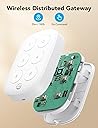
I bought this and mounted it on the side of my nightstand so that I wouldn’t have to get my phone out every time I wanted to turn lights on and off. It is very intuitive to program on the Govee app and allows you to set 6 different commands to control lights in the same or different rooms. It works on lightbulbs, rope lights, TV immersion lights, etc. I was really impressed with the versatility for an item with such a low price. It has a nice feature where you can select a box to use the same button for on and off commands, which really allows you to program 12 commands. I don’t understand exactly how the distributed gateway works, but it connects to Bluetooth and Wi-Fi and has excellent range. One tip I would add is that if you can’t get the remote to power on initially (by long pressing button #1), take the back cover off and remove the plastic tab underneath the battery. This was not in the written instructions, but I found it under troubleshooting online. The back cover is a little difficult to take off and I felt like I was going to break it, but once it popped loose and I pulled the battery tab, it powered on with no problem. The only other thing to note is that the commands don’t work perfectly every time. There is a little lag and sometimes you have to press the button twice. I feel that it is still much easier and quicker than opening the Govee app on your phone.
N**A
buen producto
J**.
Trigger tasks easily
This is great product, you can setup 6 different trigger, but sometimes this works slow. I do not know why it happening. My initial need was trigger lights immediately but this is not working well.
M**N
An Absolute Game-Changer for Smart Home Control!
The GoveeLife Wireless Mini Smart 6 Button Sensor is easily one of the most useful additions to my smart home setup. If you are already invested in the Govee ecosystem, this little remote is an actual game-changer. It eliminates the need to constantly pull out your phone or use voice commands just to adjust your lighting or appliances. The setup through the Govee Home app is seamless, and once configured, it provides instant control over your entire room with zero lag. What makes this sensor stand out is how incredibly versatile it is. With six physical buttons, you can program each one to handle a specific task—whether that’s toggling a single device like a bedside lamp or triggering a complex "group control" scene that adjusts your permanent outdoor lights, curtain lights, and heaters all at once. It’s perfect for creating a "Good Night" button by the door or a "Movie Mode" button on the coffee table. The compact size means you can mount it anywhere or just keep it loose as a portable remote. The build quality is solid, and the buttons have a satisfying click that confirms your command has been sent. Because it works over a stable wireless connection, I haven't experienced any of the connectivity drops that sometimes plague cheaper smart buttons. It effectively turns a complicated smart home into a simple, tactile experience that anyone in the house—including guests or kids—can use without needing access to the app. Overall, this is a 5-star product for its functionality and ease of use. It solves the biggest hurdle of smart home living by making technology feel more natural and accessible. If you have more than a couple of Govee devices, this button sensor is a must-have upgrade that makes managing your environment an absolute breeze.
K**A
Excellent Product, so much smaller than I thought. Could use a few tweaks.
This is really excellent. Implementing Smart home switches in my house, and wanted to start here before I started doing wiring. It does everything you need it to do, I feel like you should be able to change multiple lights at once though. So when setting it up, if I want 4 items attached to a button, when I change the settings for that bulb, it should give me a simple option to, Apply to all, or select the devices compatible and let me apply it. Instead it is kind of backwards. Hopefully a little update comes. Other than that, the responsiveness is a bit meh. When you click the button, it take around 2-3 seconds to initialize, but not knocking it because I have one big network, if I had my IoT separated, it probably would work better.
Trustpilot
1 month ago
2 days ago