


🚀 Elevate Your Storage Game!
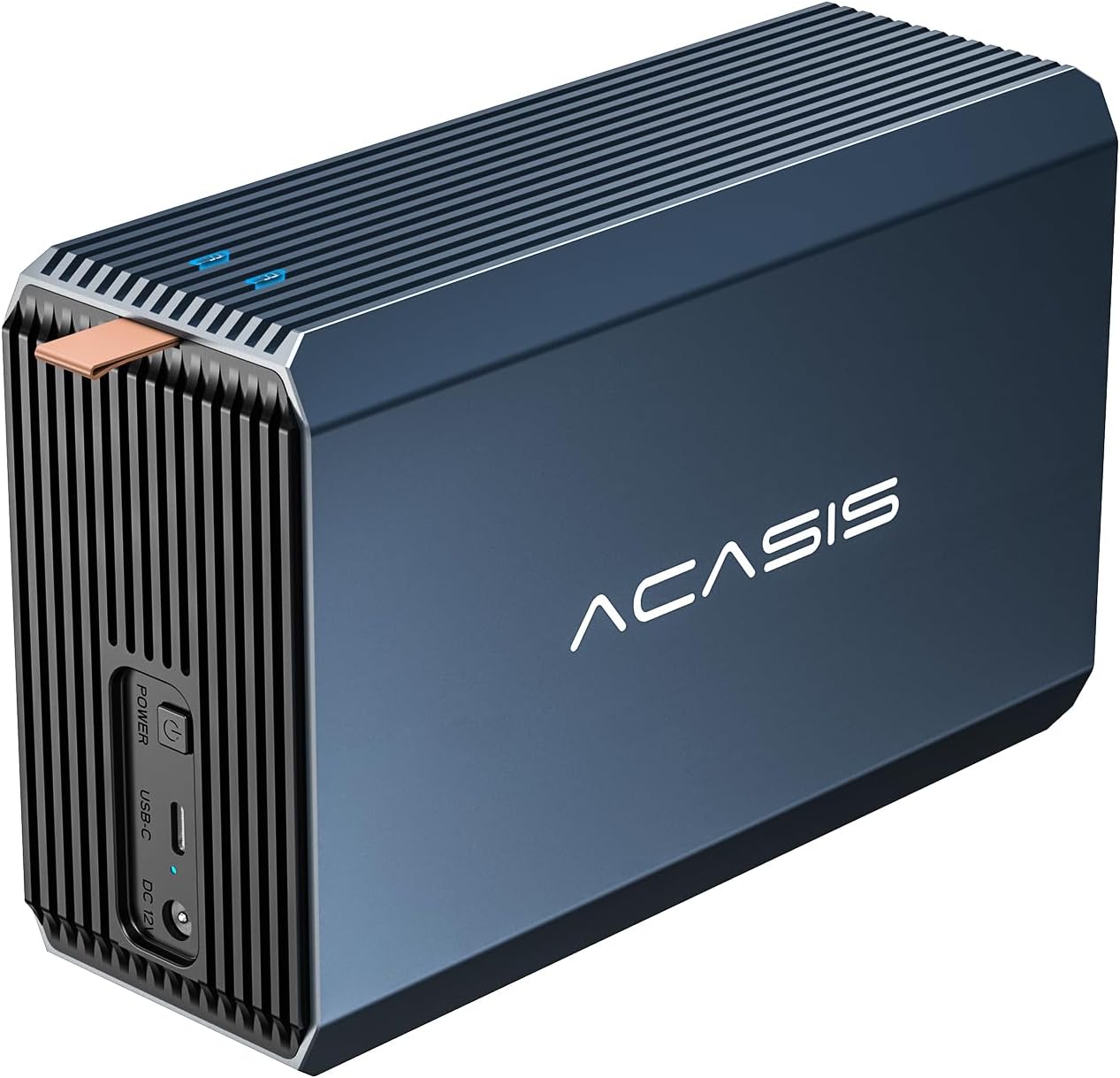
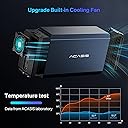
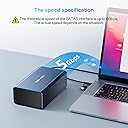
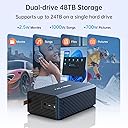
The ACASIS External Dual-Drive RAID Enclosure is a robust storage solution designed for professionals, supporting both 2.5 and 3.5-inch SATA HDDs/SSDs. With a maximum capacity of 36TB and transfer speeds reaching 6Gbps, it offers versatile RAID configurations for optimal data management. Its aluminum construction ensures superior heat dissipation, making it a reliable choice for data-intensive tasks.




| ASIN | B0CQ28SVHG |
| Best Sellers Rank | #928 in Enclosures |
| Brand | ACASIS |
| Built-In Media | Blu-ray |
| Color | Aluminum alloy |
| Compatible Devices | Desktop, Laptop |
| Customer Reviews | 3.9 out of 5 stars 86 Reviews |
| Data Transfer Rate | 5 Gigabits Per Second |
| Enclosure Material | Aluminum |
| Hard Disk Form Factor | 3.5 Inches |
| Hardware Interface | USB 3.0 |
| Hardware Platform | Compatible with Windows7 and above, Mac10 and above, Linux. |
| Item Dimensions L x W x H | 4.7"L x 7.8"W x 2.5"H |
| Item Weight | 1 Kilograms |
| Manufacturer | ACASIS |
| Material | Aluminum |
| Memory Storage Capacity | 36 TB |
| Product Dimensions | 4.7"L x 7.8"W x 2.5"H |
| Supported Devices Quantity | 2 |
| UPC | 781108279207 |
| Warranty Description | 1 year |
J**A
Good after receiving replacement
3/22/2024 Edit: I quickly received a replacement unit from Amazon and so far so good. It's plenty fast enough for what I need. ACASIS reached out to me multiple times for a replacement or a refund, so for that I will commend them. The case is sleek, feels nice, looks good, and the cables that came with it (USB-C with a USB 3.1 female-to-male converter), and price was great. Previous review: Received unit, installed 2x12TB drives a d proceeded to back up 6TB of data. The next day I transfer more files and in the middle of copying files it just suddenly turned off and now no longer turns on.
D**D
made of thick aluminum, sleep mode
This drive delivers on all its promises. The case is made of thick aluminum, and the included USB cable is well-insulated. It offers a satisfactory transfer rate and is of high quality. The technical support team responds quickly and has extensive knowledge that surpasses standard tech support. They can address complex questions regarding your backup setup. The drive operates quietly, and the lights enhance my environment. Unlike other drives, the sleep mode works effectively and wakes up properly when activated by the backup utility.
C**N
Dont Buy they will corrupt your data
3 different drives corrupted while using this thing, i tried 2 more devices, hoping that it was my drives. however they did the exact same corruption on 3 different enclosures. luckily i had the data backed up and i was able to return 2 of these enclosures, the 1st one that i thought was my drives was passed the warranty date, these are not reliable.
F**Y
An unexpectedly good RAID enclosure - With some caveats that earn a 4 star rating.
I purchased this enclosure to house 2 8TB HD drives which would be used for backups and external file storage. The unit is aluminum, except for the drive cart which is plastic. The 3.5" HD drives fit nicely and were easy enough to install. The DIP switches are mounted on the drive cart, but the included instructions for the the DIP switch settings were not in English. Also, the DIP switch settings illustrations in the manual were incorrect. I found the ACASIS web site and located the English version of the manual. First problem solved Once the RAID enclosure was assembled and ready to go, I attached the USB cable to my computer. I powered up the enclosure and set the drives up. The first thing I noticed was the exhaust fan was very quiet. The second thing I noticed was the enclosure went to sleep after only a few minutes of non-use. The fan would stop (but not the drives) and the RAID enclosure would start to heat up. (Second problem). I tried adjusting the setting in the operating system to stop the enclosure for sleeping with no luck. I went back to the ACASIS web site and found an firmware update. The software that installed the firmware update also let me turn off sleep mode. Not I have a quiet running RAID enclosure that does not sleep but does power down when I turn off my computer. Unfortunately, the firmware update software is a Windows EXE file. Mac and Linux users may not be able to easily solve the sleep issue.
K**H
Great product
Delivery was quick, It operates as advertised, happy with the purchase.
O**N
High quality
High quality as expected from ACASIS.
A**E
Good product
It is easy to install the hdd’s, looks good and does not het hot. Easy to configure. It is a bit heavy for good reason. Orders another one
I**Z
Great looking enclosure with sleep mode issues
Bought this to connect a 10tb hdd to a Beelink EQ mini pc that serves as a plex / file server. When it works, it works well. Fan is not too loud, the mechanical hard drive in it is louder when in use. Speed is more than enough for the drives in it, mechanical drive transfer speed is less than the usb 3.0 speed. All of this and it looks good doing it. The reason for the 3 stars is that it keeps going into sleep mode and not being accessible remotely or even locally. At times I have to turn it off and on or disconnect and connect it to the pc for it to be accessible again. I read on another review that there was a firmware update to fix this so I went to the manufacturer's website and downloaded the firmware file. Followed the instructions but got 2 error messages: "Open Firmware File Error!!" and "Firmware File not support all chips". After these error messages, the firmware flashing software opens but does not let me do anything other than "load INI" which gives me the same error messages when I choose the INI file, Refresh, Safe Remove and Close. Cannot change the Standby Timer or the firmware file. Windows 11 gives me no options to remedy this other than setting the usb to not allow it to turn off to save power, and this has done nothing to solve the issue. If I could get it to not go into sleep mode, I would give it 5 stars but with the issue, it is making me look for other options to get the file server working reliably.
Trustpilot
1 month ago
1 month ago