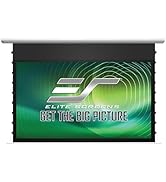
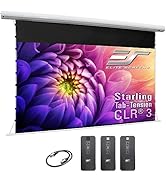
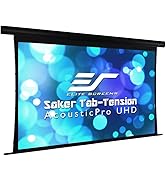
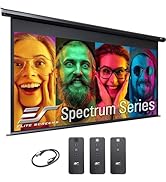
๐ฅ Elevate your space with cinematic clarity and effortless style!
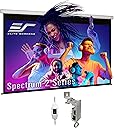
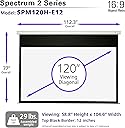
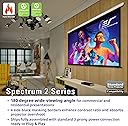
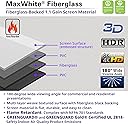
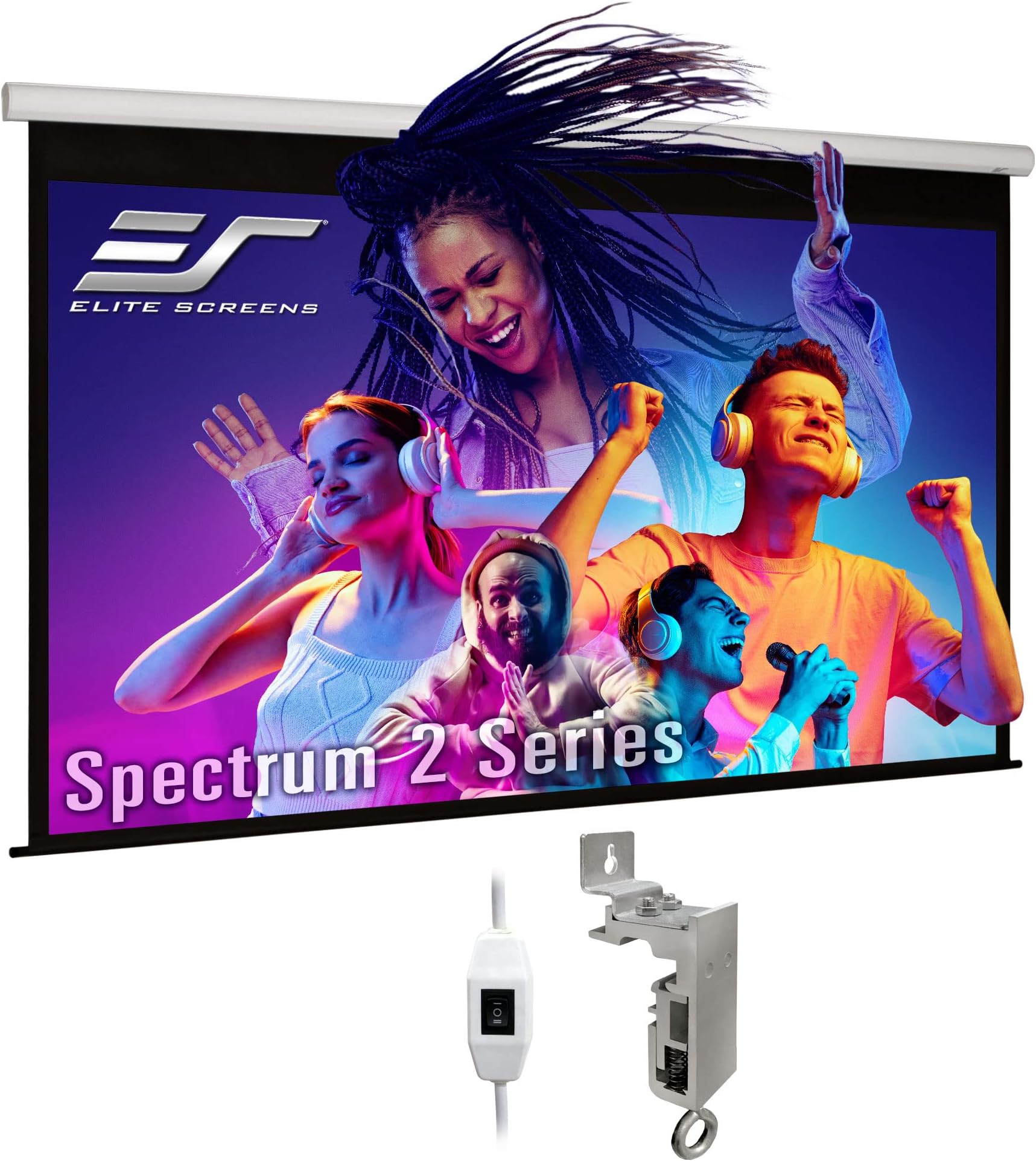
The Elite Screens Spectrum2 120-inch electric motorized projection screen delivers a premium viewing experience with its MaxWhite FG front projection material, 1.1 gain, and 180ยฐ wide viewing angle. Designed for 4K Ultra HD and active 3D compatibility, it features a 12-inch motorized drop housed in a sleek aluminum casing with floating mount brackets for easy installation. Certified by Greenguard Gold and supported by a 2-year warranty plus lifetime tech support, this screen is a professional-grade solution for home theaters and office presentations.


| ASIN | B00BQHCN5Q |
| Brand | Elite Screens |
| Color | MaxWhite FG / White Housing |
| Customer Reviews | 4.0 4.0 out of 5 stars (84) |
| Enclosure Material | Aluminum, Fiberglass |
| Global Trade Identification Number | 00848448005351 |
| Item Part Number | SPM120H-E12 |
| Item Weight | 12.93 kg |
| Manufacturer | Elite Screens Inc. |
| Mfr Part Number | SPM120H-E12 |
| Model Number | SPM120H-E12 |
| Mounting Type | Ceiling Mount, Wall Mount |
| Operation Mode | Automatic |
| Screen Finish | Matte White - 1.1 Gain, Front Projection with black backing/fiberglass reinforced -Standard Throw Projectors |
| UPC | 848448014261 012300867931 848448005351 |
| Unit Count | 1.0 Count |
| Viewing Angle | 180 Degrees |
D**T
This screen has been a disappointment, both in the actual screen and the customer service received. My screen has always had some waviness along the left and bottom side, in addition to the sides curling inwards. Hoping that this would subside with the screen being left down over time, I waited a couple months to see improvement. That did not happen and seems to have gotten worse. Upon submitting photos and a brief video to Elite screens showing the side curling and waves their immediate reply did not actually address any of that, but blamed it on the projector I was using. The screen is listed as non compatible with ultra/short throw projectors, and their contention is that my Anker Nebula X1, ceiling mounted 10 ft away from the screen, is being used as a short throw projector. I disagree. This became their primary focus however, lecturing me on projectors, requesting that I test it with another projector (because most people own 2?) and continuously avoiding addressing the actual condition of the screen. Bottom line is the screen is wavy with both sides curling inwards, and this is visible in images that feature horizontal lines. I was told that the pictures and video that I sent them show a screen that is up to spec from Elite Screen's standpoint and that "small curling or waves along the edges are normal", and that if I was just using the correct projector you'd never see them. You be the judge if it's something you would buy. I would return mine if I could. Elite Screens includes a slip of paper that instructs you not to do returns with Amazon and just contact them with any issues. I wish I had just returned it to Amazon initially. If you do give it a chance and receive something you don't think is acceptable, return it to Amazon within the window, as their process seems designed to give you the run around, blame your projector, and ultimately leave you with a screen you're unhappy with. Their website for the MaxWhite FG material used to read "the flattest possible surface a non-tensioned screen can offer" and "the fiber glass backing eliminates any side curling non-tensioned materials are susceptible to." The second statement seems to have been recently removed from the product page, as the word "eliminates" doesn't work well when customer service has to tell you that "small curling or waves along the edges are normal". I would go with something else from a company more interested in your satisfaction with an expensive purchase.
J**J
Got this in on the scheduled day. The package was sturdy. The installation was a breeze. The connectors that come along can be installed first and the projector screen snaps in, need two people to hold to hang. My wife and I handled it ourselves. The motor is quite, drops and folds in about 30 seconds. The tubing is very sturdy. The screen has about 12 inches drop and 2 inches border on side. The screen does have a smell of plastic but it's decreasing, it's been less than 24 hours that the screen was up. The electric inbuilt switch hangs out on the left, I need to hide it through the wall. I had specific requirements for an 120" screen with casing not being more than 115" in length. Of all the screens that I saw, all of them had over 115" in length for the outer cae. Only this fit in for my needs. The only gripe I have is that I don't know if there is a way to control the 12" drop, would love to reduce it to 8". The other elite screens seem to have have this feature but I couldn't figure out for this series. Minor inconvenience but not a big deal to me. Overall though, the huge black drop does have an immersing feel and a certain wow factor. The screen has a solid feel, definitely a step up over manual screen. No visible waves. Few more dollars than other screens but money well spent.
Y**D
Super good
M**Y
It's a good screen, and works well for the price. I definitely recommend a laser level on installation. I initially installed it with a couple millimeter difference in height from left to right, and the motor made an atrocious noise. Once I got a laser level and fixed the height, that noise went away. I'm knocking two points off my rating because I would like to adjust the automated drop of the height, so that the screen doesn't lower to the full height every time. Due to space constraints, and projector height, my picture is 6 inches above the bottom of the screen at full extension. I wrote into Elite Screens support and they said that they have removed the ability to limit the height on this model because they couldn't figure out how to change it without breaking their motors. This is a pretty basic feature, and with it missing I can't simply lower the screen and start watching, I need to lower it, then babysit the screen to do final adjustments. Update: After some back and forth with Elite Screens support I discovered the magic words, "I am okay voiding the warranty" and I was able to get instructions on adjusting the drop. Now the screen parks itself exactly where I want it every time, and I'm very pleased with the results.
S**R
Bought this screen to update my old Elite Spectrum2. I had a 100" screen, and got a new projector that needed a 120" for my setup. Bit the bullet on an expensive screen that cost twice what the 100 cost me. Does not come with the remote box. That is $160 MORE. Oh, and if you have a remote box from two years ago - it doesn't work. They changed the connector. Oh, and if you try to call them and get product information - the number in their flyer in the box sends you to some survey company. And if you do find a number to call them, and leave a message, they won't answer you. I ponied up and bought the "new" screen controller. It's crude for how expensive it is. The instructions for programming the drop-length on the screen might be better if they were written in heiroglpys. The video that Elite Screens made to support this is MORE ambiguous than hieroglyphs. It is like they try to make this thing hard to use and set up. Think before you leap on these projector screens. There are a lot of nast surprises ahead for you. I won't ever buy another one...
Trustpilot
1 month ago
2 weeks ago