Desertcart purchases this item on your behalf and handles shipping, customs, and support to Kyrgyzstan.
๐ Elevate your display game with flawless 4K clarity and rock-solid connections!
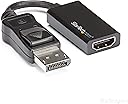
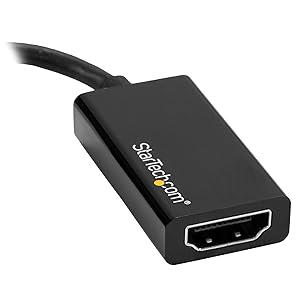
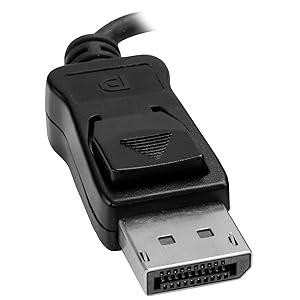
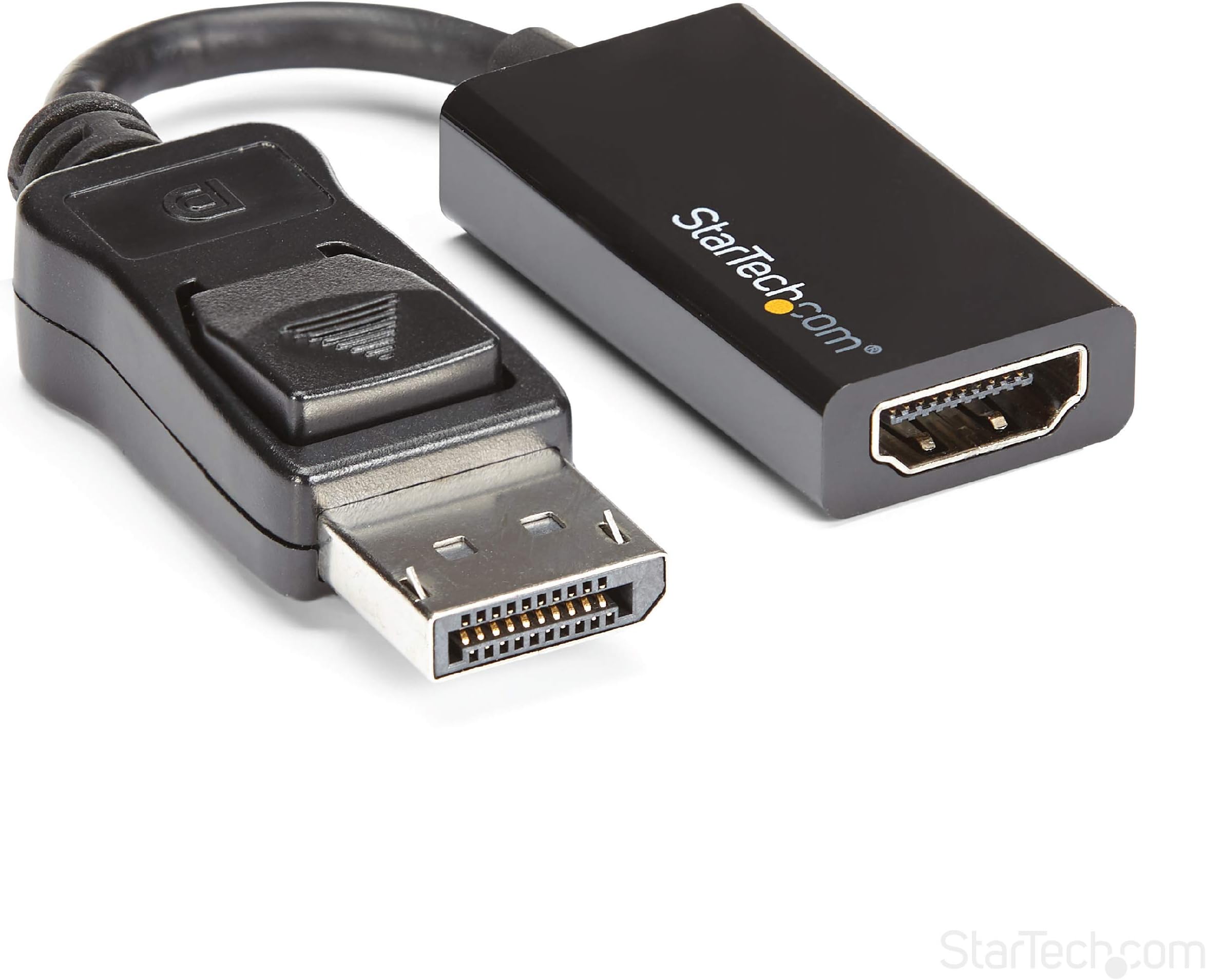
The StarTech.com DisplayPort to HDMI Adapter (DP2HD4K60S) is an active video converter supporting ultra-high-definition 4K resolution at 60Hz with 7.1 channel audio. Featuring a latching DisplayPort connector for secure connections and EMI shielding for signal integrity, it offers plug-and-play compatibility across major operating systems. Its compact design and backward compatibility make it an essential tool for professionals seeking seamless multi-display setups between workstations, laptops, and HDMI displays.


| ASIN | B01M6WK3KU |
| Best Sellers Rank | 24,568 in Computers & Accessories ( See Top 100 in Computers & Accessories ) 112 in DisplayPort to HDMI Adapters |
| Brand | StarTech |
| Brand Name | StarTech |
| Colour | Black |
| Compatible Devices | Computers with DisplayPort and HDMI displays |
| Compatible devices | Computers with DisplayPort and HDMI displays |
| Connector Type | DisplayPort/HDMI |
| Connector type | DisplayPort/HDMI |
| Country of Origin | China |
| Current Rating | 1.5 Amps |
| Customer Reviews | 4.6 out of 5 stars 475 Reviews |
| External Testing Certification | CE, FCC |
| Global Trade Identification Number | 00065030865722 |
| Item Dimensions | 21.6 x 19.6 x 1 centimetres |
| Item Type Name | A/V Cable |
| Item Weight | 0.02 Kilograms |
| Item dimensions L x W x H | 21.6 x 19.6 x 1 centimetres |
| Manufacturer | Startech |
| Manufacturer Part Number | DP2HD4K60S |
| Model Number | DP2HD4K60S |
| Nominal Power | 10 Watts |
| Number of Items | 1 |
| Number of Ports | 1 |
| Package Quantity | 1 |
| Power Plug Type | No Plug |
| Product Finish Type | Hdmi, projector |
| Product Warranty | 3 Year |
| Specific Uses For Product | Monitor, TV |
| Specific uses for product | Monitor, TV |
| UPC | 065030865722 |
| Unit Count | 1.0 count |
| Warranty Type | Lifetime |
V**T
Great Quality manufactured Active Adapter.
Functionality as advertised. Sends great picture quality to my secondary display. Joining cable allows great versatility. Simple to use, with connector locking facility built in. Quality manufactured with great durability. Great value for the money.
F**A
Works flawlessly
A bit pricy but it did the job.
C**G
Works with Linux and a KVM switch at 4k 60Hz
Works great on KVM switch with Kubuntu 24.04 and Windows 11. Unlike the Ugreen active display port adapter which I also tried and had both random disconnects and a 4 second switch time when toggling my KVM switch towards Linux, this is reliable and fast. Takes about 2s. And supports 4k at 60Hz on both Windows 11 and Kubuntu 24.04 (X window server) with an Asus Nvidia 3060 GPU. Highly recommended !
I**N
good tech support
It works perfect for me๐
A**R
Review
As expected
M**R
Very good device.
Excellent quality but note you may have to install the appropriate device driver on your laptop.
A**R
Proper DP to HDMI conversion
I have a DP KVM switch and a HDMI monitor. I had a cheap DP to HDMI cable and this worked fine for 2 desktops with DP connectors (DP GPU to DP KVM, then DP to HDMI monitor). However, I could not get a laptop to recognise the monitor via a USB-C to DP converter (Laptop USB-C to USB-C to DP Converter to KVM...). I thought the issue was with the laptop, but some time later tried a different laptop and had the same issue. I spoke with Startech Technical Support for query with a different device, and also mentioned this. They recommended getting a proper DP to HDMI converter and this works perfectly. I am pleased as I was thinking I would have to buy a new monitor, but can use this one for longer now. Excellent advice and assistance from Startech Tech Support!
L**Y
Does what it says
I used to scrimp and save on cables, adapters, etc but these days I just want something that will work exactly like it says it will. Put simply, startech stuff is expensive, but it's solid, reliable, and it works *exactly* like it says it will, e.g I just plugged this in to a displayport plug on a high-end GPU and connected it to a 4K monitor, and I have a 60Hz image that is exactly the same as if I'd plugged it straight HDMI to HDMI. Others are cheaper, but if you can afford this and just want something that is guaranteed to work, then I think it's worth it.
T**N
Nope
Not even 120 ha could be because of the notebook from me
J**S
Excellent product
As described, very fast delivery, excellent product.
H**T
Works as advertised.
worked straight out of packaging, my previous adaptor only worked at 4k 30hz and was very unstable on new monitor, this one fixed that issue and getting the full 4k resolution without any issues so far.
A**G
Worked perfectly for my system for flight simulator software
Just sharing this information in case it helps anyone; I know I had a lot of questions and did a lot of research before purchase and wasn't sure if this adapter would work. My system is as follows: Dell OptiPlex 7010 DT with 3rd generation I7 (Ivy Bridge) CPU. 16 GB memory, 500 GB HD and a 240 GB solid state drive, DVD Writer. I am using the integrated Intel HD 4000 GPU. I am using Windows 10 which boots off the solid state drive. I have an external sound system plugged into the line input in the back (subwoofer and 2 speakers). I attached my mouse and keyboard to two separate USB 2.0 inputs in the back of the desktop. I mainly use this computer for flight simulation (Flight Gear 2018.1.1 and Microsoft Flight Simulator X Deluxe Edition). I also have a CH Yoke and CH rudder pedals attached via separate USB 3.0 ports in the back of the desktop. The system had 3 monitor ports: One VGA, and Two Displayports. I was initially using only the VGA port since I had only one monitor; but wanted to add two more monitors using the built-in Displayports so that in my flight sims, I can have one monitor looking forward, and the other two monitors on either side with a left window view and right window view. For my project, I bought three identical LED monitors: 21.5 in screen and 1920 x 1080 resolution. Each of these monitors has one VGA input and one HDMI input. Once I got this StarTech adaptors (I ordered two of them), I plugged my center (main) monitor using the VGA ports on the monitor and computer. I then attached one of these StartTech adapters to one of the computers Displayports and a second StarTech adapter to the other Displayport on the computer. I then commected an HDMI cable to each of these adaptors and plugged the other end of each cable into the HDMI input in each of the other two monitors. I placed the HDMI monitors on each side of the main monitor, plugged in all the cables and powercords, pressed the ON button and the computer, crossed my fingers, and held my breath. The system booted up flawlessly. Windows 10 recognized each of the 3 monitors, and it set the resolution of each monitor to the correct setting. My main desktop and desktop icons were showing up on my "left" monitor (HDMI). The other two monitors had a taskbar and the basic Windows 10 screen. I then went to the Display Settings and windows 10 Identified all 3 monitors and gave them a uniqe reference number (1, 2, 3). I had to change the order of the monitors so that the mouse pointer would flow evenly from the far left monitor, to the center monitor, to the far right monitor. I had to go into the Sound settings to change the sound output to the internal sound card (and thus my external speakers); the system had defaulted to sending sound to one of the monitors via the Displayport/HDMI cable. I then went into each of the two fligth simulator sofware and was able to have the display exactly as I had wanted (this took several hours of tweaking the software since I am new to using flight sim software!). The center (VGA) monitor now showed the front window of the flight deck (and flight yoke and instruments), the left monitor (HDMI) was displaying the view out of the left window of the aircraft, and right monitor (HDMI) was displaying the view outof the right flight deck window. When I did some flying, all three monitors were coordinated as expected. The yoke and rudder pedals worked perfectly during flight. Bottom line, these StarTech adapters worked perfectly out of the box for my needs and for my system. Hopefully these converters are well built and will last a long time. Hope the above is helpful.
S**N
An adapter that actually works!
I needed an adapter to transport a 4k signal at 60Hz from my PC Display Port to the HDMI input on my monitor. The first adapter I tried was less expensive that this one by about $30, but the inexpensive one had the image shivering and blacking out several times a minute, and that was at only 30Hz. I was advised by a trusted power-user to buy this model and give it a try. After switching out the cheap one with the StarTech, the image was rock-steady and free of blackouts, even at full 60Hz.
Trustpilot
2 months ago
1 week ago