Buy anything from 5,000+ international stores. One checkout price. No surprise fees. Join 2M+ shoppers on Desertcart.
Desertcart purchases this item on your behalf and handles shipping, customs, and support to Kyrgyzstan.
๐ Elevate your note-taking game โ never miss a moment, never lose a thought!
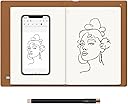
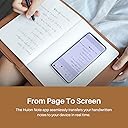
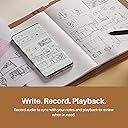
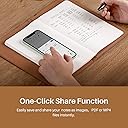
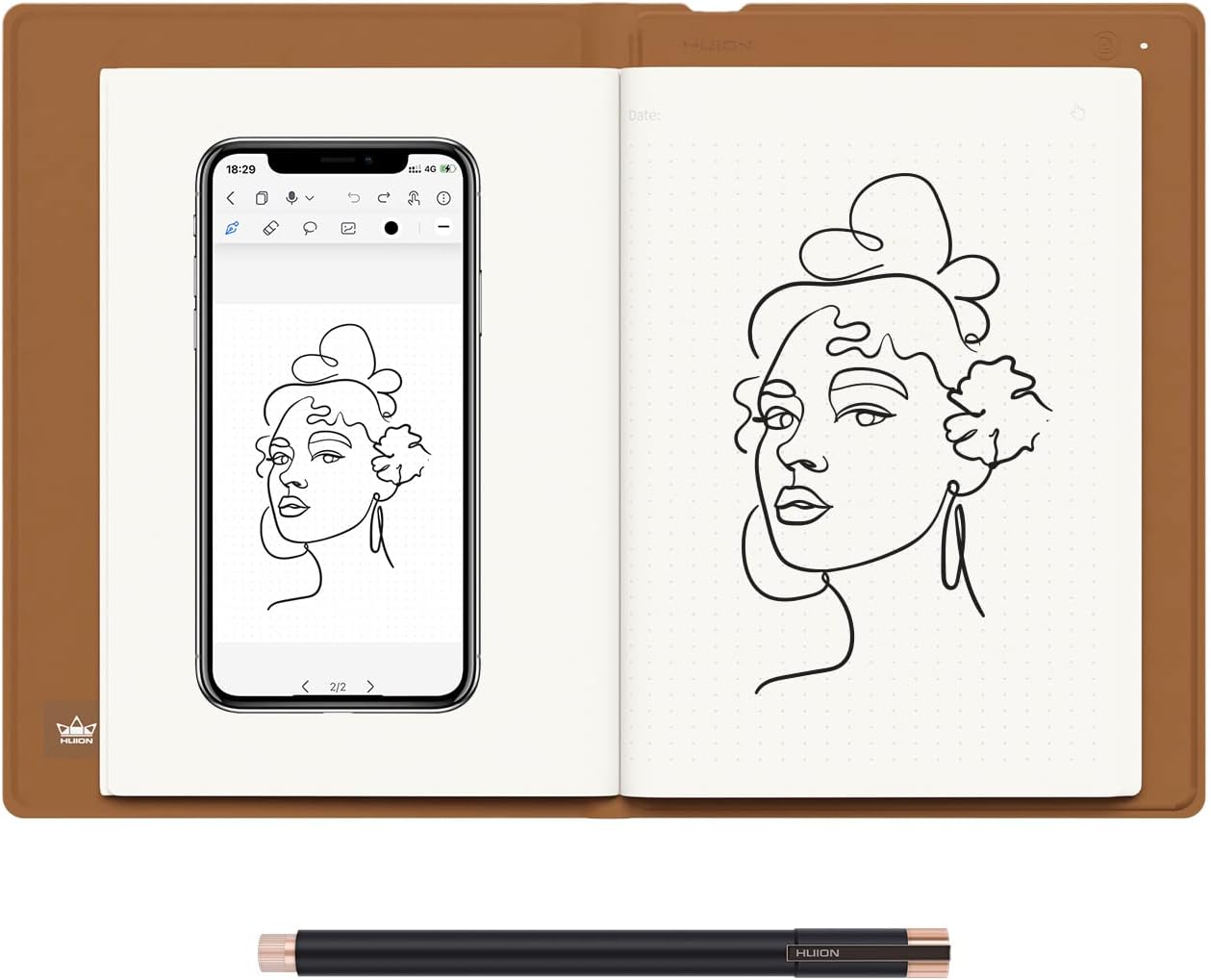
The HUION Note 2-in-1 Digital Notebook combines the tactile feel of pen on paper with cutting-edge digital capture technology. Featuring Bluetooth 5.0 wireless connectivity, 18-hour battery life, and 8192 levels of pen pressure sensitivity, it lets professionals and creatives seamlessly digitize handwritten notes, sync audio recordings, and transform into a graphics tablet. Perfect for meetings, classes, and artistic inspiration, it offers refillable A5 notepads and powerful app-based organization and sharing tools for the modern multitasker.


| ASIN | B0BG2T9SGV |
| Active Surface Area | 9.5x7inch |
| Best Sellers Rank | #19,470 in Electronics ( See Top 100 in Electronics ) #34 in Graphic Tablets |
| Box Contents | Digital Pen, Graphics Tablet Cover, Huion Note & A5 Notepad, Magnetic Pen Sleeve & USB-C Cable, Replacement Nibs & Pen Nib Clip |
| Brand | HUION |
| Brand Name | HUION |
| Colour | White |
| Compatible Devices | Desktop, Laptop, Smartphone, Tablet |
| Connectivity Technology | Bluetooth, USB |
| Country of Origin | China |
| Customer Reviews | 4.2 out of 5 stars 586 Reviews |
| Display Type | LCD |
| External Testing Certification | Nรฃo aplicรกvel |
| Importer Contact Information | TIGER PUG COMMERCE PRIVATE LIMITED Address๏ผA-302, DIPTI CLASSIC, 32/34 SUREN ROAD, ANDHERI EAST, Mumbai Suburban, MAHARASHTRA, 400093 telephone: 022-6879 5151 or Email us at [email protected] |
| Item Dimensions L x W | 24.1L x 17.8W Centimeters |
| Item Weight Unit of Measure | 433 Grams |
| Manufacturer | HUION |
| Model Name | HUION Note |
| Model Number | X10 |
| Native Resolution | 1920x1080 |
| Network Connectivity Technology | Bluetooth, USB |
| Operating System | Windows 7 or later, Linux, iOS 11 or later, mac OS 10.12 or later, Android 6.0 or later |
| Pressure Sensitivity | 8192 Levels |
| Product Features | 18hrs Long-lasting Battery Life, 2-in-1 Multifunctional Notebook, Audio Record & Playback Function, Bluetooth 5.0 Wireless Connection, Offline Storage & Online Editing |
| Screen Size Unit of Measure | 7 Inches |
| Special Feature | 18hrs Long-lasting Battery Life, 2-in-1 Multifunctional Notebook, Audio Record & Playback Function, Bluetooth 5.0 Wireless Connection, Offline Storage & Online Editing Special Feature 18hrs Long-lasting Battery Life, 2-in-1 Multifunctional Notebook, Audio Record & Playback Function, Bluetooth 5.0 Wireless Connection, Offline Storage & Online Editing See more |
| Specific Uses For Product | Drawing, Remote Work, Writing |
| Target Audience | Artist, Designer, Student, Teacher |
| Unit Count | 1.00 Count |
| Warranty Description | 1 year warranty |
A**U
Amazing
My daughter loves this product, she has linked it to her laptop and very easy to draw and learn. Amazing purchase
P**R
Worth it
It's easy to use and worth to purchase
R**J
Very good product
Excellent product. Very useful productivity tool
G**N
Exactly as described
Writes well if mobile is positioned as described ie potrait good for recording notes But if we change to land scape writing is weird Any good for taking notes Good
A**K
Very nice product
Very good for writing
V**V
Good
Good
M**N
Great product for reasonable price
Best product
A**R
Very small page size not worth it
Not worth it, A5 pages are very small
A**R
Very happy! I use it daily for research notes...great for people who like paper
I have been very happy with this product. I use it daily for research work and the quality is excellent. I've used the android app for uploads, but I also use the Windows and Linux drivers with OneNote as a sort of "live copy", which I find works best. The android app took a short time to understand but I have not had it crash or lose data. I would suggest you get an elastic band to keep it tightly closed in your backpack, as if you have a thick notebook, the sensor may not indicate closed, and the battery runs down. I keep a cellphone battery bank just in case. Android app has a nifty "playback" feature that re-animates your pen strokes. Great for deriving equations when teaching a class!
A**.
Limited drawbacks, if any...
The Huion Note x10 is really cool. I first started looking to digitize my notes years ago and went with the Rocketbook brand. It was ok. Being stuck to specific pens that only do decent with left-handed writing, the re-useable notebook was neat but cumbersome to use. The Note x10 is also stuck with a single specific pen, however it seems there are replacements readily available, and the quality of the ink standard/nice enough. The Huion Note x10 does everything that I was looking for. First and foremost, ease of use. It is instantaneous when using it. The longest part of setting up the device was when creating the account I had to wait a couple of minutes for the verification code to come through in an e-mail. I'm not even sure if creating an account is necessary. Once you scan the QR code from the Huion Note App, it's paired and re-pairs itself fairly quickly as you open and close the pad. Similarly for tablet mode, I installed the driver first and then plugged it into the computer. Right away it was connected and usable. It should be noted that I found it most reliable to unplug and replug the device in when you put it into sleep mode. The Huion App is very good, which is great. Often these are the shortcomings for such a device. In this case, the app has a multitude of notebook selections, pen styles, and a few tools for note-taking. Honestly, just in itself it is a very good note app (though not ideal without the Note x10!), and given that it is how you will likely primarily be interfacing with the Note x10, this is a very important aspect and they did a good job. A couple of outstanding points -- you are able to create notebooks in the app, so I create a "Daily Tasks To-Do" list and each page is a separate part of the house. I also created a "Blueprints" and standard "Notes" notebook. This alone sets the app apart from others I've come across. Another nifty trick is to use the pens Tablet Rubber Nib on a blank page. You get the feel of writing, but of course there is no ink. It takes a second to get used to, as you'll be looking at the phone screen for where you've written on the page, but it's nice for when you want to take notes but without using up one of the 50 pages. So far I have used it the most this way, as I wanted to digitize existing notes, but without using up pages. Tablet mode is also very serviceable, while it may not have gestures or buttons like a fully fledged Wacom tablet would, that's not really an issue since that's not it's main purpose. So far I've tried it out with photoshop and with storyboarder and it works exactly as you'd expect. Possible negatives to look out for: First on this short list is the notepad paper itself just happens to be semi-easily affected by humidity. I have found that some papers tend to fold with use and perspiration. The default A5 paper that comes with this notebook seems to have this happen. However, the paper quality itself is very good and feels pleasant to write on. Next is the possible longevity of the pen tips -- each tip is about 1/4th to 1/3rd the length of a normal pen. They advertise 400m, which I'm sure is plenty. I'm more thinking long term, say 8 years from now if everything will still be available. Finally, it sounds like only their brand of pen works -- to be expected. Don't lose it! The pen does come with a leather carrying case that can magnetically attach to a specific spot of the front of the Huion Note x10, however I wouldn't rely on it alone were I to carry mine out and about. That is about it. In terms of positives: The A5 Paper can be any replacement pads. This is really great for longevity. The device itself feels fairly high quality and has few moving parts, nothing that seems like it would break. The app is very, very good for note taking and it looks and feels really cool taking notes with it. And being able to use it in tablet mode means that even at the very end of its life it can still have a purpose. In short: The Huion Note x10 is very well advertised, delivering on everything it promises. Connecting to the App via Bluetooth on your phone is very easy, using it is very fluid, and interfacing between the two of them has next to no downsides that I came across. In addition to all of this, it can very easily connect to the computer to be used as a drawing tablet. The downsides that I tried to list are honestly not even about the device or the app itself, but just possible concerns about long term supply of pen tips and being extremely nitpicky. This is a great device. If you want to digitize your notes, I highly recommend it for that alone and you get the added bonus of having a drawing tablet.
L**A
๐๐ป๐๐ป
ุดูุฑุงู ุฌุฒููุงู ู ูุชุฌ ูุตููู ูุงู ู ูู ู ุชุงุฒ ูุงุณุชุฎุฏุงู ู ุณูู ููุช ุงุญุชุงุฌ ู ูุชุฌ ุจูุงูุณุนุฑ ูุจูุงูู ูุงุตูุงุช
T**A
Too good to be true
Now I want to go to China)))))) this one makes me thinking I live in the future! And it has the price like for two people lunch. Quality is outstanding 100%. Will get as gifts also for my best friends.
H**M
Suprisingly great at bridging traditional and digital art
I work as a full time digital artist and draw on a screen tablet everyday. My eyes get fatigued often and I miss drawing on the sketchbook. Of course I could get a sketchbook and scan it in, but that's a long and tedius process. I found that this tablet/sketchbook fulfills my both my needs perfectly. I'm able to carry this tablet anywhere and turn my drawings to digital art on the go. I think something that needs to be emphasized more is pressure sensitivity, I thought that since the ball point pen is pretty uniform in width that it would not register pressure sensitivity, but it does! And I really like that I can lightly draw on the paper and having that reflected on the app. I also like that I can carry around a sketchbook that can also act as a tablet when I need it for making quick sketches or more refined work through the mobile/laptop version of clip studio for example. Everything considered, this is a great tablet/sketchbook and I hope more products like these are made to bridge traditional and digital art.
Trustpilot
4 days ago
1 month ago