Buy anything from 5,000+ international stores. One checkout price. No surprise fees. Join 2M+ shoppers on Desertcart.
Desertcart purchases this item on your behalf and handles shipping, customs, and support to Kyrgyzstan.
🚀 Elevate your workspace: triple 4K, one cable, zero clutter.
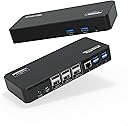
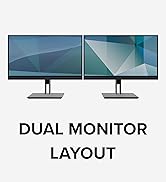
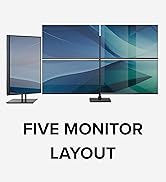
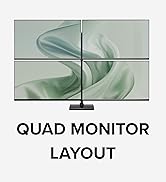
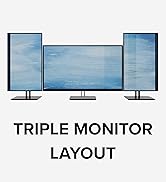
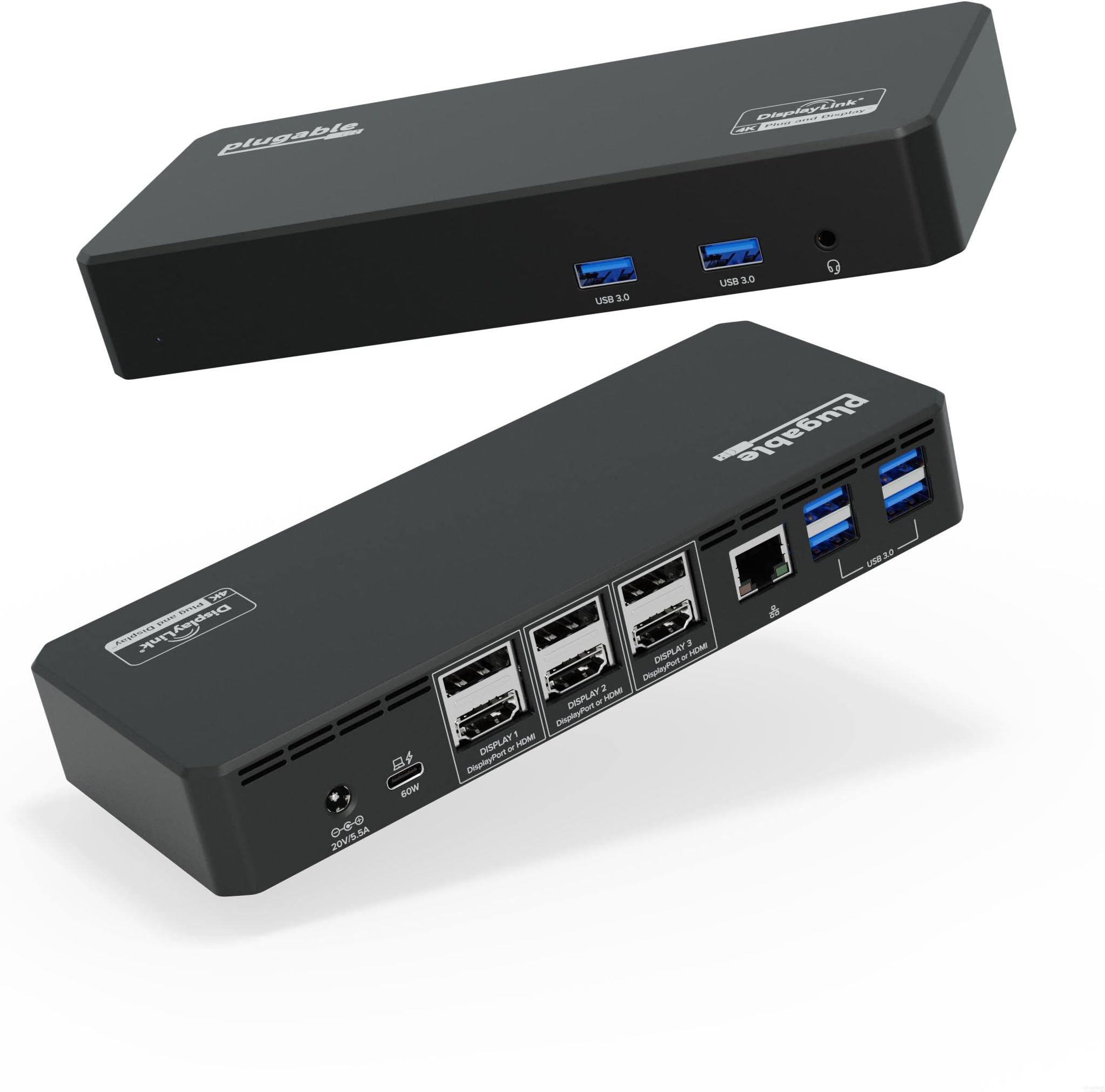
The Plugable 12-in-1 USB C Triple Monitor Docking Station transforms your laptop into a powerhouse workstation by supporting three 4K 60Hz displays via HDMI or DisplayPort, delivering 60W USB-C Power Delivery charging, and offering six USB 3.0 ports plus Ethernet and audio connectivity—all through a single USB-C connection. Compatible with Mac, Windows, ChromeOS, and Thunderbolt systems, it streamlines your setup with effortless plug-and-play functionality backed by a 2-year warranty.


| ASIN | B09NQQ1G1N |
| Best Sellers Rank | 37,032 in Computers & Accessories ( See Top 100 in Computers & Accessories ) 358 in Docking Stations |
| Brand Name | Plugable |
| Colour | Black |
| Compatible Devices | Windows 10 / 11 & ChromeOS 100 or newer & macOS 11 and later Supports full-featured USB-C, USB4, and Thunderbolt 3 / Thunderbolt 4 systems, including: M1/M2-based MacBooks (Original M1, M1 Pro, M1 Max); Intel-based Thunderbolt 3 MacBooks (late 2016+) Dell XPS, Latitude, Inspiron series with full-featured USB-C, USB4, or Thunderbolt 3 / 4 Microsoft Surface Pro / Go / Book / Laptop models with USB-C… |
| Country of Origin | Thailand |
| Customer Reviews | 4.2 4.2 out of 5 stars (668) |
| Hardware Interface | USB Docking Station, USB Type C |
| Item Dimensions L x W x H | 23.2L x 14.7W x 8.7H centimetres |
| Item Weight | 2.72 Pounds |
| Manufacturer | Plugable |
| Number of Ports | 12 |
| Product Warranty | 2-year Limited Parts and Labor |
| Total HDMI Port | 3 |
| Total USB Ports | 6 |
| UPC | 819927013068 819927012009 |
| Unit Count | 1.0 Count |
| Wattage | 100 |
T**Y
Very easy setup, 3 screens plus laptop working flawlessly
Bought this to clean up my docking station after upgrading my Macbook and having reduced number of USB-C ports. 10 minutes after unpacking, it was up and running. Only 1 laptop port needed to have 3 screens operational. Cables much tidier, although buying a 90 degree USB-C adapter does neaten things off so much more. I have also been able to retire multiple adapters for USB-A connections with the ample ports available on the dock. Fully recommended as a purchase and much cheaper than competitor products that I compared against.
R**S
Works great and easy setup
I recently purchased a 12-in-1 USB C Docking Station and I am very pleased with its performance. The setup was easy and it works well, allowing me to switch seamlessly between my work and personal computer. I am especially happy that I am now able to use my Mac Mini on two screens once I had installed the software. Overall, I highly recommend this product for its ease of use and versatility.
E**D
Need to connect three monitors & PD then this is the device
My previous dock was Wavlink, this was fine for two monitors but no power delivery, did the job for the last two years. New laptop and this plugable dock ticked all the boxes and on sale for half price, no brainier! Worked out the box as I had the display link drivers already, connected to Dell 5440 and no issues at all, one cable to the laptop, done.
M**R
Was So far so good!
Update: after a few months this has started to play up. Regularly takes a 3-4 goes to be recognised as connected as a power source, same for the second screen. Sometimes takes a power cycle to get everything running smoothly. Original: Had this a couple of days now, very easy to set up, charged my work laptop without any issues, 2nd screen connected fine. Keyboard and wireless mouse connected without issue. I've got a new webcam and wireless headset Arriving this weekend which will both be connected to fully set up the home office. Will update after they are installed
M**R
Allows me to use dual screens on my M2 Mac Air
Good quality hub which allows me to use dual monitors with my 2022 M2 Mac. It does require a driver to emulate the 2nd external screen. I'm using it for standard work related tasks, for which it's doing a good job. I don't require high end resolution, so cannot comment on its suitability for that.
E**L
Fantastic product
A great product if you need multiple monitors etc. It works wonders with my Macbook Pro and not just windows. Thining about putting more into the office for other desks.
J**R
You Pay For What You Get
There’s no doubt that the asking price is pretty steep however, if It lives up to anywhere near what it claims it can deliver, it will certainly be worth it. Thankfully, so far, it has been fantastic. The build quality as you can imagine is solid and impressive. There are plenty of connections which I may or may not truly take advantage of however, I’m reassured that I have the option if needed. My intention was to connect 2 monitors to this docking station. One is a 4k resolution monitor and the other operates at 1080p. I am using MacBook Air and the extending abilities it offers are magical. I now have three screens up and running and it has truly maximised my workflow. The M1 chip has restrictions on using more than one external monitor so this is the perfect solution for that. I get the full 4K at 60Hz from my first monitor and 1080 at 30hz from the other. Everything works perfectly, charging power is enough for me not to worry about the battery at all. However, it loses 1/2 star because it requires the DisplayLink software to show the second screen, whereas some other hubs do not need the additional software. Be sure to download the manager software on your computer from their site and unlock your screen recording capabilities under privacy. It took me a little time to figure that out Despite the software being needed the box has proved to deliver on all its claims. I have multiple devices plugged in and it’s barely warm to the touch. So in all, I have my MacBook computer, two additional monitors, mouse, keyboard, external conference camera and printer plugged into the plugable. So far so good. No issues at all. I haven’t experienced any stuttering, lagging or loss of connections. I will say despite the unit being robust and well-made, I personally think the dock itself is rather plain and basic looking. As it most likely will sit on your desk so you have access to the ports. It would look kinda nice with some under glow to it or maybe a design that catches the eye but in the grand scheme of things, this is a rather small complaint. It works as it should and I couldn’t be happier with it. All in all the price reflects its abilities. It delivers a stable connection between multiple monitors and provides you with an abundance of ports to utilise your MacBook to its full potential. Hope this review helps.
N**O
Works well. Bought the 2nd one. Would be better if they have a 4 HDMI/DP option.
B**R
Works good just need to be tech savvy to get it going !
M**L
I have an MSI Raider GE76 with a USB-C port that can take power, however, the 60 watts that this thing pushes out doesn't cut it. I wasn't disappointed by this as I expected that to be the case. If you're curious as to whether this thing will power your device, check two things: (1) does your device have a USB-C port with a little lightning bolt next to it? If so, then you've cleared the first hurdle - you have a USB-C port that can accept power from a device such as this; and (2) what's the wattage of the external power supply that came with your device/laptop? The external power supply that came with my laptop is 240 watts, so clearly the 60 watts that this thing produces doesn't suffice - in fact, I don't even get the little "plugged-in" icon down in the lower right-hand corner next to the clock in Windows 11. As far as the operating system is concerned, I'm only on the battery. So I have to plug my laptop in with the external power supply but, like I said, I didn't expect anything different when I bought this docking station. Also, the manufacturer's instructions are pretty candid about this, but I don't think they're as detailed as the foregoing. Everything else with the docking station is superb. I'm running three 1080p/60hz monitors off of it through the display ports. The setup was extremely easy - I just navigated to the website, downloaded the drivers, and installed them. I've used all the USB ports and the headphone jack, and have experienced no problems. My laptop has an ethernet port as well, and I haven't compared the speed of the on-board ethernet port with the one on the docking station. As far as I can tell, however, the ethernet port on the docking station is fine.
Y**Y
MacbookAir(M3)で使用。 DisplayLinkを使用し、2画面の外部モニターを拡張させて問題なく使用できています。 クラムシェルモードです。 アメリカからの取り寄せなので、納品まで2週間弱がかかったのが少しネックでした。 USB-Cポートが1〜2個あればいいと思いました。 PCへ電源供給しながらのIphone・Ipadへの充電はうまくできないようでした。
D**S
Excellent produit qui fonctionne depuis 2023, me permet de connecter via le port USBC Thunderbolt de mon portable ASUS zenbook 13 pouces ultra portable 3 écrans et jusqu'à 8 accessoires sur port USB dont deux sont USB3. J'ai eu recours au service de soutien dernièrement et j'ai reçu une réponse dans les 24h et mon problème a été solutionné. Excellent produit
Trustpilot
3 weeks ago
2 weeks ago