We remain fully operational. Our teams are working around the clock to ensure your deliveries continue safely.

DOWNLOAD THE APP


Copyright © 2025 Desertcart Holdings Limited
DOWNLOAD THE APP
Buy anything from 5,000+ international stores. One checkout price. No surprise fees. Join 2M+ shoppers on Desertcart.
Desertcart purchases this item on your behalf and handles shipping, customs, and support to Kyrgyzstan.
🔥 Stream Smarter, Not Harder 📺
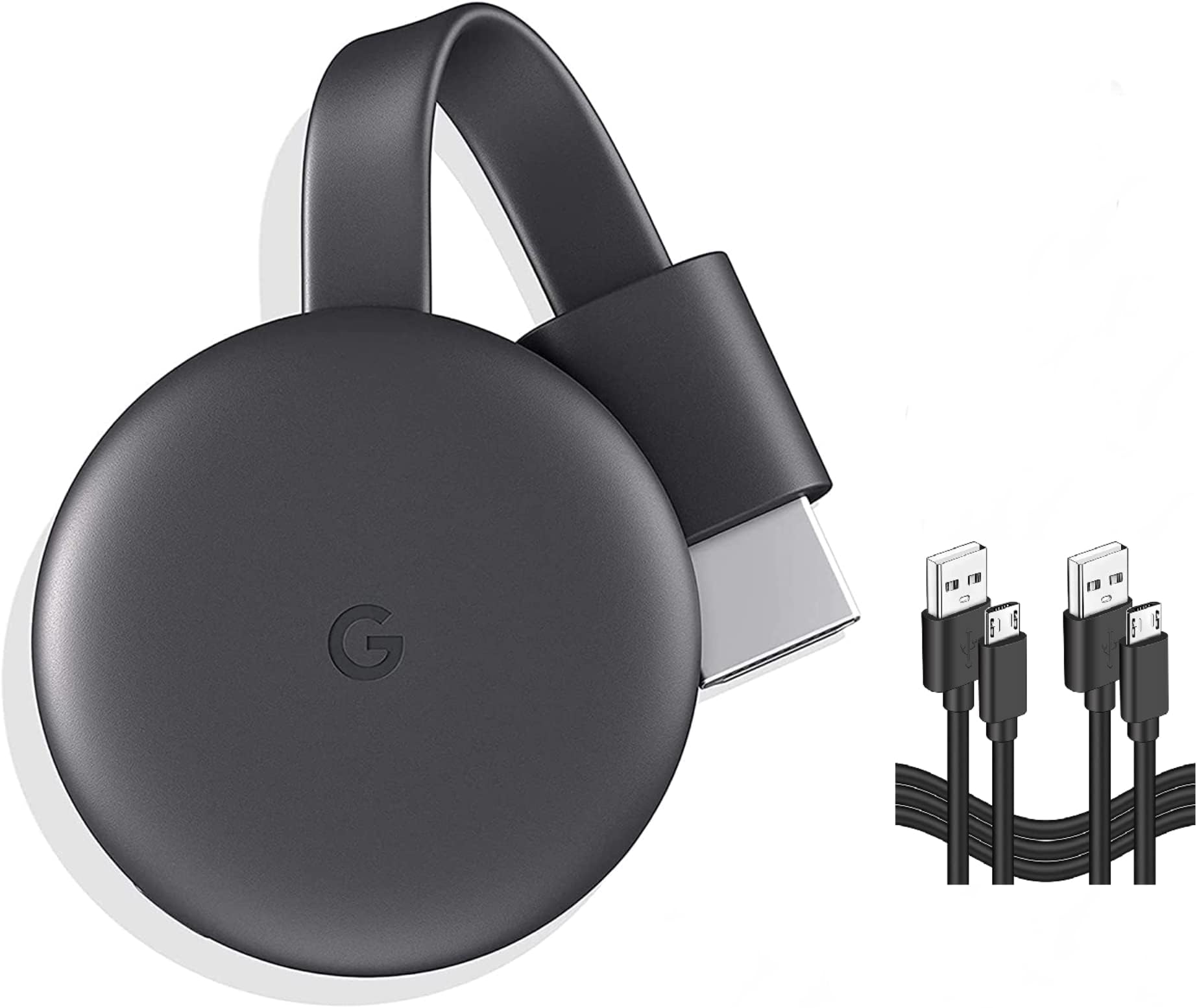
Google Chromecast (3rd Gen) is a sleek, compact streaming device that effortlessly upgrades any HDMI-enabled TV to full HD smart TV status. With support for over 2,000 apps, seamless Wi-Fi connectivity, and voice control via Google Assistant, it offers a versatile entertainment experience. Bonus extra HDMI cable included for enhanced setup flexibility.
| ASIN | B0B6B16BYR |
| Best Sellers Rank | #425 in HDMI Cables |
| Brand | |
| Built-In Media | Google Chromecast 3rd Generation |
| Color | Black |
| Compatible Devices | Television |
| Connectivity Technology | Wi-Fi |
| Connector Type | HDMI |
| Controller Type | Voice Control |
| Customer Reviews | 4.3 4.3 out of 5 stars (87) |
| Form Factor | TV Stick |
| Manufacturer | |
| Model Name | GA00439 Extra Cable |
| Model Number | Chromecast |
| Resolution | 1080p |
| Supported Internet Services | Hulu, Netflix, YouTube |
| UPC | 842776106216 |
| Video Codec | H.264, H.265/HEVC, VP9 |
| Video Output Resolution | 1920x1080 Pixels |
R**E
Works good
Far as I can tell work's pretty good only had it a couple days but plays Pluto tv just fine
V**O
Recomendado
Excelente
E**K
Works Great
Definitely enjoy using it and able to watch things on my TV, instead of my laptop or phone
M**O
Love it
I like this because what is on my phone is on my TV. Way better than screen mirroring
K**S
Easy & Nice
The setting was easy though further clarification would have made it much quicker. Once the setting is successful, the watching on a TV screen from far is a pleasure.
L**Y
Instructions were in Chinese
The directions were in Chinese. I used my Google home app & figured it out. After the 3rd day, anytime I would change to a different streaming app I would lose connection to Chromecast. I would have to close all apps & reopen. It was annoying but it worked.
R**K
Can't be setup with a Google Pixel 6 or newer phone
Caution to everyone: if you have a Google Pixel 6 or newer phone, you will NOT be able to activate these Chromecasts and set them up. You will get a warning that "It needs to be activated before setup." but the only way to activate them is using the Device Utility app, which is not compatible with the Pixel 6 or newer. This will leave you with no way to activate the Chromecasts and complete the setup to use them.
A**R
Good for viewing
Connect and enjoy for almost ever
Trustpilot
1 month ago
3 weeks ago