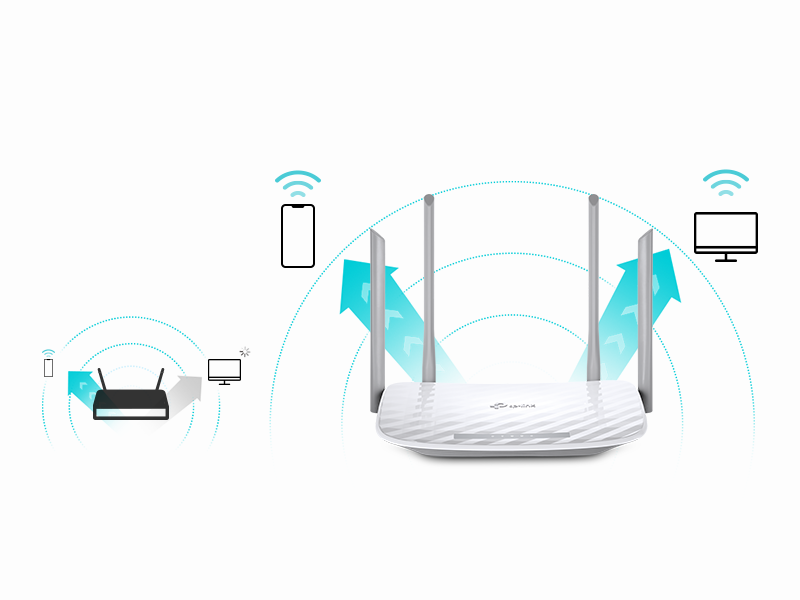
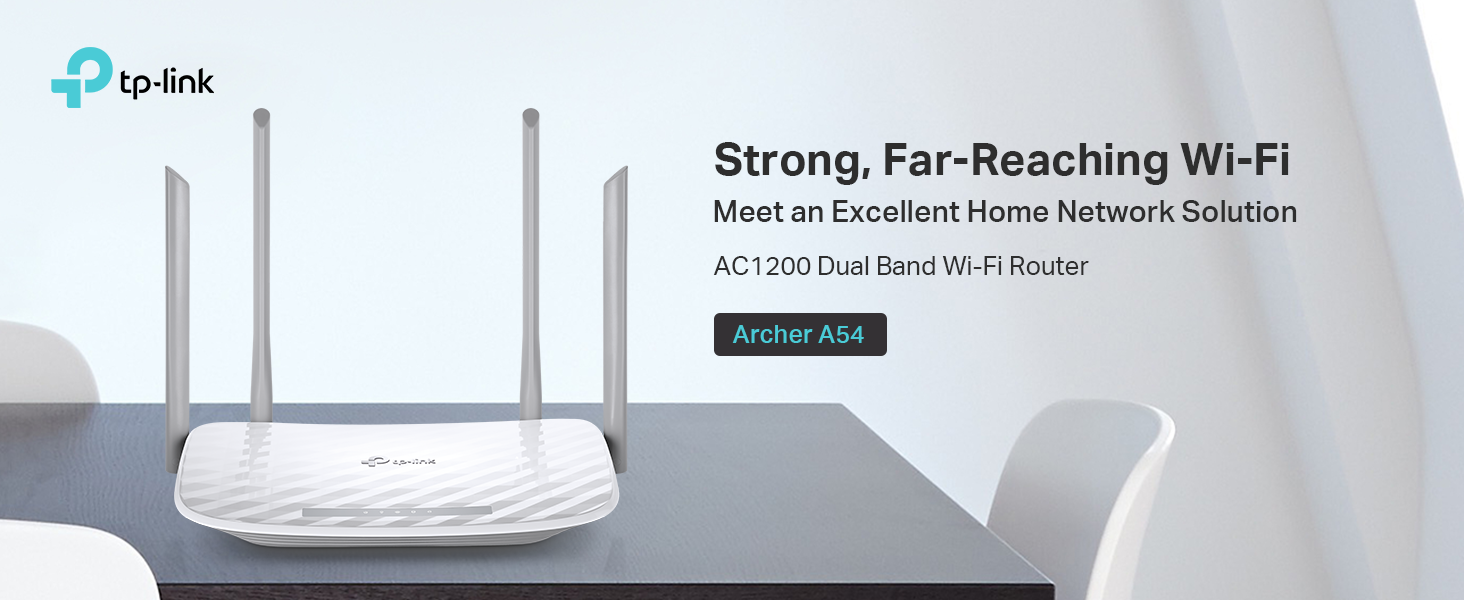
🚀 Elevate your WiFi game with Archer A54 — speed, security, and control in one sleek package!
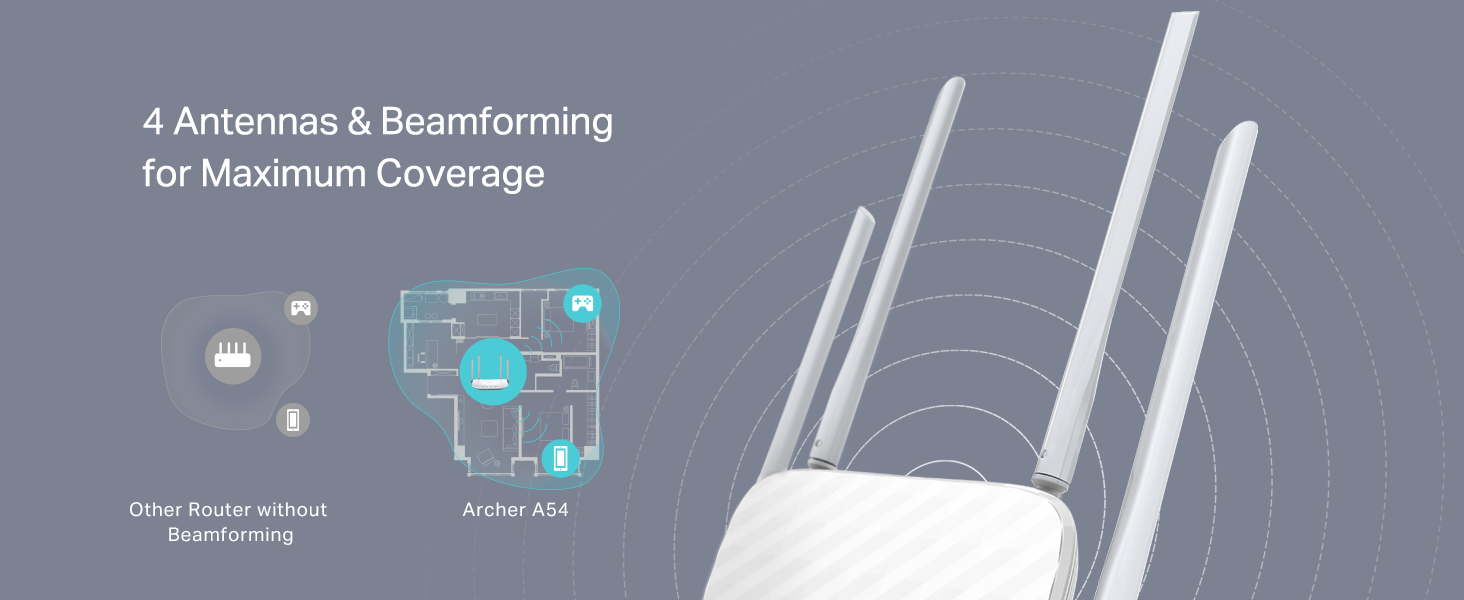
The TP-Link Archer A54 AC1200 WiFi Router delivers a combined 1200 Mbps dual-band speed with 4 external antennas for broad coverage. Equipped with the latest WPA3 security, it safeguards your network while offering easy management via the TP-Link Tether app. Its Access Point mode and compatibility with all major ISPs make it a versatile, future-proof choice for professional-grade home or office connectivity.


| ASIN | B09G5Y1HWZ |
| Antenna Location | security |
| Antenna Type | Internal |
| Best Sellers Rank | #110,566 in Computers ( See Top 100 in Computers ) #1,406 in Routers |
| Brand | TP-Link |
| Built-In Media | Power Adapter, Quick Installation Guide, RJ45 Ethernet Cable, Wi-Fi Router Archer A54 |
| Color | white |
| Compatible Devices | Personal Computer |
| Compatible devices | Personal Computer |
| Connectivity Protocol | Wi-Fi |
| Connectivity Technology | Ethernet, Wi-Fi |
| Control Method | App |
| Controller Type | App Control |
| Coverage | Extensive |
| Customer Reviews | 4.3 out of 5 stars 4,977 Reviews |
| Data Transfer Rate | 1167 Megabits Per Second |
| Frequency | 2.4 GHz |
| Frequency Band Class | Dual-Band |
| Frequency band class | Dual-Band |
| Has Internet Connectivity | Yes |
| Has Security Updates | Yes |
| Is Modem Compatible | Yes |
| Item Dimensions L x W x H | 27.9L x 25.4W x 7.6H centimeters |
| Item Type Name | WiFi Router |
| Item Weight | 1.45 Pounds |
| LAN Port Bandwidth | 10/100 megabits_per_second |
| Manufacturer | TP-Link |
| Maximum Upstream Data Transfer Rate | 867 Megabits Per Second |
| Mfr Part Number | Archer A54 |
| Model Name | Archer A54 |
| Model Number | Archer A54 |
| Model name | Archer A54 |
| Number of Antennas | 4 |
| Number of Items | 1 |
| Number of Ports | 5 |
| Operating System | TP-Link Proprietary OS |
| Other Special Features of the Product | Access Point Mode |
| Router Firewall Security Level | Advanced |
| Router Network Type | hybrid |
| Security Protocol | WPA2, WPA3 |
| Special features | Access Point Mode |
| UPC | 840030702372 |
| Unit Count | 1 Count |
| Voltage | 240 Volts |
| Wi-Fi Generation | Wi-Fi 5 |
| Wireless Compability | 802.11a, 802.11ac, 802.11b, 802.11g, 802.11n |
| Wireless communication standard | 802.11a, 802.11ac, 802.11b, 802.11g, 802.11n |
F**N
Ease of Installation for those that are clueless to network connectivity.
25 years ago, I installed server systems, terminals, printers, and network routers. All that networking equipment had to be set up with laptops directly connected to the routers' ports. Nothing was autosensing. I enjoyed it, but I knew what I was doing. Fast forward to today. I had to replace my own 25-year-old router because new laptops would not connect to it due to upgraded security software. I thought, Oh boy. I bet this is going to be a trip. I had forgotten most of what I knew; besides, I knew nothing about this new stuff. I picked this TP-Link AC1200. It was inexpensive, but we didn't need anything robust since we are not gamers. First of all, I ordered it on Amazon at about 3 pm. 8:30 pm, a car backs into my driveway. They delivered the router in less than 6 hours. Incredible! Today I went to install it. I was expecting a bit of a hassle with configuring this thing. After physically connecting the two cables —the power cord and the network cable —I powered it on. I went to my PC. The TP-Link showed up in my available networks. I click on it. Put in the password supplied. Got connected, but I had no internet connectivity. Ahh! I had to disconnect a cable from my MAIN in-house router, then reconnect it so that the router ID would be discovered. I went back out to the shop, clicked on Safari (I have an Apple MacBook). Wala, I'm IN. I could NOT believe how easy the installation went. No glitches, smooth operation, and my network is all updated. I know how networking operates, but I am clueless about all the newer equipment since I've been out of the field for almost 15 years. So, even a stupid person like me can set up this equipment that used to take a lot of training 25 years ago. This inexpensive wireless router is absolutely outstanding. I usually do not write such long reviews, but I could not let this pass without adding my thoughts about the TP-Link AC1200 WiFi Router. I'm so glad these routers were not around when I was in the field. If they had been, my great-paying job would not have existed. Now that I am retired, I'm happy for them, so I can still dabble on the Internet.
E**O
Buen router pero
Excelente router, tiene 1 red de invitados y 1 para IoT ademas de la principal por supuesto. Yo lo compré esperando que tuviera varias redes de invitados como lo tenía un router muy similar a este. Funciona perfectamente bien pero siento que es información útil si lo estás comprando para hacer subredes.
J**.
Cumple su función
Super facil de instalar... Tiré un cable de utp cat 6 de 120 metros hasta llegar al router TP-LINK y funcionó perfectamente, la señal es de calidad y de buen rango.
J**K
Good value, works well
Easy to set up, signal strength is good, it reaches all over replace. Good value.
B**A
Recommend!
I love this router it works so well and easy to set. Also it’s cheap. Recommend!
Trustpilot
2 days ago
1 month ago