🚀 Power your professional edge with unstoppable, secure connectivity.
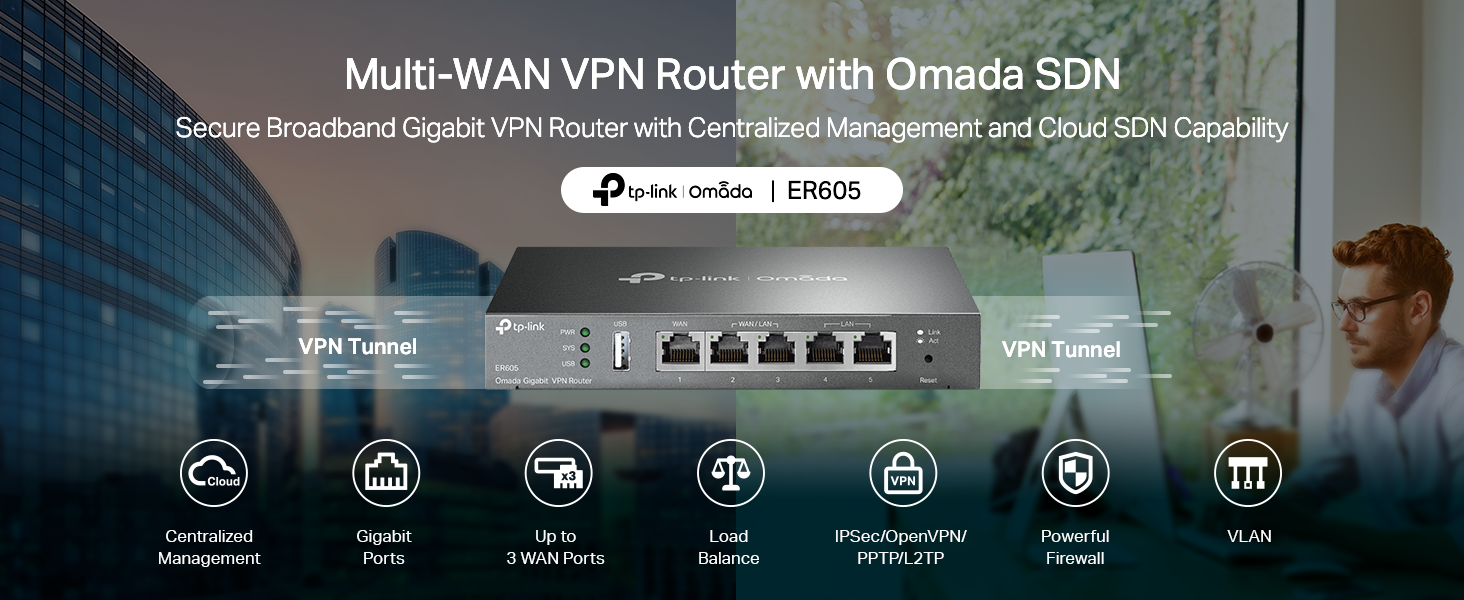
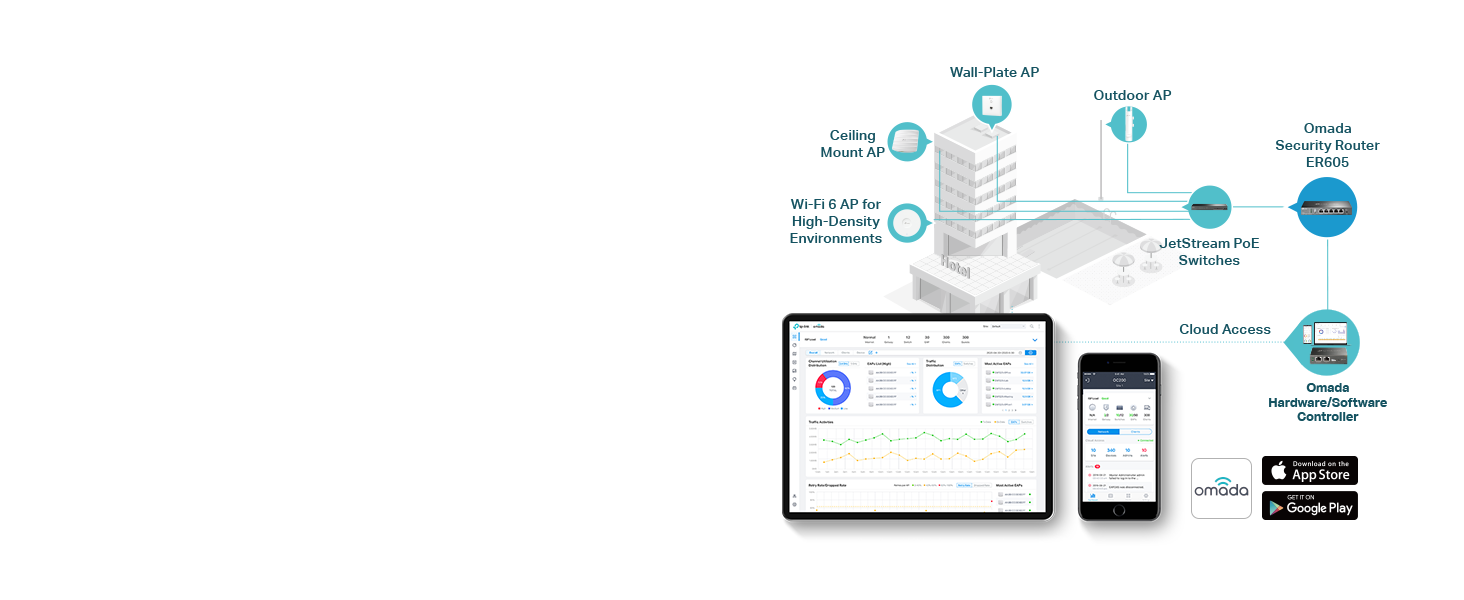
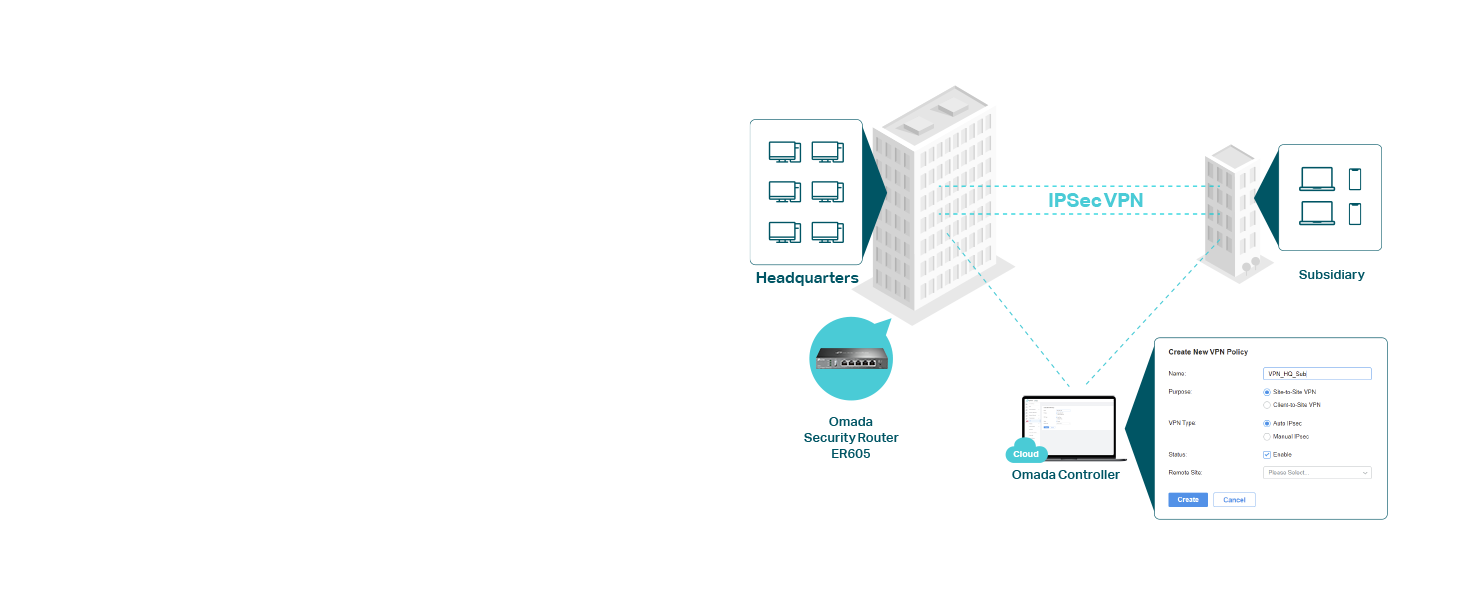
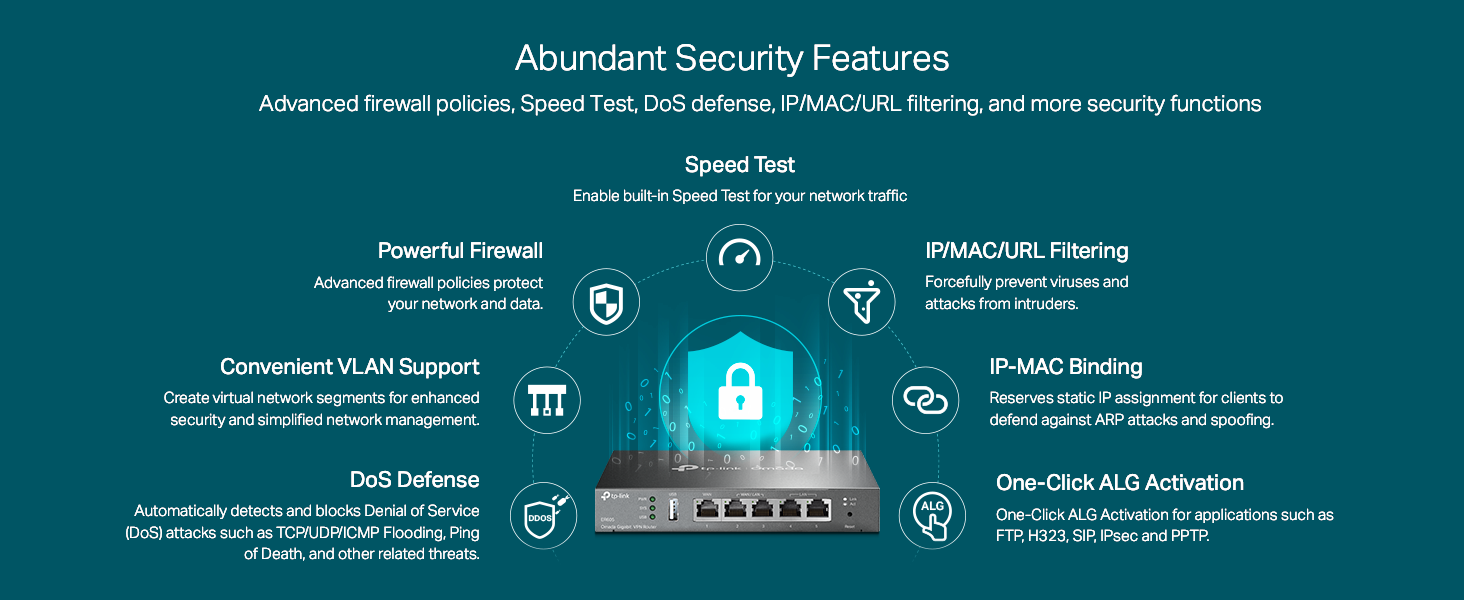
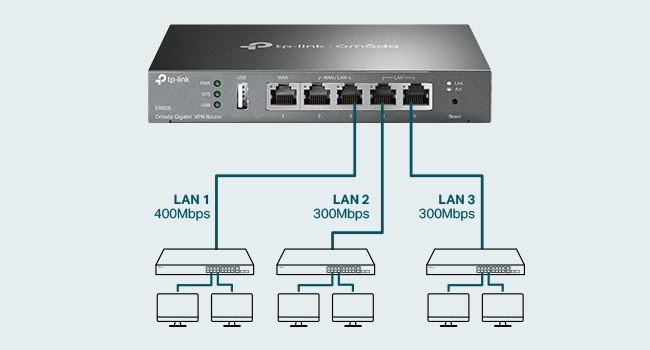
The TP-Link ER605 is a multi-WAN wired VPN router featuring up to 3 Gigabit WAN ports plus a USB port for 4G/3G backup, integrated with Omada SDN for centralized management. It offers advanced security with SPI firewall, DoS defense, and filtering options, combined with lightning protection and a limited lifetime warranty, making it ideal for SMBs seeking reliable, high-performance networking.


| ASIN | B08QTXNWZ1 |
| Are Batteries Included | No |
| Best Sellers Rank | #2,027 in Computers ( See Top 100 in Computers ) #38 in Routers |
| Brand | TP-Link |
| Color | silver |
| Connectivity Type | 4G |
| Customer Reviews | 4.5 4.5 out of 5 stars (4,447) |
| Date First Available | 17 December 2020 |
| Item Weight | 358 g |
| Item model number | ER605 |
| Manufacturer | TP-Link |
| Number of Ethernet Ports | 5 |
| Number of USB 2.0 Ports | 1 |
| Operating System | RouterOS |
| Product Dimensions | 15.8 x 10 x 2.54 cm; 358.34 g |
| Series | ER605 |
| Standing screen display size | 7 Inches |
| Voltage | 240 Volts |
| Wireless Type | 802.11ax |
A**I
منتج رائع وقوي
N**E
As described
Worked fine
A**.
Does the job pretty well
It does the job pretty well.
Z**.
Careful that the one sold is up to 3 wan not 4
I was expecting a 4 wan capability i received a 3 wan capabilities
N**S
HANGS EVERY 2 to 3 DAYS
Keeps Hanging every 2 to 3 days, must be rebooted manually avoid
A**S
Not good
It is not working as advertised. VPN Not working, you cant enter dns instead of ip address as mentioned in the manual. its misguiding
M**R
good
good. with multiple wan
A**S
Great Multi WAN Router
Good solid multi WAN VPN router with failover and link spanning. I received hardware v2.0, with the USB port and better performance than v1.0. I bought it to replace a TP-Link TL-R480T+, which it does well - similar features and configuration, but Gigabit.
A**R
I have been using this for more than a week, overall good product. Must but if you want to use with multiple internet connections in one network Pros: extremely easy user interface 5x gigabit ports WAN fail and load balancing Small form factor No need for omada contoller Setup and forget configurations Cons: don't use with omada contoller. Horrible placement of options. WAN connection polling time cannot be set in standalone mode Some settings require hard reboot to apply, auto soft reboot not reflecting the settings The order of WAN port number is reversed for working order, last WAN is default not the first one
S**T
Great product
A**H
I bought this unit because I only have vdsl. I bought a second line to gain more bandwidth. I I run alot of services in my homelab. Even when I'm downloading or uploadeding large files it only sits at 60 percent. Great for people who need a backup line or load balance between 4 connections. I it has good fetures like port forwarding and all standerd networking. I works with cloudflare tunnels
G**Z
Our home is 4,000 sqft on two levels and the wifi distribution was built using an older Netgear wifi/router with a first generation Rockspace wifi mesh. As more smart devices, tablets, IOT's and such being added, the system really began to choke and just couldn't handle the load. That's when I decided to rebuild the topology using a standalone router and upgraded wifi mesh. There isn't a huge selection of standalone routers in the home networking category, and the selection came down between Ubiquity and TP-Link. I settled on the TP-link ER605 and am very pleased with the overall results, though it did come with pretty steep learning curve, due to its (in my opinion) confusing GUI interface. For instance: setting a DHCP address pool is hidden within a category called "Network List". All that is displayed is a Network Name "LAN", the IP address of the router, and a couple other parameters. You must select an edit icon to expand the display which will allow you to customize your LAN set up. It's subtle, and easy to miss if you don't understand the GUI design intention of the programmers at TP-Link. The MAC/IP Reservation controls are straightforward, but there is no obvious way to sort the list by IP or MAC address. I have nearly 70 devices hanging off my network, and not being able to sort the lists makes for a tedious effort when looking for a specific device. I contacted TP-Link support about this and told me that, no, you cannot sort the DHCP IP listing, but you can if you use their add-on OMADA Hardware Controller (at a cost of about $100), but I really don't want another layer of hardware or complexity to deal with. There are other quirks in the interface that slowed my setup time, only because I had to spend more time just to find where the specific option I was looking for is buried within the GUI. Now, anytime you migrate to a new topology, there will be a learning curve, but most of the quirks I ran up against could easily be addressed with a bit of effort on the GUI design. Things like Port Forwarding (Called "Virtual Servers" in the GUI), Dynamic DNS, and OpenVPN services are all there and are fairly straight-forward to set up. So, overall, this little modem has delivered everything I expected and need and this, coupled with the new wifi mesh system (Eero 6+ with 4 nodes with backhaul to the router) has dramatically improved our overall network and wifi service throughout the house. The ER605 modem has proven to be very well suited and is a fast and efficient workhorse of a router. With a bit of pain, effort, and patience to get through the learning curve of the interface, there will be only a few minor disappointments in the interface.
E**Z
Lo uso para conectar otros aparados mediante LAN y funciona bien, facil administración, buena tasa de velocidad. Recomendable para pocos dispositivos LAN o Ethernet.
Trustpilot
3 weeks ago
1 month ago