Desertcart purchases this item on your behalf and handles shipping, customs, and support to Kyrgyzstan.
🖌️ Elevate your art game—draw, design, and dominate your digital canvas with precision and style!
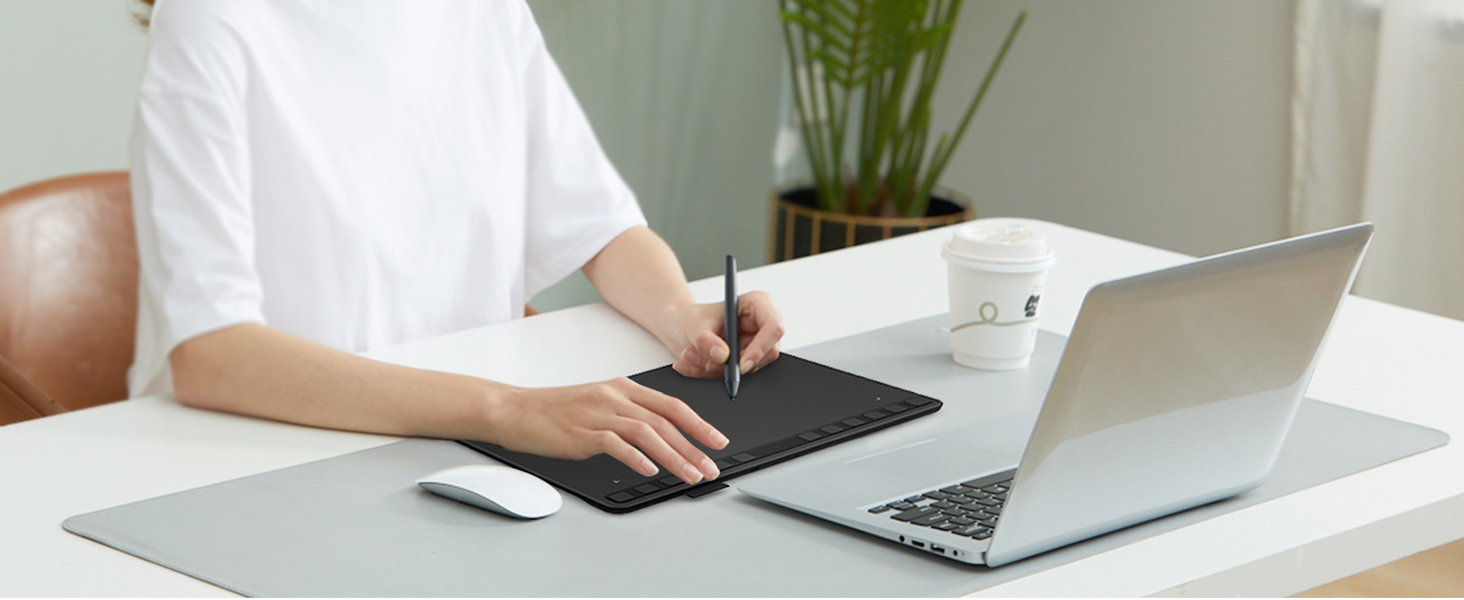
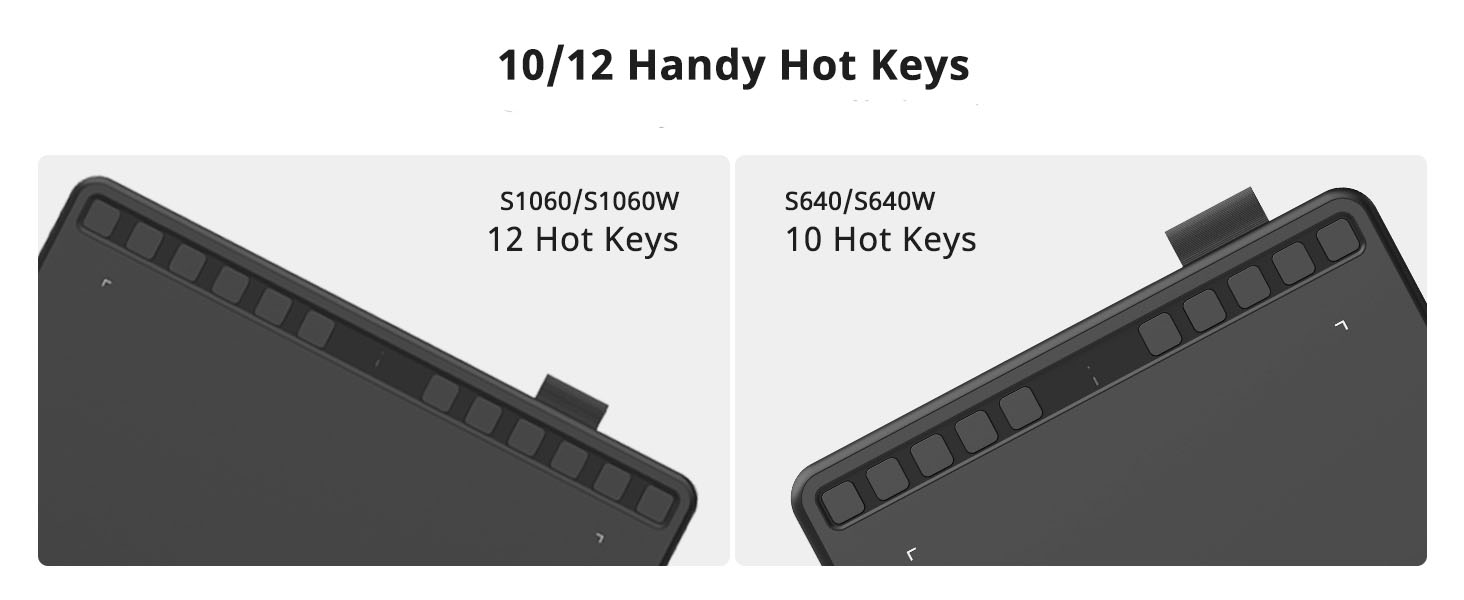
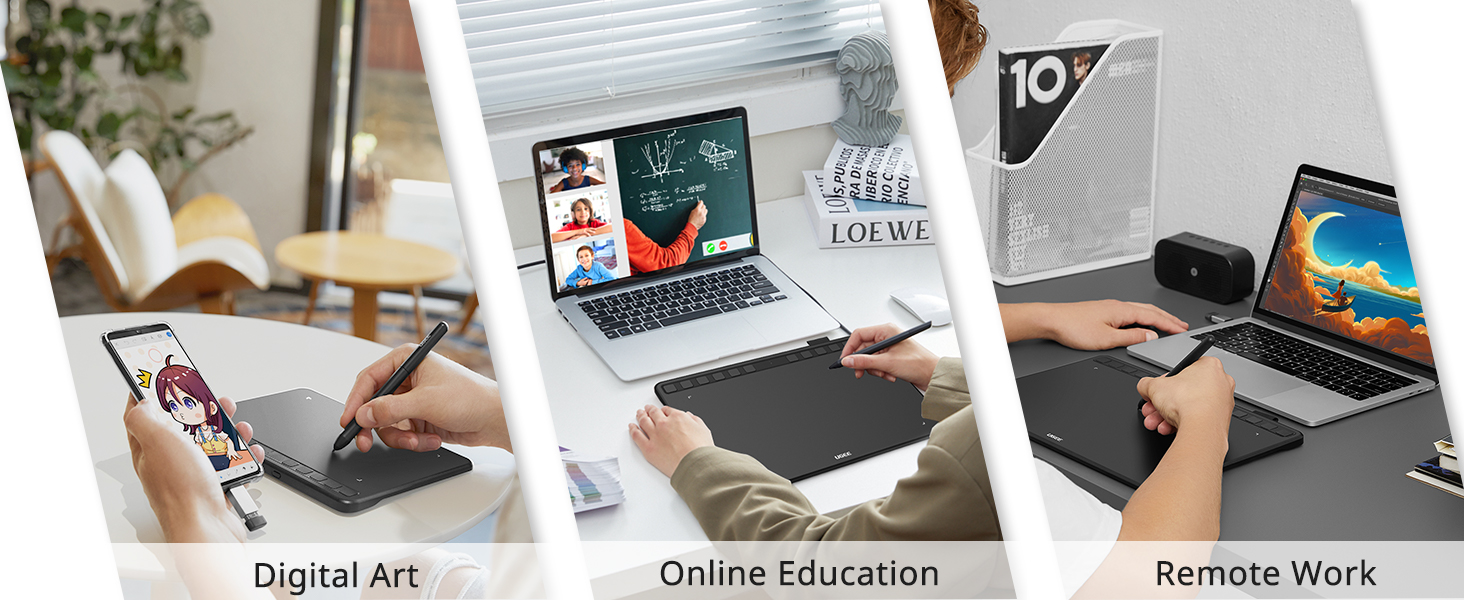
The UGEE S640 is a sleek, ultra-portable graphics tablet featuring a 6.5x4 inch active area and 8192 levels of pressure sensitivity with a battery-free stylus. It offers 10 customizable express keys for efficient workflow and supports Mac, Windows, Linux, and Android devices. Ideal for artists, students, and professionals seeking a natural drawing experience with eco-friendly benefits.


| ASIN | B092VM5CVF |
| Active Surface Area | 25.2 square inches |
| Additional Features | Stylus |
| Best Sellers Rank | #55,252 in Arts, Crafts & Sewing ( See Top 100 in Arts, Crafts & Sewing ) #26 in Computer Graphics Tablets #50 in Drawing Tables & Boards |
| Brand | UGEE |
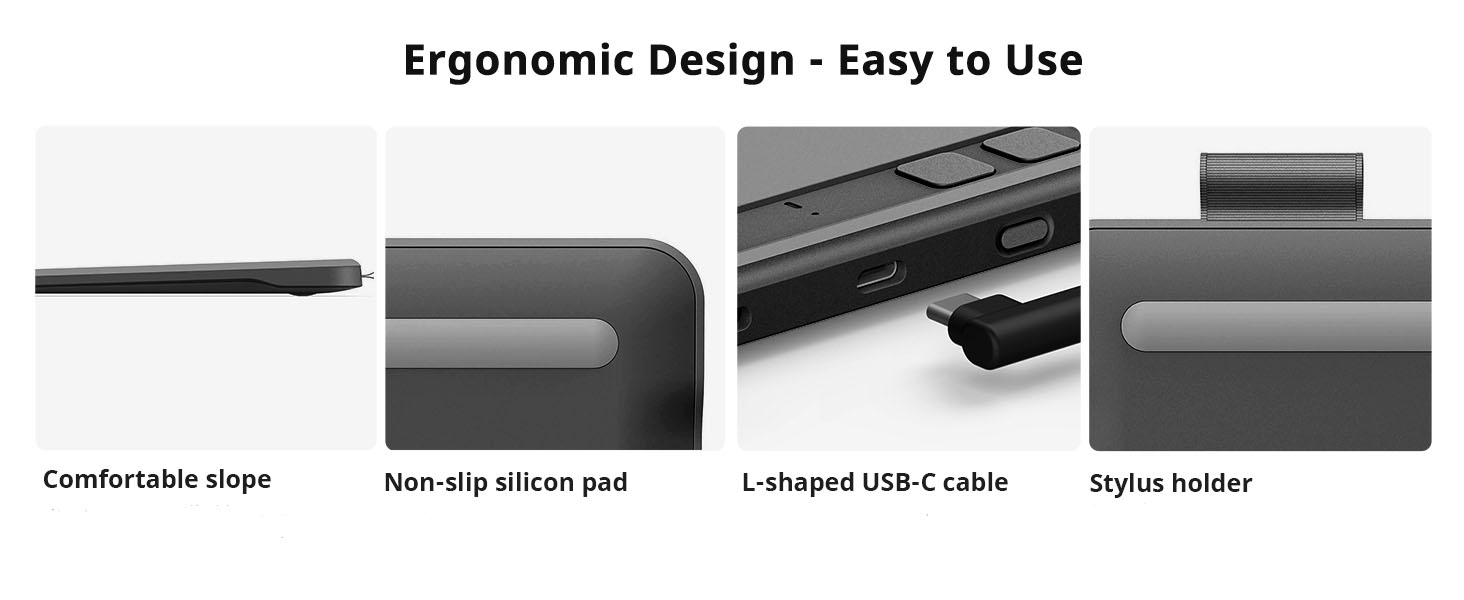
| Built-In Media | 1x UGEE S640 Pen Tablet, 1x P01 Battery-free Stylus, 1x Pen-Clipper, 1x Pack-Nibs, 1x USB-A to USB-C Cable (L-shaped), 1X USB to USB-C Adapter, 1x USB to Micro USB Adapter, 1x Quick Guide |
| Color | black |
| Compatible Devices | Laptop |
| Connectivity Technology | Interface |
| Customer Reviews | 4.4 out of 5 stars 5,700 Reviews |
| Item Dimensions L x W | 6.4"L x 8.5"W |
| Item Weight | 375 g |
| Manufacturer | UGEE |
| Mfr Part Number | UGEES640 |
| Model Name | S640 |
| Model Number | S640 |
| Native Resolution | 5080 LPI |
| Number of Items | 1 |
| Operating System | Android,Linux,Windows |
| Pressure Sensitivity | 8192 levels |
| Screen Size | 6.3 inches |
| Special Feature | Stylus |
| Specific Uses For Product | Drawing,Teaching |
| Target Audience | Student, Teacher |
| UPC | 850013593279 |
W**B
Awesome addition for photo editing
This little gadget works great for editing pictures or signing lots of documents. great price too!
J**E
Nice Tablet for the Money
I've been a Wacom Windows user for about 15 years. I've recently switched to all Apple products, and there has been a steep learning curve, especially on installing otherwise simple accessories on what would be a Windows PC. This tablet was tricky for me, as an experienced user with tablets. I couldn't get it to work as a mouse initially, and I found the directions to be confusing. Ultimately, you have to go to advanced settings and set handwriting area. You tap the left top and right bottom with the pen, and then bam--like magic--I had a mouse. It's working great now. That's my only complaint so far. I'm sharing in case this helps someone who is having similar issues. I also changed the brand new nib.
A**M
Good for the price.
Works well for my usecase. Software is a bit buggy on Linux
R**N
Shaken, not Broken Please.
This thing is pretty neat. I had fun with it for the 5 minutes I got to play with it before it would do whatever it wanted, with no regard for what I wanted to draw. I didn't even get to check out the buttons on the pad. Maybe someday I'll be able to find one that doesn't die so easily, but I doubt it. I doubt I can even get my money back. I'm starting to wonder JUST how much the postal people throw stuff around, because it seems like my packages either don't make it to me (after being told they were dropped off at the front door), or break shortly after I unwrap them. (2 of the items from this order have broke already). I sure hope people get their act together.
D**O
Muy recomendada
Excelente producto, pueden ver la calidad en el vídeo.
P**R
Why pay more
I bought this tablet because it was the cheapest on the market. I used to have a gig as a computer animator and rocked a multi-thousand dollar Wacom and while I'm not going to begin to say this table is as good, I was stunned at how well it did work given it's super low cost. It was a simple plug and play thing as well, no installing drivers or any of that stuff .. plugged it in to a USB on my MacBook Pro and bam there it was. Happy so far.
M**G
Doesn't work right.
Did not work properly. If you draw a picture or line it doesn't line up correctly to where you are drawing it on you tablet or phone. Tried updating the software and it Stull doesn't work. Tech support wasn't help. Company wouldn't refund or take return.
A**Z
Still works great!
It does what it needs to do! It works amazing and feels really nice to write on. the pressure sensitivity works if u have the drives of course. I got this a while back but I think it was like not too expensive so I liked it. I know a lot of big name brand drawing tablets can be really high up there in price. I loved it. Still use it.
G**Y
Writing pad review
It’s very good
S**.
Awesome Pen Tablet Review!
Excellent for Online tutors. I use it as a senior Mathematics Teacher from Japan! Very conveninent and easy to use !
M**N
Great value for money
works very well, and there's so many customizable buttons i love it
V**L
10
Super
G**E
Ottima per qualità/prezzo
Ho acquistato la tavoletta grafica UGEE S640 e devo dire che mi ha sorpreso molto in positivo, soprattutto considerando il prezzo. Il rapporto qualità-prezzo è davvero ottimo: la tavoletta è precisa, reattiva e molto comoda da utilizzare sia per prendere appunti, fare grafica o semplicemente per iniziare a disegnare in digitale senza spendere cifre elevate. L’installazione è semplice e la penna risponde bene, rendendo l’esperienza d’uso fluida e piacevole anche dopo diverse ore di utilizzo. Per questa fascia di prezzo è difficile trovare di meglio. Consigliata sia ai principianti che a chi cerca una tavoletta economica ma affidabile.
Trustpilot
1 month ago
2 weeks ago