🎯 Dominate mobile gaming with precision and power — don’t just play, own the game!
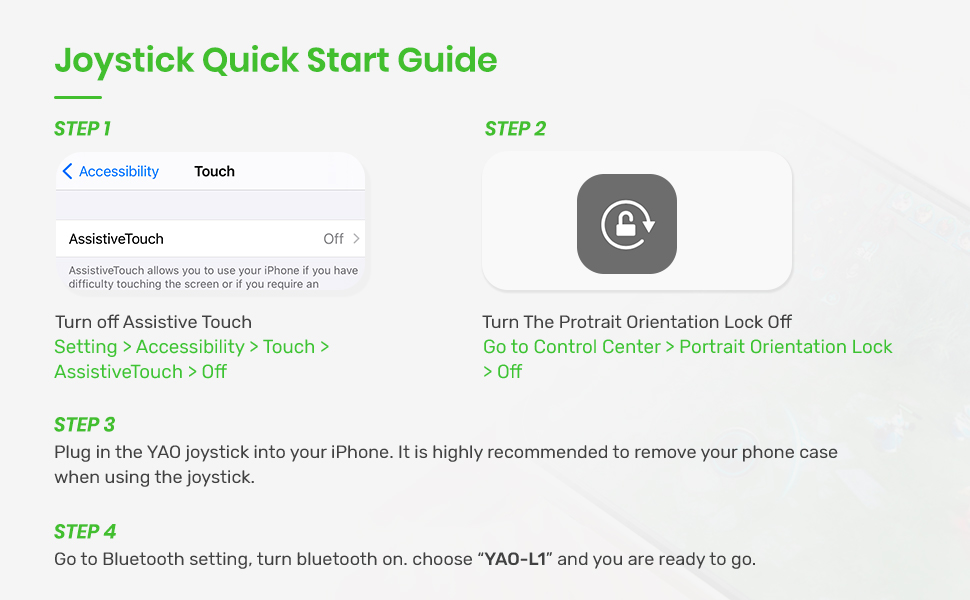
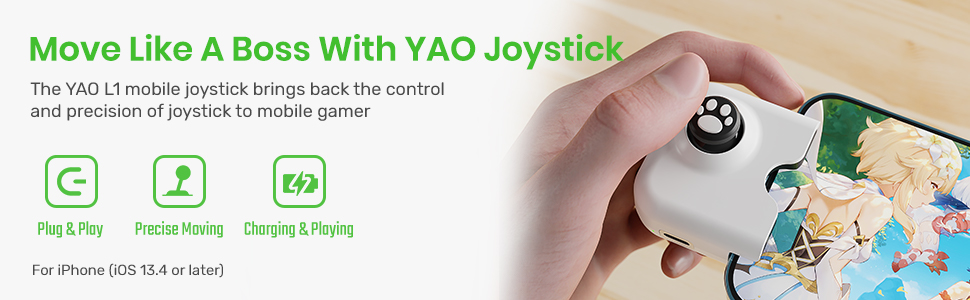
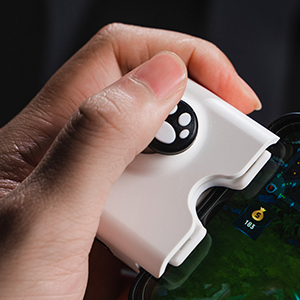
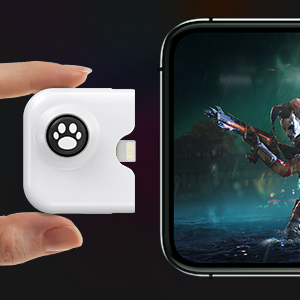
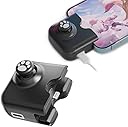
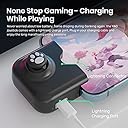
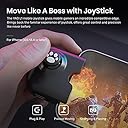
The IFYOO Yao L1 PRO is a sleek, portable mobile joystick designed for iPhones running iOS 13.4 or later. Featuring a 12-bit ADC module, it offers precise physical control for popular games like PUBG Mobile, Call of Duty Mobile, and Wild Rift. Its plug-and-play design requires no batteries, while the USB-C charging port ensures uninterrupted gameplay. The textured joystick enhances grip and comfort, making it a must-have accessory for serious mobile gamers seeking enhanced control and longer sessions.


| ASIN | B095MRMZ5M |
| Best Sellers Rank | #102,474 in Electronics Accessories & Supplies |
| Customer reviews | 3.5 3.5 out of 5 stars (1,137) |
| Item model number | Yao-L1 PRO-Black |
| Package Dimensions | 8 x 6.4 x 4.5 cm; 50 g |
M**.
I am SO glad I bought this! I tested it yesterday in Wild Rift and IT WORKS SOOOOO well!! Absolutely game-changing. Literally! I don’t mind aiming my skill-shots with my thumb on screen but MOVING with my left thumb was always a huge pain in the butt as my thumb placement would inherently change and it was a hinderance to my gameplay. One almost unintended additional benefit of this joystick is that it widens your grip by those few extra inches. It feels more like I’m holding a Nintendo Switch and that feels much better for my wrists and fingers versus the sense of my fingers nearly crowding the screen, even on my iPhone 12 Pro Max. Gaining back that screen visibility is another huge benefit. The only concern/request I would have is I wish I could still keep my phone case on while using it. It has a nice rubbery padding to help it seat firmly against my iPhone 12 Pro Max with NO case on, sure, but let’s be honest: Who doesn’t have some kind of case on their phone? After playing Wild Rift a few rounds, your phone gets pretty hot. Holding the phone with no case on it whatsoever then *does become a bit uncomfortable, so I do hope this is something they address in a later revision of the product. That said, FUNCTIONALLY I’d rate this a 10/10 all day. Comfort and practicality long-term is my only viable concern. Still, first impressions are 1,000%. WOULD RECOMMEND!!
J**X
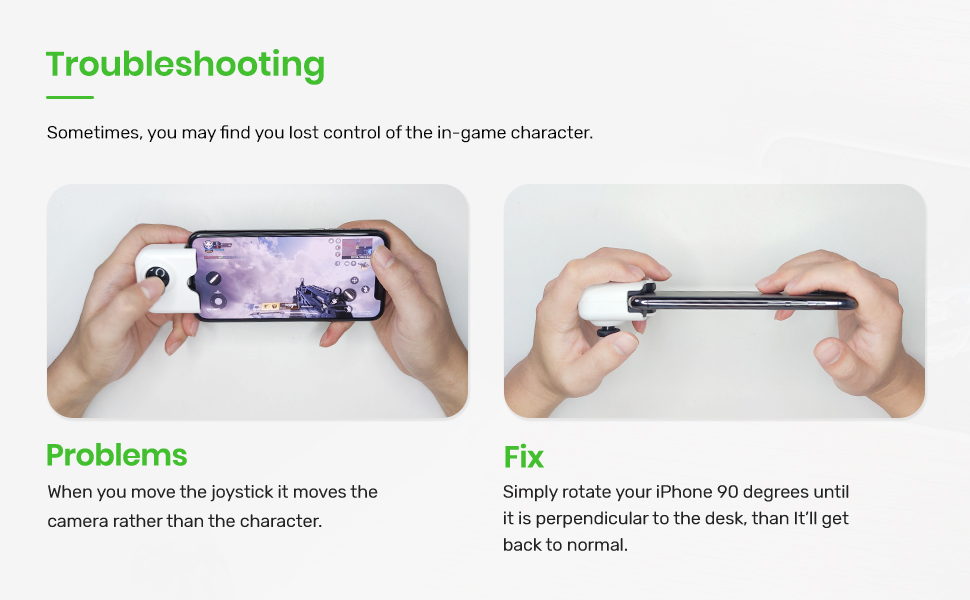
Traté de conectarlo al celular, no funcionó a la primera, cuando se pudo conectar (No sé cuántas veces después) no respondía bien el control con el juego y al desconectarlo no se pudo volver a conectar, trate varias veces siguiendo el tutorial pero no reconocía el dispositivo.
R**T
Rigolo mais je nain pas eu de câble de recharge … C’est dommage
C**M
I bought this for playing Genshin on my iPhone 12 mini and I am pretty surprised how amazing this is. No need for extra software or compatibility concerns. It'll work with any game as long as there is a navigator on left bottom corner of the screen. Navigation with this very precise and accurate. It even registers how far you are dragging the joystick. Moreover, It has a charging port for your phone and it is just perfectly placed. How you set up for iPhone is very simple: You just plug it in and pair via Bluetooth. After that you can just plug and play. I can use this with along with my phone case too! The case I am using is a thin and tight fitting one so I didn't need to remove the case. The padding inside the controller is soft enough and won't scratch the screen. I admit that it may look a little awkward on the phone but it is actually very ergonomic. (At least for me ) My husband also tested for wild rift and liked it so much that he made me order another one (as he uses an android device) for him too! If you are used to play games with controllers, you are gonna love this. It is just a matter of personal preference.
A**G
I got one for iPhone initially and loved it so I got an android version for my husband after. I was skeptical about it seeing the reviews for android, but seeing how it works for iPhone wild rift I got it anyways. The steps was long and got really frustrating because it will not connect after downloading the app and debugging usb etc…it just won’t work when we plugged in….. until we decided to restart the phone. VIOLA! It worked! (So try restarting the phone if it won’t turn on the green light) Make sure you watch the full video tutorial too ( start to end! Until the very last second of it!)
Trustpilot
1 week ago
2 weeks ago