We remain fully operational. Our teams are working around the clock to ensure your deliveries continue safely.

DOWNLOAD THE APP


Copyright © 2025 Desertcart Holdings Limited
DOWNLOAD THE APP
Buy anything from 5,000+ international stores. One checkout price. No surprise fees. Join 2M+ shoppers on Desertcart.
Desertcart purchases this item on your behalf and handles shipping, customs, and support to Kyrgyzstan.
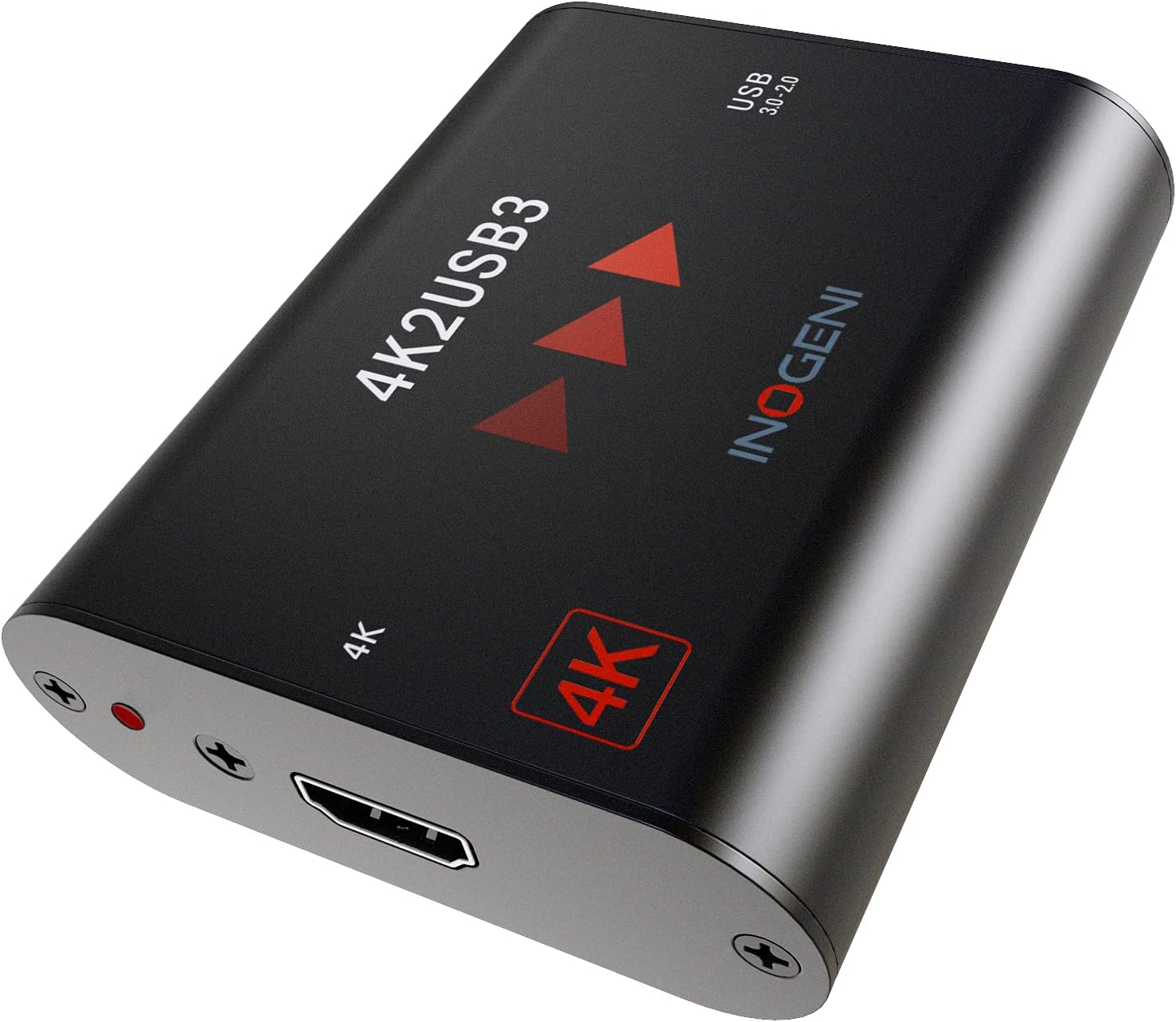
🎬 Elevate your stream game with flawless 4K-to-USB magic!
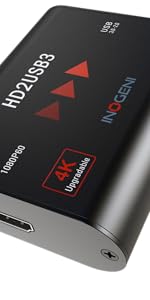
The INOGENI 4K2USB3 is a professional-grade video converter that transforms 4K Ultra HD HDMI signals into uncompressed USB 3.0 output, supporting up to 60fps at 1080p. Designed for plug-and-play ease across Windows, Mac, and Linux, it delivers crystal-clear video and embedded audio for streaming, conferencing, and recording. Engineered in Canada with premium build quality and extensive compatibility, it’s the go-to device for pros demanding reliable, high-fidelity video capture.


| ASIN | B01AQ7HQ62 |
| Are Batteries Included | No |
| Brand | INOGENI |
| Color | silver |
| Customer Reviews | 3.8 3.8 out of 5 stars (16) |
| Date First Available | 15 April 2016 |
| Item Weight | 120 g |
| Item model number | 4K2USB3 |
| Manufacturer | Inogeni |
| Operating System | Linux, Mac OS |
| Product Dimensions | 7.01 x 8.31 x 2.29 cm; 120 g |
| Series | 4K2usb3 |
K**M
I operate a busy production and broadcast studio and once the pandemic hit, everyone wanted to stream content--a very affordable way to communicate and educate people. I borrowed this device from a friend and eventually bought one for the studio. I have some pro cameras with HDMI out, but my studio output is SDI, so I convert SDI to HDMI using a Decimator LX, inputting the HDMI signal to the Inogeni device and it works beautifully. I've been able to deliver quality, highly important content to Zoom and WebEx platforms without an issue. Build quality is solid and the red LED indicators tell me the device is working. I have used this with my HP laptop, and one of the things I discovered is making sure that once you plug the device in to your computer, the device is recognized by the system. It was automatic the first time, but I've had a couple times using WebEx where I've had to go in to the Settings menu to find it. My suggestion would be to make sure there is an incoming source to the device first before connecting to your computer. I noticed that this works best and is almost always recognizable by the computer.
D**R
Installing this was initially VERY easy. We use OBS and it detected it quickly and efficiently. Our setup was using an older Cannon C100 that is PAL 1080P, 50FPS. Running this setup, there was a visible vertical toggling that we could not correct until I ran it at 25FPS then it looked crystal clear (dropping every other frame). I was previously using a AMZHRLY 4K HDMI to USB 3.0 Video Capture Card (1080P 60FPS) which worked very well but the overall feeling was that it was always out-of-focus - just blended pixels. Using the 4K2USB3 device made the exact same signal and focus look movie ready, with a one pixel dark to light transition. Almost machine vision like in its signal to noise ratio. The 4 star rating is simply that we cannot make this work every day seamlessly. OBS doesn't want to play unless we delete the input and re-create it and the transformations seem to toggle between a 720 image and a 1080 image. Once we get it to play (usually takes 20-30 minutes) then all is rainbows and unicorns from there. My guess is that OBS is the problem, but we never had this problem with the other converter. When it finally works, it is truly a 5 star device. We use this for weekly streaming of our church service to the sick and shut ins.
B**Y
Does not support 1440p displays. It forced my display into 1080p at 60hz. Updated: I will support 1440p but every time I clone my ROG Swift to the card it enlarges windows UI to something around 175%. So far it wasn't the dream solution I've been looking for, it been clunky and caused issues while using it, I've contacted support so let's see if they can help me, /bingeboy is my stream. Went live with it today.
Trustpilot
1 month ago
1 week ago