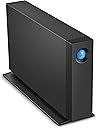
🚀 Elevate your creative workflow with storage that keeps pace!
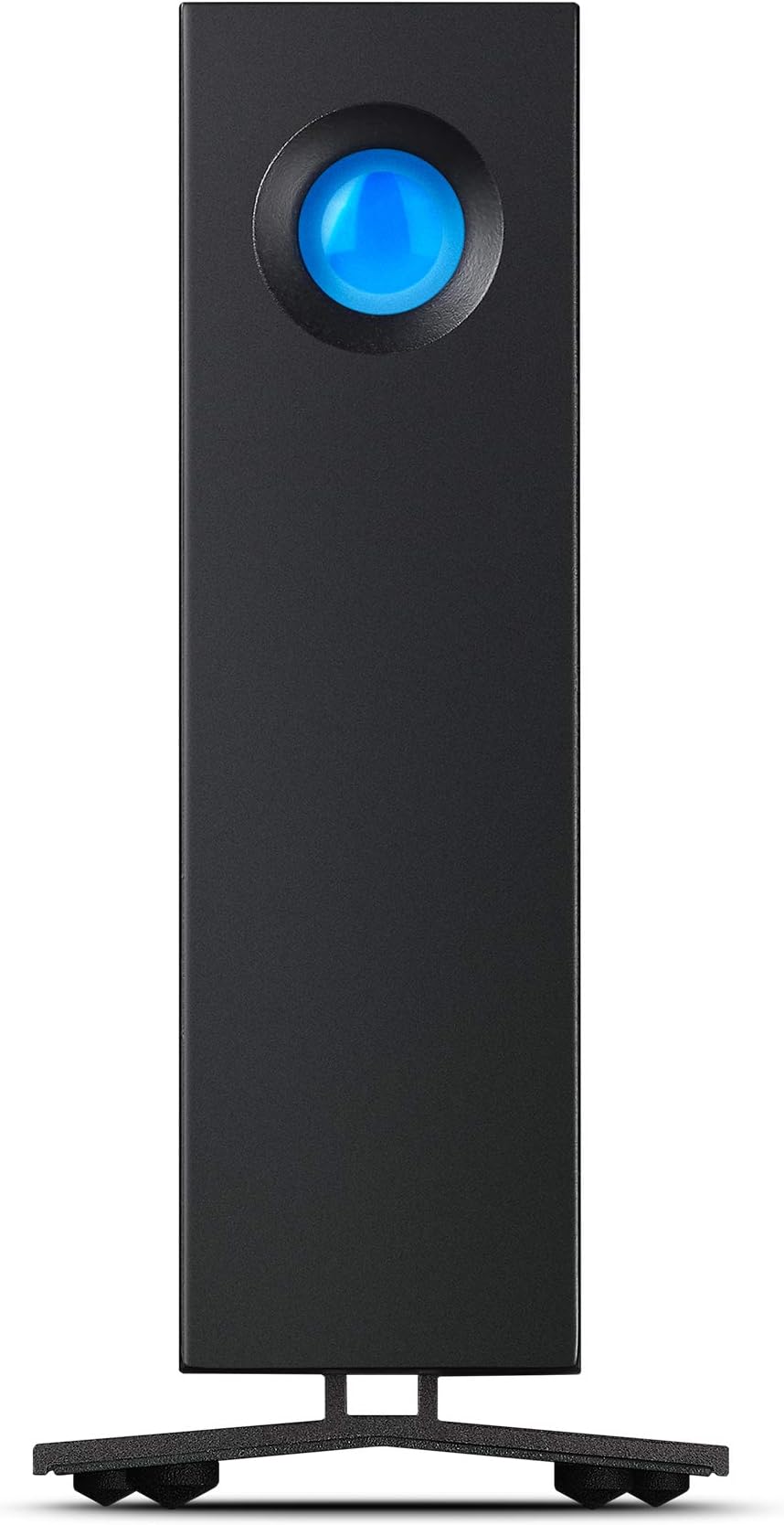
The LaCie d2 Professional 14TB external hard drive delivers enterprise-class BarraCuda Pro performance with a robust 7200 RPM drive, USB-C connectivity, and a sleek aluminum chassis that minimizes noise and vibration. Designed for cross-platform use with Mac, PC, and iPad, it offers fast 260 MB/s transfer speeds and massive storage capacity ideal for creative professionals. Included is a 1-month Adobe Creative Cloud All Apps plan and 5-year Rescue Data Recovery Service, ensuring your data and creativity are always protected.


| ASIN | B086XDKHHL |
| Are Batteries Included | No |
| Batteries | 1 Lithium Ion batteries required. |
| Best Sellers Rank | 5,425 in Computers & Accessories ( See Top 100 in Computers & Accessories ) 34 in External Hard Drives |
| Brand | Seagate |
| Colour | d2 Professional |
| Computer Memory Type | DIMM |
| Customer Reviews | 4.3 4.3 out of 5 stars (1,713) |
| Date First Available | 13 April 2020 |
| Form Factor | 3.5-inch |
| Guaranteed software updates until | unknown |
| Hard Disk Description | Mechanische Festplatte |
| Hard Disk Rotational Speed | 7200 RPM |
| Hard Drive Interface | USB-C |
| Hard Drive Size | 14 TB |
| Hardware Platform | Mac, PC |
| Item Weight | 1.4 kg |
| Item model number | STHA14000800 |
| Lithium Battery Energy Content | 2 Kilowatt Hours |
| Lithium Battery Packaging | Batteries packed with equipment |
| Lithium Battery Weight | 2 Grams |
| Manufacturer | LaCie |
| Number Of Lithium Ion Cells | 5 |
| Number of Lithium Metal Cells | 5 |
| Number of USB 2.0 Ports | 1 |
| Operating System | Windows |
| Product Dimensions | 18.85 x 6 x 13 cm; 1.4 kg |
| Series | D2 Professional STHA14000800 |
| Wattage | 3600 |
F**P
Works great
It is really good itself. Quiet. Does not get warm. Does not vibrate etc. It comes in with all possible plugs I could think of as well which can be easily changed which is AMAZING. The software is simple to understand and so far, worked well. It has 1 semi-con and one real con. Semi-con - It is really heavy for how small it is. Not that you wont be able to lift it but surprisingly heavy. REAL con is the BLUE LIGHT on the front. It is extremely strong and cannot be turned off. You either have to cover it, paint it over or disassemble the device and somehow remove the led. Not only its constantly ON but it also rapidly flashes every now and then and when PC/Laptop is off, it will be off BUT it will still do that occasional flashing for no reason. So far it worked without any problems and the storage is big so that is fine. It mostly just comes to that damn light. It has its own software but you cannot disable the light which is sort of silly. Would be little better if it was not for the BRIGHT BLUE colour of it...
G**0
Good but...
A good robust LaCie HD designed to last years but... be careful how you connect to a Mac Sequoia or earlier OS or any Mac for that matter. I purchased my first one December last year but a couple of weeks ago it failed to boot up with the Mac. Un-plugin and re plugin either the power cable of the port cable seemed to work but then after some time it would disappear from Disk Utility. Amazon very kindly replaced and the new one arrived overnight. Surprise surprise the new one behaved the same way! Rather than send that one back I began to jiggle around cables and ports as I have extension ports galore like most of us. Finally I hit on a combination that worked. In essence connect it directly to a port on the Mac itself. It doesn't like extension ports unlike all the other LaCie drives I have (6 in all) which seem happy to churn away on whatever port they are connected to. The power cable in the end would seem ok. Hope that helps.
S**Y
Fast and works well with M1 Apple Mac Mini
I've been looking for a SSD based storage box to replace my SAN for some time but the cost was just too high so I bought this instead as a stop gap. 10TB is reasonable amount of storage but there are two things which have surprised me. Firstly it works really well with Apple Mac Mini (and therefore probably all Macs) - I don't get those annoying errors saying the device wasn't ejected properly - regardless of if I reboot the Mac or use the sleep function, the drive is available and connected when the Mac comes to life, no errors or delays. Secondly the speed ! It's much faster than any other external hard drive I've had. My Mac Mini has a Thunderbolt 3/USB 4 port being an M1 Mac Mini and although this drive doesn't support USB4 or Thunderbolt connections, it does enable it to run at full 10Gbit/s of USB 3.2 gen 2, which is the same headline speed at 10Gbit Ethernet, which is not really directly comparable, but does mean the the interface is never going to be the limiting factor, the speed limiter will be the disk and Lacie have fitted a fast disk which is giving me well over 220 MBytes/s read and write mixed file sizes. This is impressive for a spinning disk. Given the speed, the price and the build quality which is great (and I can't hear a fan) this is very good value for money.
F**A
Great for Time Machine backups
Very solid construction. Fast transfer speeds. Great hdd for Time Machine with large video files to back up.
S**L
Solid bit of kit that does what it says on the box!
Brought this as a back up drive for my desktop, laptop and another HDD with my photo collection. Really easy to use as reasonably quick to transfer data. The blue light is a bit excessive but in my case its housed out of the way so makes no difference. The HDD needs a power supply as it runs constantly whilst connected . The thing feels bomb proof as the case is really solid and the rubber feet on the underside really do cut down on the sound of the disc spinning.
T**D
Good
I bought this to use as a Time Machine/Acronis backup for an Apple M1 iMac. Generally it works well and is fast. I have had problems with a previous LaCie d2 professional that was disconnecting but I have had no problems with this one. Perhaps a firmware update has solved this? Having said that I have found this drive constantly cycles between power up and standby when seemingly not being accessed which is annoying seeing as I need almost silence in order to work. I therefore have resolved this by turning it off and backing up manually as and when needed. I don't generate many files so regular backups not really needed as I also use iCloud. Additionally I dislike the supplied cable. It is rather stiff, so rather than sitting on the desk and flowing to the drive it bends and twists up and down all over the place and looks messy. Shame because the drive is nice and well thought out.
K**.
Storage
Quality and quick and quiet.
J**1
Hard drive issues
This drive is too slow when connected to a fast machine.
A**F
Me llego rapidisimo, en 24h y muy bien empaquetado. Muy buen producto, rapido y fiable sobretodo si los comparo con mis anteriores HD de western digital de 5 tb que iban como una tortuga.
A**.
Good
S**.
Exactly what I expected.
M**I
中古品ということで多少心配しておりましたが、思いのほか良い状態でした。早速フォーマットして使い始めようと思います。欲を言わせていただけるなら、電源やケーブル類は別の袋に入れて本体を擦らないようにしていただけると本体にキズもつかず良かったかなと思います。でも満足のいくお値段と品質でした。ありがとうございました。
P**O
10TBを購入して2週間が経ちましたのでレビューします。 まず、届いて開封した時は「商品間違ってない?」って思うほどの本体の小ささに驚きました。LaCieの外付け HDDはこれで2台目、1台目は5年以上前に買った6TBですが、この商品とは容積対比で5倍くらいあります。世の中の進歩に目が眩みそうです笑。 所有PCはiMac2019、電源ケーブルを繋ぎ、付属のUSBタイプCでMacと繋ぎ、起動すると難なく認識、それ以来何の支障もなく使用できています。なお、Time Machine機能は他の外付けで行なっています。LaCie1台目はいちいち本体裏のスイッチで起動しなければいけなかったのですが、本品はパソコン起動と同時にスイッチが入り、終了するとスイッチが切れる。今では当たり前のことでしょうが、やはりたいへん便利です。 使い道としてはリッピングしたCDデータの格納、いわば音楽サーバー的な用途です。旧HDDから3TB分のCDデータ(約5500枚分)をこのHDDにコピーしましたが(HDDは数珠繋ぎではなくMac本体経由で)、所要時間は5時間30分でした。 買い替えてよかったなと思うのは、データ読み書きのスピードが速くなったせいか、再生時の曲と曲の繋ぎ目が滑らかで、音が途切れたり、ノイズが入ったりしないこと。聴いている限り、音質そのものが向上したということはなさそうです。よろしくないのは青目玉の点滅ですかね。もう少しピカピカ控えめの設定ができるといいのですが。 購入の際、長年愛用していたWD(ウエスタン・デジタル)とどっちにしようか迷ったのですが、WDは長時間使用時の放熱量が気になっていました。さすがに現行品は大丈夫だろうと思っていたのですが、レビューを読むとまだ熱々だったりするようですので、ちょっと価格高めですがLaCieを選択した次第。 今のところ、グッドチョイスだったのではと思っています。
Trustpilot
4 days ago
1 week ago