❄️ Keep your Pi cool, colorful, and coded to perfection!
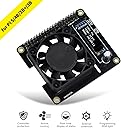
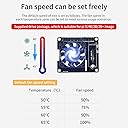
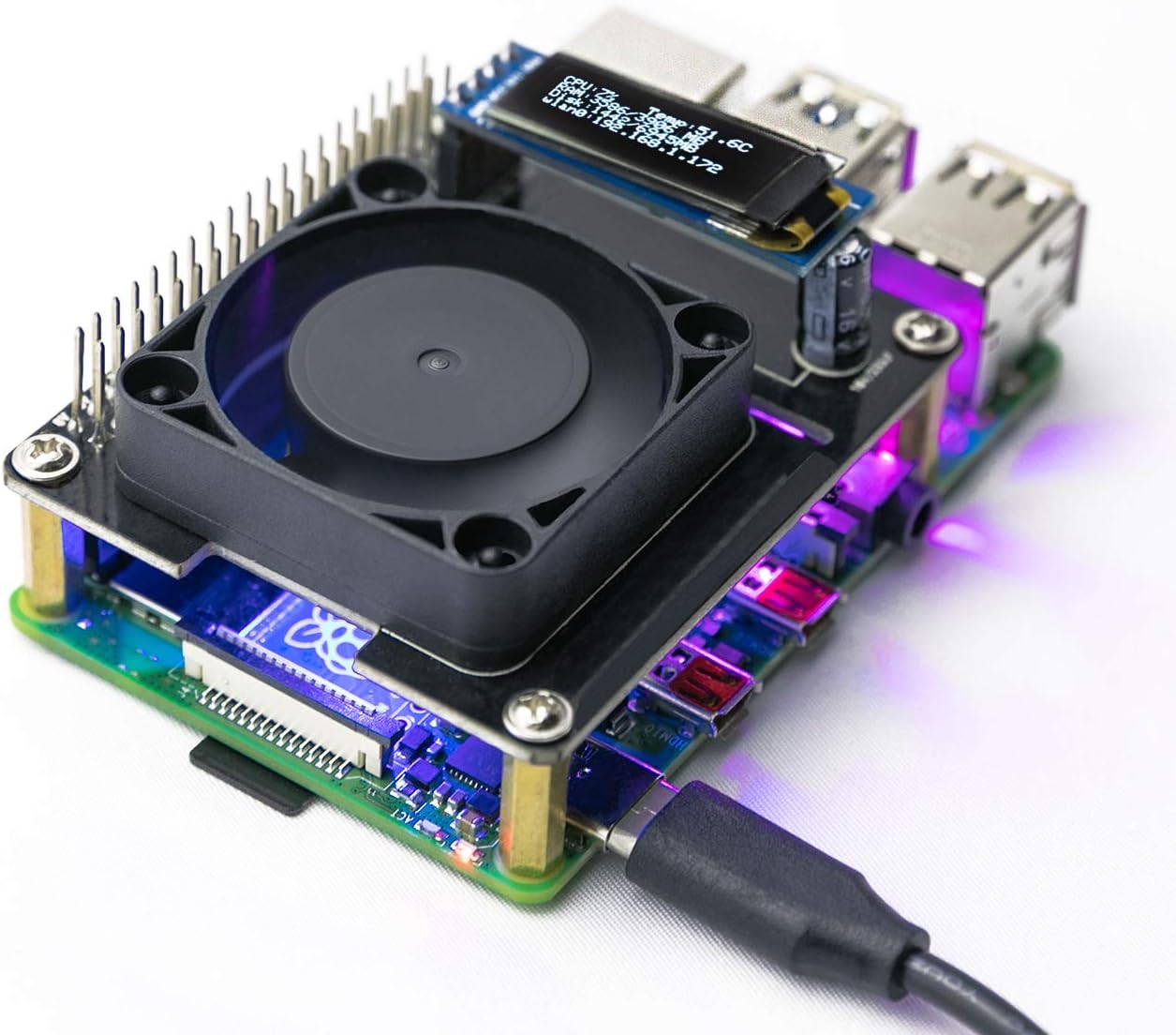
The Yahboom Raspberry Pi 5 Active Cooler is an intelligent cooling solution featuring a PWM-controlled fan that dynamically adjusts speed based on temperature, ensuring optimal performance and longevity of your Pi 5. It integrates three programmable RGB LEDs for real-time thermal status visualization without occupying IO ports, maintaining full header functionality. Designed for quiet operation and developer customization, it comes with pre-installed drivers and Python scripts, making it ideal for tech-savvy professionals who want both performance and style in their Raspberry Pi setup.


| ASIN | B085RMLFCL |
| Best Sellers Rank | #6,530 in Single Board Computers (Computers & Accessories) |
| Brand | Yahboom |
| Compatible Devices | Single-board computers |
| Cooling Method | Air |
| Date First Available | March 11, 2020 |
| Item Weight | 2.39 ounces |
| Item model number | rpi hat |
| Manufacturer | Yahboom |
| Material | pcb |
| Maximum Rotational Speed | 1 deg/sec |
| Noise Level | 1 Decibels |
| Number of Items | 1 |
| Power Connector Type | 2-Pin |
| Product Dimensions | 3.94 x 1.97 x 1.18 inches |
| UPC | 791370866210 |
| Voltage | 110 Volts |
| Wattage | 10 milliamp_hours |
T**H
With new codes and a quick mod, well worth it
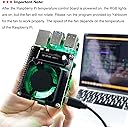
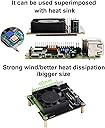
Honestly, i like this fan set up. the fan is nice and quiet, the leds are bright and the oled screen works as advertised. the only real issues ive had is that the instructions are pretty hard to follow, getting certain functionality out of it requires some know how so i wouldnt suggest this for someone just starting out unless programming is your goal. and when you try to switch colors/effects sometimes the board displays the wrong color/effect or shuts the lights off all together. If you have had your pi for a while and have a good grip on how to code and or are a someone looking for a good introduction too then this fan is for you. i would also like to add that this hat and raspberry pi 3b+ fit perfecty inside a zebra case from c4 labs with the tall top hat expansion kit and some kind of open top. they have a few with wood raspberrys in them, get the larger one. Edit: after having the board and trying to code it best i can, i can say that the programming provided and the tutorials need desperate attention. the "effects" besides breathing and water lights are pretty much the same effects. you can pretty much set it to a single color in any color with the right rgb code. if i wanted say neon green (57,255,20) in water or breathing? as it stands now not going to happen. wouldnt hurt for them to add a script to kill the lights when desired. it can work with retropie, just not easily. you have to manually start the fan by putting the start.sh script in retropiemenu and hitting control+ c to get back to es. i took a star away simply because of how difficult this product is to get going, if they update the programming and/or tutorial ill update my review UPDATE 6/8/2020: They have added python scripts for the hat, and that makes it a bit easier to program but the same limitations are there. With no definitions of what the codes do, or even what line controls what led or color ect, it just makes it easier to run their scripts and only slightly easier to impliment your own code. Till things are broken down a little more im gonna have to leave it at 3 stars because this is no easy thing to program, even with python code Edit 7/3/2021 Big improvments made by a github user named dogweather. Converted the python to python3. Replaced the fan on it with a 5v noctua, placed over a low profile ice tower heatsink and crammed into a custom made c4labs case with 56 other leds. The yahboom rgb fan hat was well worth the investment and as you can see from. Image 1, the hat keeps it nice and cool. And from picture 2, the lights are super bright.
V**N
Works great but instructions are quite bad and in fact wrong
The product itself is very good, the fan cools very well and is very quite. However you need to install some python software for this board to function, without software fan does not spin at all. And instructions to do so are downright awful and in fact does not work as written. It's easy to figure out if you have some experience with these sort of things, otherwise you will be lost.
T**N
Good Fan, Bad Display
Does the job - however, you must know what you’re doing and comfortable writing scripts to get it to operate in your stack, but you did and that’s why your here. No worries there, bought it for just that - and works great, and they have a great repository with what you need which was a great start to get me going. I used this as a top most hat on a 4 hat monster pi setup as the top level air mover, and used the Oled to display cellular metrics and device temps - and that’s my only complaint is the screen, and its design. It literally uses a capacitor to brace 50% of its load - and just doesn’t feel polished at all, and the resolution was insanely hard to get right to fit three lines of text. An updated display would put me at 5 stars - so please don’t let that deter fan or rgb use.
M**D
Heavy setup out of the box and your on your own!
Unless stay away, not an easy sin tall software side and ZERO support.
E**Y
Works pretty well with a cool display. Keeps my RPi under 40C.
I have a Pi 4B and it was running mid 50C idle when I first got it without any cooling. I find that upgrading the Pi firmware using rpi-upgrade helped a lot in lowering the temp into the high 40C. The next big cooling upgrade was adding a full metal passive heatsink case like the Geekworm low-profile case. This lowers the temp quite a bit into the low 40C. The whole case feels quite warm which is probably a good thing since the purpose of a heatsink is to create surface area to dissipate heat. The next logical cooling upgrade would be to add an active cooling fan. This is the reason I chose the low-profile Geekworm case because it is compatible with other RPi hats. I chose the Yahboom fan hat because it is programmable and has a cool OLED display. If you're a Linux beginner you may have some trouble with the instructions. I didn't have too much trouble with the Python tutorials, but I did had to install some additional packages to my Raspbian Lite image - like python-pip and Adafruit-BBIO. I kept the fan control and display features but turned off the color LEDs because they're quite distracting at night. The fan does pretty well in moving air and keeping the case cooler. It lowered the PI temp into the mid 30C. At idle (with only Pi-Hole and 2 active Wireguard connections) the temp is stable at 34C. Running cpuburn stressing the CPU at 100% the temp is stable at 38C. The display is also very convenient, showing various information at a quick glance. Overall I'm pretty satisfied with the product.
C**N
Very hard to setup
Very hard to setup. Have to download their disk image unless your an expert in python.
D**R
Good for RPis with high CPU load (see details). Recommended
Most of my RPis live a pretty easy life. However, when I got one running OpenCV off of continual video input, I realized that I exceeded the usefulness of my normal stick-on heat sinks. That's where the Yahboom Raspberry Pi Quiet Cooling Fan comes in. I don't know how long the fan will last, but it's working great for now. When the fan DOES die, it looks like replacing it shouldn't be too hard. RPi-based control of the fan is pretty easy, and it's a good upgrade for $20. Recommended
Trustpilot
1 week ago
1 month ago