🖊️ Capture your genius in real time—because your ideas deserve to be digital and unstoppable!
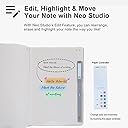
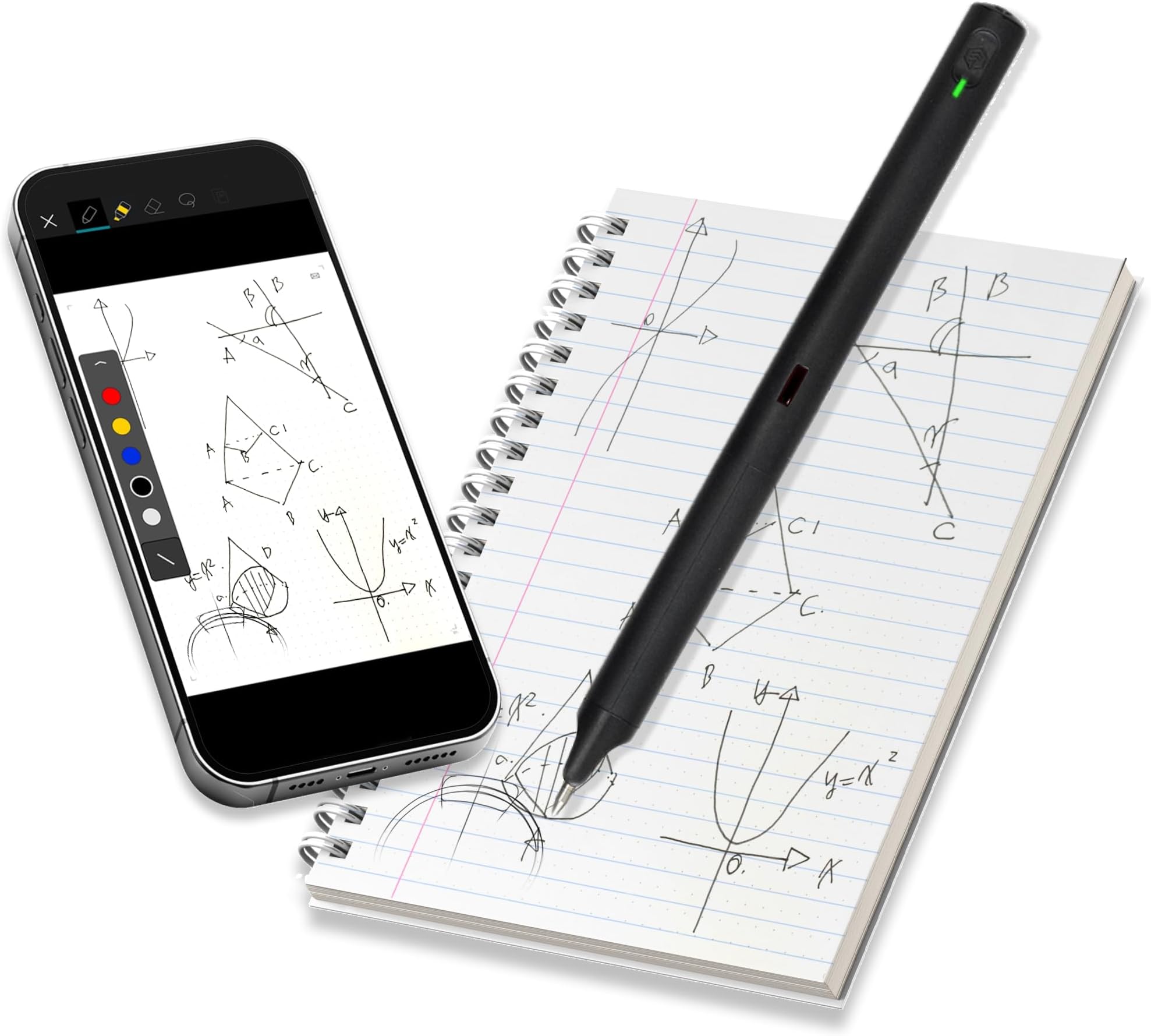
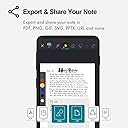
The Neo Smartpen M1+ is a sleek digital pen that records your handwriting via an internal camera and syncs it instantly to Android, iPhone, or laptop devices through Bluetooth. It supports real-time transcription into 35 languages and allows exporting notes in multiple professional formats including PDF and SVG. With easy editing features and dedicated customer support, it transforms traditional note-taking into a seamless digital experience for busy professionals.


| ASIN | B081HG5TSD |
| Are Batteries Included | Yes |
| Are Batteries Required | Yes |
| Battery Description | Lithium-Ion Polymer |
| Best Sellers Rank | #328 in Digital Pens |
| Brand | NEO SMARTPEN |
| Color | Black |
| Compatible Devices | Smartphones, Laptops |
| Customer Reviews | 2.9 out of 5 stars 47 Reviews |
| Enclosure Material | Plastic |
| Item Dimensions | 6.3 x 0.5 x 0.5 inches |
| Item Weight | 22.6 Grams |
| Manufacturer | Beurer |
| Material | Plastic |
| Mfr Part Number | M1+_BK_2019 |
| Minimum Required Operating System Version | Android 10.0 |
| Model Number | M1+_BK_2019 |
| Number of Batteries | 1 Lithium Polymer batteries required. (included) |
| Unit Count | 1.0 Count |
| Warranty Description | 1years |
T**I
Not reliable - issues with missing synced recordings
A big disappointment. If the software would work reliably, I would keep it and use it. The pen ergonometrics are fine. I don't mind buying special paper - fine. I bought it to record meetings and synced notes. The first few times I tried it, with short test recordings it worked fine. But when I actually tried to use it for actual meetings, it either just stopped recording or just didn't end up with a recording, even though I verified it was recording the whole time. After the meeting, it just sort of hanged. Handwritten notes from the page are there but no audio whatsoever. It seems it is not possible to find a reliable product that does this. I did attempt to submit a support ticket but got no response. The devs are Korean I think. We can send spaceships to Mars, but can't make a digital pen that syncs to handwritten notes reliably. The original Livescribe products worked great, but had issues with the OLED screen, or I'd still be using those. Newer Livescribe is junk.
D**H
Fantastic way to get digital notes & drawings
There is so much to love about the Neo Smartpen and its note-taking environment. I've been a Rocket Book user for a number of years, so an electronic note-taking system is not novel, but Neo's take on it is different. Both systems sell you professionally manufactured products and also offer you free templates you can print at home. Neo's system depends on its very nice refillable electronic pen to make the magic happen. Rocketbook pages are unremarkable except for the barcode in the bottom corner the icons along the bottom that tell the Rocketbook app what to do with the page's information (email, store, etc.). Neo smartpages have intricate encoding on the page to help the smart pen track your writing. It also encodes page numbers, so you have to make sure you don't just print multiple copies of the free pages you can download from their site. You will end up overwriting something you wrote/drew before. Some smart page packs have icons in the upper right corner that you can tap to direct your page data to email, etc This first part of the review was written in long-hand with the Neo Smartpen on the free smart pages (pic #1) that I had printed out at 1200 dpi on my HP Laserjet. Everything works great, even with the smudgy lines that mean it's time to buy a new toner cartridge. I didn't have the app running on my phone for the real-time digital sync, so the pen just saved everything in its memory. When I launched the app it connected to my pen and let me download all its info into the app. That is a very cool feature. Then I used the app's OCR (Optical Character Recognition, or image-to-text, or transcribed text) feature so that my handwriting became the first draft of this review. It does very well in converting your handwriting to editable text, but it won't send the resulting text if you choose to share it at this point. It will share what you wrote/drew on a page as a PDF, or PNG, etc., but it doesn't transfer the text - just the image. To get the converted image-to-text, you have to choose the squiggle in the upper right corner of the NeoStudio app & choose the lasso icon at the bottom of the page. You then need to draw your lasso around the text to convert (transcribe), then select the destination for your transcribed text. Watch the videos on their website to get the most out of this great product. I am really enjoying using it.
A**.
Can't use it
The app doesn't work so that makes this pen useless! Tried on multiple devices, I allow all the permissions and check that I read all the legal stuff... but it won't let me go passed that. It lights up to choose a way to log in but the actual buttons don't work. I should have read the app reviews before purchasing, now I have to return.
K**S
A great way to digitize your notes and journals!
While this pen comes with it's own software and promotes it's own paper ecosystem, I highly recommend using the moleskin system with this pen, it goes from a 3 star product to a 5 star just from switching environments. I will say this smart pen is VERY accurate with it's transcriptions even allowing you to convert what you write into a text format! The battery lasts a long time, the connection is stable, and it is very convenient to have all of my notes on my PC and phone to look over. This pen has been perfect for me as I love writing things by hand instead of typing everything out, and this lets me have the best of both worlds. I feel like the price of the pen/paper is well worth the freedom of having your notes with you digitally.
K**.
Don't Buy Just Yet. Has Back Up and Sync Issues
It's unfortunate that this pen comes so close but is still so far from functioning as intended. I purchased the pen so I could take hand written notes and have them backed up in a secure place. Well the actual handwriting to digitizing text works quite well. I am pleased with that. The problem is you have to chose one device to sync to. So if you want to take notes and sync with your iphone, but then later what to sycn with your iPad, then you will have completely different notes on each device. Ok, so then if you chose one device, you can have all of your notes in one place. But if you lose that device you are syncing with, or get a new device (like upgrade your phone), there is no way to transfer the data from the app on your old phone to the app on your new phone. If you lose your phone the data is lost and no way of recovering it. The company says they are working on the back up issue. I have spent a month back and forth trying to trouble shoot, but the email support is not very fast. I've requested phone support, but they don't offer it. So overall, this product could be great, but it's not quite there yet. So I'd wait until they resolve these issues.
D**.
use Moleskine notes app for best results
Try using moleskine notbooks and their app. I've had the best luck with this pen and that app combo. Works great and i can even search for words in a notebook with my hand writing which isn't the best!
A**N
Bad Customer Support / Poor Design
Have been using this pen for about a month now, have filled 40 pages or so of my notebook. Initially it worked, but then the problems started, mainly that it will not sync with Evernote any more. The company does NOT have a telephone number to call to get things resolved quickly. You have to email them, and the turn around is about half a week. Unfortunately, the people they have working the support email aren't the good readers/listeners, so you end up taking weeks for something to get fixed. Example: I made sure I was logged in to Evernote so the notebook would sync, made sure I could do a manual sync ok, looked for my new pages in Evernote and didn't find them. I sent that to support, and they said, "Look at this example of how to log into evernote (it was the android software btw and I use iOS), also know that Evernote won't sync changes to previously written on pages." ....$@%@#!!, did they even bother to read my email? To me the software that natively houses your notes is just another piece of trash software that I have to tolerate to use with the good software that fits in to my work flow e.g. Evernote. I'm mad.
E**D
Works solid
Seems to work well enough, very pleased especially for the price
A**X
ACHTUNG WUCHER!
Hallo, ich habe mir hier über Amazon den Stift und separat nochmals das 3er Pack mit den NCode Collegeblocks bestellt dafür habe ich hier über 180 € bezahlt!!! Direkt beim Hersteller erhält man den gleichen Stift + 5x Blöcke für 140€! Das Produkt an sich ist soweit ich bereits testen konnte super. Sollte sich daran etwas ändern werde ich die Bewertung bearbeiten ;)
Trustpilot
2 weeks ago
1 month ago