We remain fully operational. Our teams are working around the clock to ensure your deliveries continue safely.

DOWNLOAD THE APP


Customer Services
Copyright © 2025 Desertcart Holdings Limited
DOWNLOAD THE APP
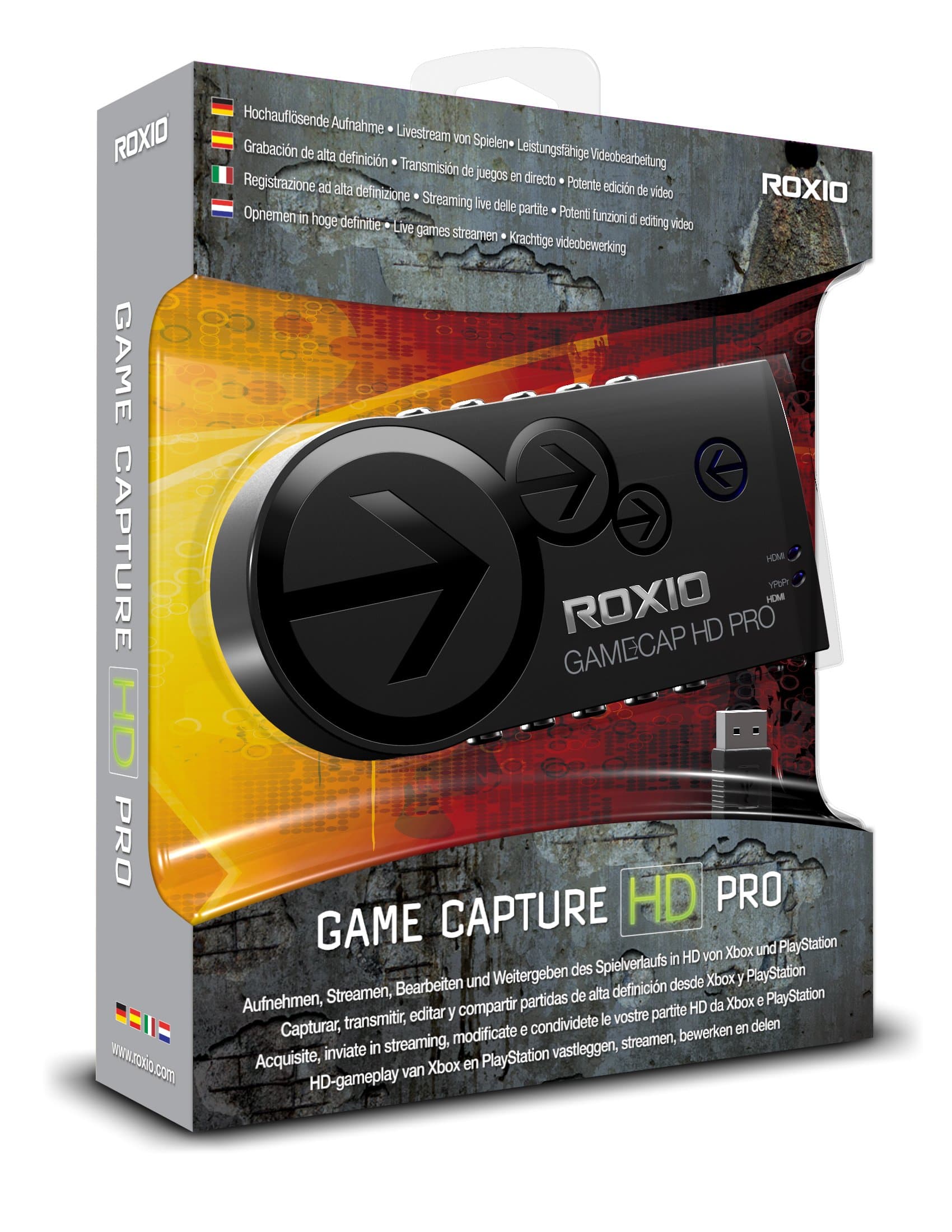


🎬 Capture. Edit. Stream. Dominate your gaming story.
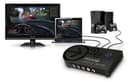
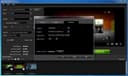
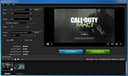
Roxio Game Capture HD PRO is a comprehensive video capture and editing solution designed for gamers who want to record, stream, and share their gameplay in full HD. Compatible with Xbox, PlayStation, and Wii, it supports 1080p recording at 30fps or 60i via HDMI or Component input. The included Roxio software offers powerful editing tools with over 95 transitions, multi-layer picture-in-picture, voiceovers, and special effects. Stream live to TwitchTV or YouTube with bandwidth testing, and share your content instantly with one-click uploads. Easy USB 2.0 setup and no power adapter required make it perfect for professional-quality game content creation.
| ASIN | B008YTAGGW |
| Customer Reviews | 3.8 3.8 out of 5 stars (815) |
| Date First Available | August 20, 2012 |
| Is Discontinued By Manufacturer | No |
| Item model number | RGCHDPR1ENAM |
| Manufacturer | Roxio |
| Our Recommended age | 5 - 20 years |
| Product Dimensions | 2 x 7.25 x 8.5 inches; 12.8 ounces |
H**Y
Great Product, Horrible Software.
Just got this device yesterday and I can say that this device is AMAZING, especially with the price tag. The reason why I'm giving this 5 stars even though I said the software is horrible(which it is), is that it's a fairly new device, and I want to give them some time to fix all of the bugs within the software. The device itself is great, and the quality you get is comparable/better than the HD PVR, Elgato etc. A lot of people say a downside to recording with this device, is that you can't import the clips into other NLEs(Sony Vegas) because the audio doesn't import with it. There is a quick fix on the Roxio forums for that, or you can download "Any Video Recorder" and convert the audio only, which takes about a few seconds. I haven't tried livestreaming yet, as I don't do live streams but I will probably test it out. Instead of pros and cons, I will write what's good about the device, and what's bad about the software as of now. "What's Good About the Roxio Game Capture HD Pro" - H264 encoder within the device, does all the CPU processing for you. - Component and Hdmi passthrough. If you play in component and have the device hooked up to your PC, you can play with HDMI and record via component(great if you have a second monitor that takes HDMI!). - Great sound card, amazing sound quality. - Doesn't need a power source, just hook up via USB and that's all you need. - Great design, lightweight and sturdy(opinion). - Max bitrate is 15mbps, great for people who do multiple renders like myself. - 720p 60fps, 1080p 30fps recordings. "The Horrible Software" - Note that this is MY experience, not yours. You may not have the same problems. - Slow loading times. - If you had problems during the installation, you'll have freezing problems with the software although I fixed it by re-installing. - If you set the bitrate to max(or over the middle of the slider bar), or if you're doing anything else, the screen starts glitching out and so does the recording. If you're having this problem, the only way to fix this as of now is to move the slider to the middle of the quality slider bar and close every program(don't know why) which lets you record at 8-10mbps. - If you mute the audio in the preview window, it doesn't save when you exit. All in all, the device is outstanding, but the software definitely needs some work, but I will hold on to this device until future software updates as it has A LOT of potential.
C**E
Great for starters, but doesn't work with Xplit.
Alright, so I was the market for a new capture card for my PS3 so I could stream and record videos. Now here are my notes: -Easy to setup (PS3) Note: You can't run HDMI to the card, the PS3 blocks these kinds of connections. All you need to do is run a component cable(The with green and blue connections) to the capture card, then an HDMI OR Component cable straight to your TV. Then go ahead and plug the provided USB Cable and you're set! Just make sure you set your PS3 to output video through component (PS3 menu > Display settings > Video output > Component ) -Quality The video quality on this card is ! It's really what'd you expect from an 'HD' Capture card. It captures to 1080i. You won't be disappointed with the quality. -Software The software that comes with the card is simple. You have 2 options when you run it: "Start capturing" and "Edit & Share" Each doing what they say. While you're capturing video, the settings are easy to fiddle with. No need for advanced video editing knowledge! Just simple drag the quality bar to your liking, set your desired stream/recording resolution and you're done! I didn't try the editing software just yet. Note: If you want to stream HD just remember, you need around 4Mb/s upload MINIMUM and , and a decent PC to stream at that quality. Now I did run into some problems and I'll list them : -DOES NOT WORK WITH XPLIT !! Now if you're like me who loves some streaming and advanced video settings, this may not be the card for you. Any Xplit user out there knows how deep it can go when it comes to configuring settings when you're streaming such as bitrates etc. Not only that, you can't use your lovely overlays, or scrolling text, OR YOUR WEBCAM!! :( Apparently Roxio is 'working' with the Xplit guys to get this fixed, but I don't think I can wait that long. There is a work around though to this problem, just do a quick google search and you can find it, but I really wanted this card to work with Xplit... -Feels somewhat cheap It may just be me but it feels a ' bit' on the cheapy side. It's light, and the USB cable sort of 'wiggles' the jack making me worried about disconnection. Also the component jacks were slightly tilted and awkward. Could just be the I got though. Overall I'm disappointed that it didn't work with my 'desired' program. But if you don't want to go through all the hassle of settings and blargal flargal, get this card, it's simple and does the job ! But to those who use Xplit etc. I'd recommend something like the El Gato (Sadly I'm returning this card for the El Gato) Or Happauge HD PVR's. EDIT: 11/25/2012 If you really want an easy to use card to stream and capture quality, now is the time to buy, $80 is a steal for a quality card like this! EDIT: 3/9/2014 Very overdue edit, but it now works with Xsplit, Enjoy!
A**X
After getting over my initial issue, I realized this is a great capture card.
Like most capture cards, this one features an on board encoder to take some of the burden off your PC. This kind of set up is great for lower end PCs that can't deal with the stress, but introduces a 1-3 second delay between the capture card and your computer. However, you should keep in mind that this is not a fault of Roxio directly, as most other manufacturers have also included this encoding processor in their devices, making this a competitive feature. My suggestion is to have multiple profiles allowing the user to choose where to encode the stream. I wanted to use my computer as a monitor connected to my PS3 through Windows, so I could use my headset while streaming. Due to the delay, I could not make this happen. Other than that, I am extremely satisfied with this capture card. It records in up to 1080i seamlessly, and the definition of the video is top notch. It is not lossless, but is very close to it. It is also very easy to set up. After installing the included software and rebooting, I was off. The included loopback feature allows you to take your existing component or HDMI cable and continue using it. It automatically communicates the signal between both types of cables. I did not knock a star for my initial issue because it is a matter of personal preference. While I would really like to see this feature implemented, I can say with confidence that this card performs exceptionally well for its price.
Trustpilot
1 week ago
1 month ago