We remain fully operational. Our teams are working around the clock to ensure your deliveries continue safely.

DOWNLOAD THE APP


Customer Services
Copyright © 2025 Desertcart Holdings Limited
DOWNLOAD THE APP
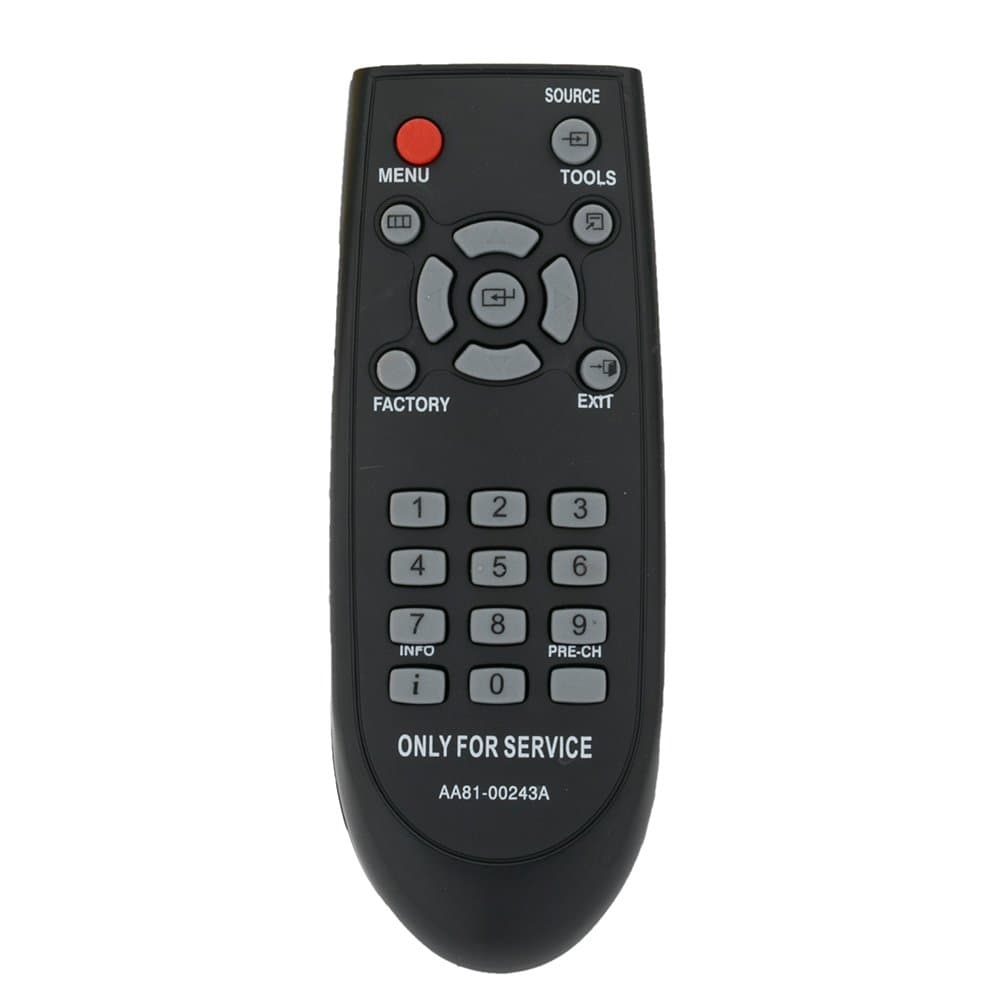

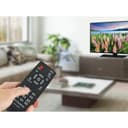
🎯 Master your Samsung TV like a pro—no fuss, just control.
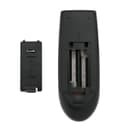
The AA81-00243A is a pre-programmed replacement remote designed specifically for Samsung TVs, requiring no setup beyond inserting 2 AAA batteries. Featuring a reliable 33-foot infrared range and 18-button layout, it grants easy access to service menus and advanced settings. Lightweight and compact, it’s a must-have tool for tech-savvy users and professionals seeking quick, hassle-free control backed by a 1-year warranty.


| ASIN | B07BFCC6S6 |
| Additional Features | Pre Programmed |
| Battery Type | Alkaline |
| Best Sellers Rank | #23,255 in Electronics ( See Top 100 in Electronics ) #1,151 in Remote Controls (Electronics) |
| Brand | ZdalaMit |
| Button Quantity | 18 |
| Color | Black |
| Compatible Devices | Television |
| Connectivity Technology | Infrared |
| Controller Type | Button Control |
| Customer Reviews | 4.4 out of 5 stars 135 Reviews |
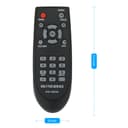
| Item Dimensions L x W x H | 5.3"L x 2"W x 0.55"H |
| Item Weight | 40 Grams |
| Manufacturer | ZdalaMit Factory |
| Max Number of Supported Devices | 1 |
| Maximum Number of Supported Devices | 1 |
| Maximum Range | 33 Feet |
| Mfr Part Number | 43223-1485 |
| Model Name | AA81-00243A |
| Model Number | AA81-00243A |
| Number of Batteries | 2 AAA batteries required. |
| Special Feature | Pre Programmed |
| UPC | 764560995168 |
| Warranty Description | 1 year |
D**N
Useful for the Samsung Service Menus
Got it to get to the service menu on my Samsung TV. Works fine for that. Wish I didn't need this. But the popping up menus on the TV had to be stopped.
L**S
Gx Oled monitor game bar popup
Remote works great, if you want to easily disable that annoying “game bar” popup on samsung g9 / g8 oled monitors you have to press “info” and then “factory” buttons on the remote back to back to make it come up. Google for the location of the setting to disable. Worked like a charm.
M**F
Only way to override factory settings
Seems like a small price to pay for overriding annoying factory settings which standard Samsung remotes can't access, such as menus that stay on screen too long. WARNING: Consult online tutorials carefully, and use caution not to void the warranty.
Z**K
Does not work on 2025 TVs from Walmart
Does not work on the 2025 Samsung TV series from Walmart - ue43au8000. I bought this for the dimming issue as recommended by reddit and it only triggers a color test when in the service menu, but does not open the service menu for you. I'm sure it's fine otherwise.
S**.
Great tool
Ingot this service remote for my son who has an annoying smart computer monitor with too many pop ups and menus, my son just wants a monitor. This remote worked like a charm to get into the developers menu and turn off some of the annoying unwanted features. This remote can literally adjust/add/remove anything. We are very happy about this product, great buy, instant results.
J**N
Works Perfectly with Samsung G8 Monitor
I bought this remote to use with my Samsung G8 monitor, and it worked perfectly. I was able to adjust all the settings I needed to without any issues. It connected right away and every button responded as expected. No need for any pairing or extra steps. If you have a Samsung monitor and want an easier way to control the settings, this remote is a great option.
B**N
Worth it
I bought this with the singular purpose of disabling the Gamebar pop-up that happens every time I switch to a gaming source. We shouldn't have to buy an extra item just to turn off an annoying feature but it was still worth every penny.
U**T
Doesn't work on 2025 Samsung 77" Oled
Bought this Service Remote relying on the feedback. This remote is just a plain old school remote that's as basic as they come. I bought this remote believing I could access power saving mode and turn off the screen saver. My 2025 77" Samsung Oled will go into screen saver mode whenever a program is just a person taking to the camera and nothing else is going on in the background. I called Samsung customer service and they told me nothing can be done. I read somewhere that the screen saver comes on to protect the Oled from burn-in. Oh well. If you own a late model Samsung and want to see the service menu make sure your set is on TV speaker, click mute, click up, click down then mute again. You'll see all the service options. With my regular remote I can't access these options. Neither can this AA81-00243A. Only out $9 to learn this remote is just a scam.
Trustpilot
2 months ago
1 month ago